melee-pc
PC port of Super Smash Bros. Melee
- DecompilationPort Type
- 999sianDeveloper
- 19 Oct 2026Page Updated
Details
- Developer
- 999sian
- Port Type
- DecompilationThe game's code was rewritten by hand as source code that builds back into the same game, then made to run natively on PC.
- AI Use
- Not statedThe developers haven't said whether they used AI.
- Source Code
- GitHub
- Page Updated
Platform Support
- Windows
- Linux
- macOS
- Android
Screenshots
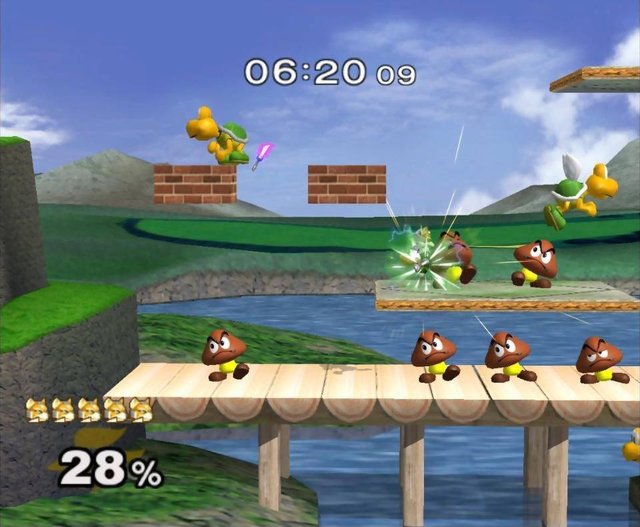
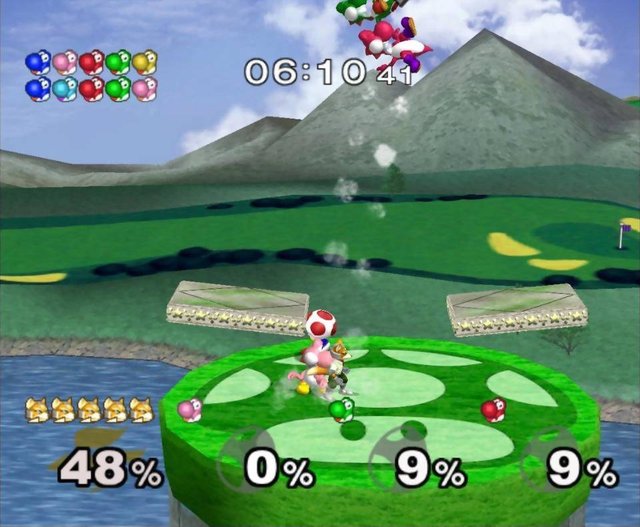
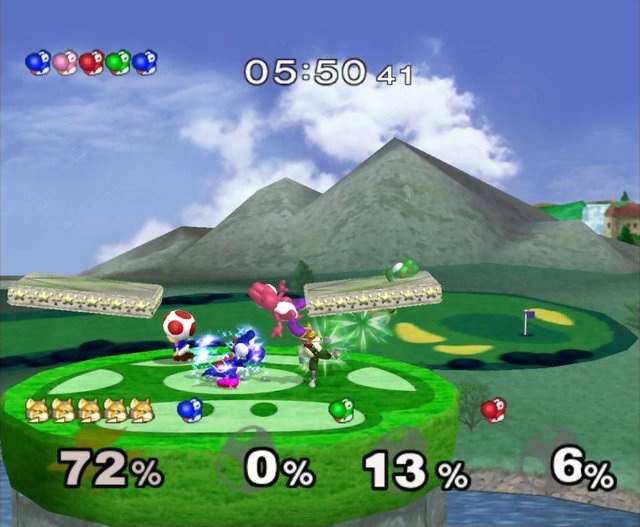
SHA-1 of a correct dump:
d4e70c064cc714ba8400a849cf299dbd1aa326fcOverview
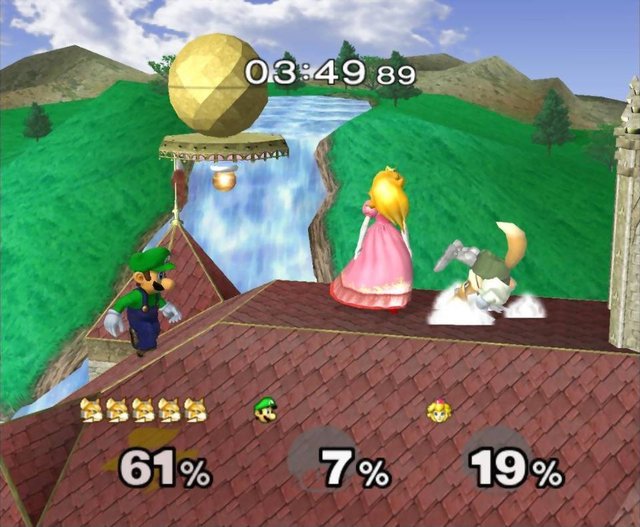
melee-pc is a native port of Super Smash Bros. Melee for Windows, Linux, macOS and Android, built from the doldecomp/melee decompilation on top of Aurora and SDL3, the same approach as Dusklight. It renders through WebGPU with Direct3D 12, Vulkan or Metal, and has builds for x64 and ARM64.
Every mode boots and plays, including Classic, Adventure and All-Star to the end. It adds an F1 settings overlay, internal resolution up to 10 times native, post-processing shaders, controller remapping, custom music, Dolphin-format texture packs and memory cards, UCF and a direct path for the official GameCube controller adapter. Online play over LAN and the internet is in development.
It is a beta for testing, and widescreen covers only matches and training. The download contains no game data. It needs Super Smash Bros. Melee (USA, NTSC 1.02), dumped from your own disc.
How to Set It Up
- Download the build for your system: Windows, Linux (tarball or AppImage), macOS or Android.
- Extract it and keep the
resourcesfolder and the DLLs next to the program. - Run
melee(melee.exeon Windows) and pick your disc image in the launcher. It checks the image against the known SHA-1 before starting. - Press F1 in the game for the settings overlay.