General_Han_Solo's Star Wars Rogue Squadron II: Rogue Leader Texture Pack
Texture pack for Star Wars Rogue Squadron II: Rogue Leader
- General_Han_SoloArtist
- 2 Oct 2026Page Updated
Overview
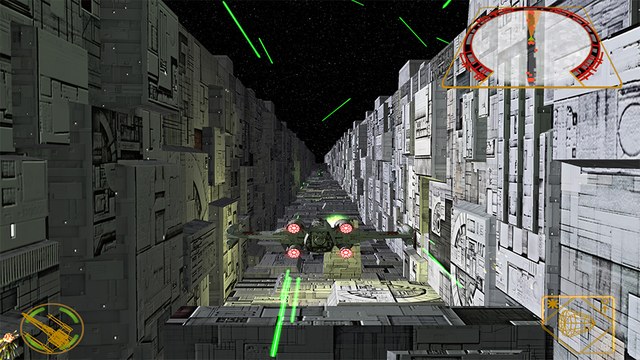
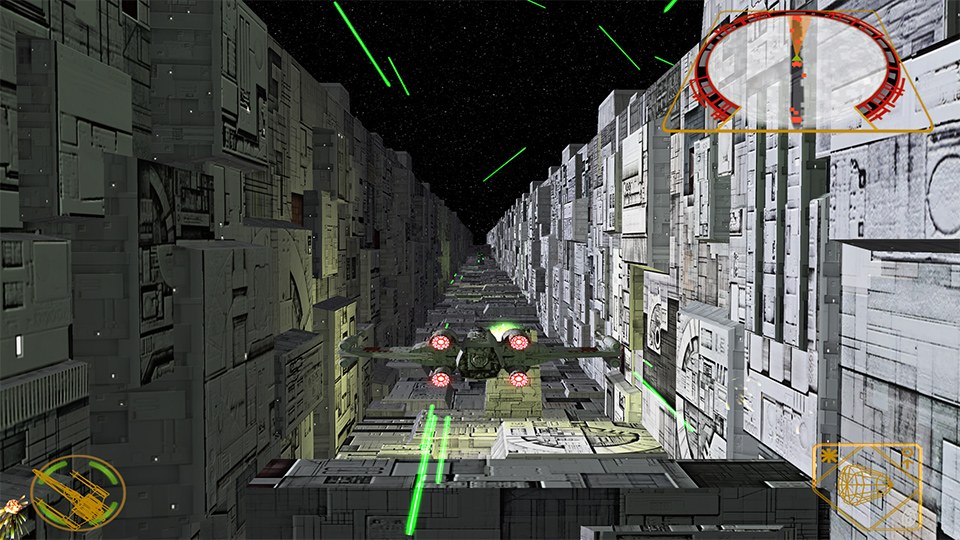
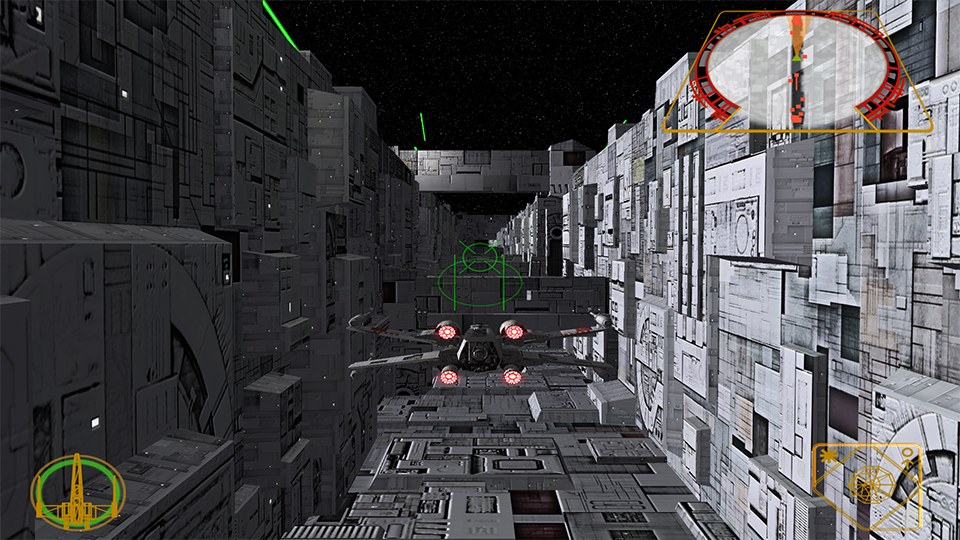
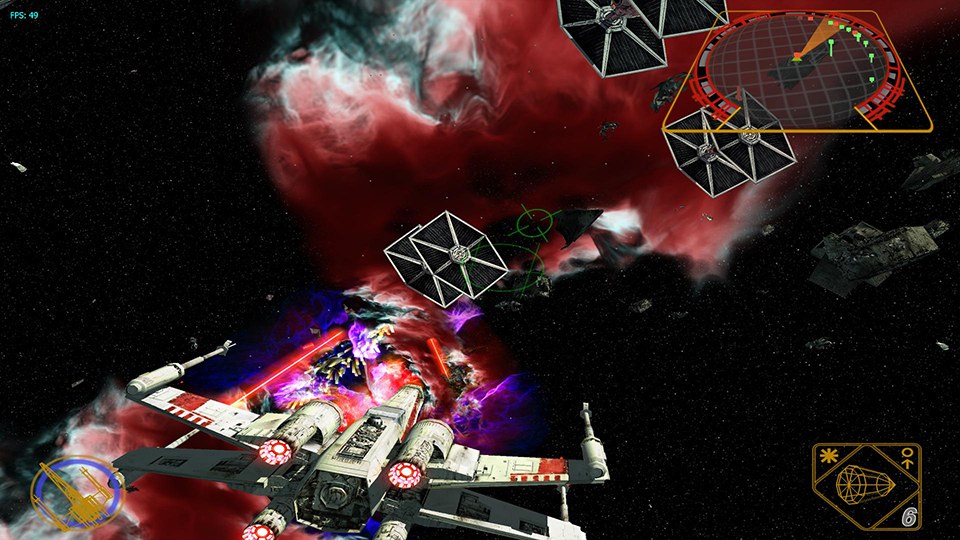
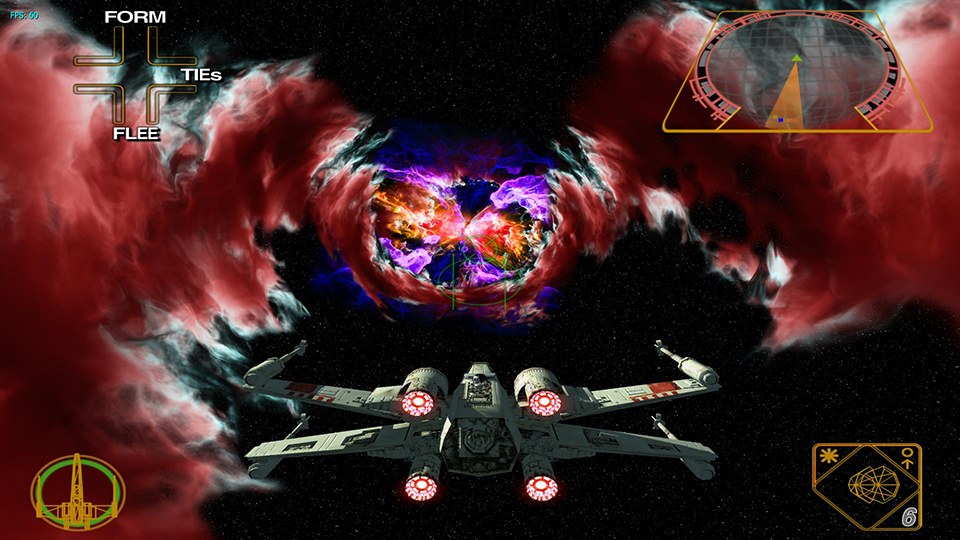
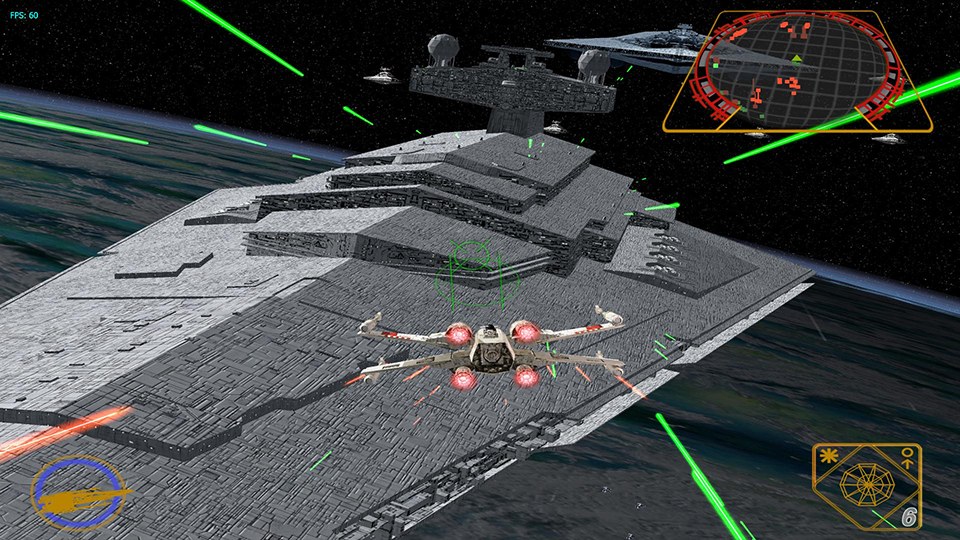
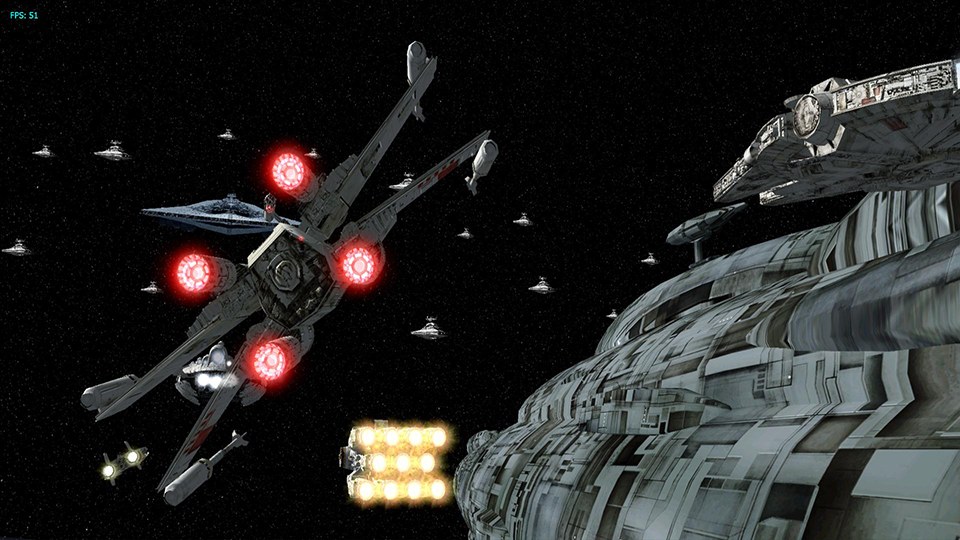
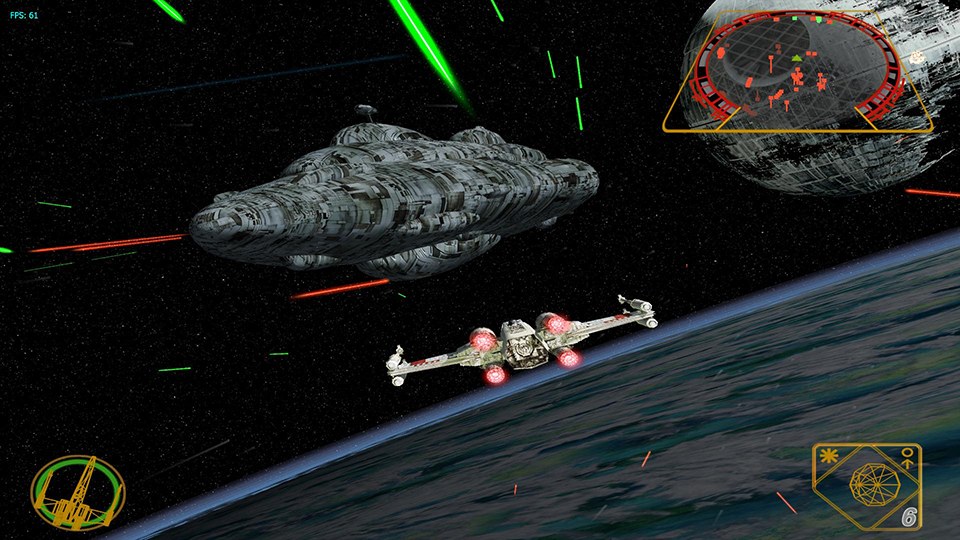
General_Han_Solo’s pack gives Star Wars Rogue Squadron II: Rogue Leader, Factor 5’s GameCube launch title, higher resolution textures.
How to Set It Up
- In Dolphin, open File > Open User Folder, then go into
Load/Textures/. - Extract the download there, so you end up with a
Load/Textures/GSW/folder. - Open Graphics > Advanced and tick Load Custom Textures. Ticking Prefetch Custom Textures too stops stutter, if you have the RAM for it.
Download General_Han_Solo's Star Wars Rogue Squadron II: Rogue Leader Texture Pack
Advertisement
You may also like