CYB3RTRON's Star Fox Assault Texture Pack
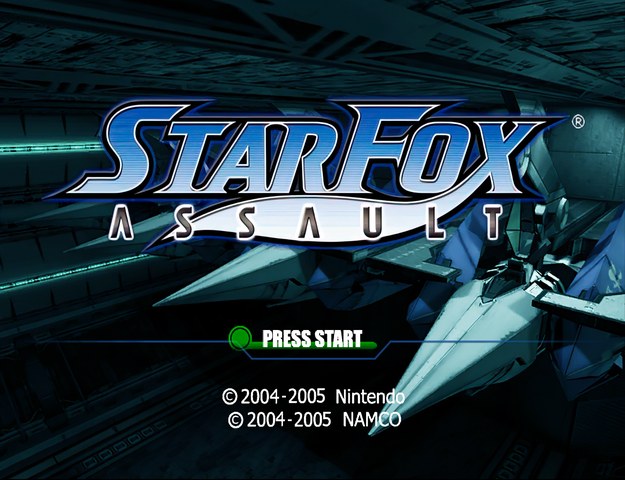
Texture pack for Star Fox Assault
- CYB3RTRONArtist
- 2 Oct 2026Page Updated
Details
- Artist
- CYB3RTRON
- Page Updated
Screenshots
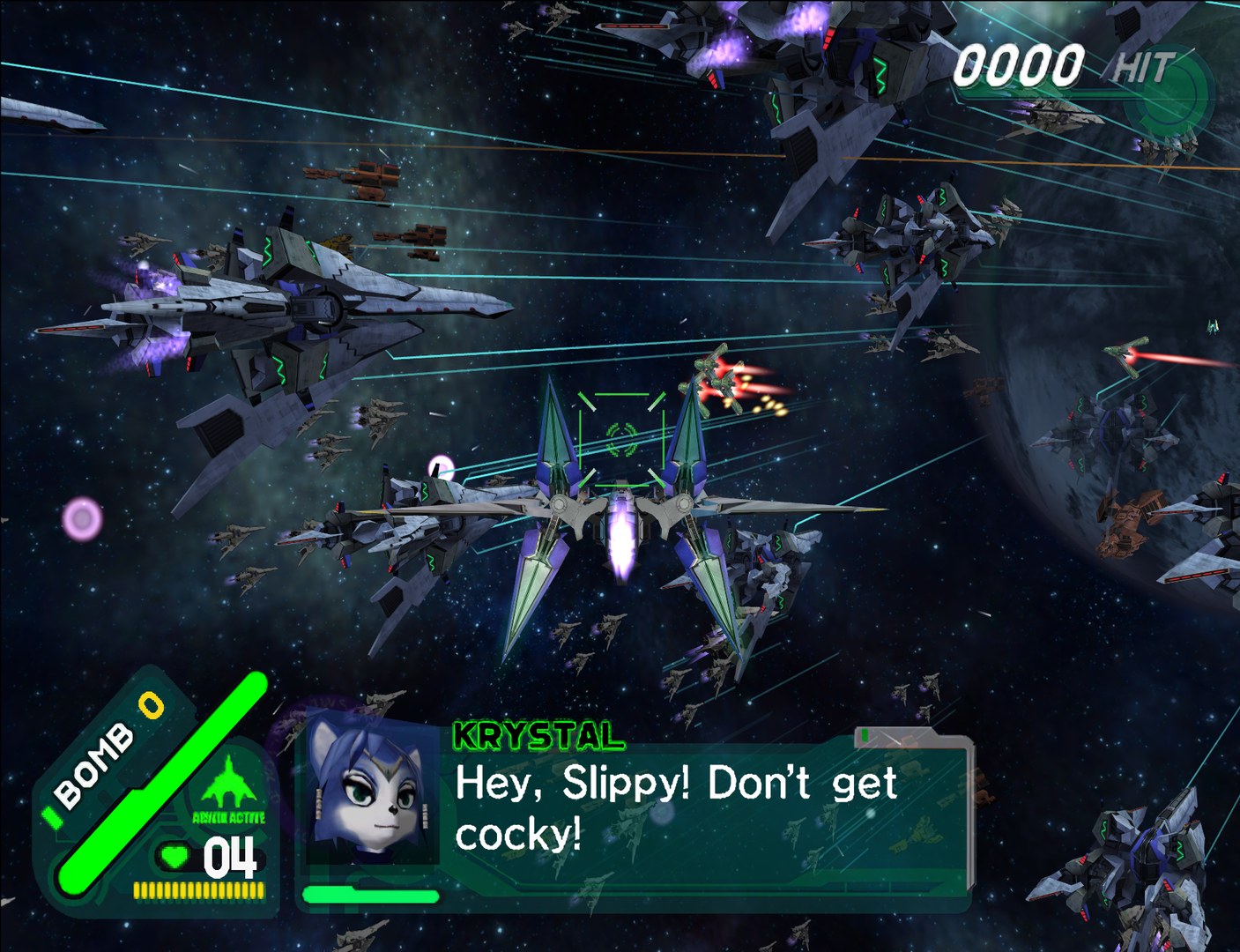
Overview
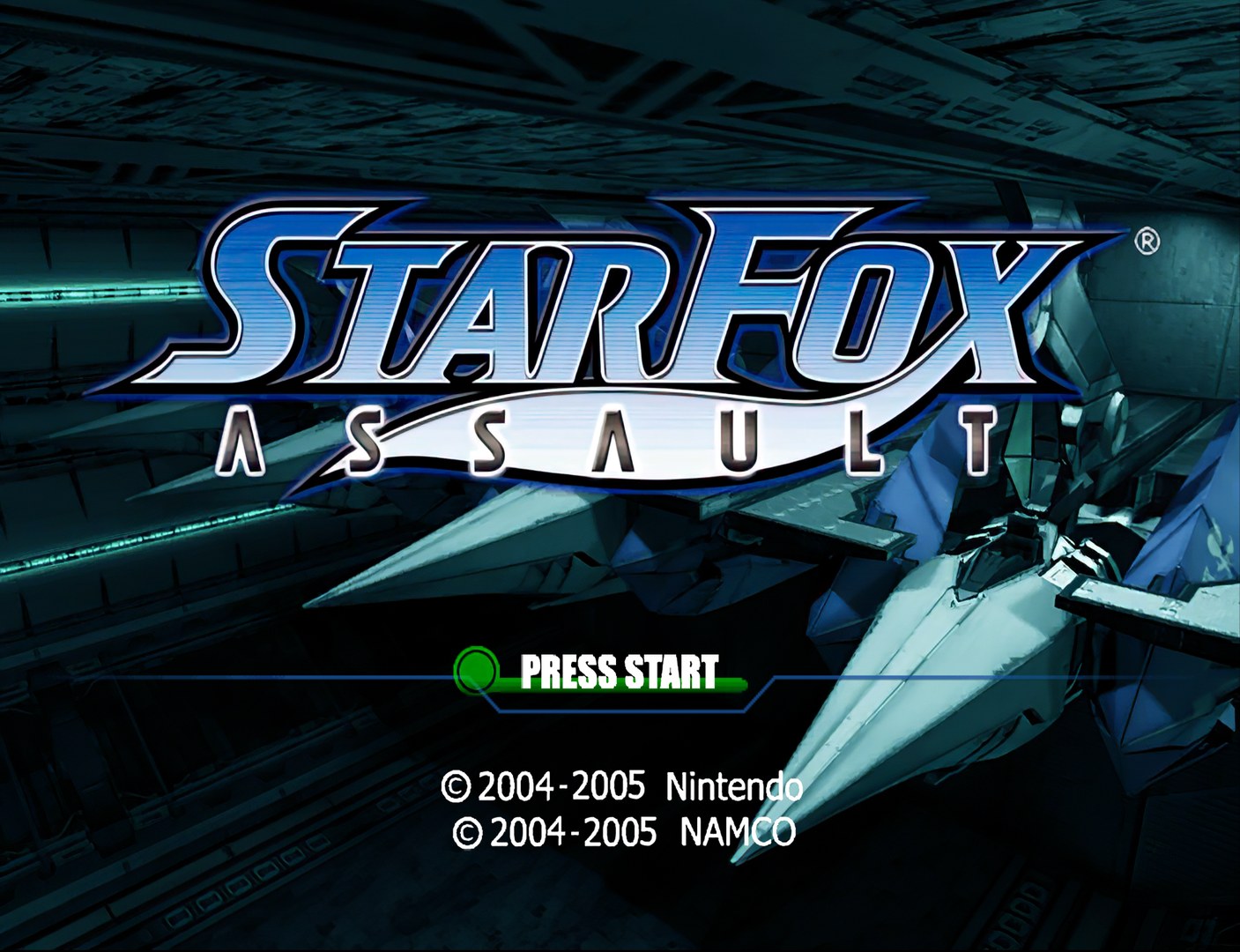
For Star Fox Assault, CYB3RTRON used the same approach as in the Shadow the Hedgehog pack, enlarging the game’s own textures with a combination of Gigapixel and Waifu2x. It sharpens the existing art rather than replacing it with new designs.
How to Set It Up
- In Dolphin, open File > Open User Folder, then go into
Load/Textures/. - Extract the download there, so you end up with a
Load/Textures/GF7/folder. - Open Graphics > Advanced and tick Load Custom Textures. Ticking Prefetch Custom Textures too stops stutter, if you have the RAM for it.