hazmatdoll's SoulCalibur II Texture Pack
Texture pack for SoulCalibur II
- hazmatdollArtist
- 2 Oct 2026Page Updated
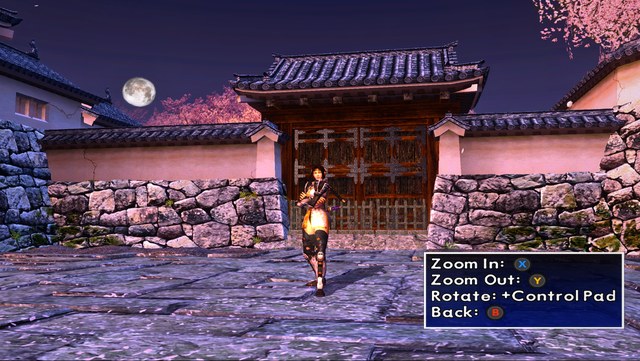
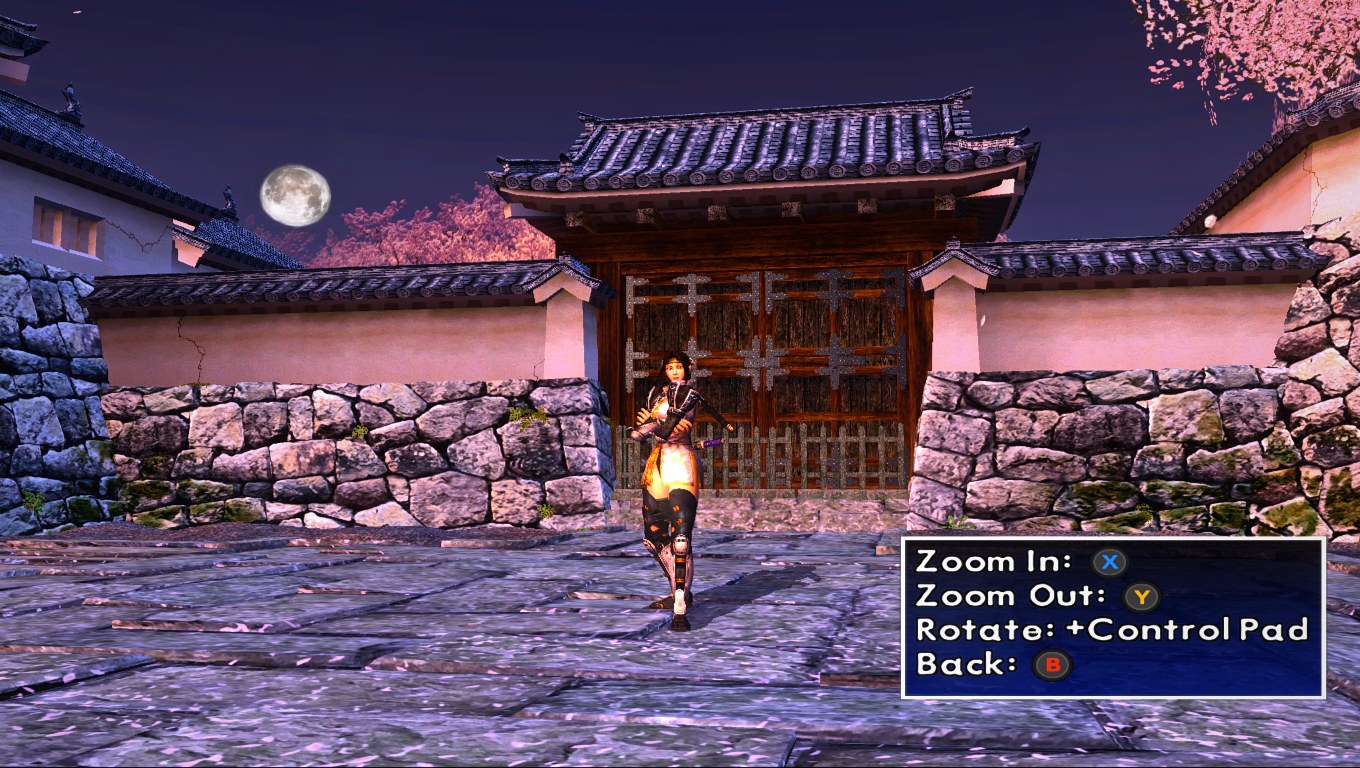
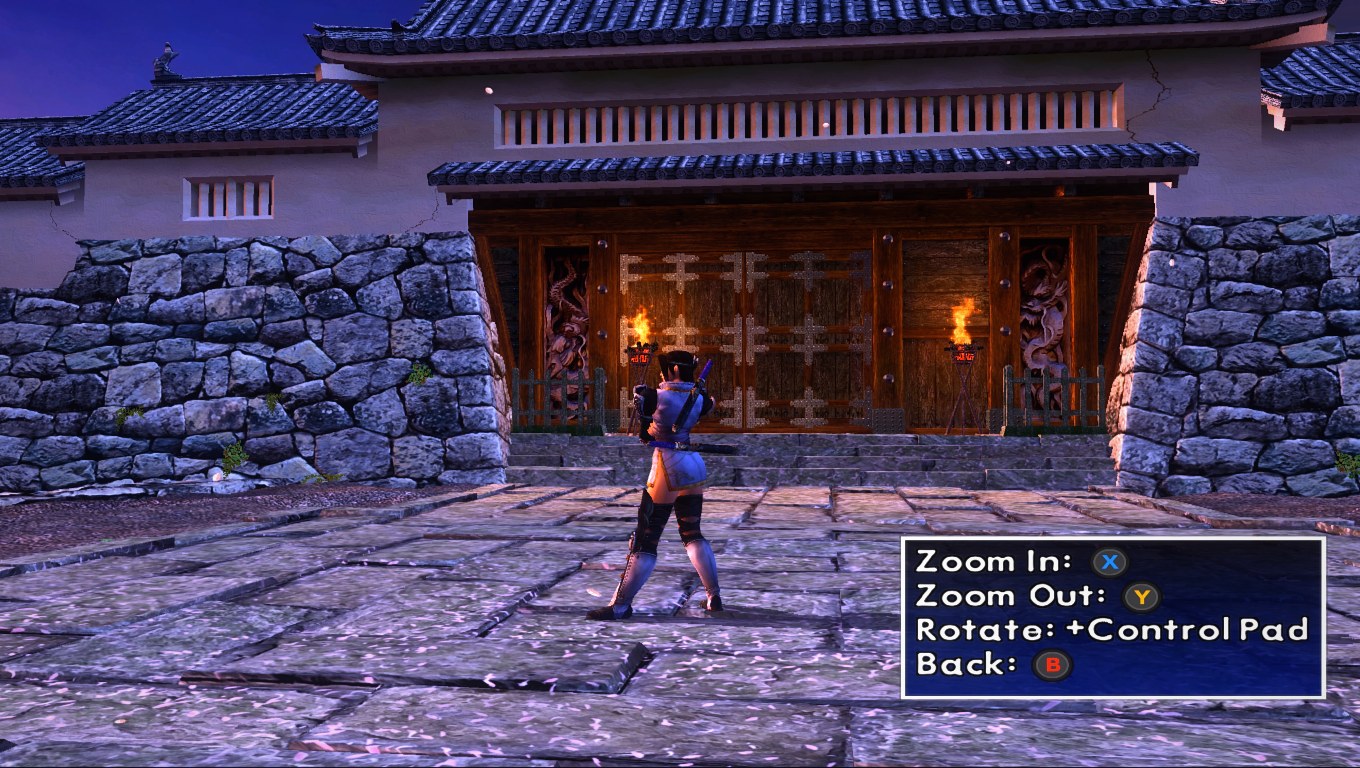
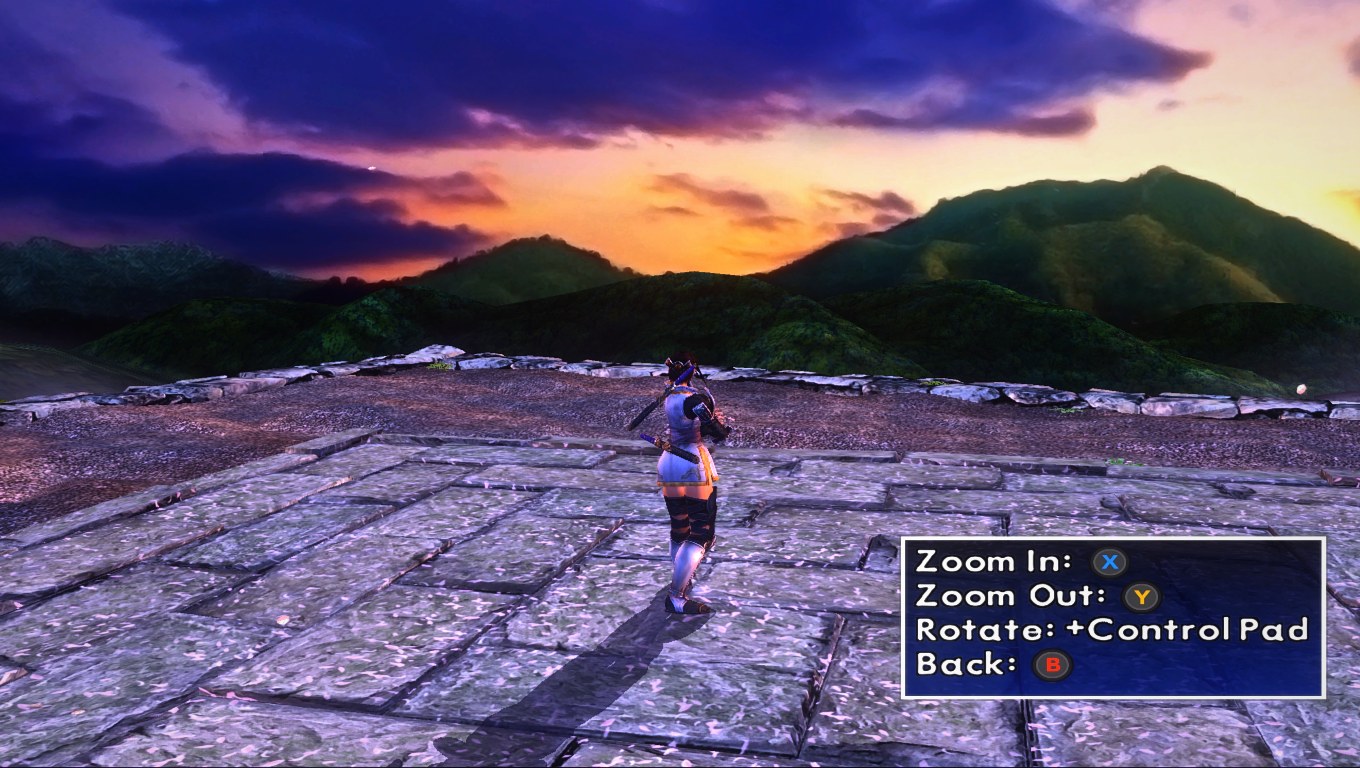
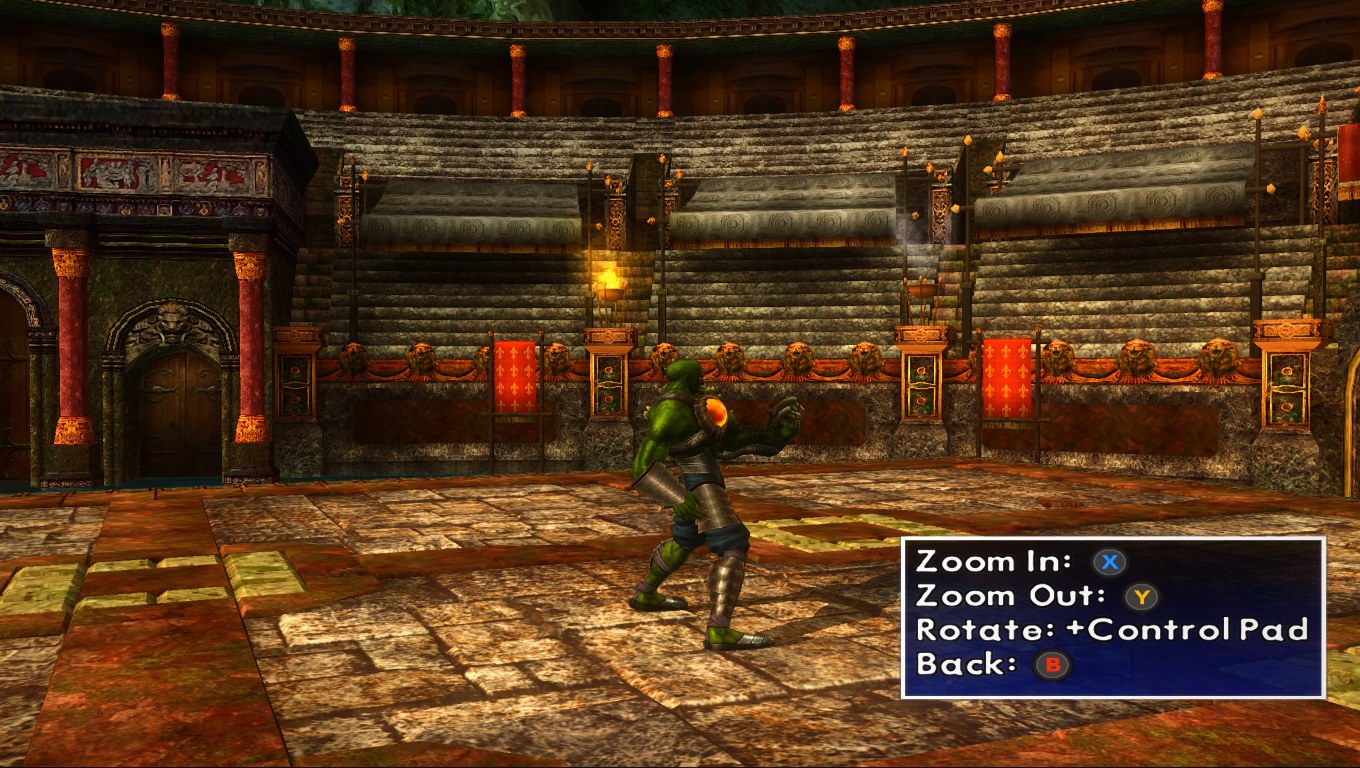
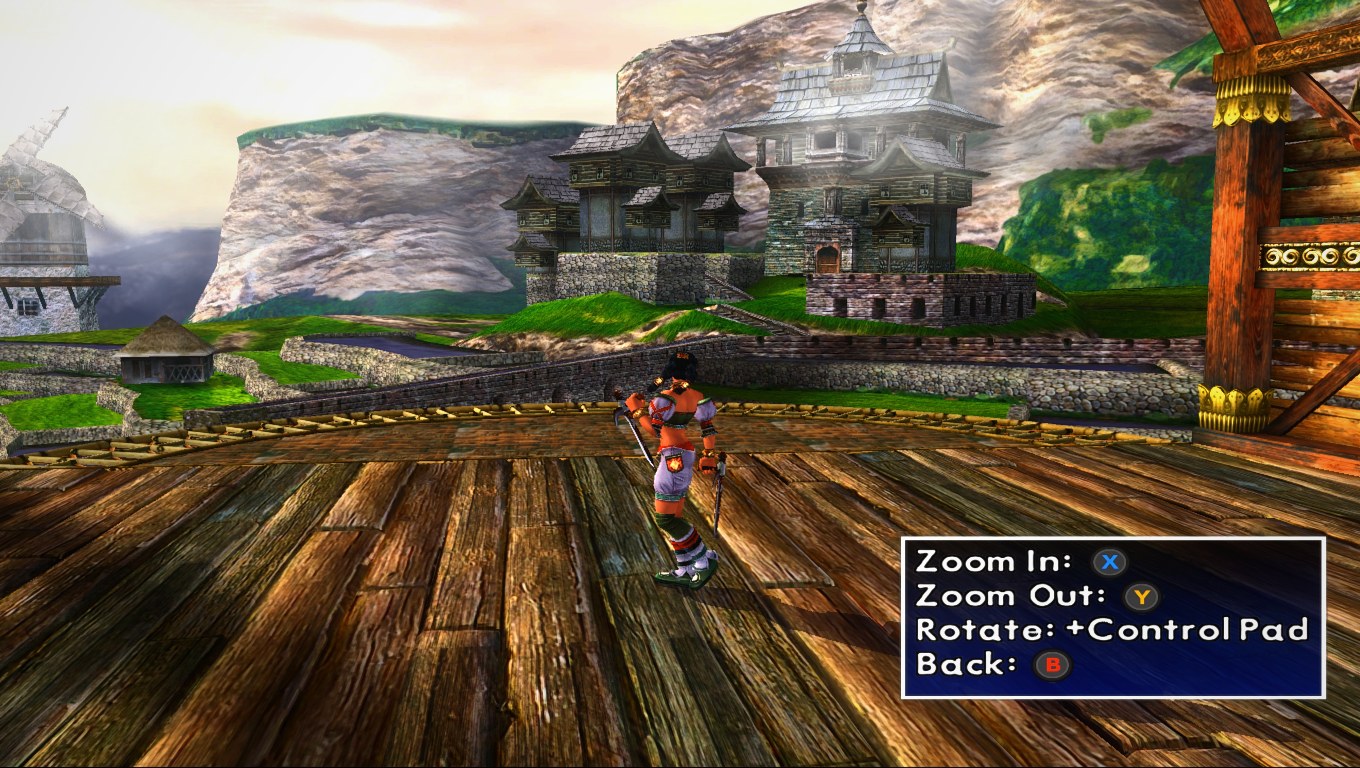
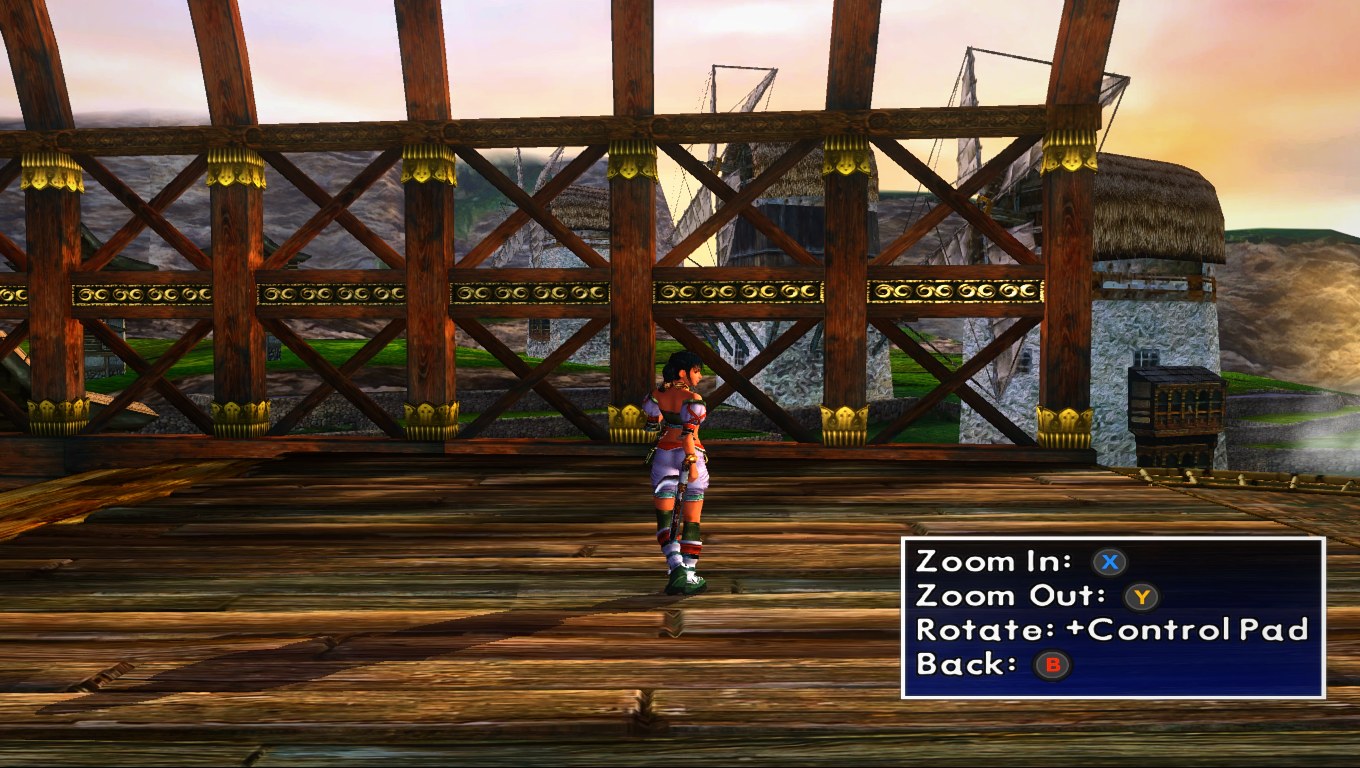
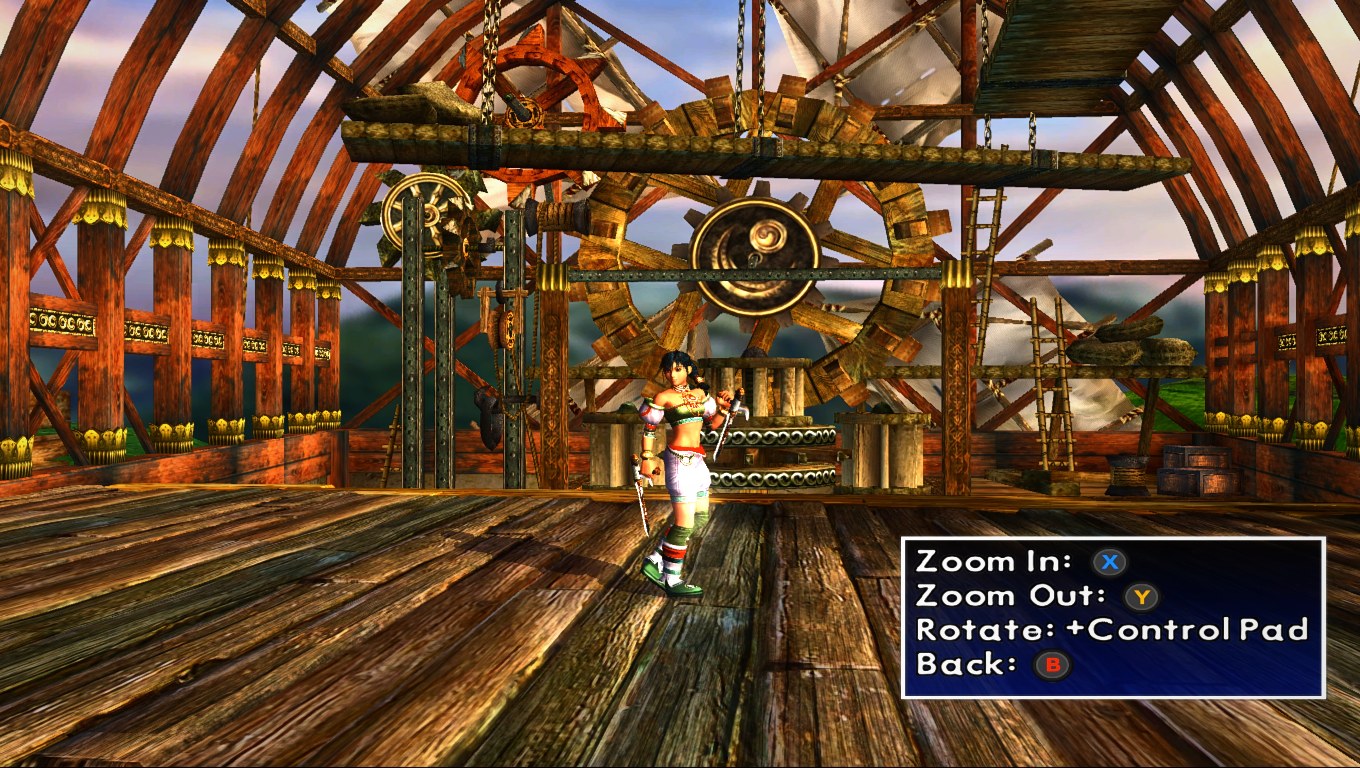
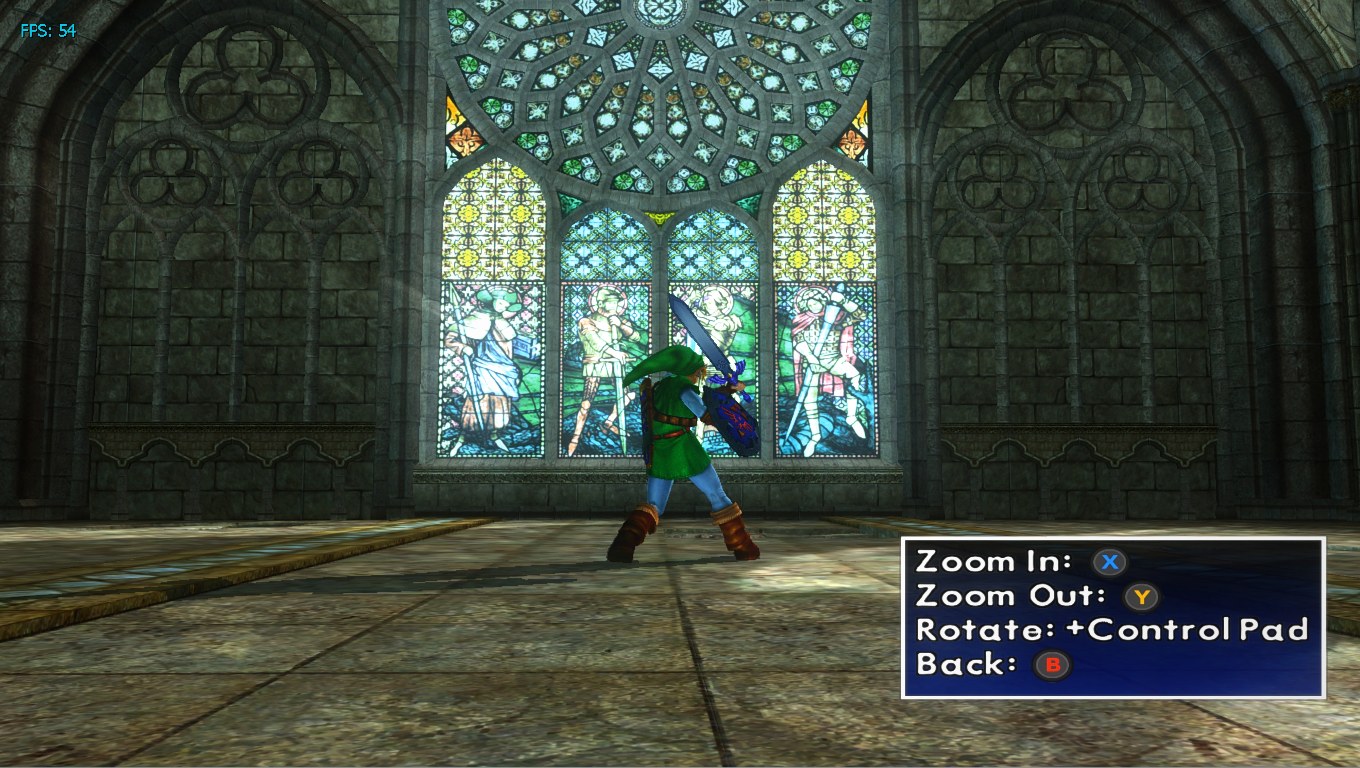
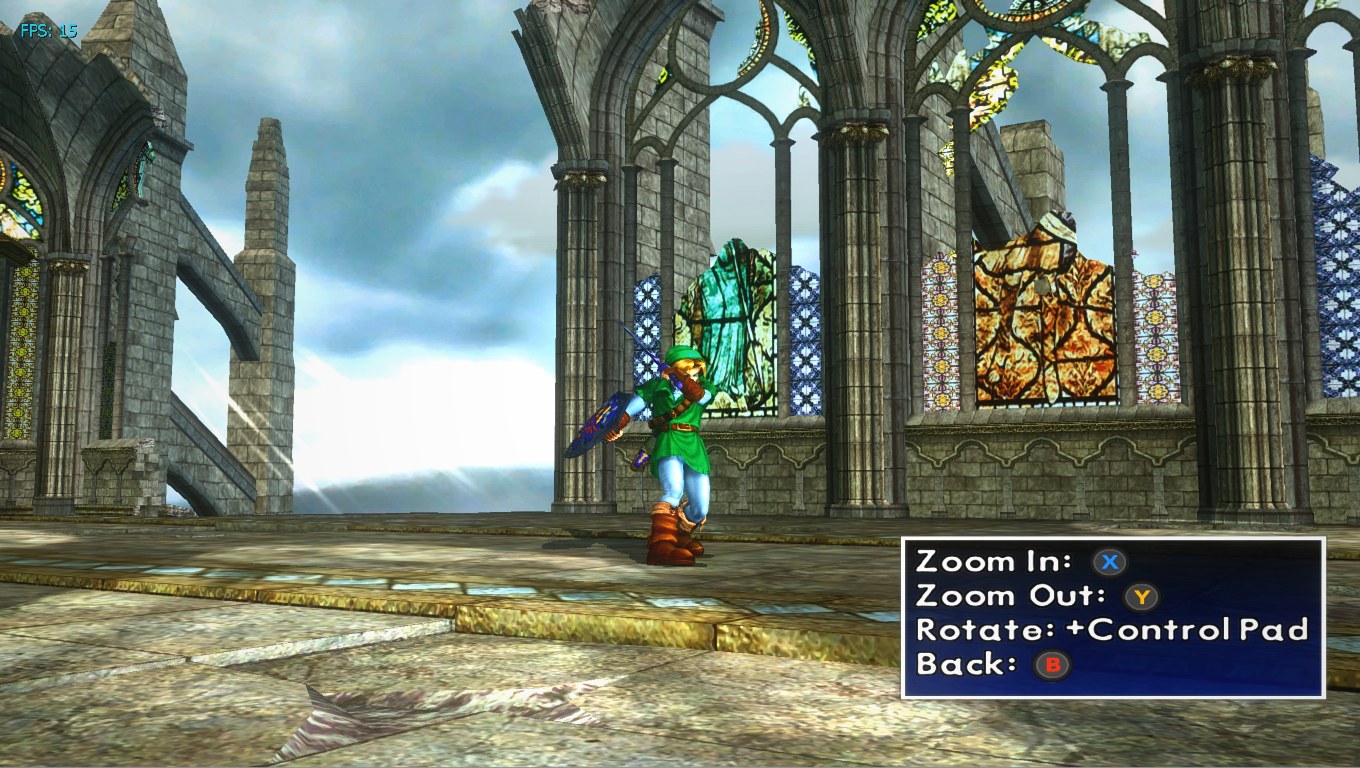
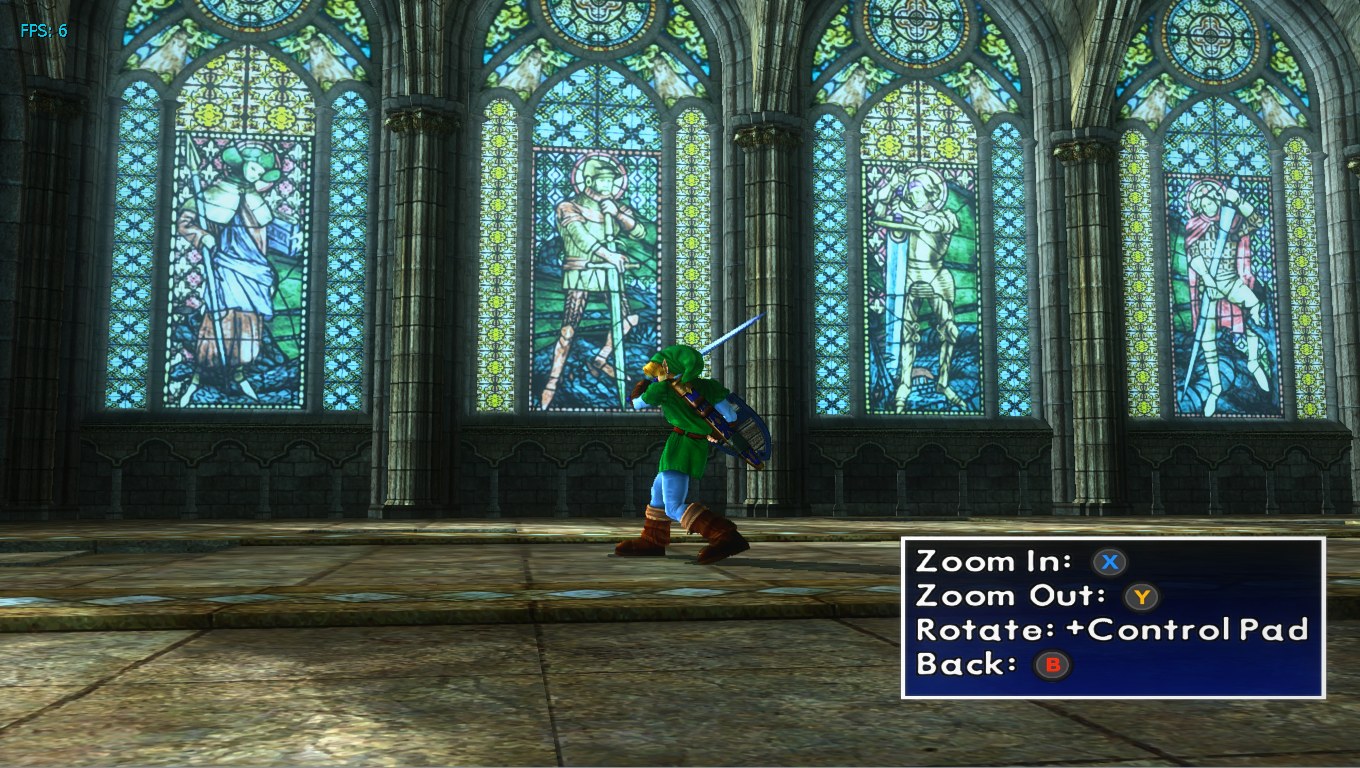
Overview
hazmatdoll’s pack retextures SoulCalibur II in HD, made because no HD textures existed for the game. Work started with the stages, with the characters planned to follow.
How to Set It Up
- In Dolphin, open File > Open User Folder, then go into
Load/Textures/. - Extract the download there, so you end up with a
Load/Textures/GRS/folder. - Open Graphics > Advanced and tick Load Custom Textures. Ticking Prefetch Custom Textures too stops stutter, if you have the RAM for it.