Bighead and frozenwings' Skies of Arcadia Legends Texture Pack
Texture pack for Skies of Arcadia Legends
- Bighead and frozenwingsArtist
- IncompleteStatus
- 2 Oct 2026Page Updated
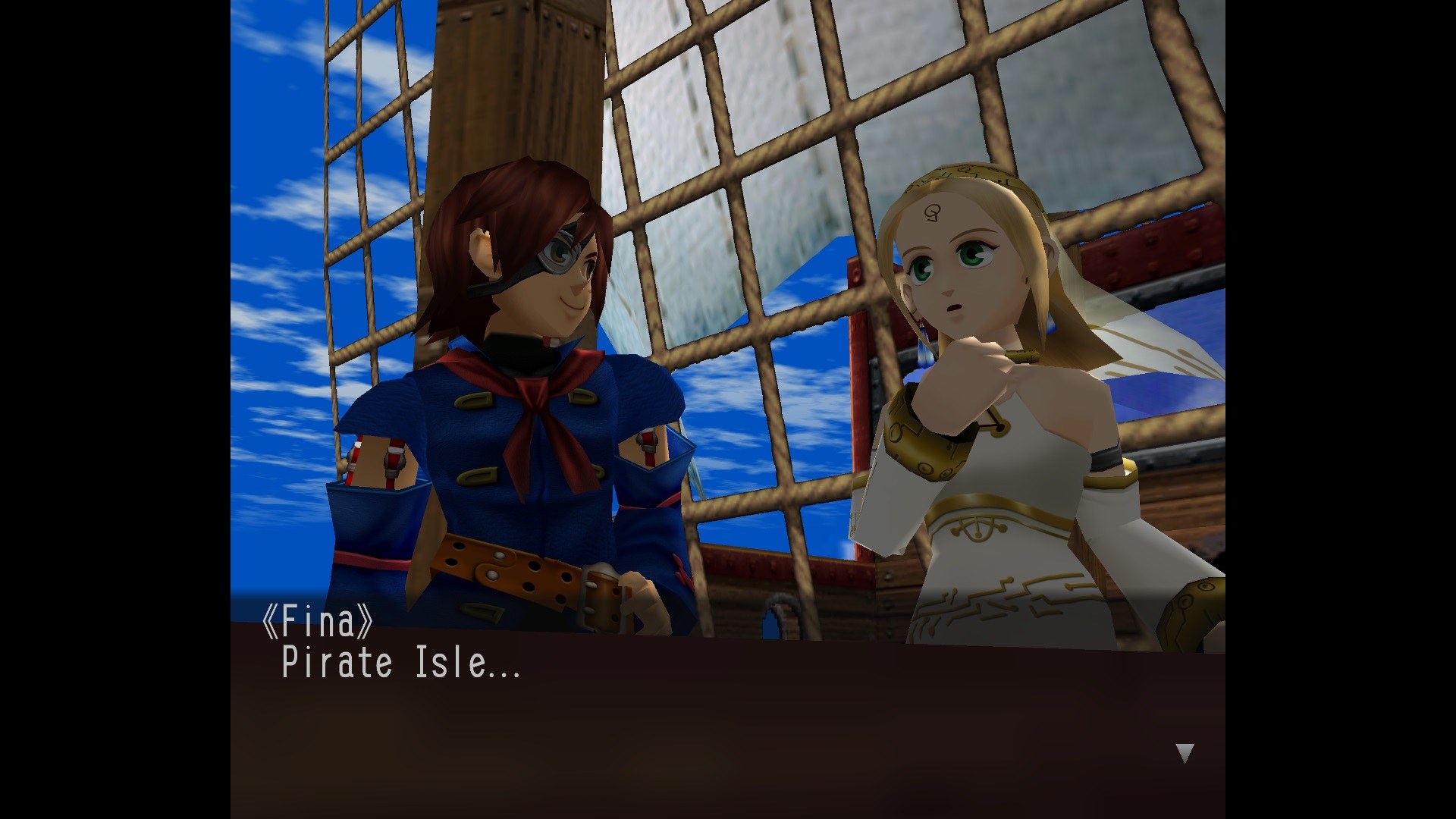
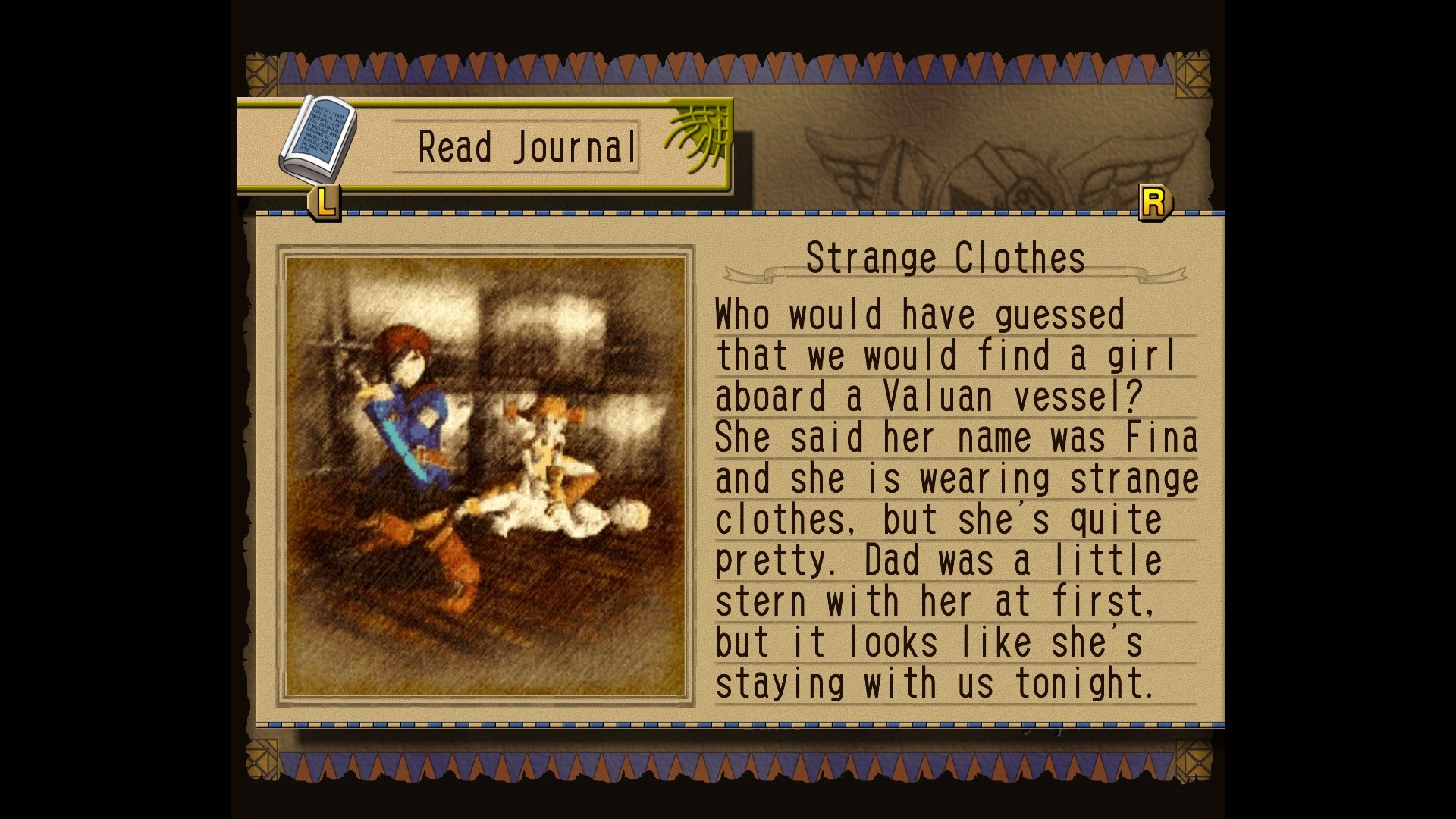
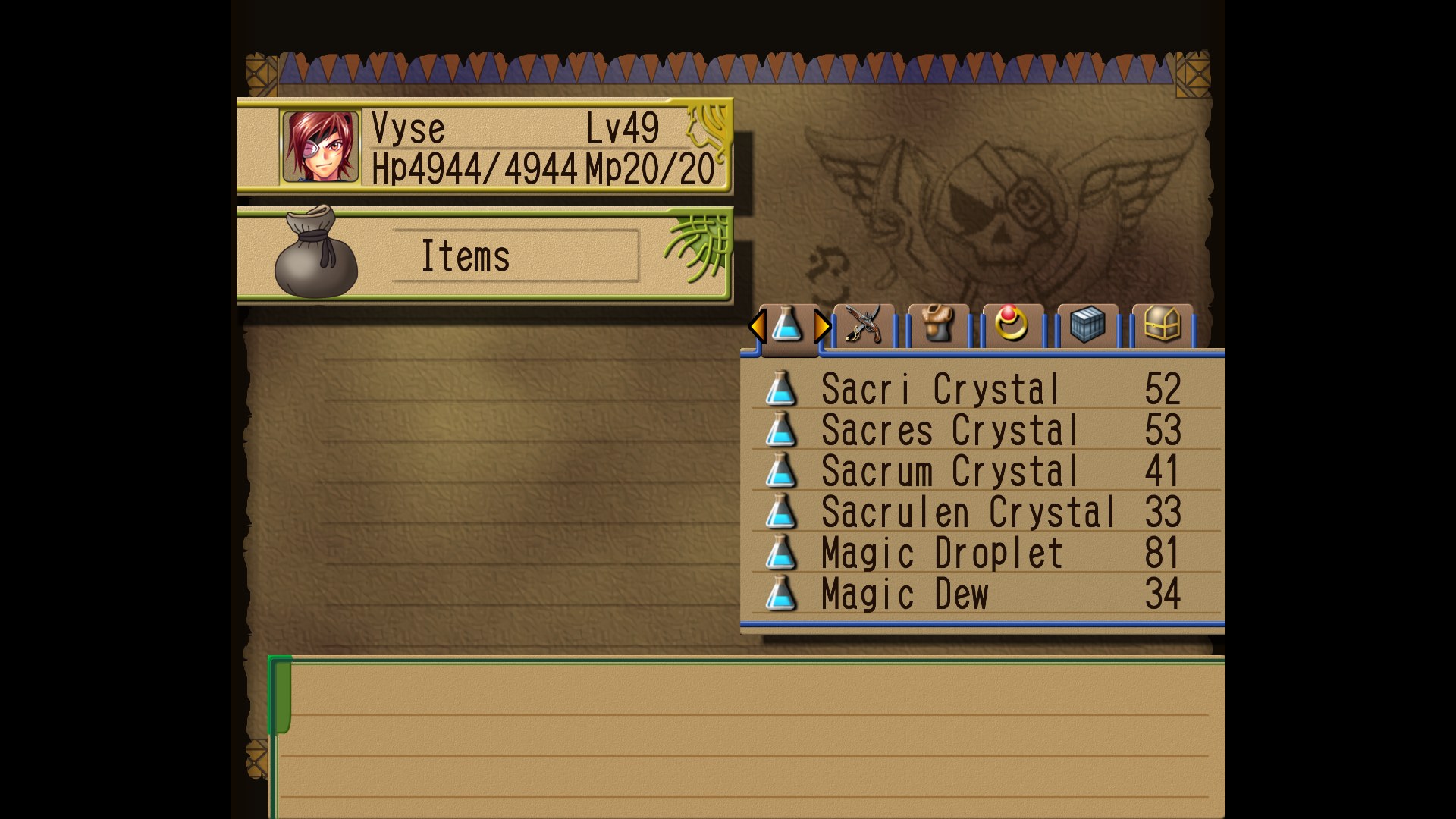
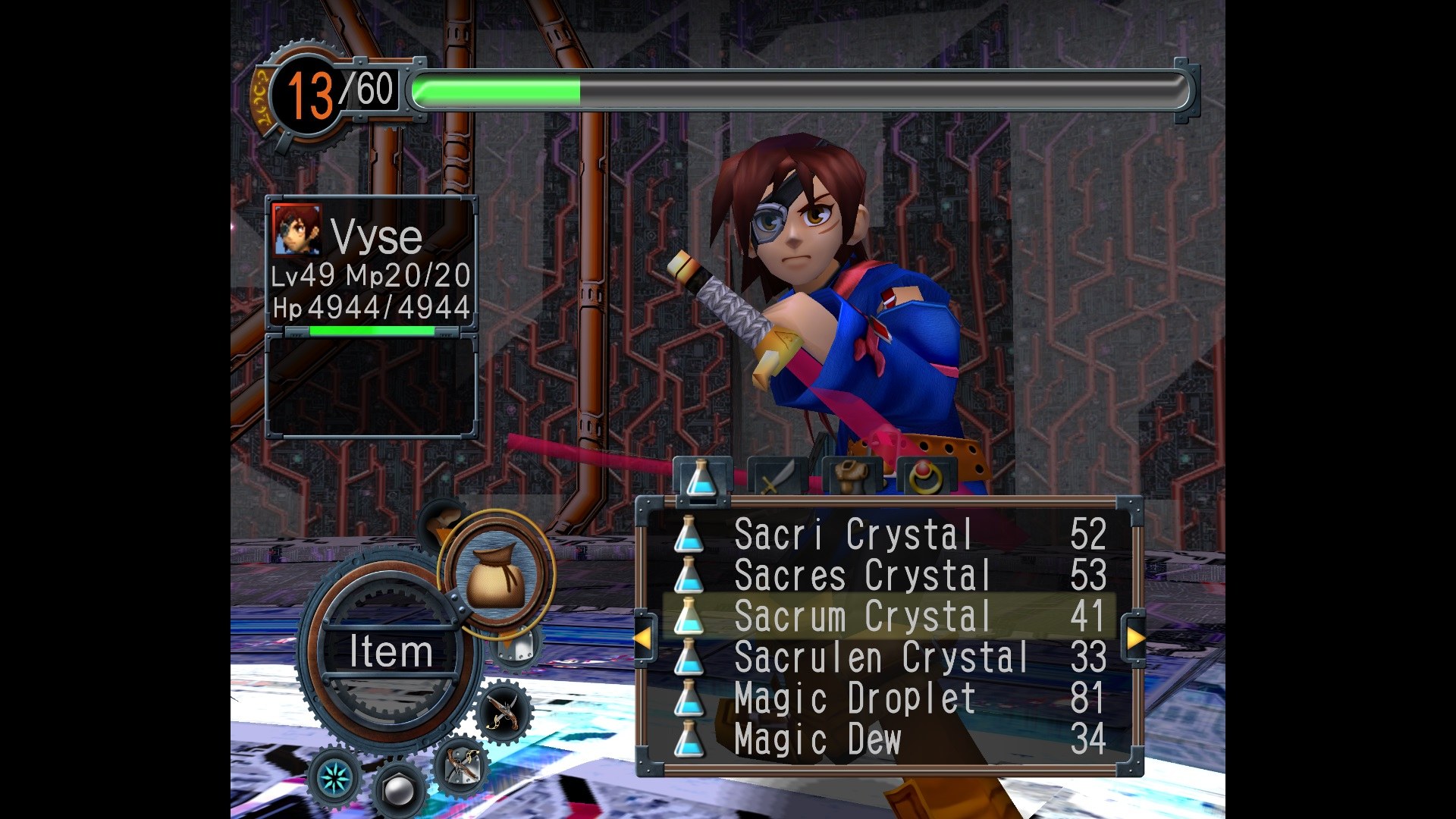
Overview
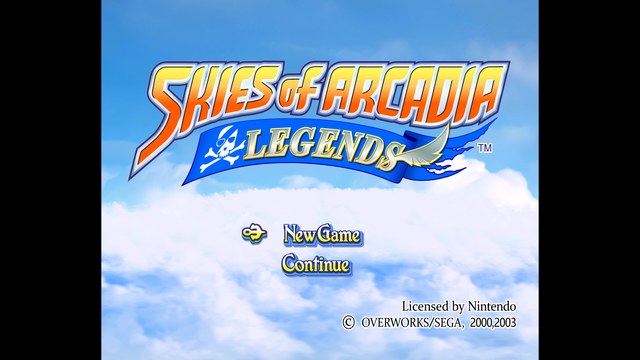
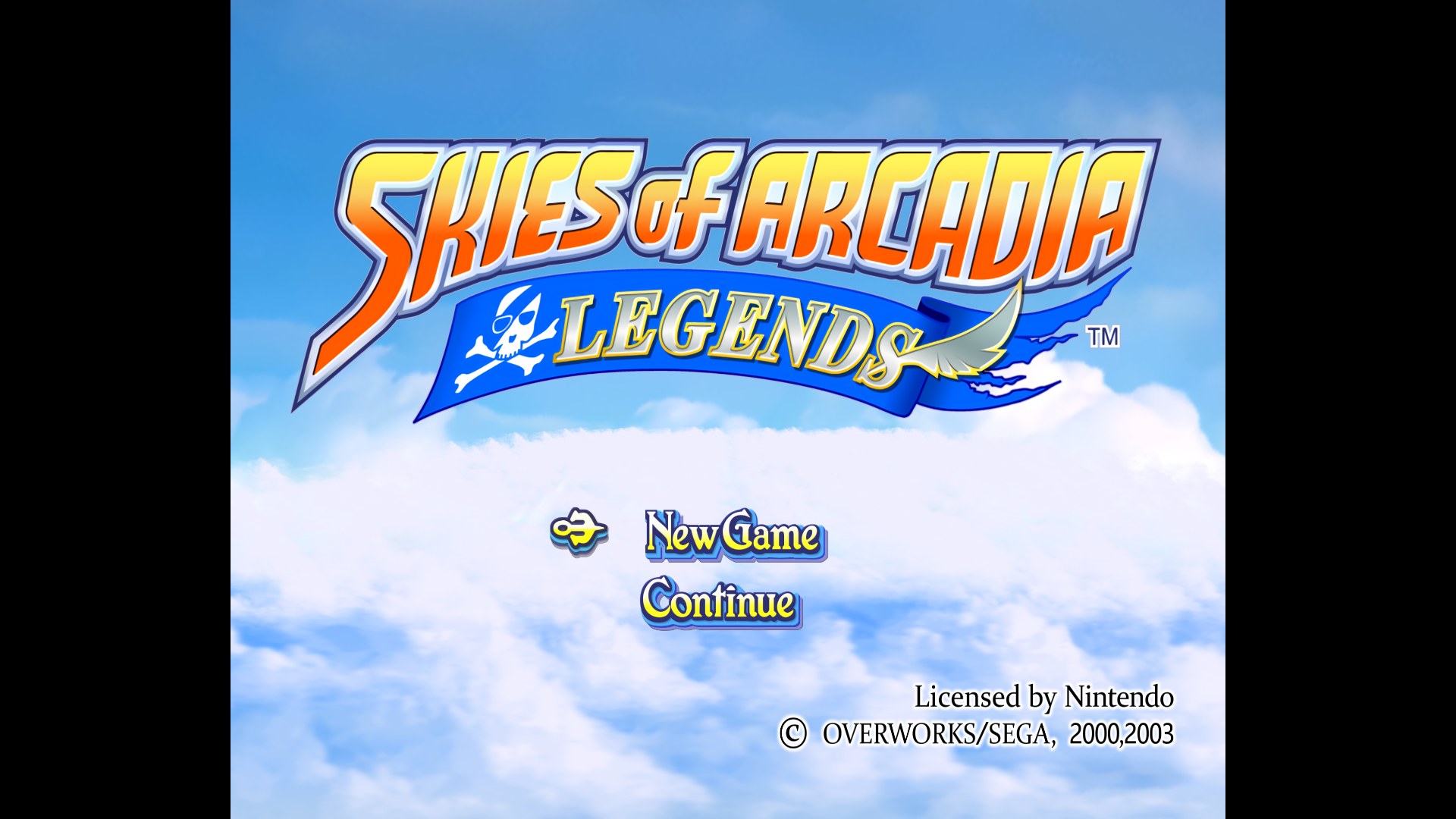
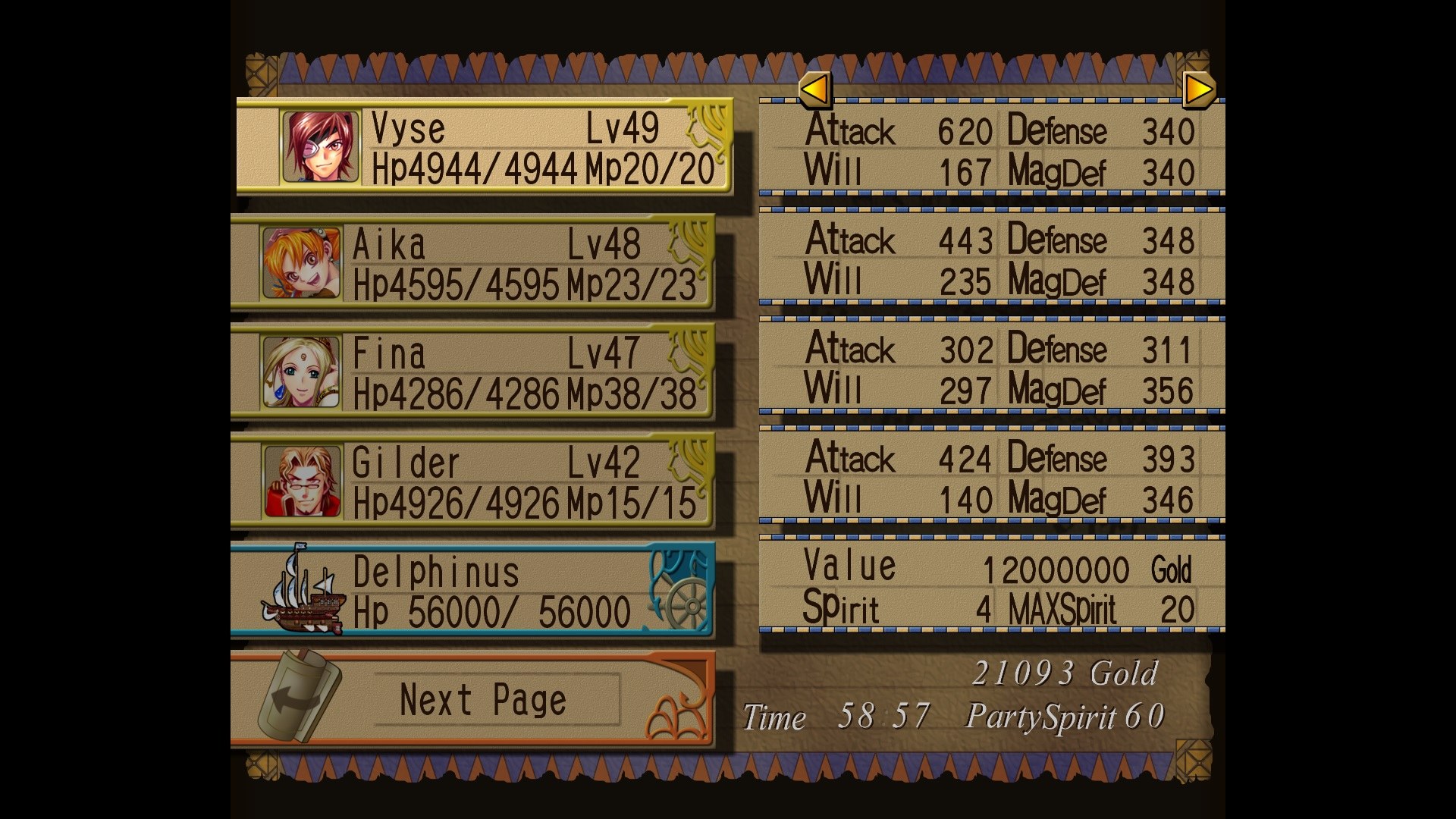
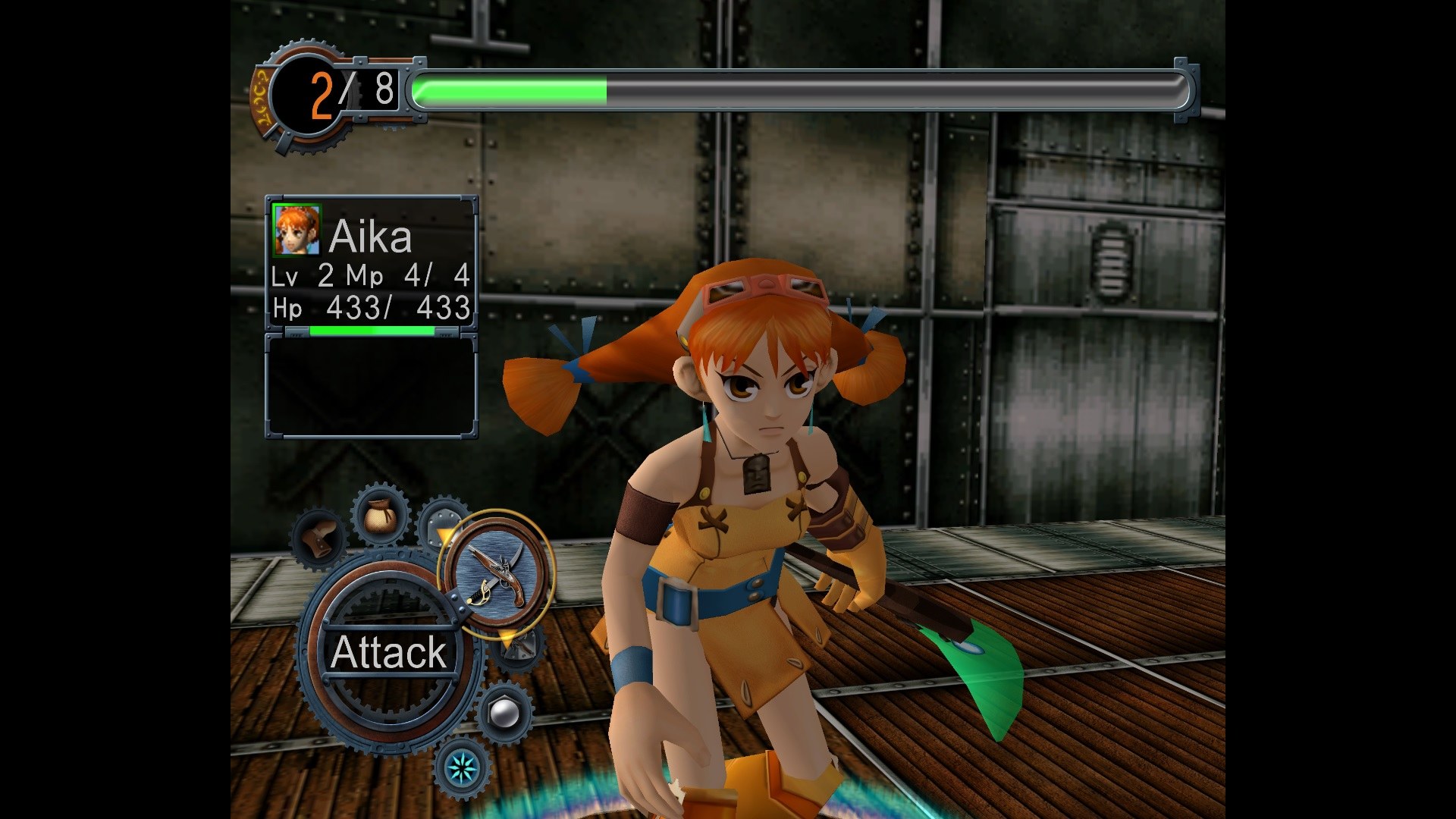
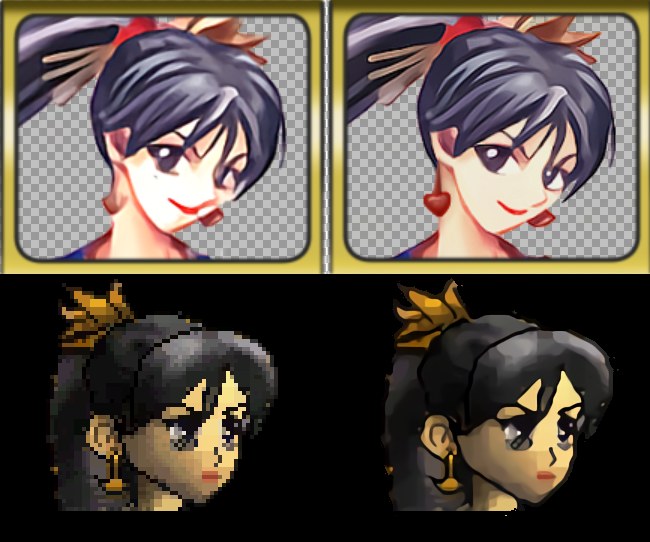
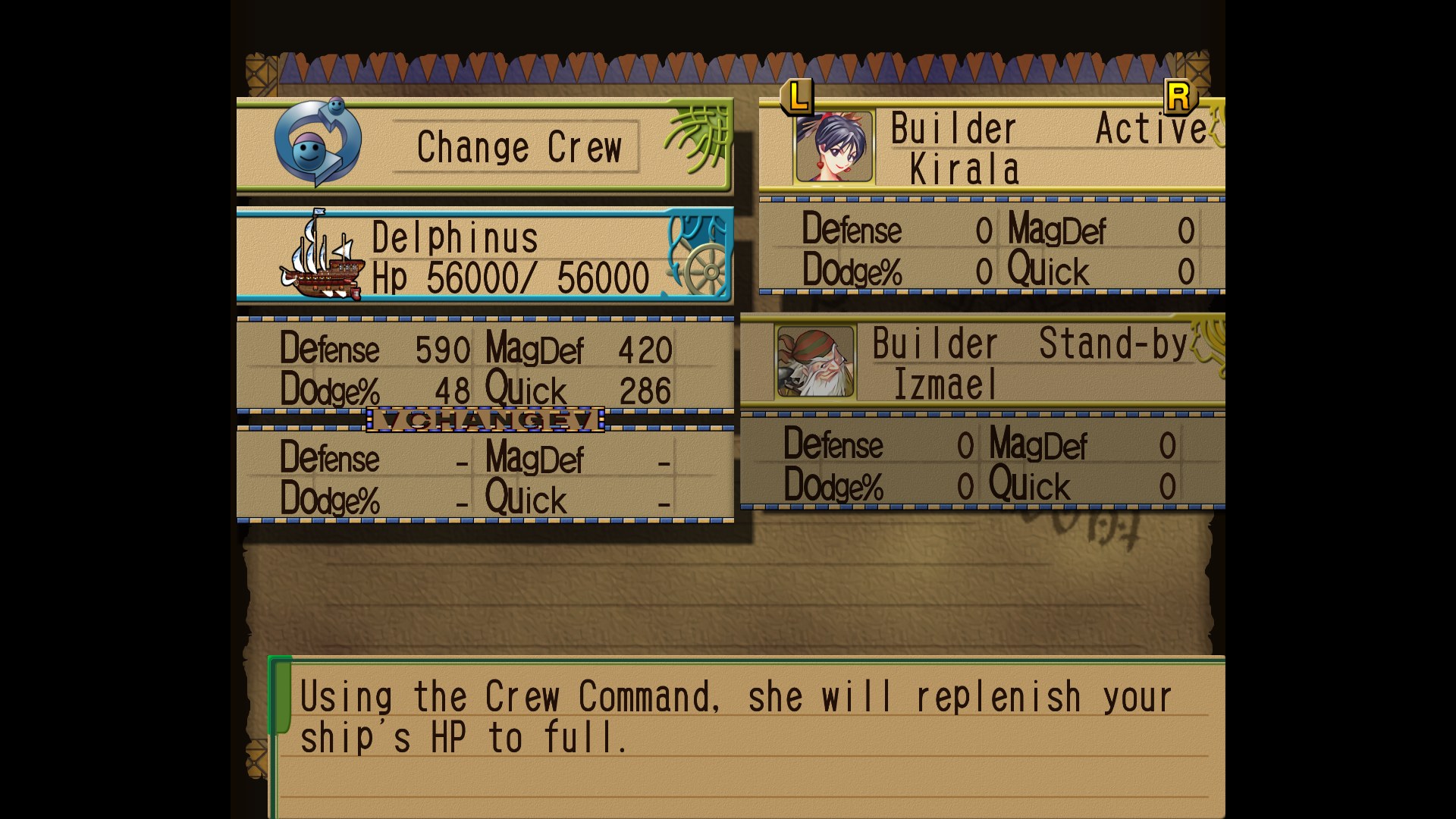
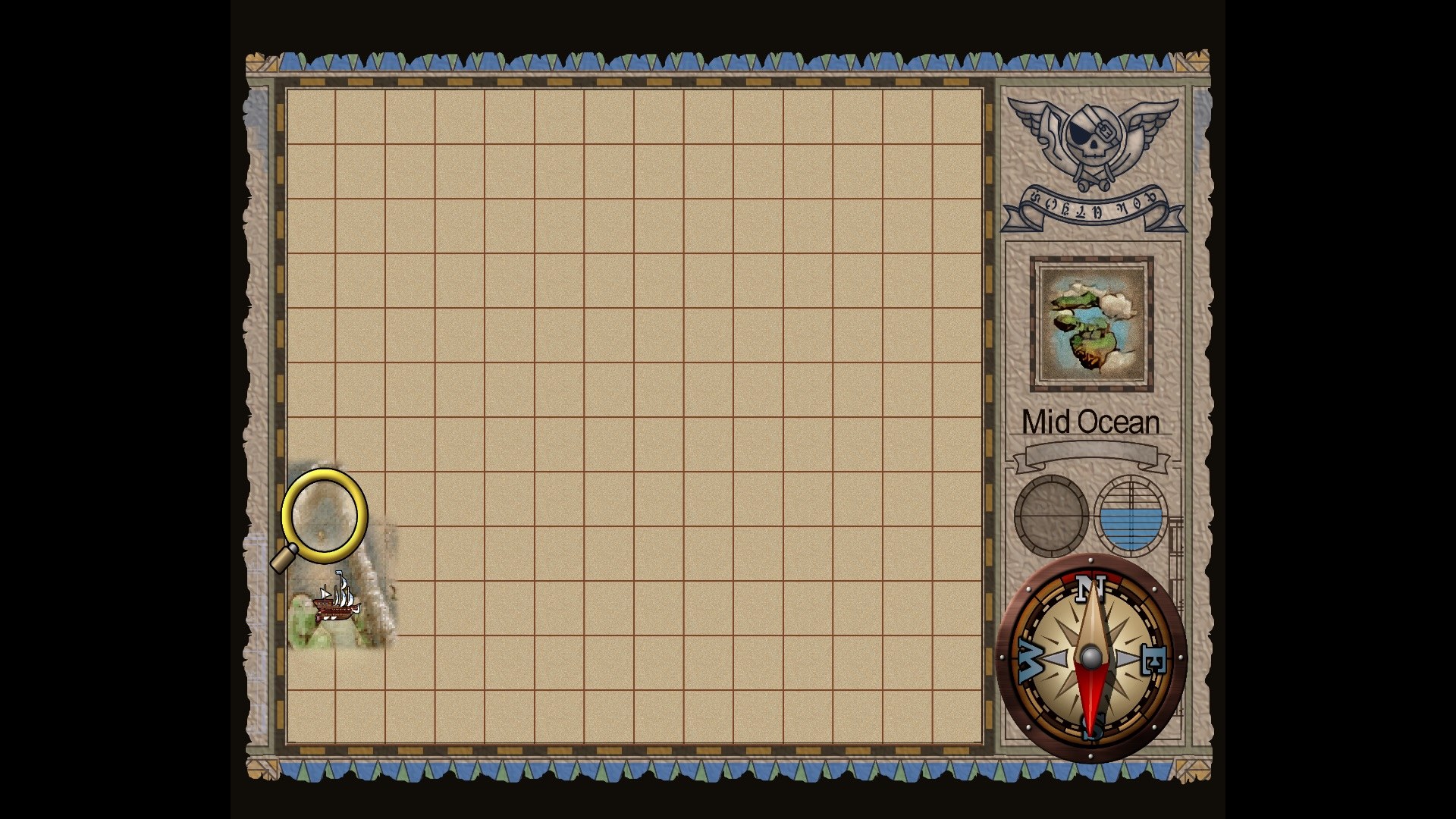
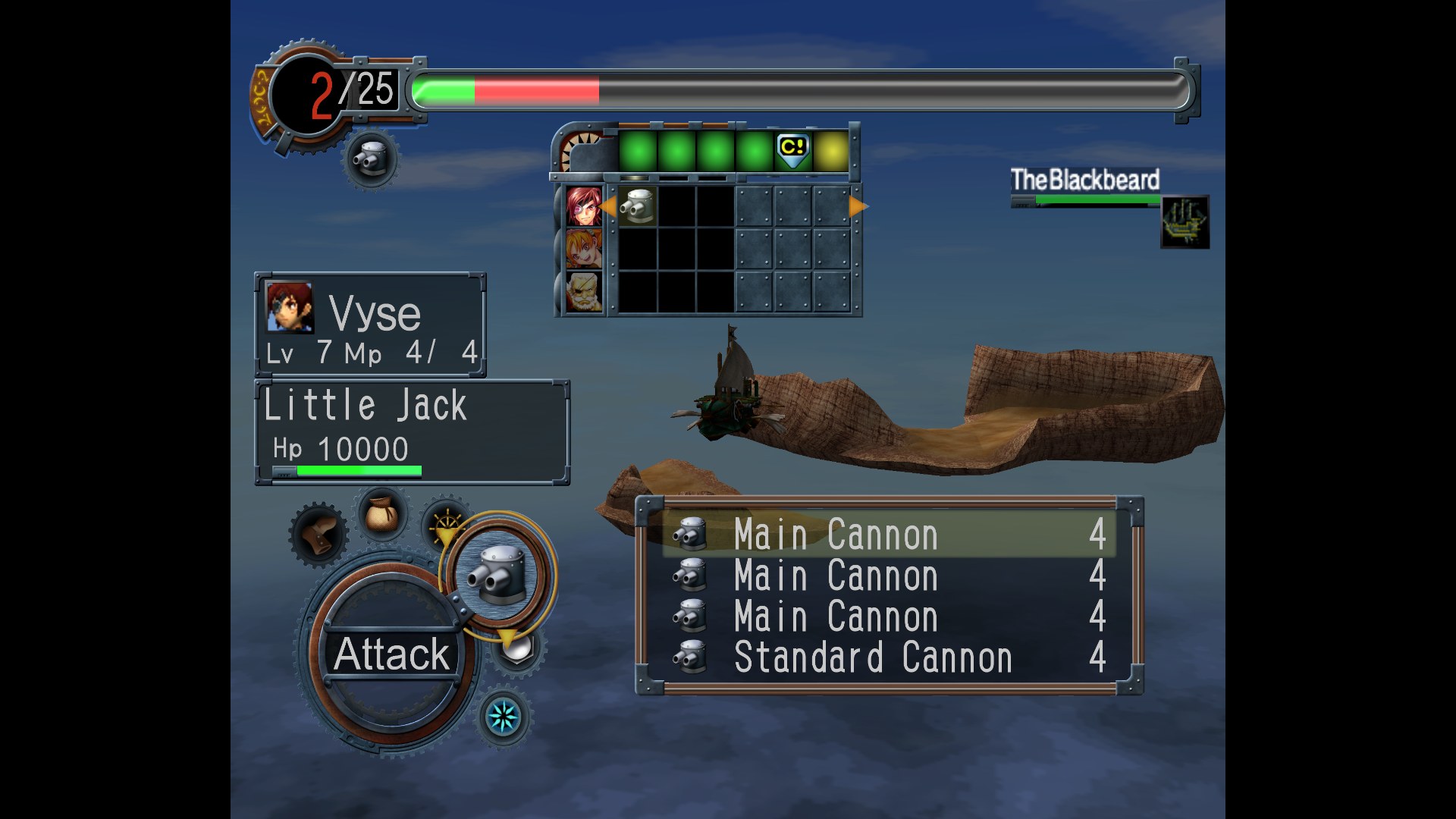
Bighead and frozenwings are replacing the textures of Skies of Arcadia Legends with HD versions. The pack is at an early stage: much of the user interface has been redone, along with many textures for the three main characters, but a lot of the game is not covered yet.
The new textures aren’t always exact copies of the originals, as the pair have made changes where they saw fit. Updates arrive at irregular intervals, and there is no promise the pack will ever be finished. This is version 0.06.
How to Set It Up
- In Dolphin, open File > Open User Folder, then go into
Load/Textures/. - Extract the download there, so you end up with a
Load/Textures/GEA/folder. - Open Graphics > Advanced and tick Load Custom Textures. Ticking Prefetch Custom Textures too stops stutter, if you have the RAM for it.