Skies of Arcadia Legends: Recompiled
PC port of Skies of Arcadia Legends
- RecompilationPort Type
- ogdanimalDeveloper
- 24 Oct 2026Page Updated
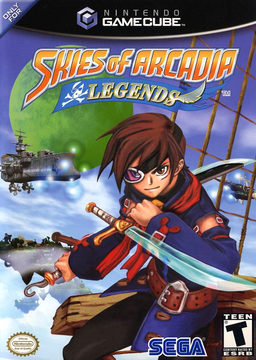
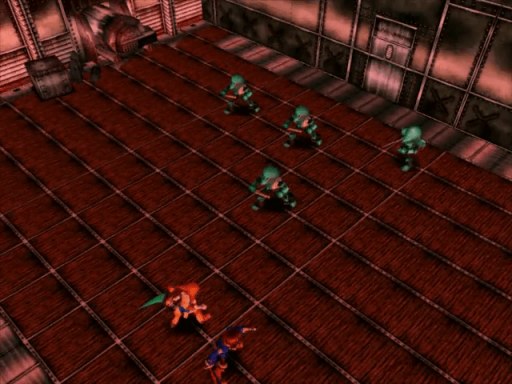
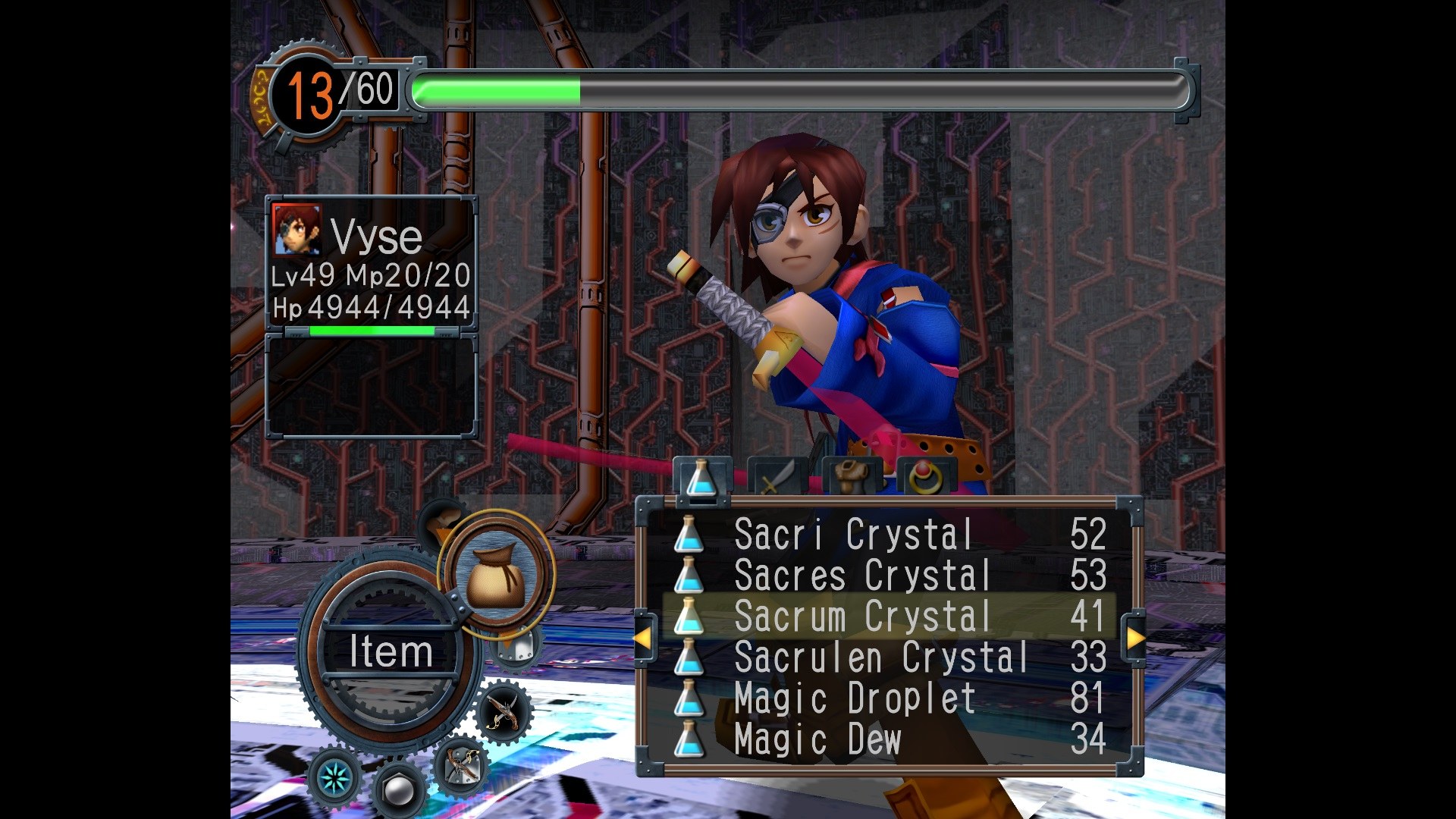
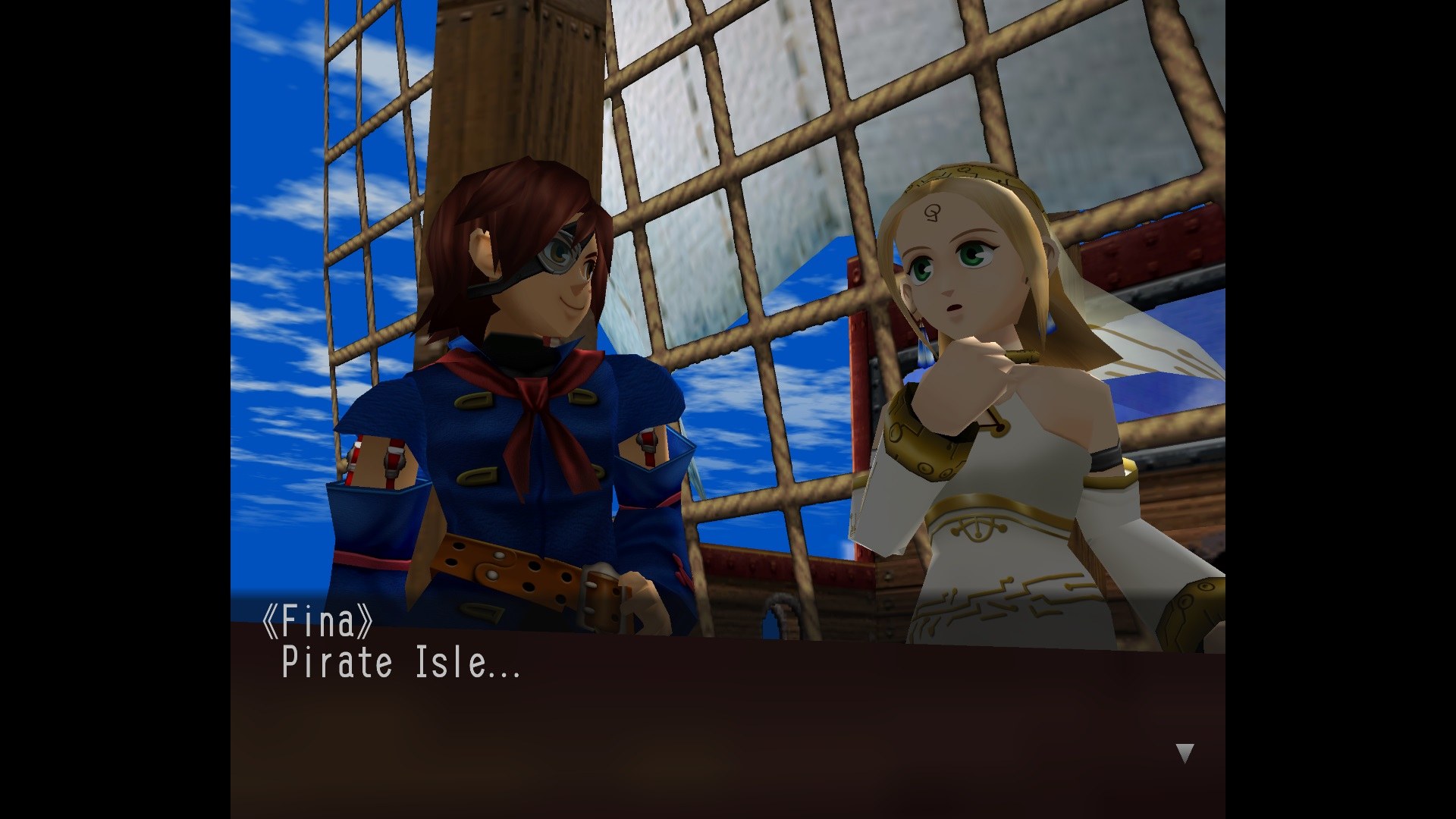
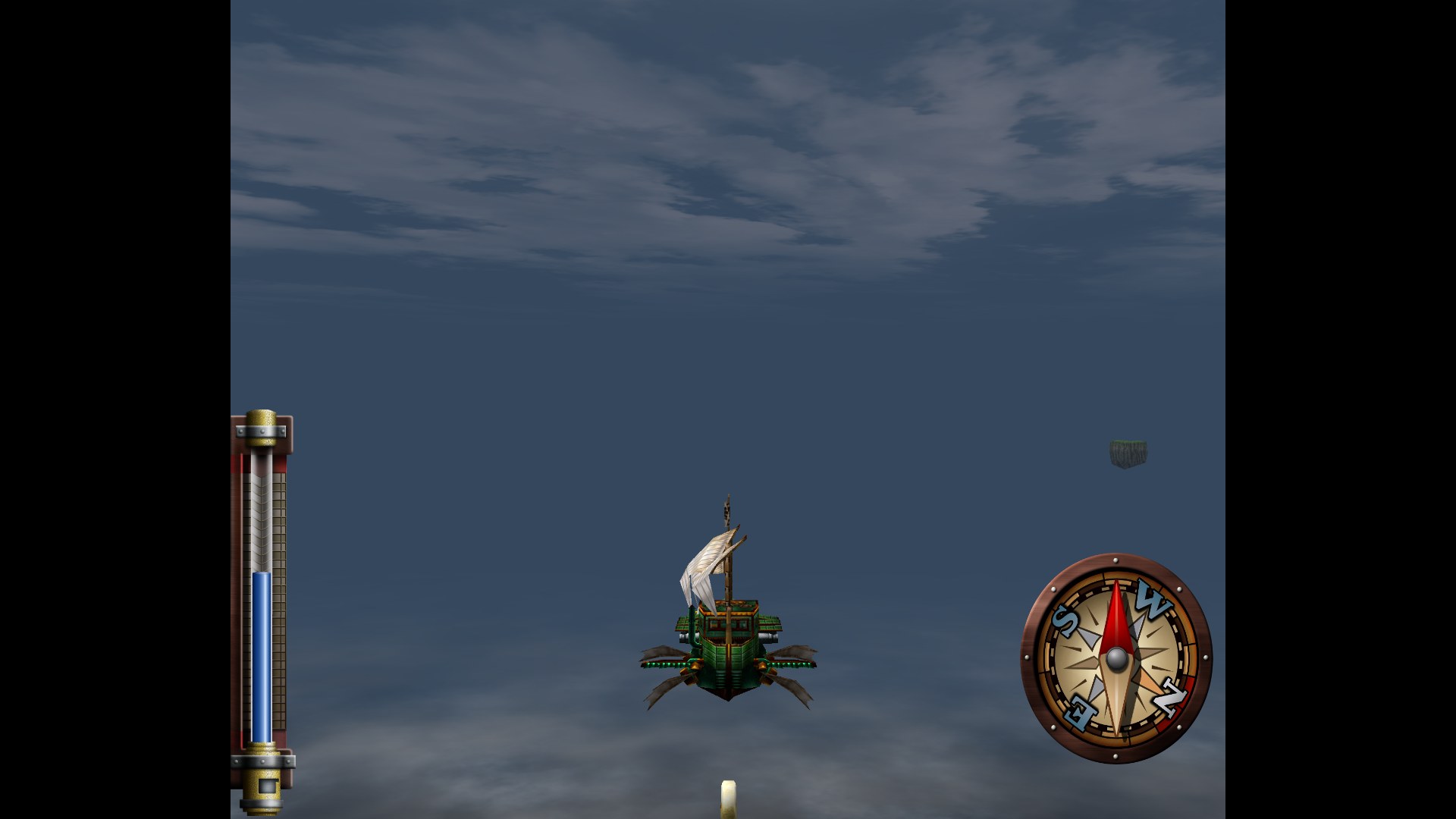
Overview
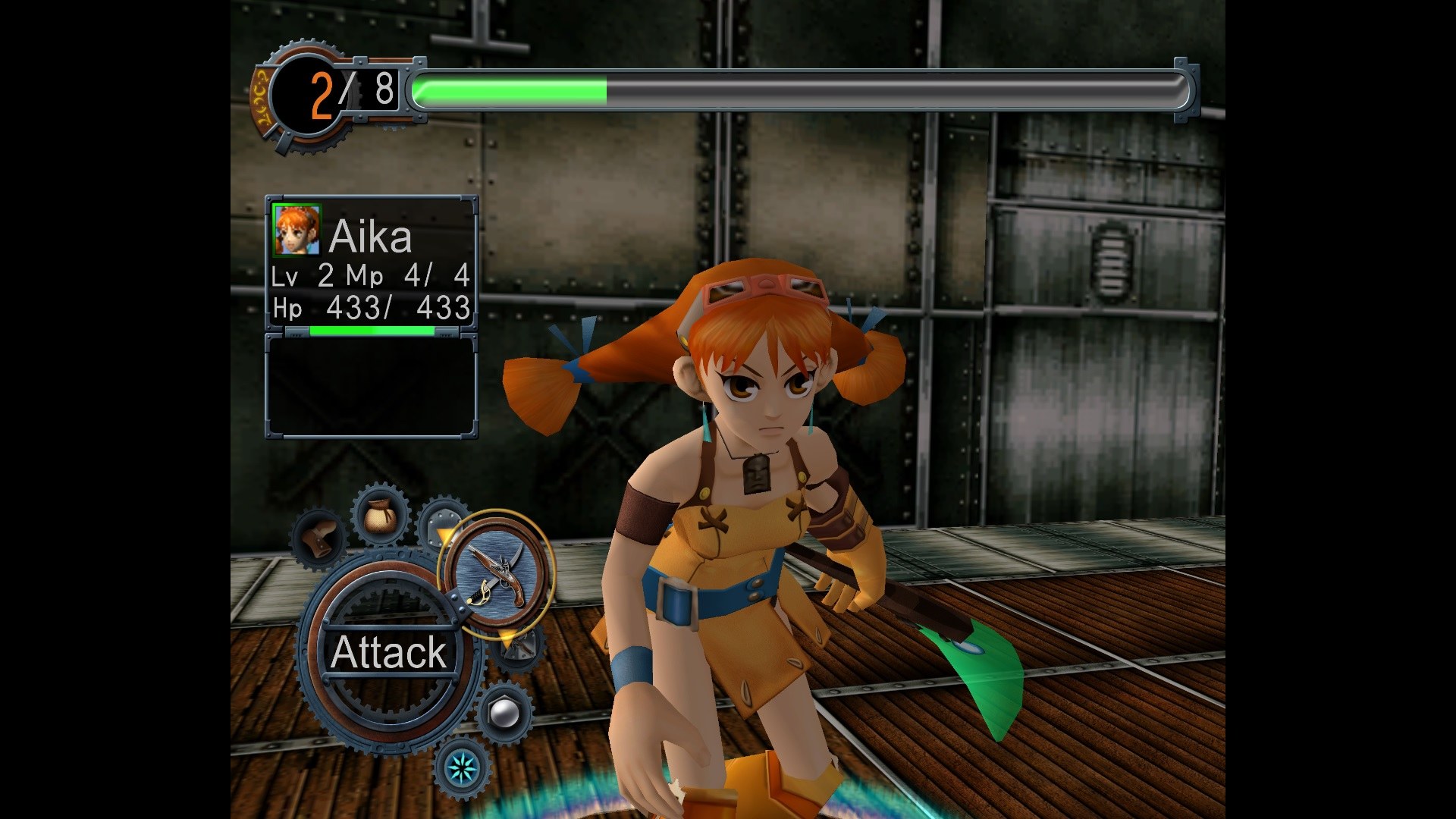
Skies of Arcadia Legends: Recompiled is an unofficial native port of the GameCube version of Skies of Arcadia for Windows, Linux, macOS and Android. The game’s PowerPC code is statically recompiled into native code ahead of time, and the GameCube’s graphics, sound and input are provided by code from the Dolphin emulator. The downloads contain no game data: the launcher imports the player’s own USA, European or Japanese disc. It is still a beta.
It adds widescreen with the HUD at the screen’s edges or in a centred area, any other screen shape up to 32:9, 60 FPS by frame interpolation, higher internal resolutions, anti-aliasing and texture filtering. The camera can be tilted and zoomed, battles can run at up to four times speed and the field, cutscenes and sailing at up to three, and there are options for the random encounter rate, experience, gold and an invincible mode.
Five save state slots and a regular auto-save sit alongside the memory card saves, which can be imported from Dolphin or a real GameCube. Optional extras include the Dreamcast version’s music and the original Japanese models and textures, both from the player’s own discs, HD texture packs and romhacks. Every button and key can be remapped, and Android devices get touch controls when no controller is connected.
How to Set It Up
- Download the build for Windows, Linux (AppImage), macOS or Android.
- Windows: unzip and run
Skies of Arcadia Legends.exefrom inside the folder. Linux: make the AppImage executable and run it. macOS: unzip, then allow it once under Privacy & Security. Android: install the APK. - Choose Select Disc and pick your disc image. The launcher checks it, imports it and patches it for the port, once.
- Press Start Game. Esc, the controller’s Back button, or Z and Start opens the settings menu.