CYB3RTRON's Shadow the Hedgehog Texture Pack
Texture pack for Shadow the Hedgehog
- CYB3RTRONArtist
- 2 Oct 2026Page Updated
Details
- Artist
- CYB3RTRON
- Page Updated
Screenshots
Overview
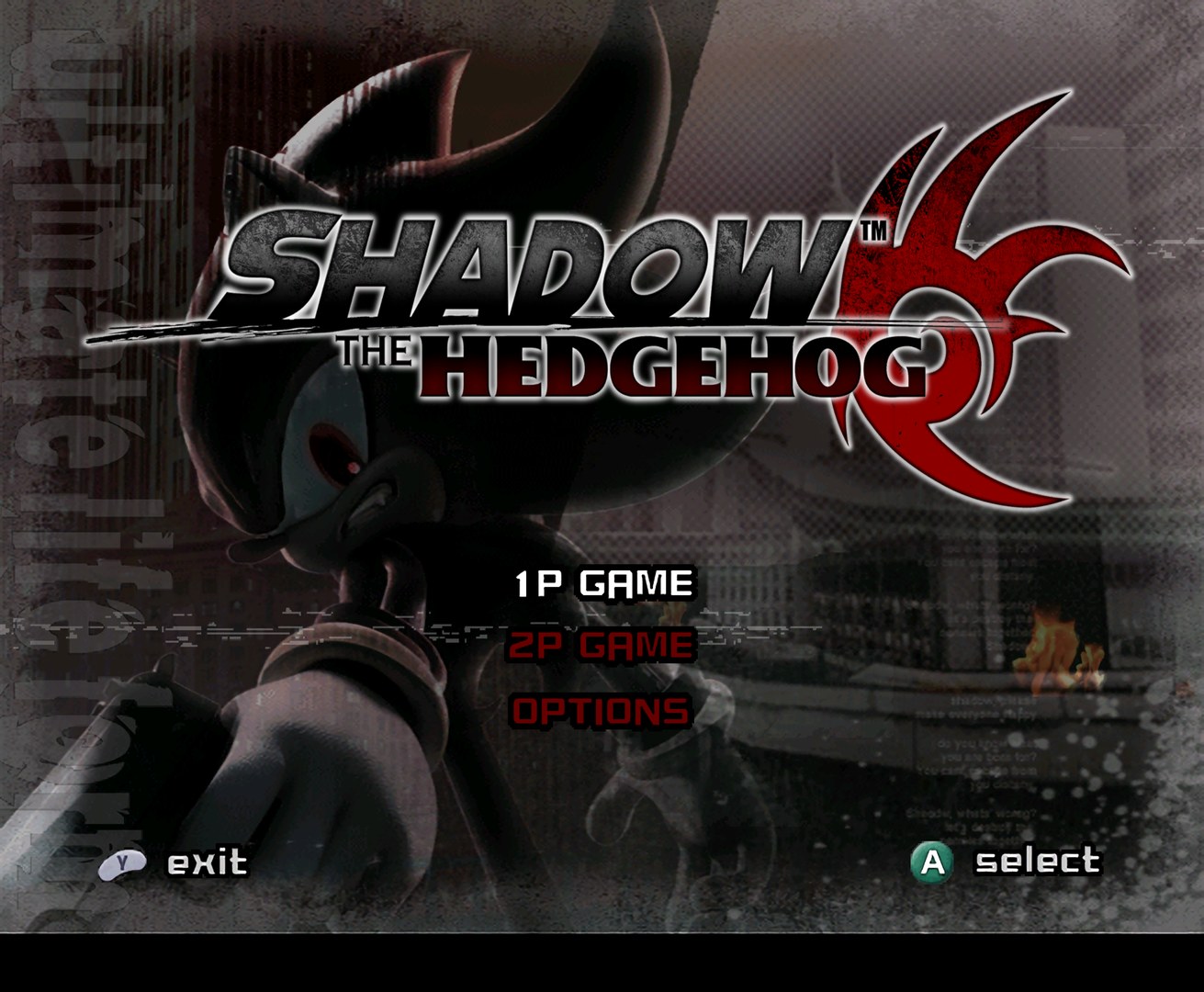
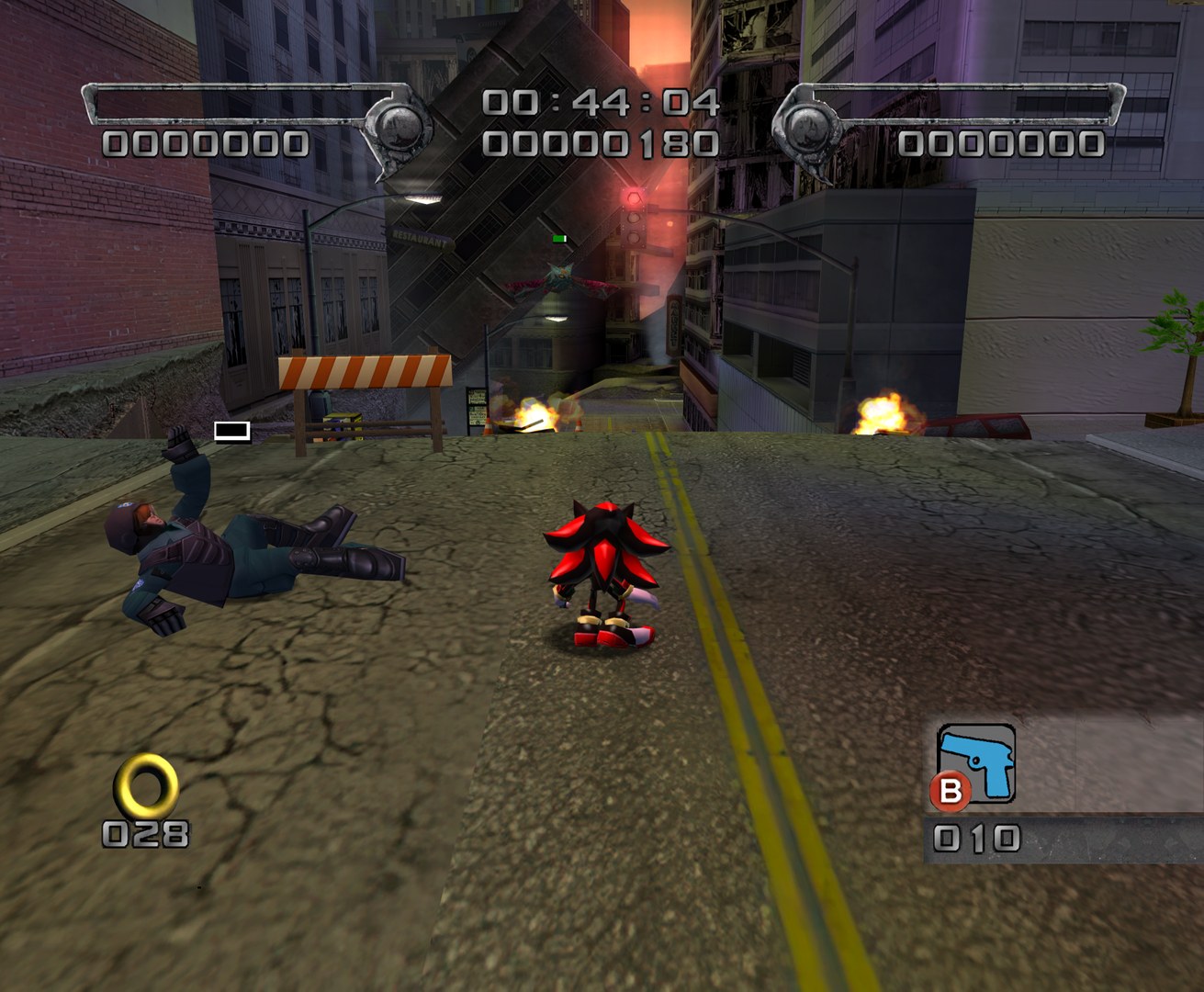
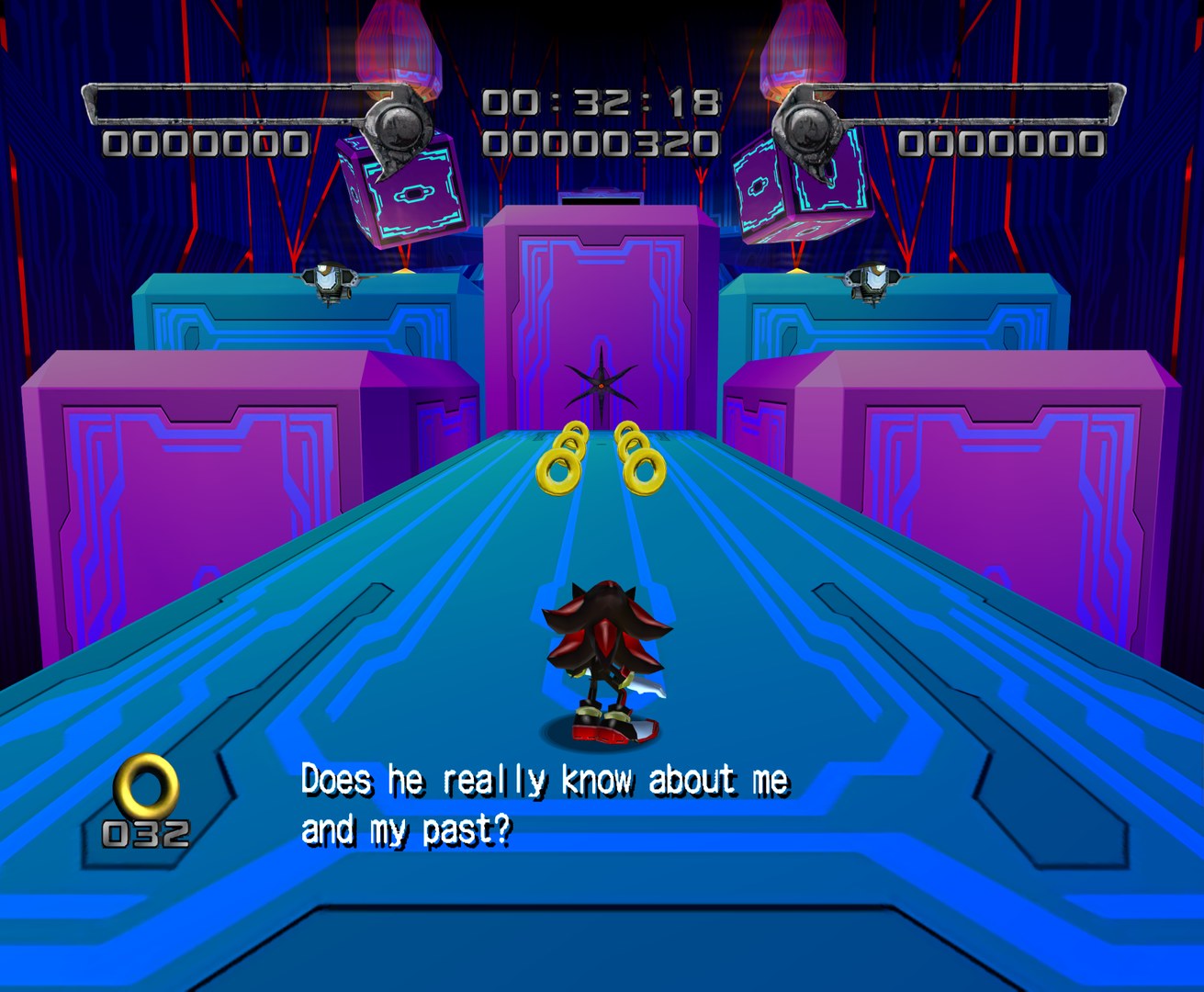
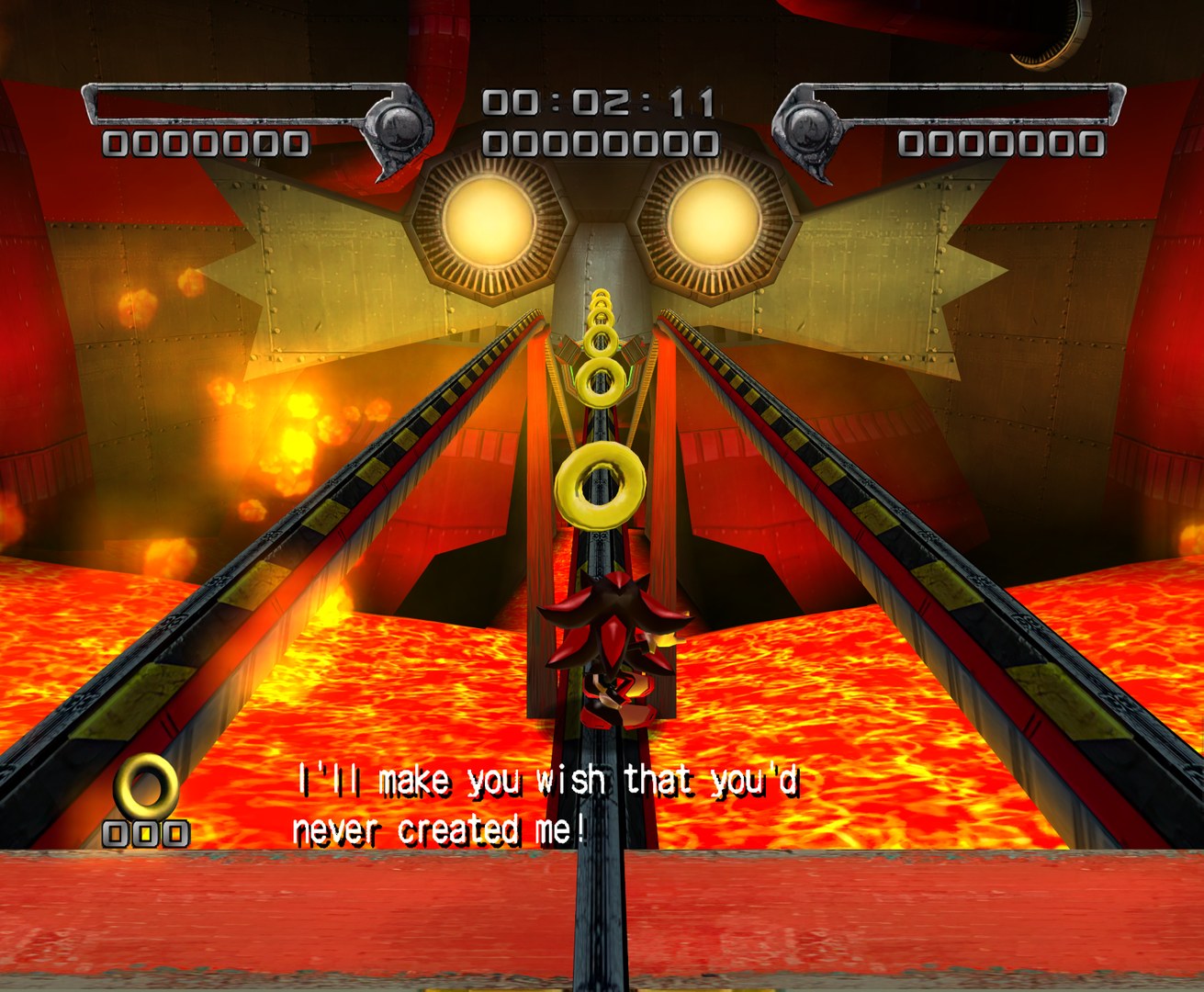
CYB3RTRON ran Shadow the Hedgehog’s original textures through Gigapixel and Waifu2x to produce this pack. It sharpens the game’s existing art rather than replacing it with new designs.
How to Set It Up
- In Dolphin, open File > Open User Folder, then go into
Load/Textures/. - Extract the download there, so you end up with a
Load/Textures/GUP/folder. - Open Graphics > Advanced and tick Load Custom Textures. Ticking Prefetch Custom Textures too stops stutter, if you have the RAM for it.