Open Nectar
PC port of Pikmin
- DecompilationPort Type
- SSunnKingDeveloper
- 19 Oct 2026Page Updated
Details
- Developer
- SSunnKing
- Port Type
- DecompilationThe game's code was rewritten by hand as source code that builds back into the same game, then made to run natively on PC.
- Game
- Pikmin
- AI Use
- AI-assistedThe project says: “This project was developed with the assistance of AI tools.” Source
- Source Code
- GitHub
- Page Updated
Platform Support
- Windows
- Linux
- Android
Screenshots
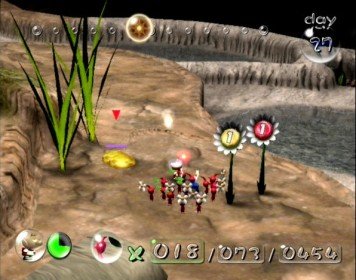
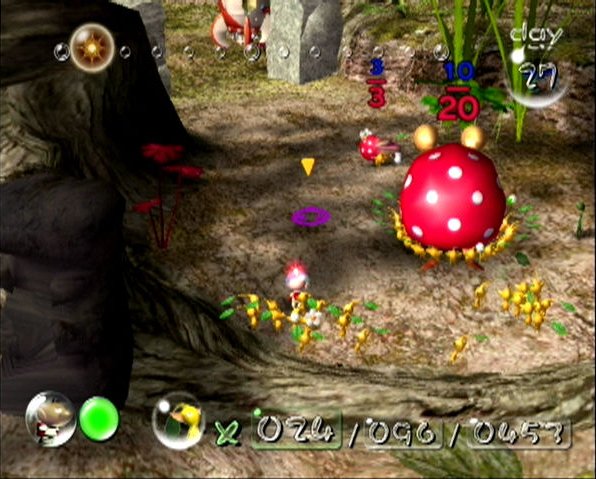
Overview
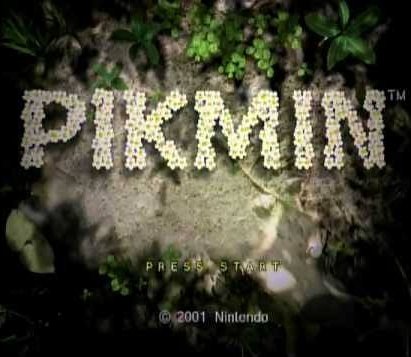
Open Nectar is a native port of Pikmin for Windows, Linux and Android, built from the projectPiki decompilation, with the GameCube’s GX graphics translated to OpenGL. It does not use Dolphin or any emulator, and one package carries builds for both the USA and European discs.
It runs gameplay at 30, 60 or 120 fps, lays out the HUD for true widescreen, and adds optional post-processing, per-pixel lighting and shadows, texture packs, mouse control, a photo mode and local co-op with Olimar and Louie. The Android version has on-screen touch controls and works with controllers. The author says AI tools were used in making it.
Most of the game is playable from start to finish, with some minor graphical differences still being worked on. The download contains no game data. It needs Pikmin (USA revision 1 or Europe), dumped from your own disc.
How to Set It Up
- Download the package for your system: Windows, Linux or the Android APK.
- Extract it and run
nectar-launcher(nectar-launcher.exeon Windows). On Android, install the APK and open it. - Choose your disc image and a folder to install into. The launcher checks the image, extracts the game data and starts the game.
- Later, run the launcher again from the install folder. Press F1 in the game for settings.