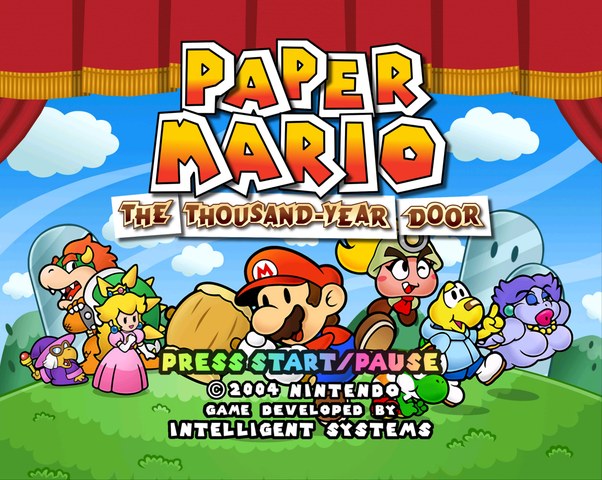
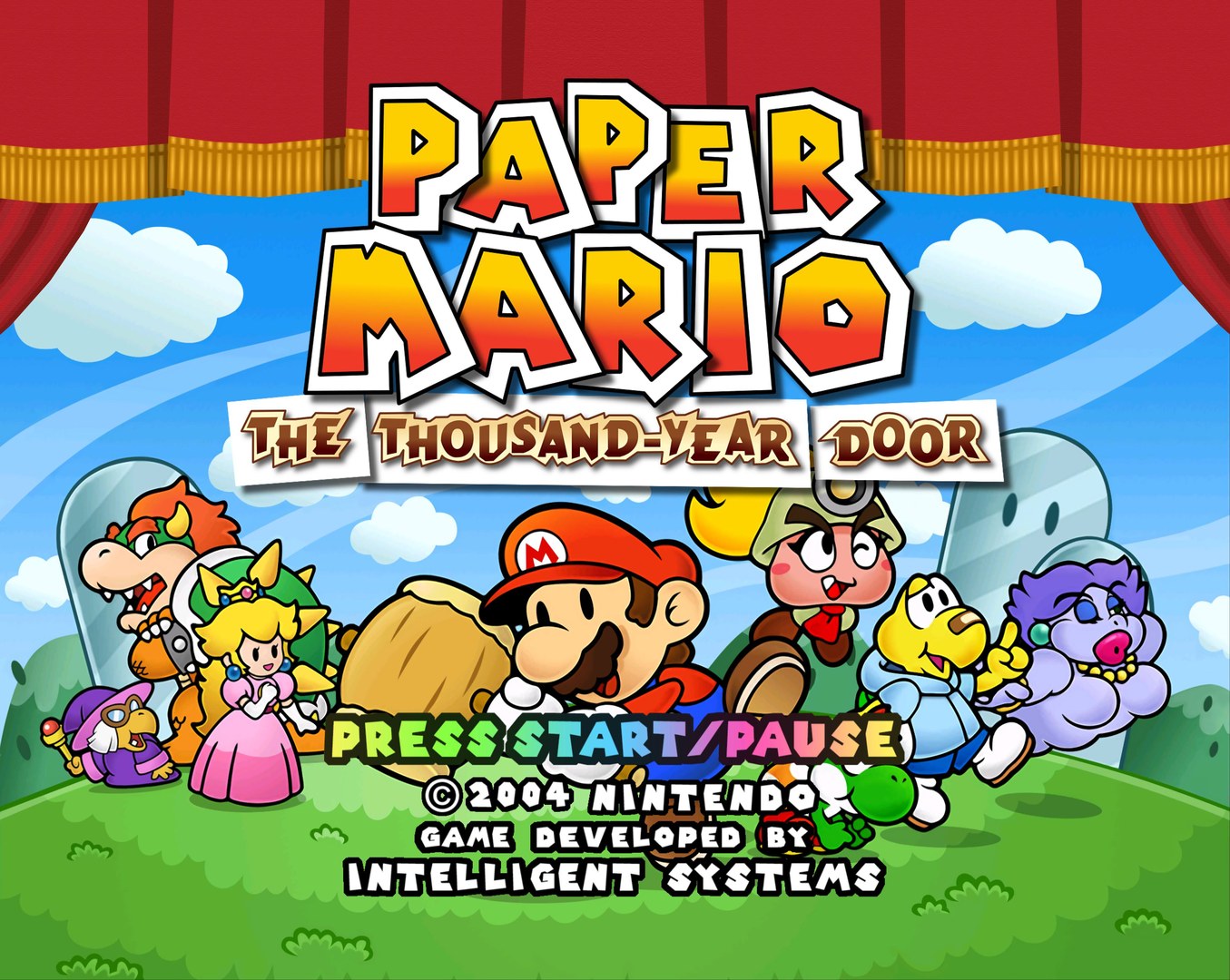
Paper Mario: The Thousand-Year Door HD Texture Pack
Texture pack for Paper Mario: The Thousand-Year Door
- Dolphin CommunityArtist
- 2 Oct 2026Page Updated
Overview
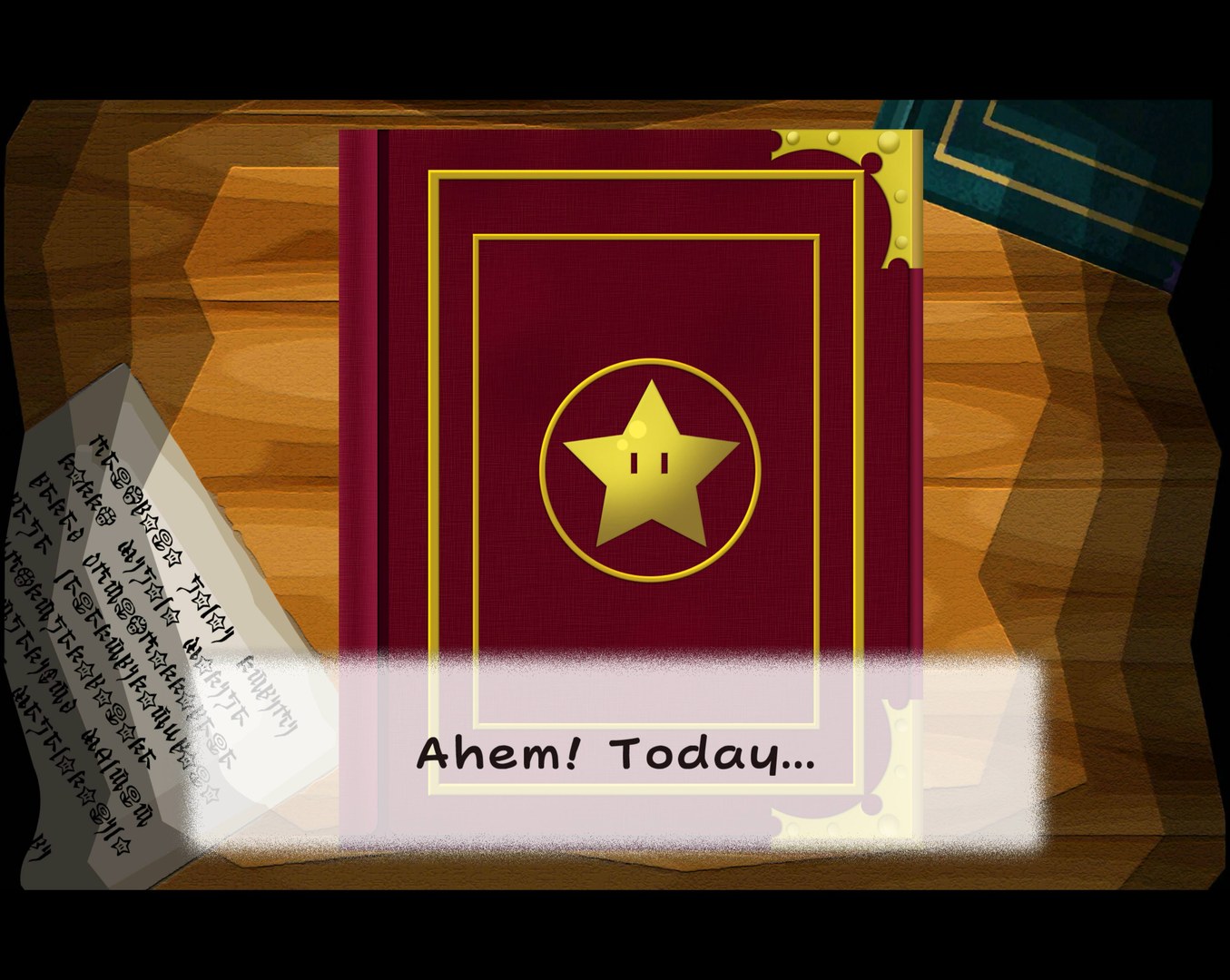
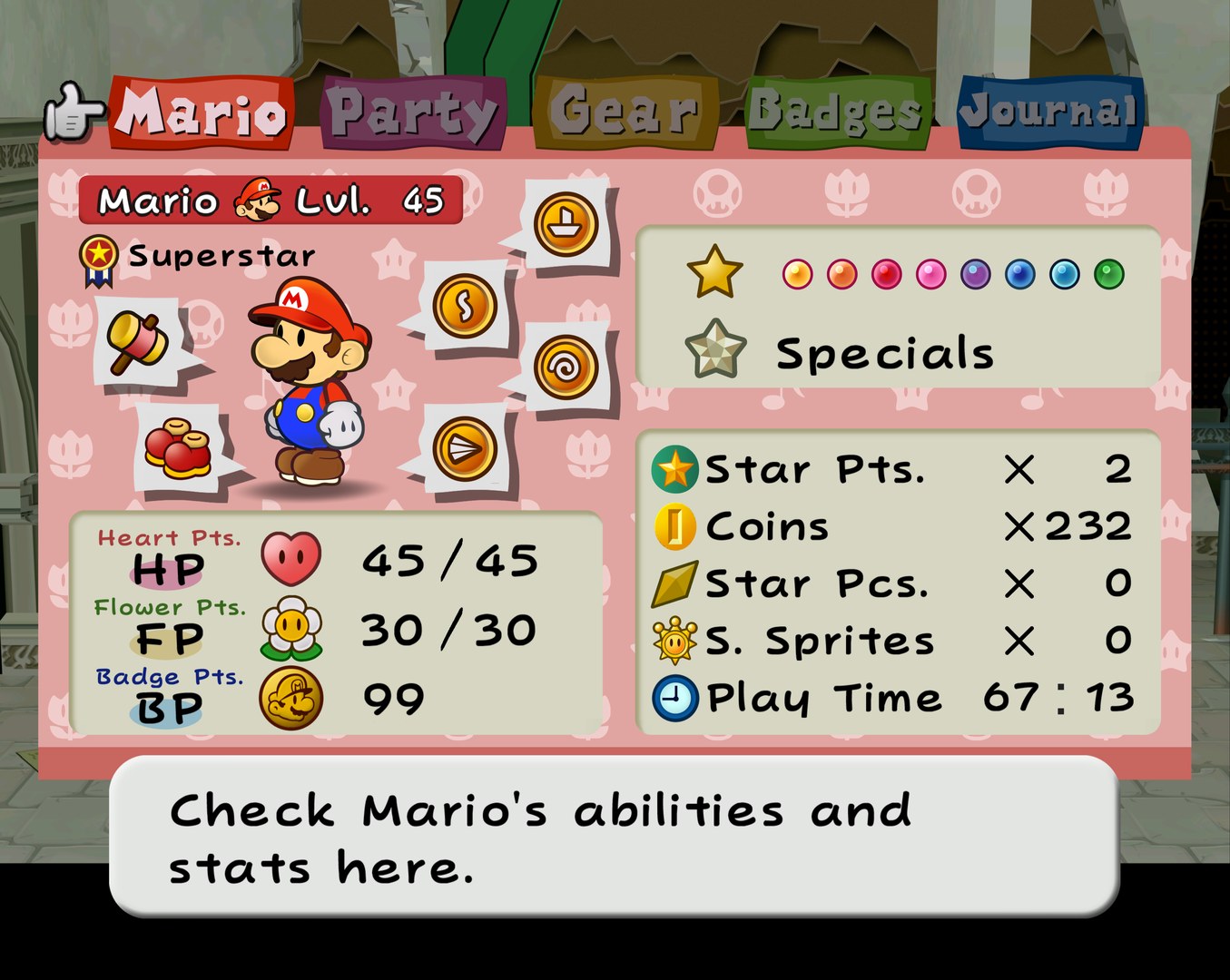
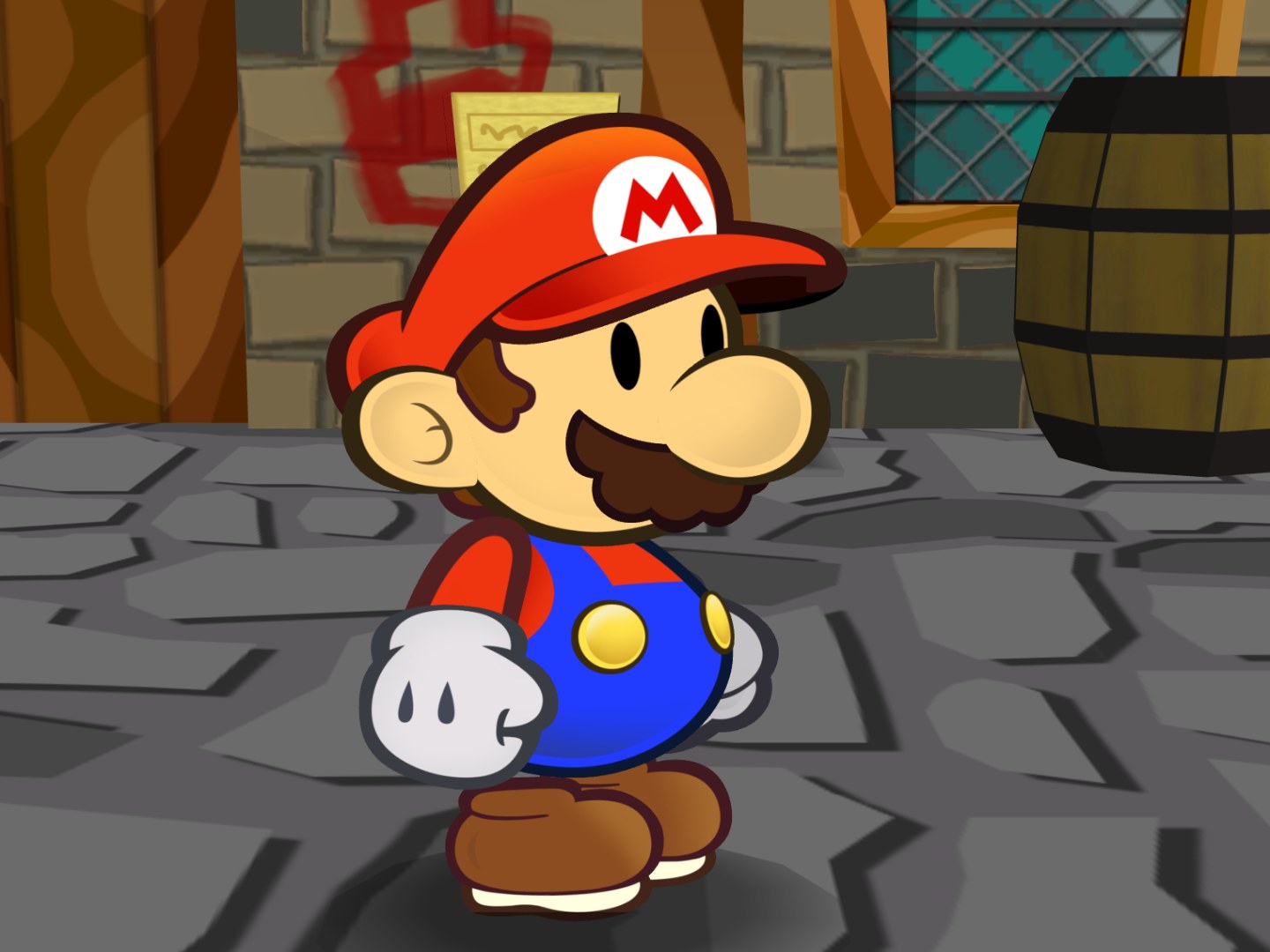
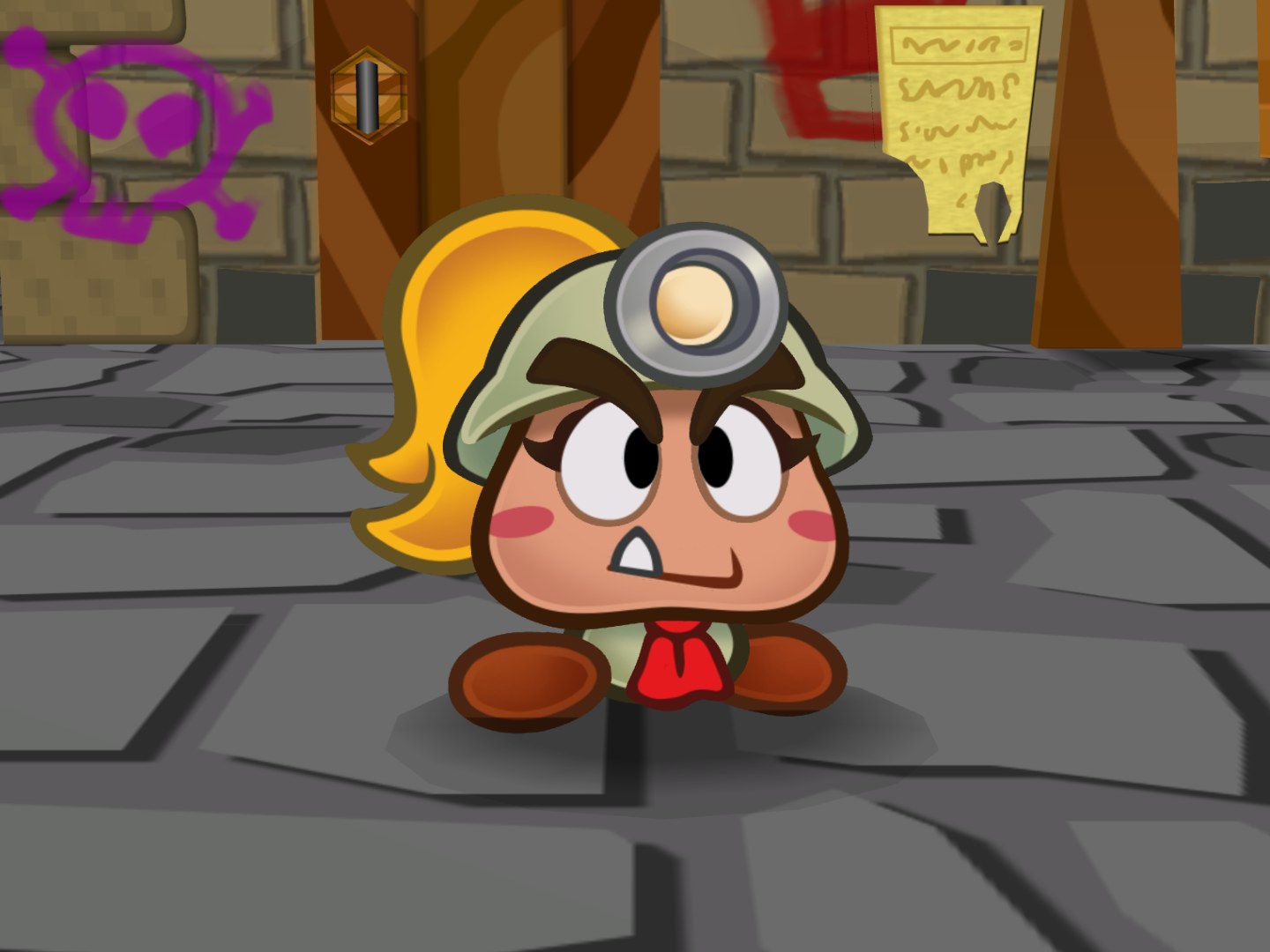
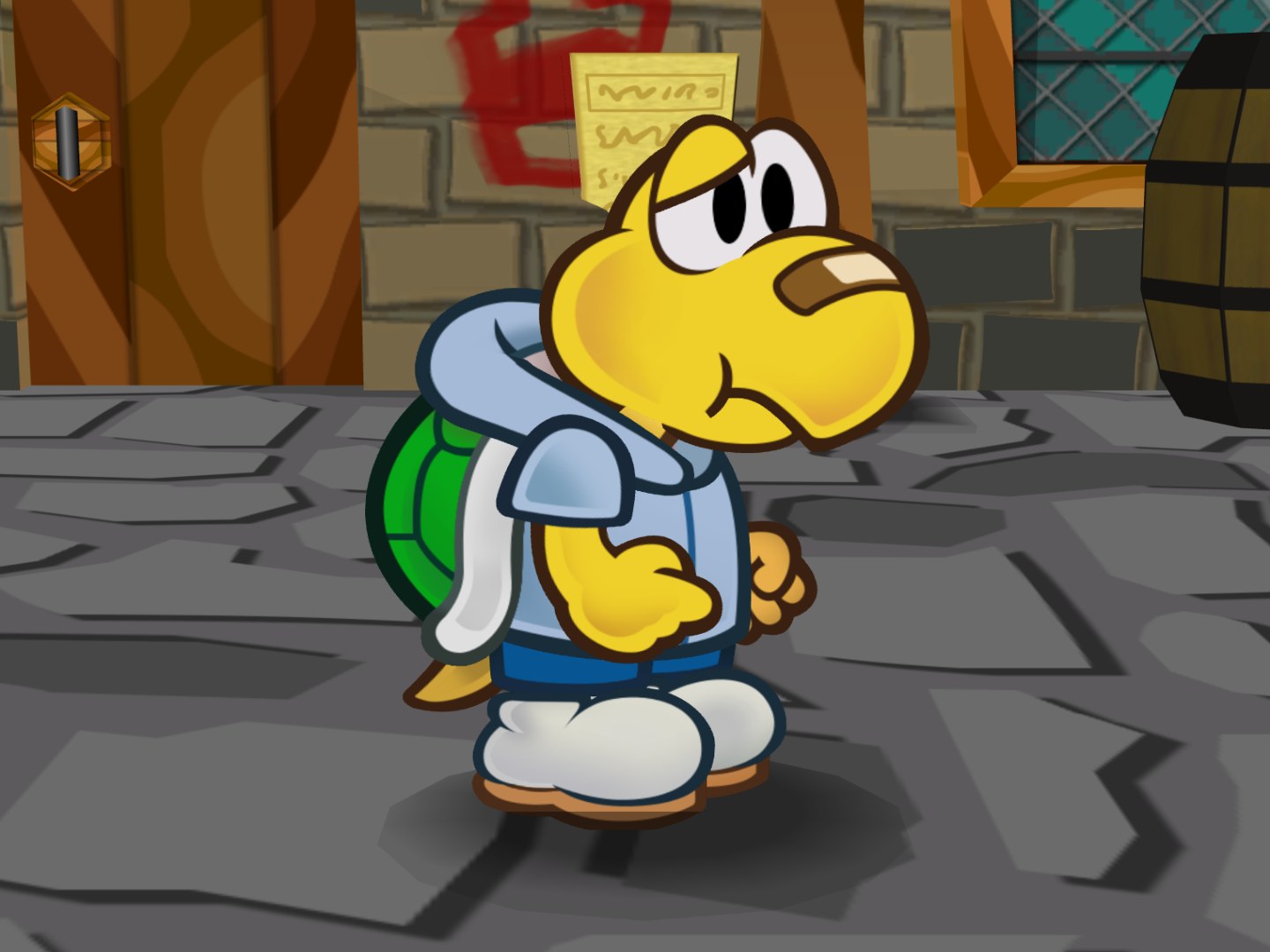
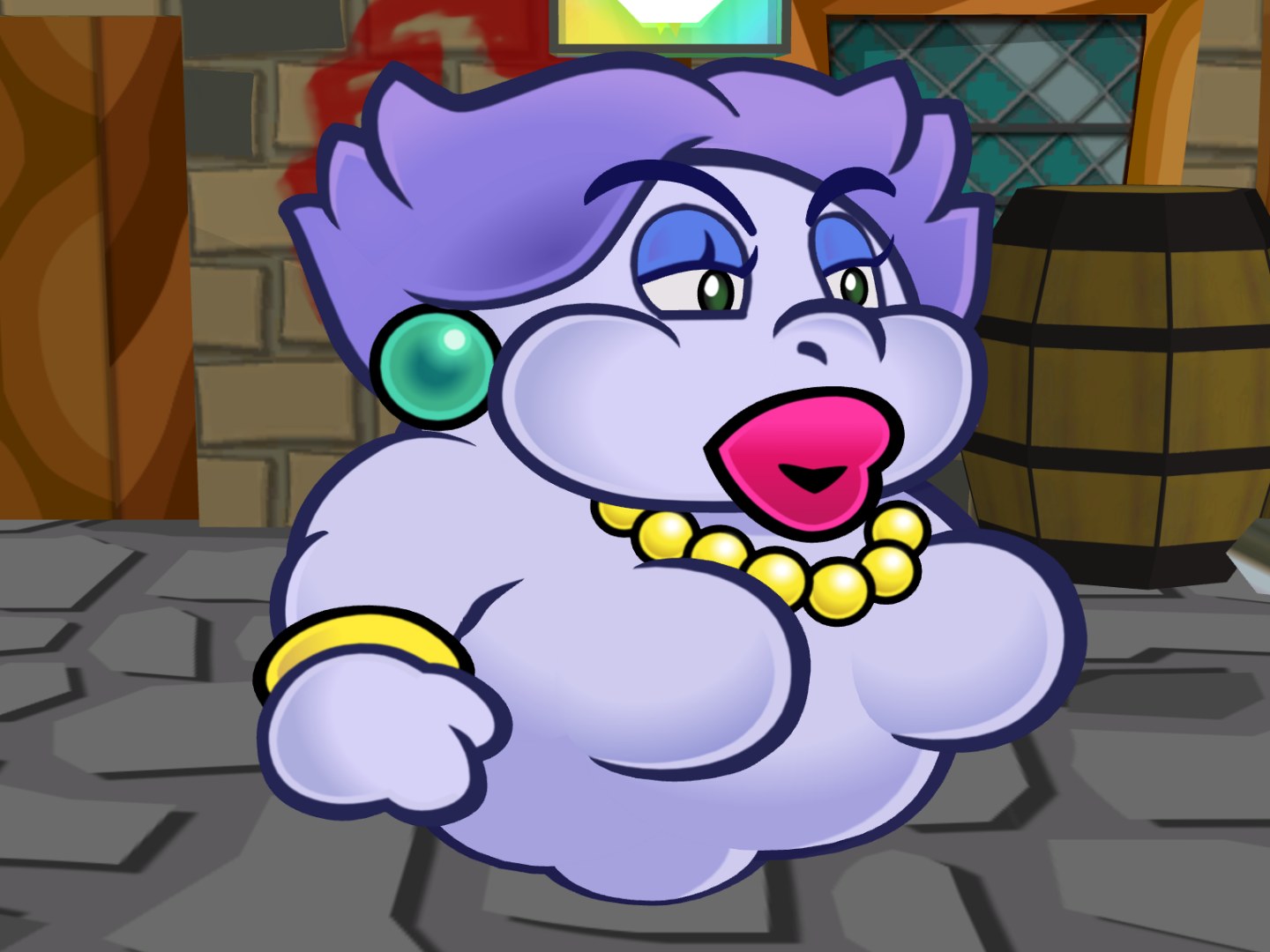
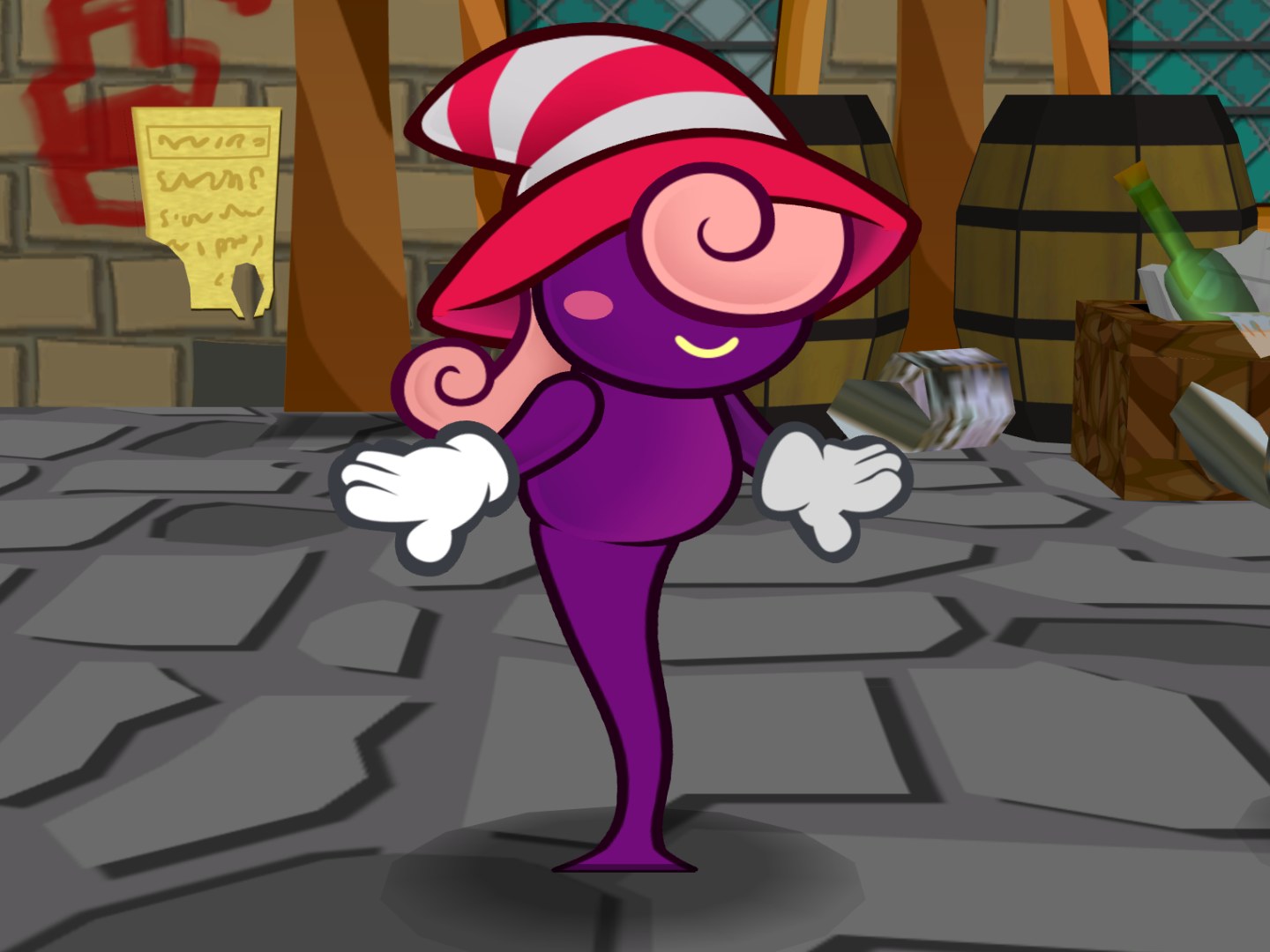
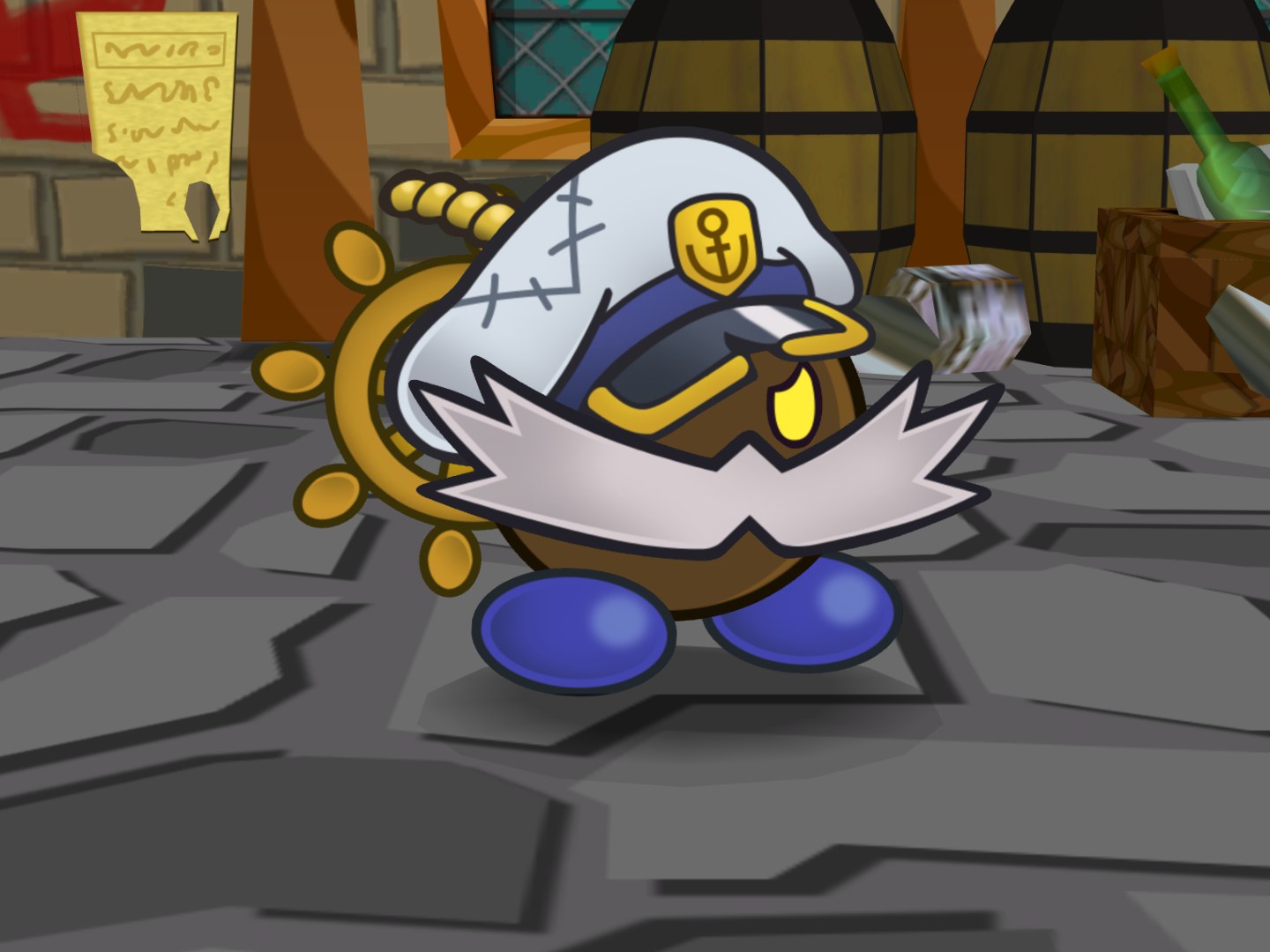
Rather than one artist’s work, this HD texture pack for Paper Mario: The Thousand-Year Door was put together by members of the Dolphin community. It replaces the game’s textures with high resolution versions for play in Dolphin.
This is version 2.5 of the pack.
How to Set It Up
- In Dolphin, open File > Open User Folder, then go into
Load/Textures/. - Extract the download there, so you end up with a
Load/Textures/G8M/folder. - Open Graphics > Advanced and tick Load Custom Textures. Ticking Prefetch Custom Textures too stops stutter, if you have the RAM for it.