Paper Cut
PC port of Paper Mario: The Thousand-Year Door
- DecompilationPort Type
- LLCOOLTDeveloper
- 7 Nov 2026Page Updated
.iso, .rvz or .gcm image made from your own disc: the US (G8ME01), Japanese (G8MJ01) or European (G8MP01) release. The computer builds play any of the three; the Android and iOS apps each play one, so pick the one for your disc. Windows 10 or 11 (x64), macOS on Apple silicon, Linux x86-64 with glibc 2.39 or newer (Ubuntu 24.04, Fedora 40, Debian 13 and later), Android on 64-bit ARM, or iOS and iPadOS with a sideloading tool.Overview
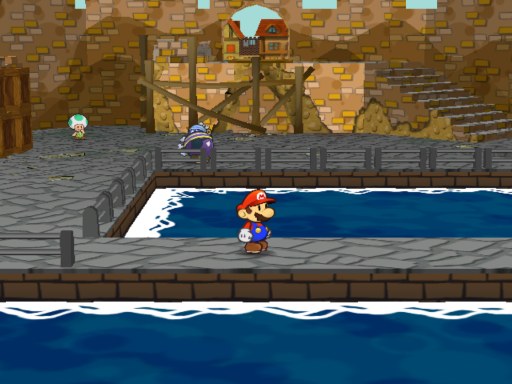
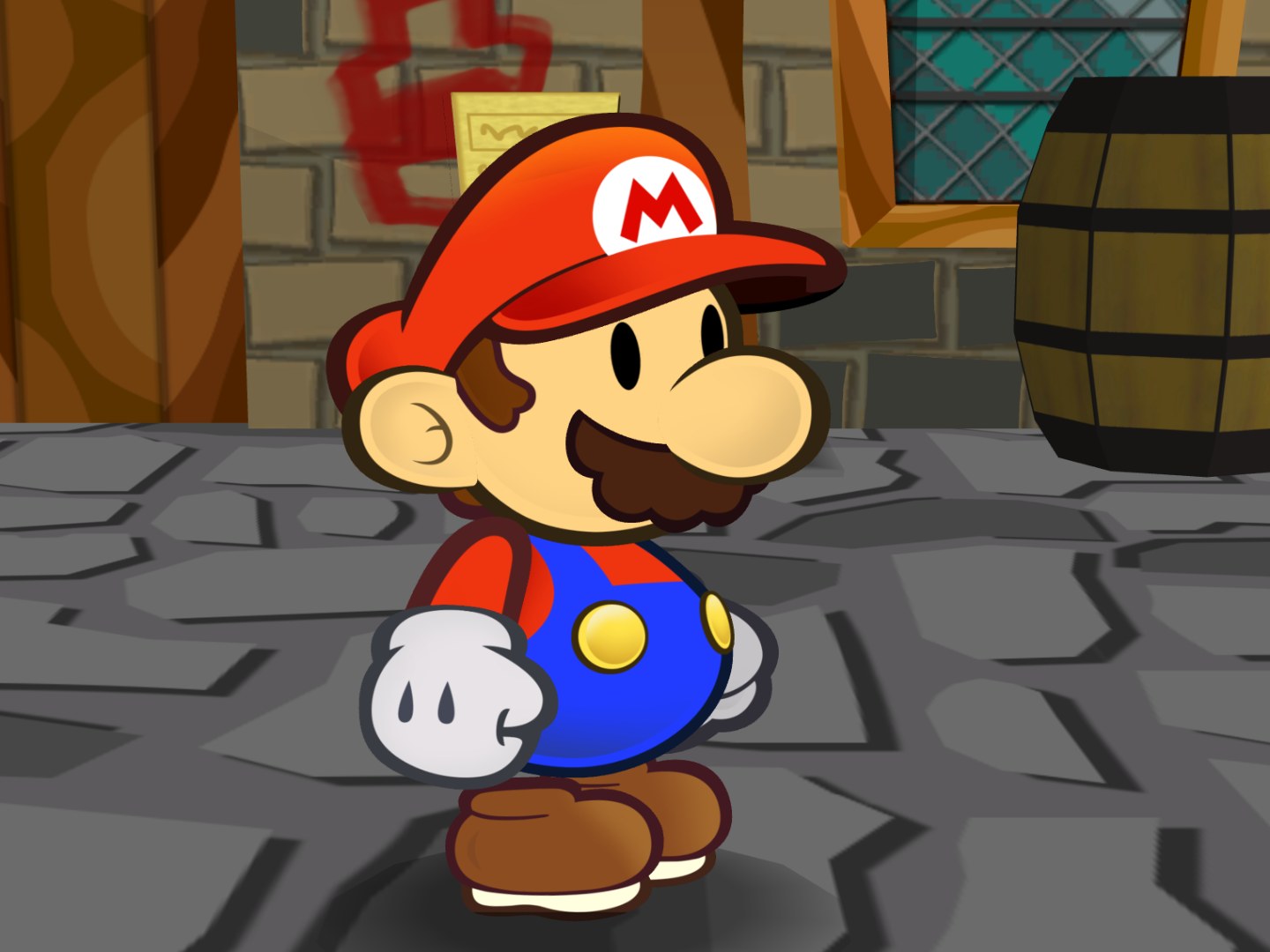
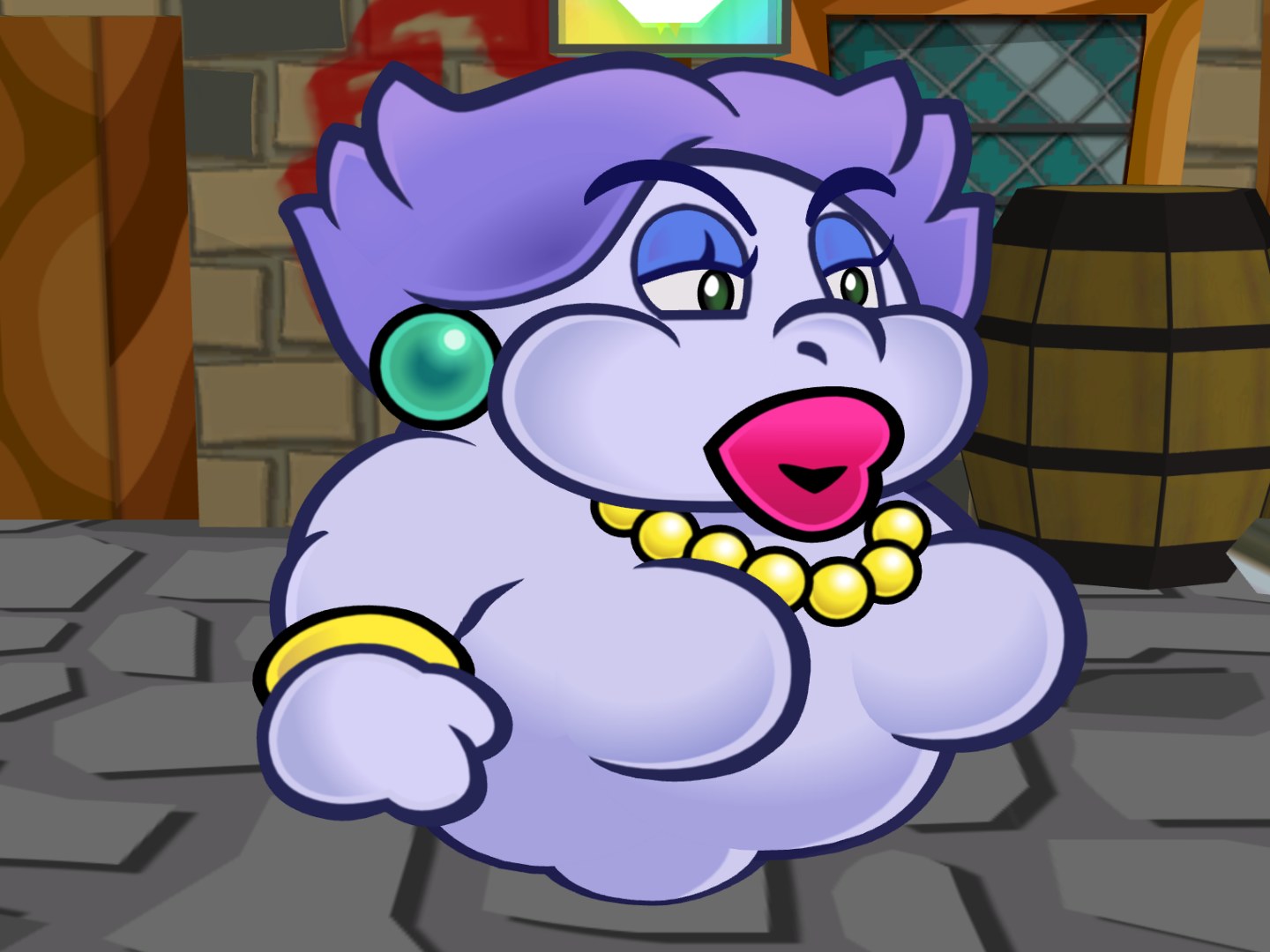
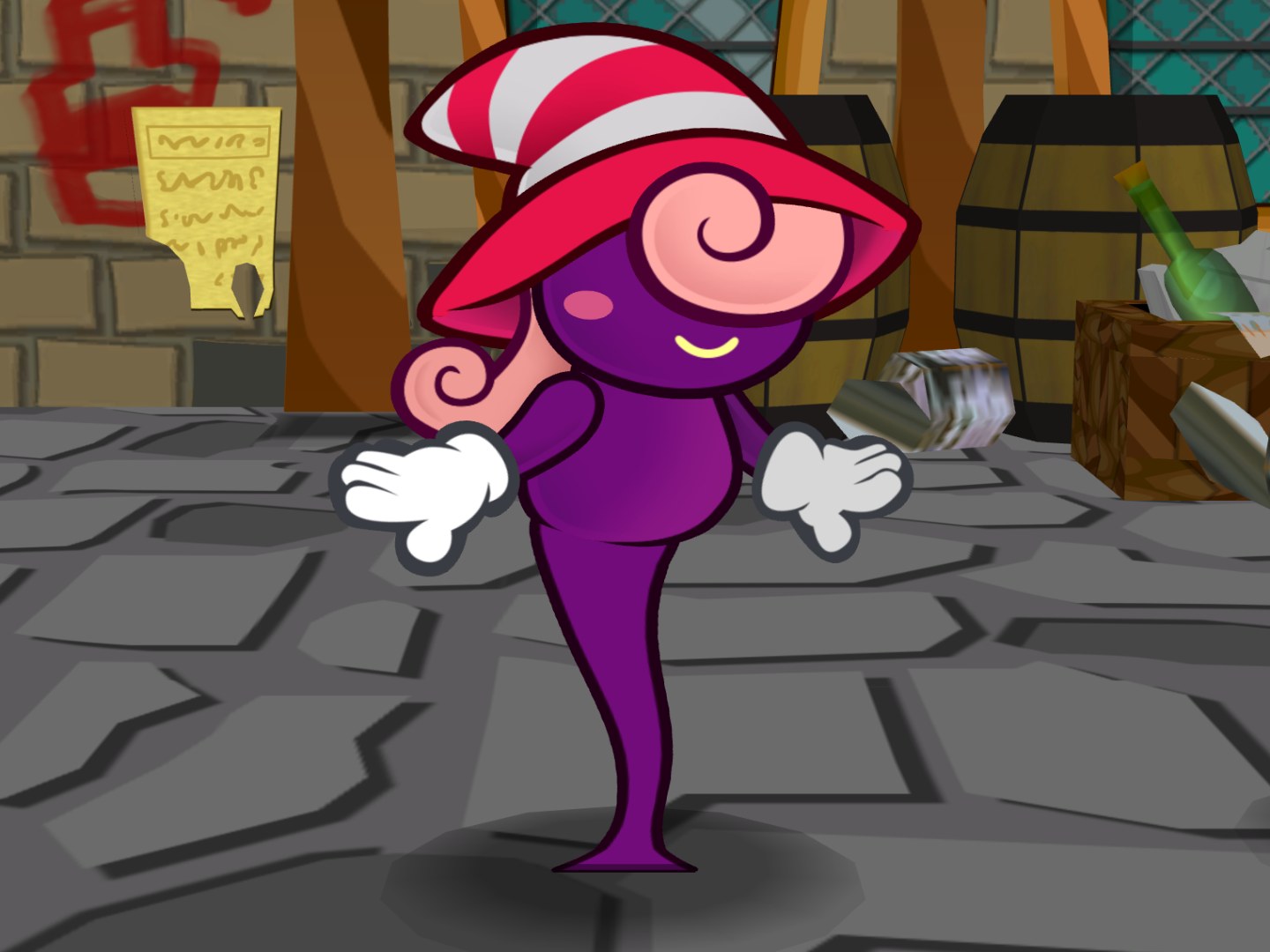
Paper Cut is a native port of Paper Mario: The Thousand-Year Door. The game’s code is C from LLCOOLT’s decompilation of the GameCube release, and the console underneath it (graphics, sound, controllers, disc and memory card) is replaced by the Aurora platform layer, which draws through WebGPU and SDL3, so no emulator is involved. It plays the US, Japanese and European releases and runs on Windows, macOS, Linux, Android and iOS.
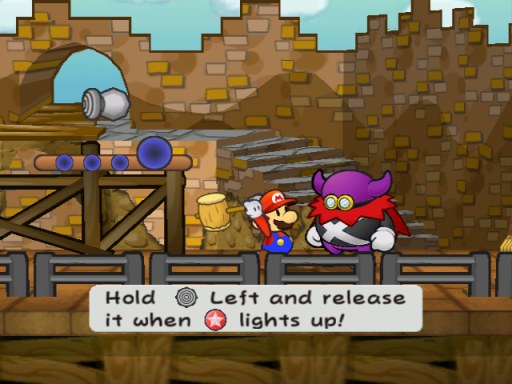
The port goes well beyond the original. A second player can control the partner in the field and in battle, at home or online with a room code, players three and four take the follower and companions, and Brothers mode adds Luigi as a second hero. Versus battles put Mario’s side against Luigi’s on the game’s own stages, against a friend or a computer opponent, and a title menu of modes covers a quiz party, a boss rush, battle puzzles, an action-command dojo and more without touching a save file. Luigi, Peach or Bowser can stand in for Mario through the whole story, and there is an item randomizer with an open-world mode, Archipelago multiworld support, Master Quest and a Director’s Cut of content the game left out.
The picture fits 4:3, 16:9, 16:10, 21:9 or 32:9 screens with the HUD placed to suit, and at 120 Hz and above frames are drawn between the game’s own 60 while the game keeps its original speed. A Wardrobe recolours Mario and his partners, texture upscaling and Dolphin texture packs are supported, and the settings live in the game’s own Start menu. Paper Cut contains no game data and reads everything from the player’s own disc image.
How to Set It Up
- Download the build for your system and unpack the zip to a folder of its own. On Linux, the AppImage runs once it is allowed to run as a program.
- Windows SmartScreen warns the first time because the program isn’t signed: choose More info, then Run anyway. On macOS, try to open it once, then use Open Anyway under System Settings > Privacy & Security.
- On a phone, install the APK or IPA for your disc’s region. The iOS app is unsigned and needs AltStore, SideStore or Sideloadly to install.
- Start Paper Cut and add your disc image in its launcher, then choose the disc to play. Options are in the game’s own Start menu.
Advertisement
Download Paper Cut
What's new in v0.4.1Paper Cut 0.4.1
Paper Cut 0.4.1 is a fix release for 0.4.0, and the Android apps now play the game: a disc picked in the file manager opens, and the game runs, in optimized builds like the computers’. Phones also check for updates from now on. It fixes the crashes players hit late in the story (the Excess Express after chapter 6, the Shadow Queen, Grodus and the ship in the ending), the freeze in long cutscenes when playing as Peach, the online file select dropping the session, and the open world’s seeds that couldn’t be finished. It also fixes many smaller problems found by running every room and story beat of the game unattended. It plays the Japanese (G8MJ01), US (G8ME01) and European (G8MP01) versions of Paper Mario: The Thousand-Year Door, from the game’s C decompilation, with no emulator.
THANK YOU TO ALL FOR BETA TESTING! I APPRECIATE YOU! 😎
Downloads
| Windows (x64) | papercut-0.4.1-windows-x64.zip |
| macOS (Apple silicon) | papercut-0.4.1-macos-arm64.zip |
| Linux (x86-64) | papercut-0.4.1-linux-x64.zip, .AppImage or .flatpak (glibc 2.39 or newer: Ubuntu 24.04, Fedora 40, Debian 13 and later) |
| iOS and iPadOS | papercut-0.4.1-<us|jp|eu>-ios-unsigned.ipa (unsigned: install with AltStore, SideStore or Sideloadly) |
| Android (arm64) | papercut-0.4.1-<us|jp|eu>-android-arm64.apk (debug-signed) |
Saves, settings and replays from 0.4.0 carry over. Online, both players need 0.4.1: a 0.4.0 game and a 0.4.1 game can’t play together.
Highlights
- No more late-story crashes: train, Shadow Queen, ending.
- Long scenes no longer stop; Peach no longer freezes.
- Online, the file select no longer drops the session.
- MSAA no longer crashes after Professor Frankly.
- Android: discs picked in the file manager open.
- Every open-world seed can be finished.
- B+X+Start goes back to the title instead of freezing.
- German and French text that shows; menus that fit.
What’s new
- Phones check for updates too, from 0.4.1 on. Android downloads the new APK, checks it against the release’s checksum and hands it to Android’s installer, which asks first. On iOS, add Paper Cut’s source to AltStore or SideStore once (the notice’s Add to AltStore or Add to SideStore, or `), and they offer each new version.
Fixed
Crashes and freezes
- The Excess Express after chapter 6: boarding at Rogueport crashed, and so did later rides through the train’s cabins. (#2)
- Long cutscenes: a scene that waited more than 53 seconds stopped for good, and playing as Peach could freeze. Waits are measured in 32 bits again, as on the GameCube.
- The Shadow Queen’s second phase crashed as it started. (#2)
- Grodus: crowded battle scenes ran out of room for their poses, and his fourth satellite overwrote his current target. (#2)
- The ending: the ship leaving Rogueport crashed. (#2)
- The 1000 Dry Bones room could crash after the swarm had pushed Mario about.
- More message windows: a scene with more than seven open at once stopped closing them.
- When the game’s memory is full, Paper Cut now gives it more instead of crashing.
- Lookups whose target is gone: a missing event, item, partner, NPC or battle unit no longer crashes the game.
- A partner’s blend effect with no partner out crashed.
- Versus: Gale Force could blow Mario or Luigi out of the fight and crash it.
- Play as: a move the character’s model doesn’t have now plays one it does, instead of freezing.
- B+X+Start, the soft reset, goes back to the title instead of freezing. It’s refused online.
- No crash on a position or speed that isn’t a number: an angle to such a point, or a Puni slowing to a stop.
Online
- The file select: the mouse in the game’s menus now goes with the controller, so a click there no longer drops the session.
- Starting an online game, or Restart now, keeps the window until the new one has drawn.
The open world
…
de2efa1eb30f6de2c6c537edfd4f7f3aa9848dbbfa3848cbc20a8779f0292ce8
3a2b5a67c7ced93a44c83d9cf8e3b316c3727504a0e1289f5224a6ebd654970c
cb22aecab8e9234086058de7990edb02b0be5d3505da896182944f98ec3fc972
7694864f99c2032b504e1b26b0bb54852c44693ed7e2a19e08aca94dc126d903
e3b16b9209c9ec4f65d4f9a3fff110cebae2367d99da3d3cf3c3519f683bd4de
baefc07f31b00fe9dbbb2e924e78074e43fc66a15f0aff1550932b99cfc5ca79
720655f821ed04f88c8c48ffe7c2d5c24ddaa181d34dbe53d505d90748710053
b4cd7623269799fd0c078617ef50ddef4cfc808944b9cb12f32282f6d8bf481e
9a0ca1cc6a601d6dfe952e8abb9513ac69dfa3fd68891feb2f4f6a5c068efe51
ae0bc2edafd4fde777b772d6fc9c634c66cf1fb022de71209d000c0a212bfab3