Stevie's San Francisco Rush 2049 Texture Pack
Texture pack for Midway Arcade Treasures 3
- StevieArtist
- 2 Oct 2026Page Updated
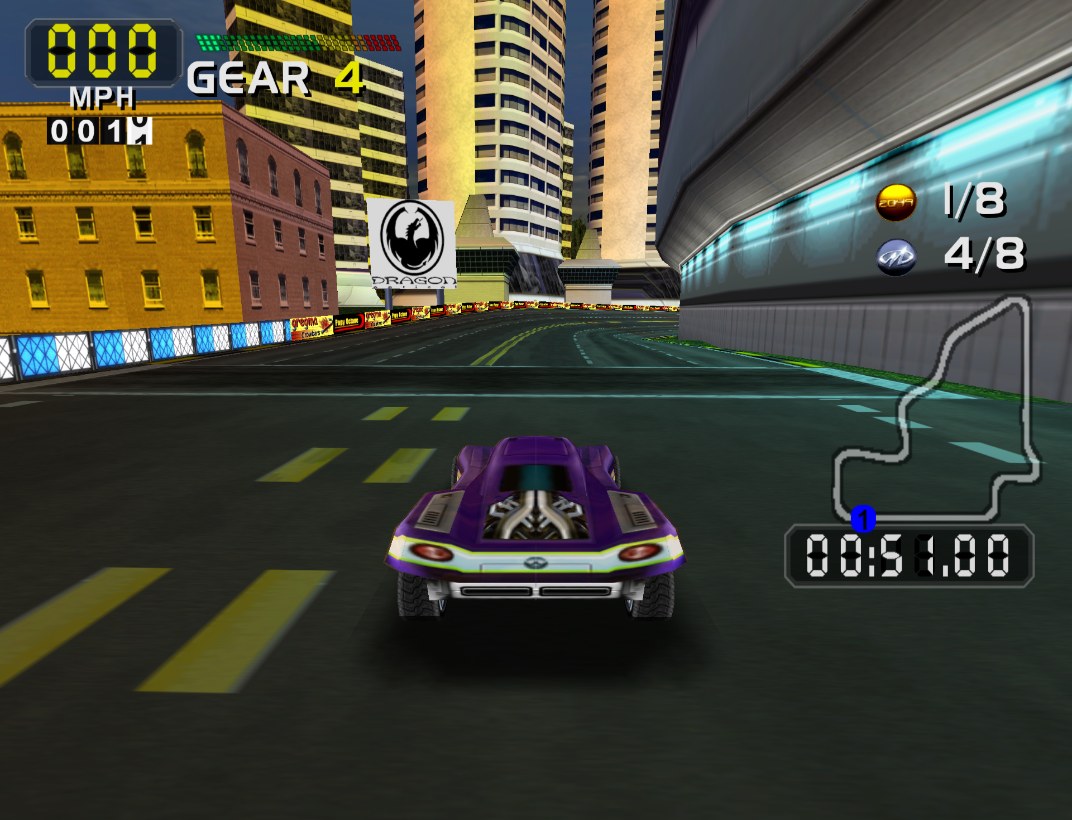
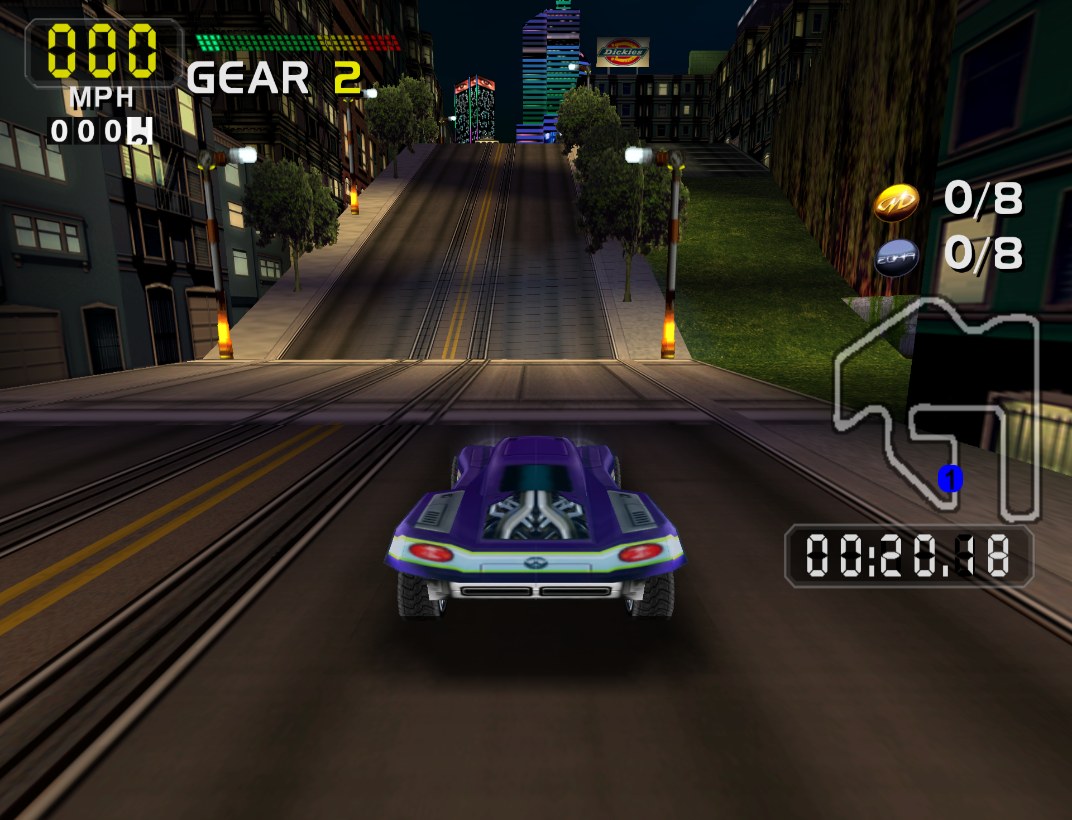
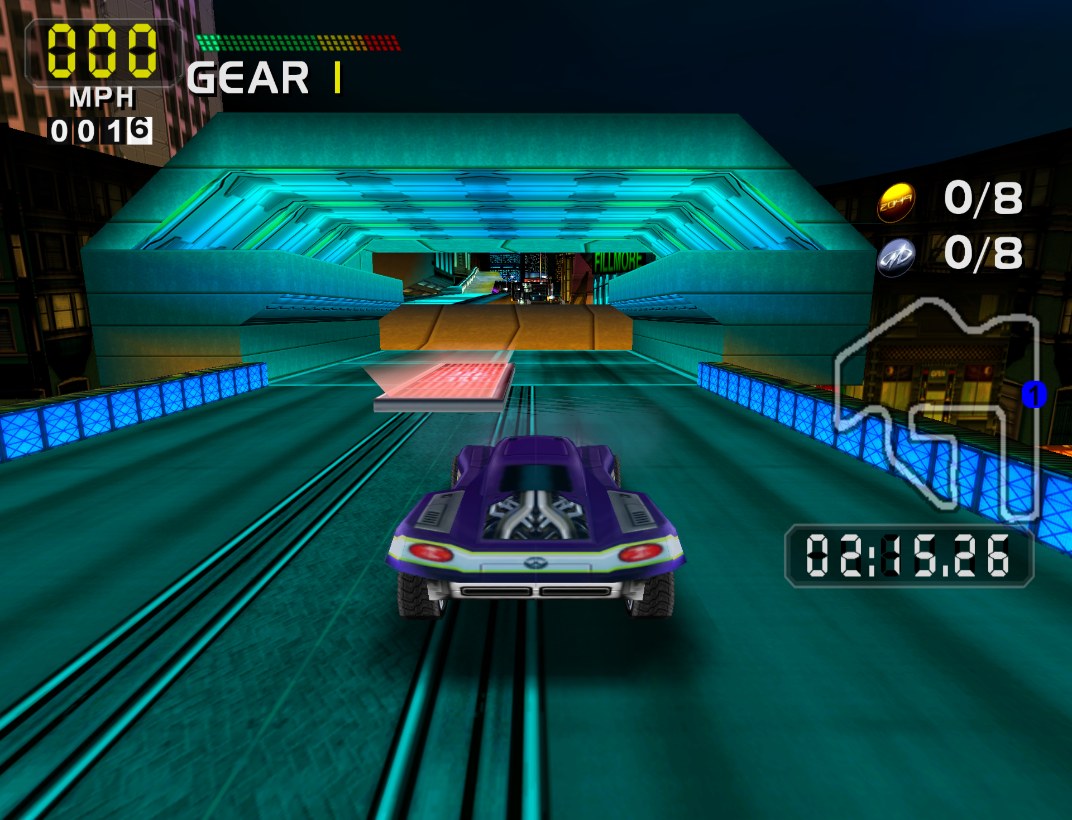
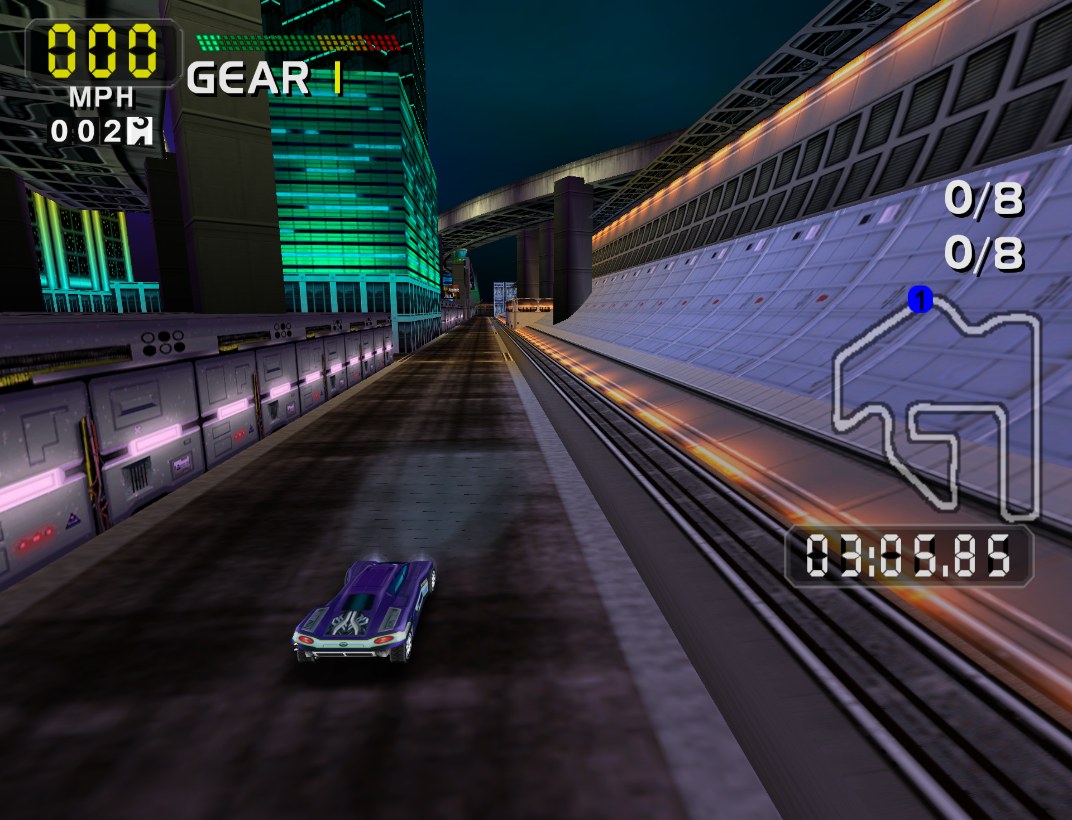
Overview
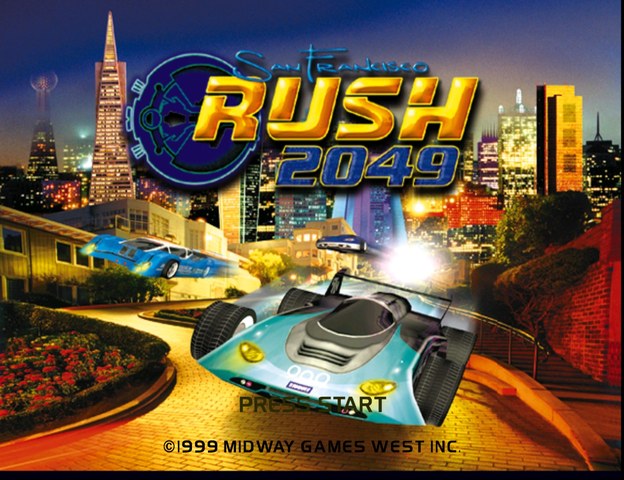
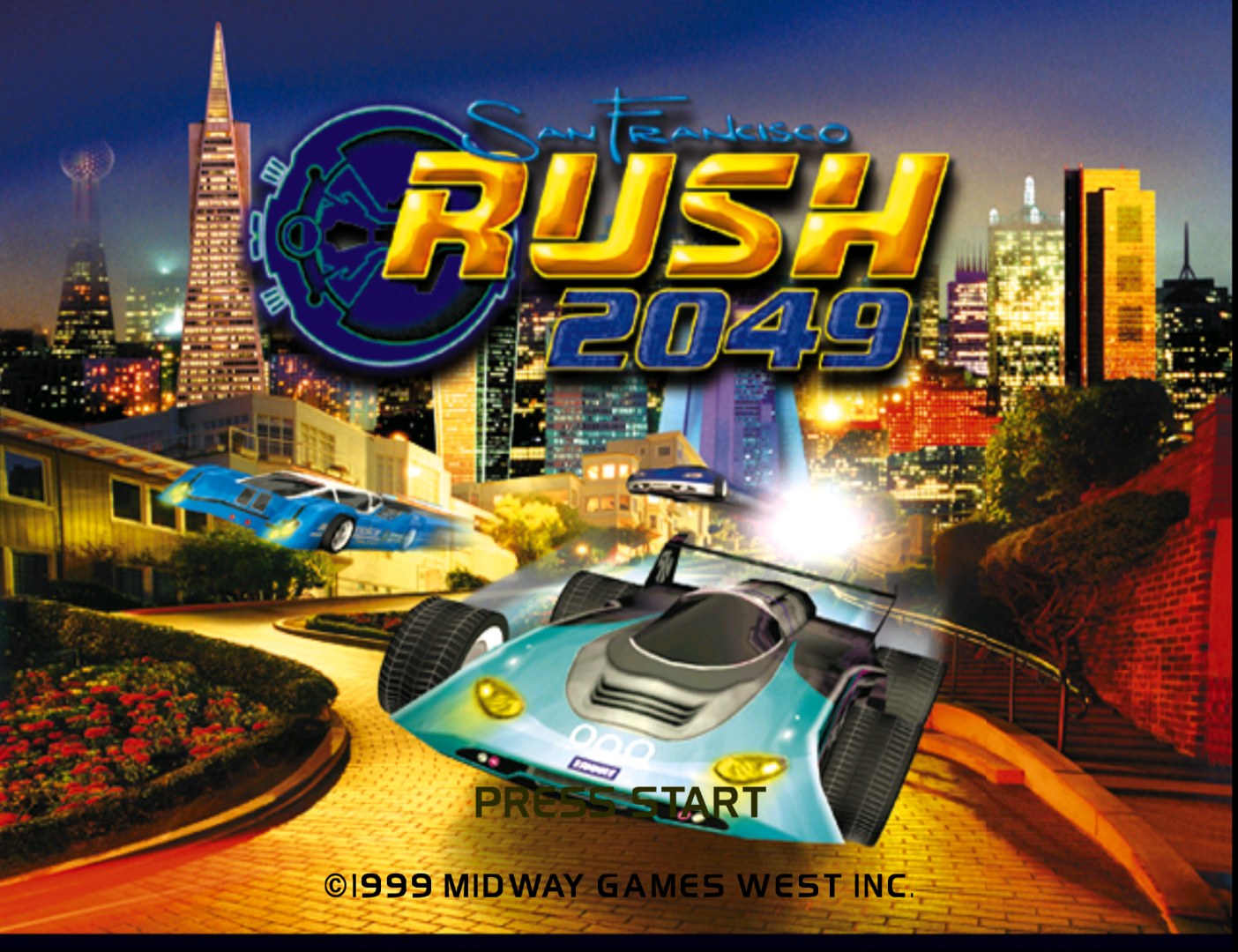
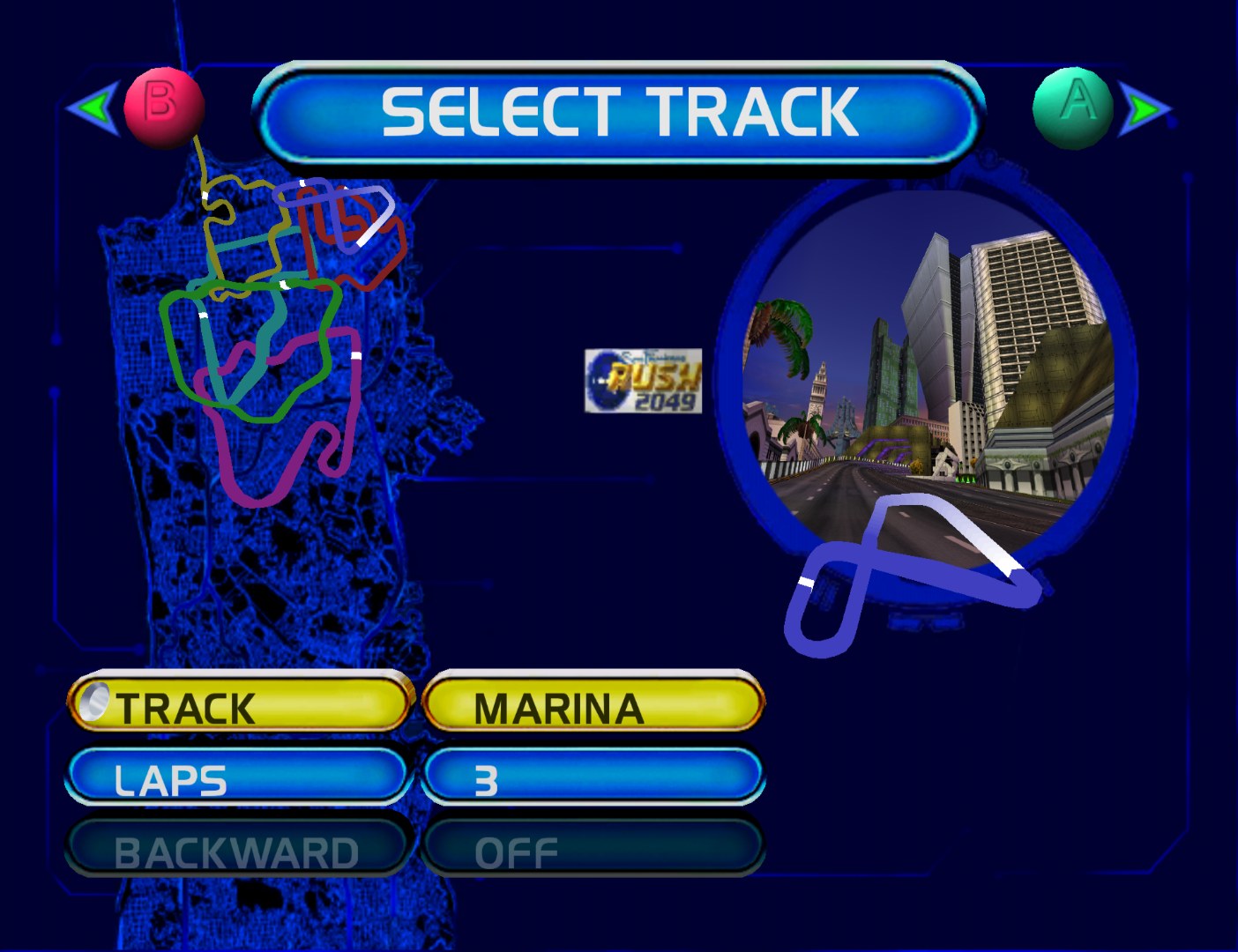
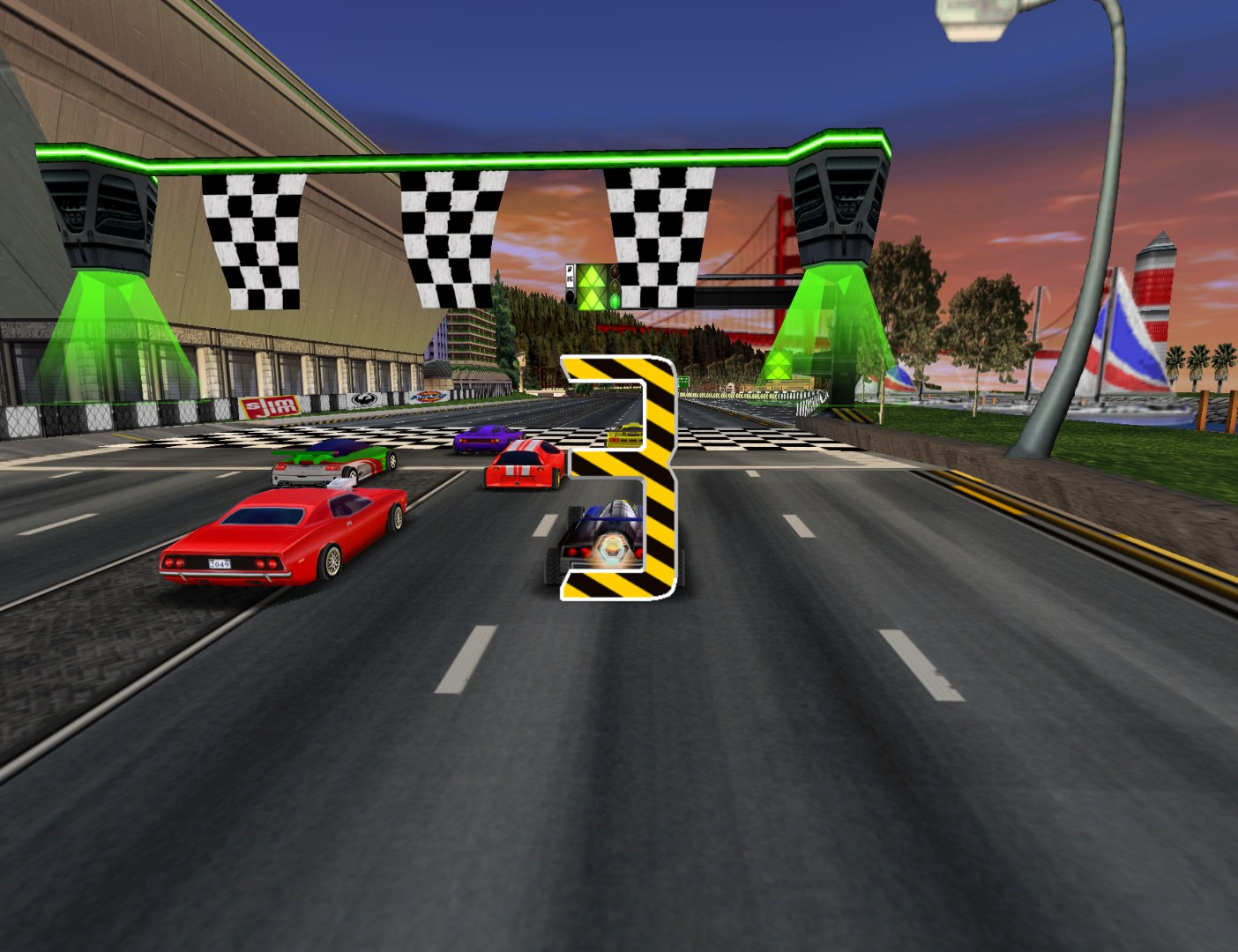
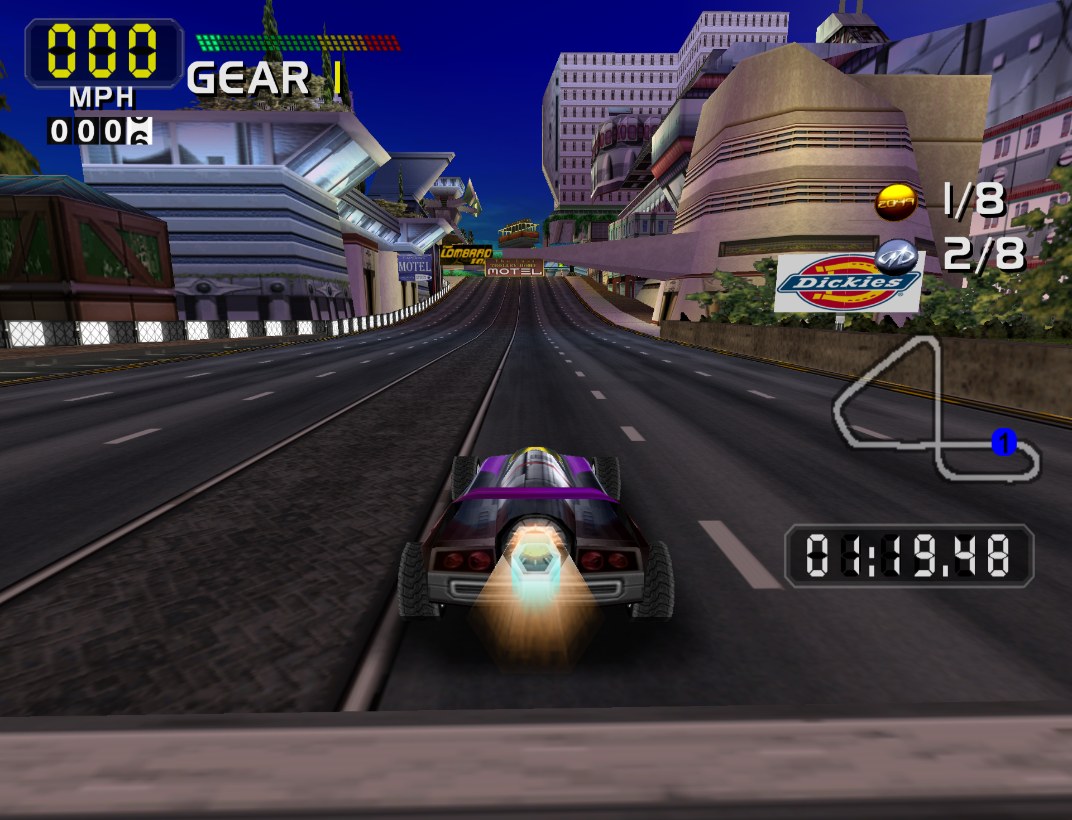
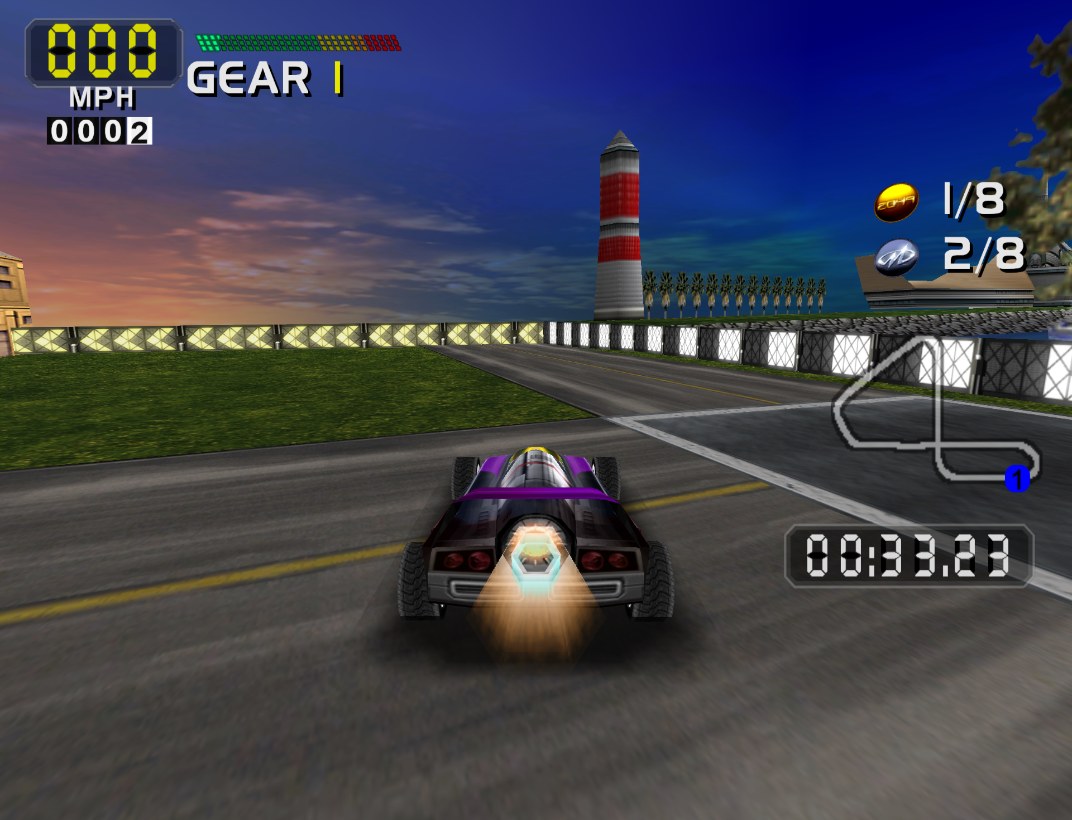
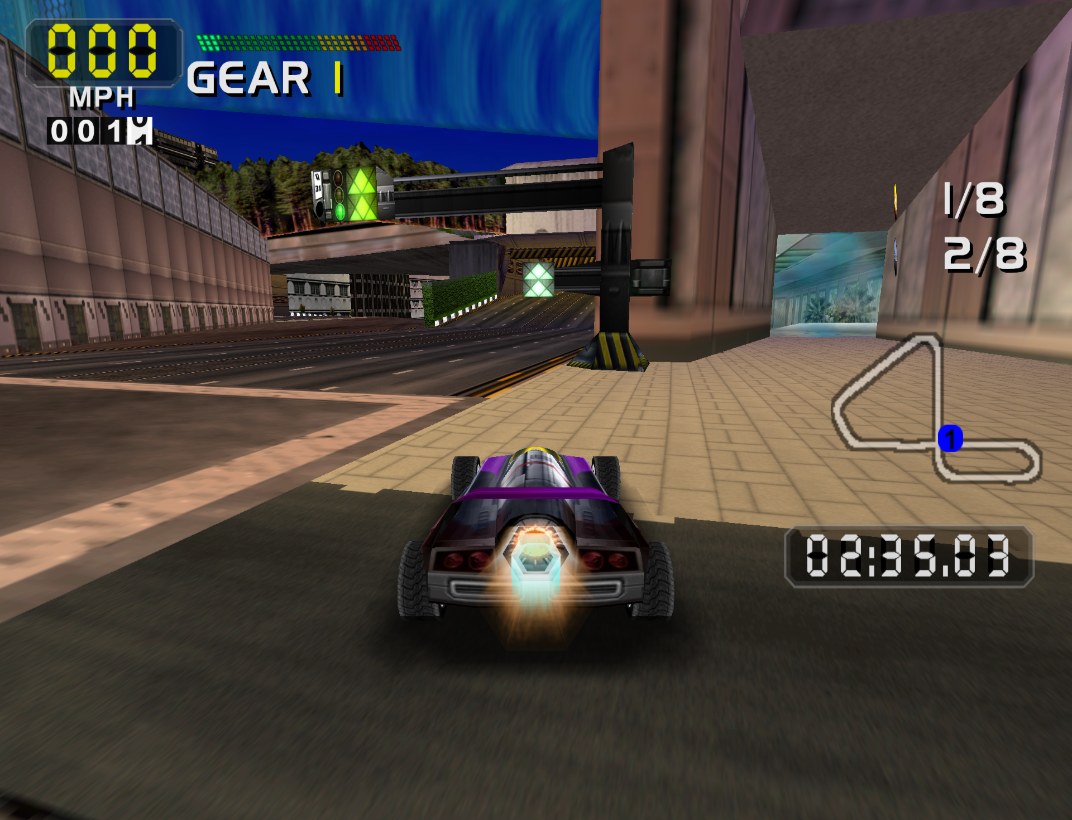
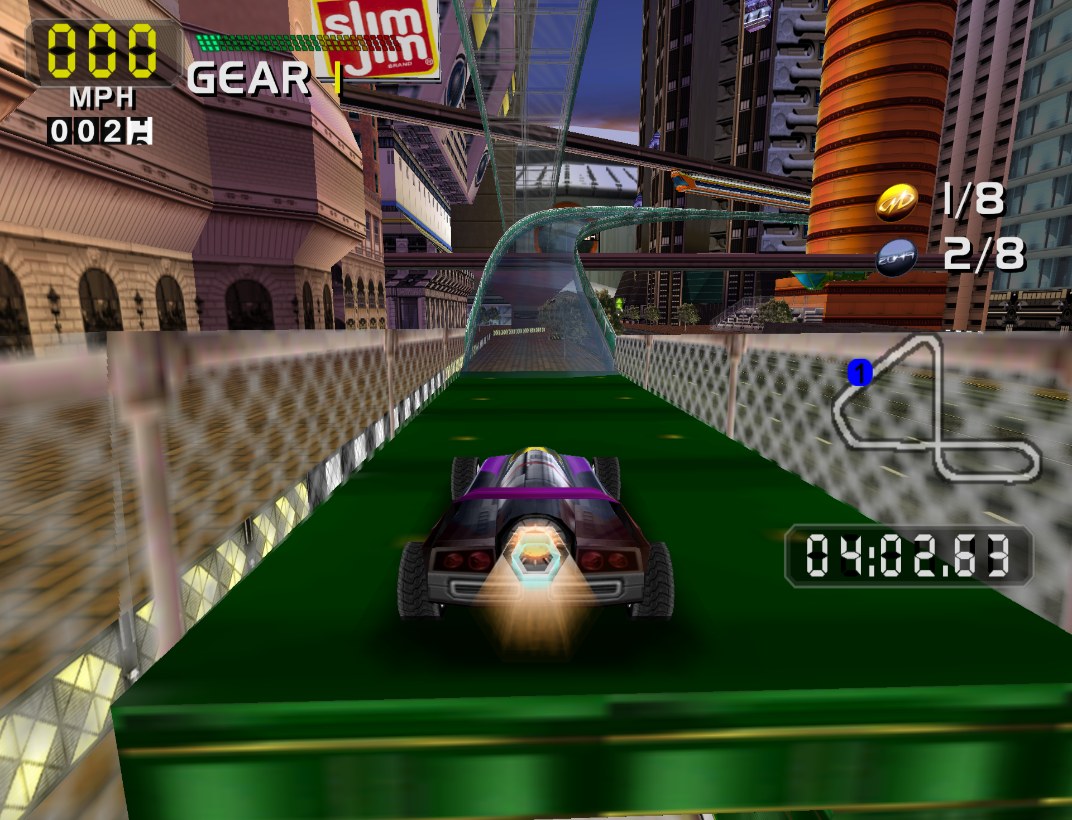
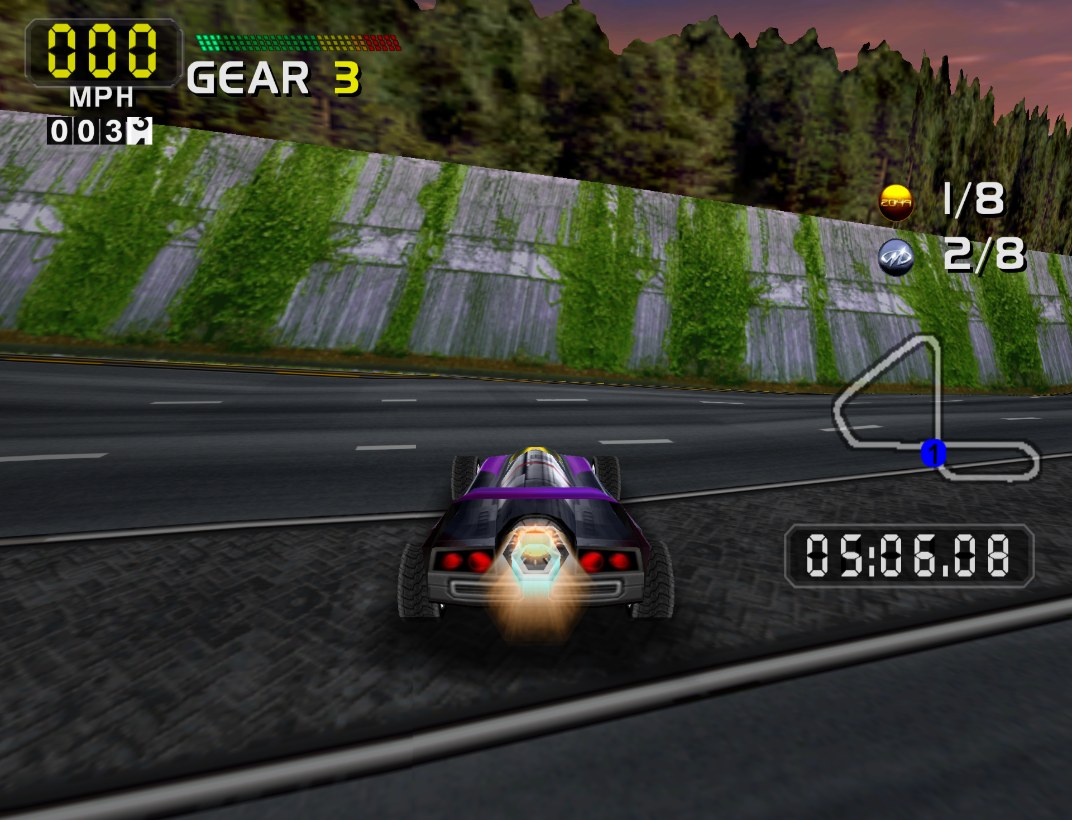
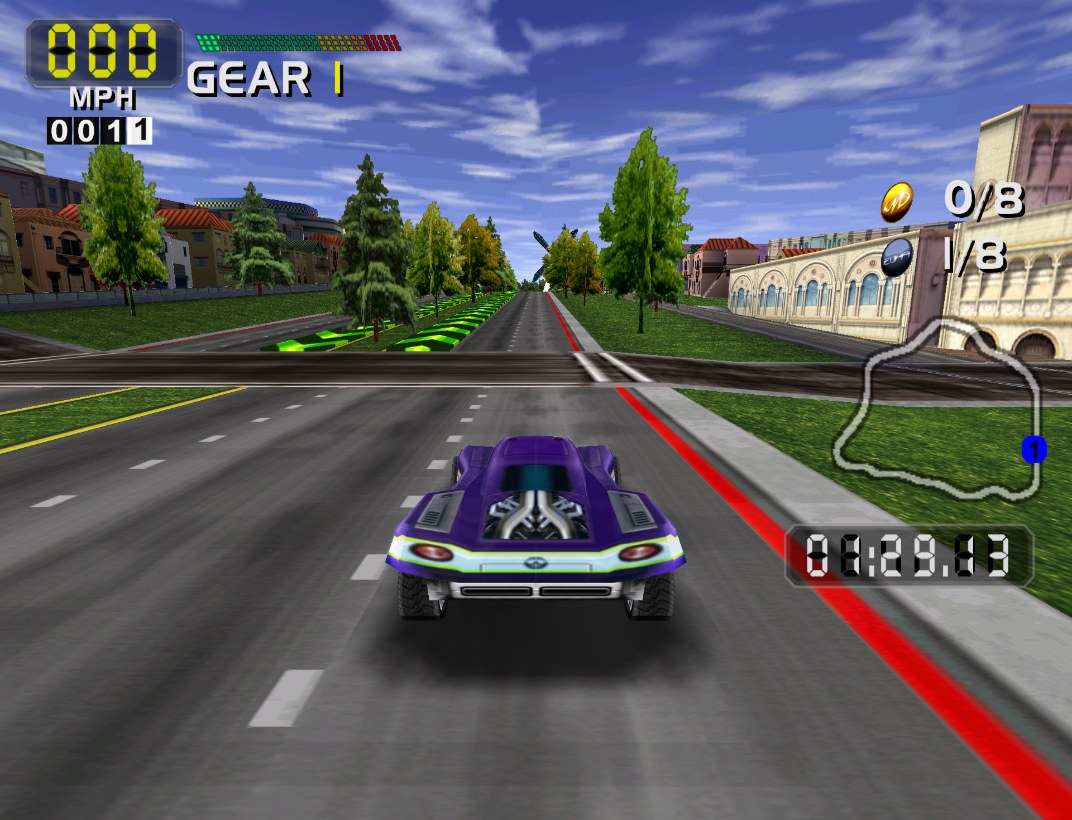
San Francisco Rush 2049 reached the GameCube in 2005 as part of Digital Eclipse’s Midway Arcade Treasures 3, but that port suffers from visual and audio problems and falls short of the Dreamcast release. Stevie, a big fan of the Rush series, made this pack to cover up the most obvious graphical faults.
Most of the replacement textures come from the Dreamcast version, and the pack was put together with 1080p in mind. A few minor issues can’t be fixed with textures alone, but the major visual problems are masked.
How to Set It Up
- In Dolphin, open File > Open User Folder, then go into
Load/Textures/. - Extract the download there, so you end up with a
Load/Textures/GE3/folder. - Open Graphics > Advanced and tick Load Custom Textures. Ticking Prefetch Custom Textures too stops stutter, if you have the RAM for it.