Metroid Prime Port

PC port of Metroid Prime

  • DecompilationPort Type
  • OdrannnnDeveloper
  • 18 Oct 2026Page Updated
Metroid Prime

Details

Developer
Odrannnn
Port Type
DecompilationThe game's code was rewritten by hand as source code that builds back into the same game, then made to run natively on PC.
AI Use
AI-assistedThe project says: “Parts of this port were written with AI coding assistants, under my oversight.” Source
Source Code
GitHub
Page Updated

Platform Support

  • Windows
  • Linux
  • Android

ScreenshotsView All (5)

Metroid Prime Screenshot 05
What you need: A disc image of Metroid Prime (USA, version 1.00, GM8E01 revision 0), dumped from your own disc.

Overview

WidescreenUncapped FPSMod SupportSave States

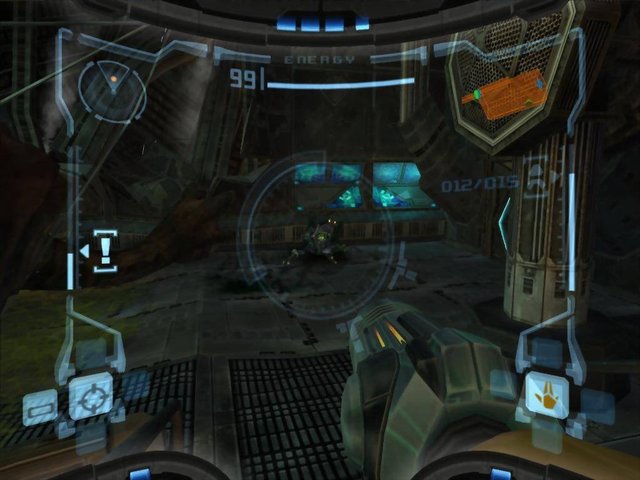
Metroid Prime Port is a native port of Metroid Prime for Windows, Linux and Android, compiled from the PrimeDecomp decompilation and drawn with Aurora through SDL3 and WebGPU, with no emulator involved.

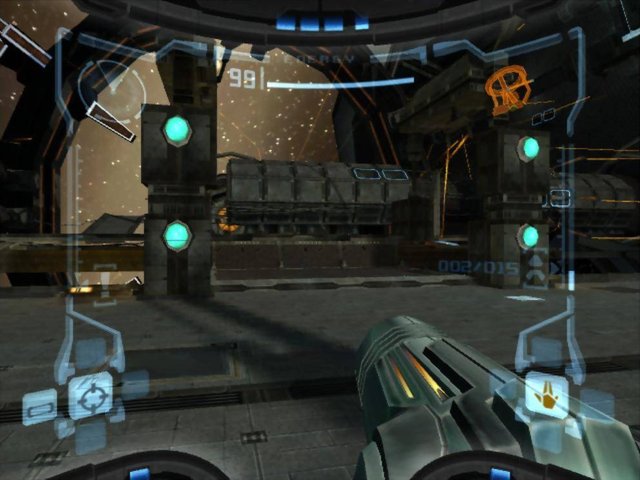
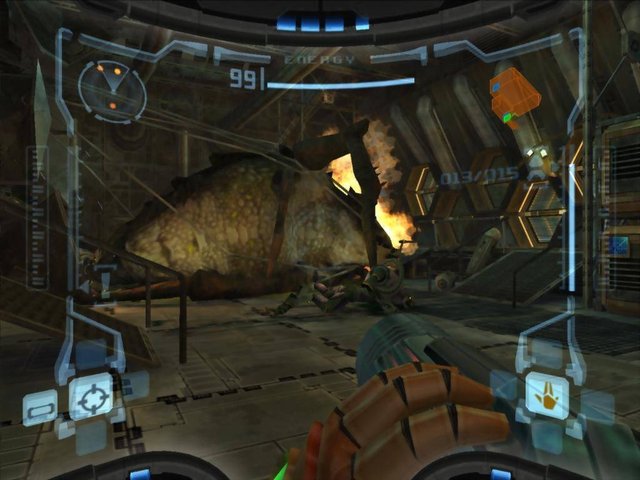
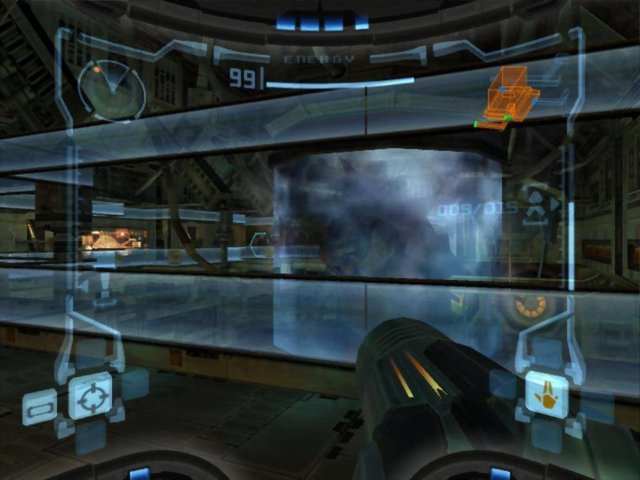
It adds widescreen with the HUD spread to the edges, an uncapped frame rate over the original fixed-rate simulation, a field-of-view setting, mouse and twin-stick aiming, gyro aim, full control remapping and skippable cutscenes. It also has save states, a map and item tracker, a speedrun timer with LiveSplit support, a mods folder, texture packs, and a built-in randomizer and Archipelago multiworld client. Android has a touch overlay.

The project is very new, with its first releases at the end of September 2026. The download contains no game data. It needs Metroid Prime (USA, version 1.00), dumped from your own disc.

How to Set It Up

  1. Download the build for your system: Windows zip, Linux tarball, AppImage or Flatpak, or the Android APK.
  2. Extract it and run metroid_prime_port (metroid_prime_port.exe on Windows; it needs a Visual C++ redistributable).
  3. Choose your disc image in the file dialog on first launch. The choice is remembered.
  4. Press F1 for the full settings overlay.

Go to Downloads

Advertisement

Download Metroid Prime Port

Metroid Prime Port Archive

Linux (Flatpak) v0.28.0 · Download Linux (AppImage) v0.28.0 · Download Linux v0.28.0 · Download Windows v0.28.0 · Download Android v0.27.0 · Download Linux (Flatpak) v0.27.0 · Download Linux (AppImage) v0.27.0 · Download Linux v0.27.0 · Download Windows v0.27.0 · Download Android v0.26.0 · Download Linux (Flatpak) v0.26.0 · Download Linux (AppImage) v0.26.0 · Download Linux v0.26.0 · Download Windows v0.26.0 · Download Android v0.23.0 · Download Linux (Flatpak) v0.23.0 · Download Linux (AppImage) v0.23.0 · Download Linux v0.23.0 · Download Windows v0.23.0 · Download Android v0.22.0 · Download Linux (Flatpak) v0.22.0 · Download Linux (AppImage) v0.22.0 · Download Linux v0.22.0 · Download Windows v0.22.0 · Download Android v0.21.0 · Download Linux (Flatpak) v0.21.0 · Download Linux (AppImage) v0.21.0 · Download Linux v0.21.0 · Download Windows v0.21.0 · Download Android v0.20.0 · Download Linux (Flatpak) v0.20.0 · Download Linux (AppImage) v0.20.0 · Download Linux v0.20.0 · Download Windows v0.20.0 · Download Android v0.18.0 · Download Linux (Flatpak) v0.18.0 · Download Linux (AppImage) v0.18.0 · Download Linux v0.18.0 · Download Windows v0.18.0 · Download Android v0.17.0 · Download Linux (Flatpak) v0.17.0 · Download Linux (AppImage) v0.17.0 · Download Linux v0.17.0 · Download Windows v0.17.0 · Download Android v0.13.0 · Download Linux (Flatpak) v0.13.0 · Download Linux (AppImage) v0.13.0 · Download Linux v0.13.0 · Download Windows v0.13.0 · Download
Show all 55 older builds