Venomalia's Mario Party 6 Texture Pack
Texture pack for Mario Party 6
- VenomaliaArtist
- 2 Oct 2026Page Updated
Overview
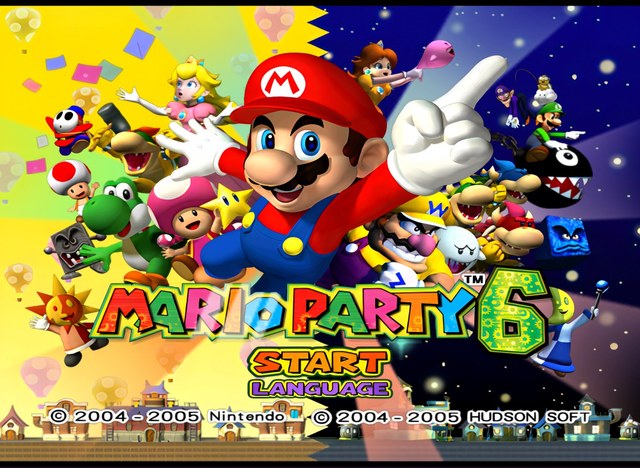
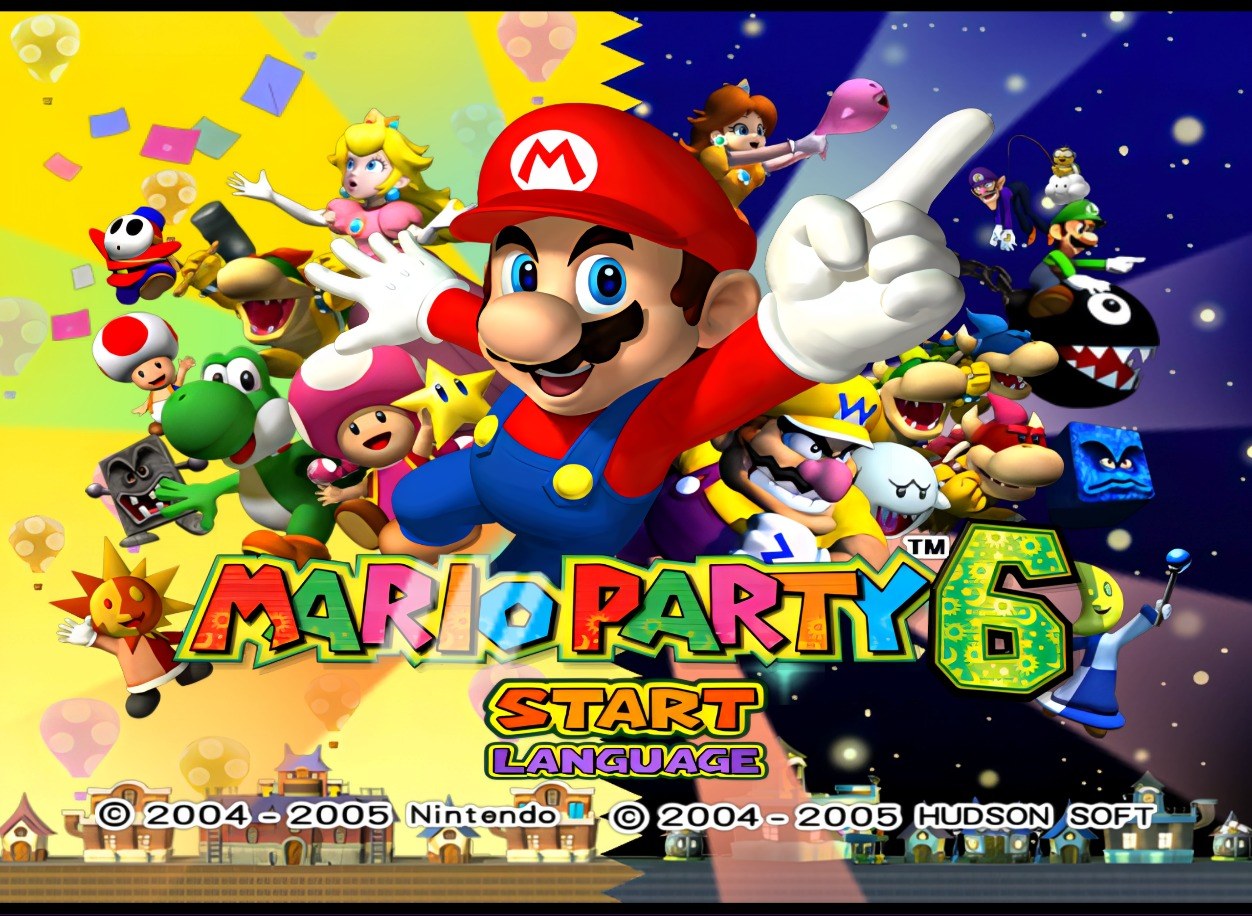
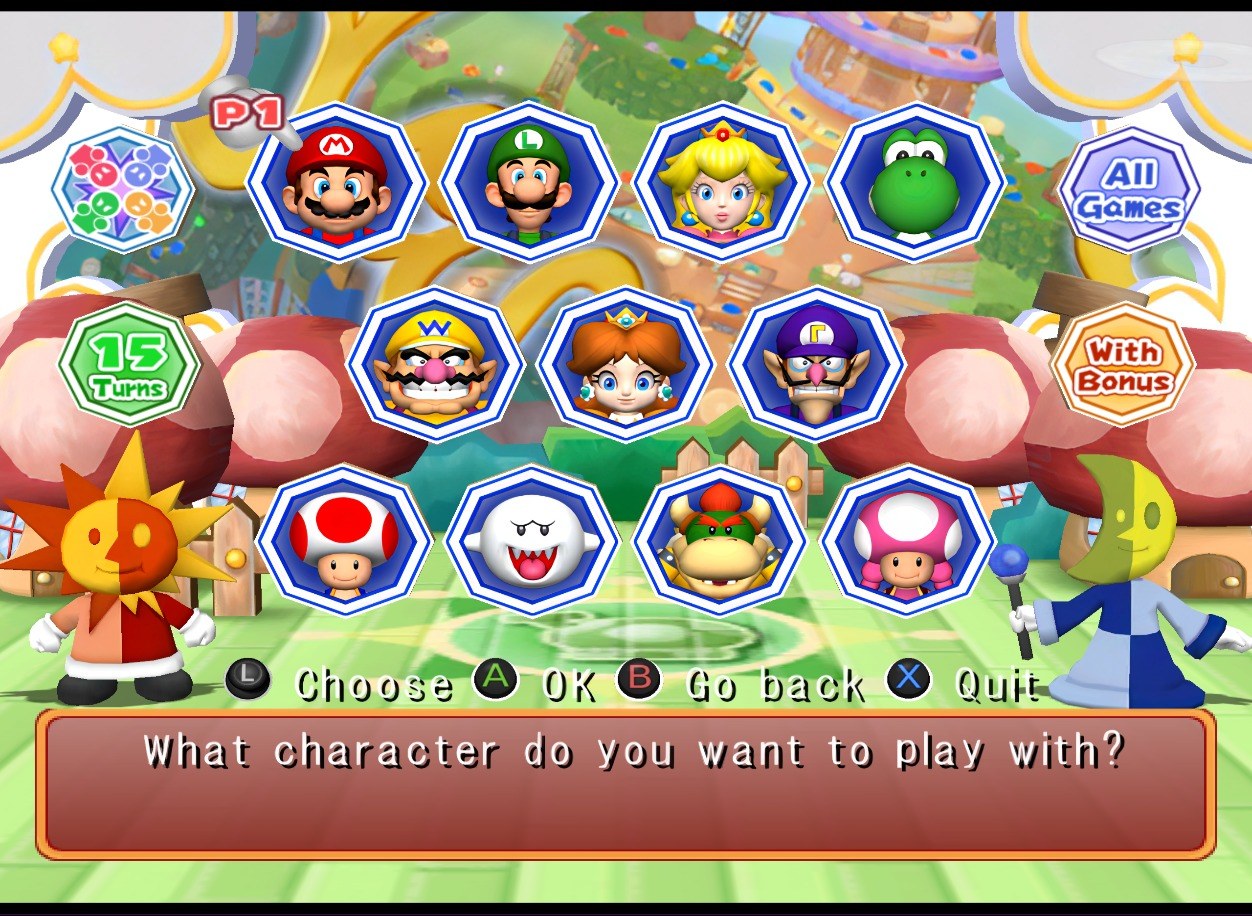
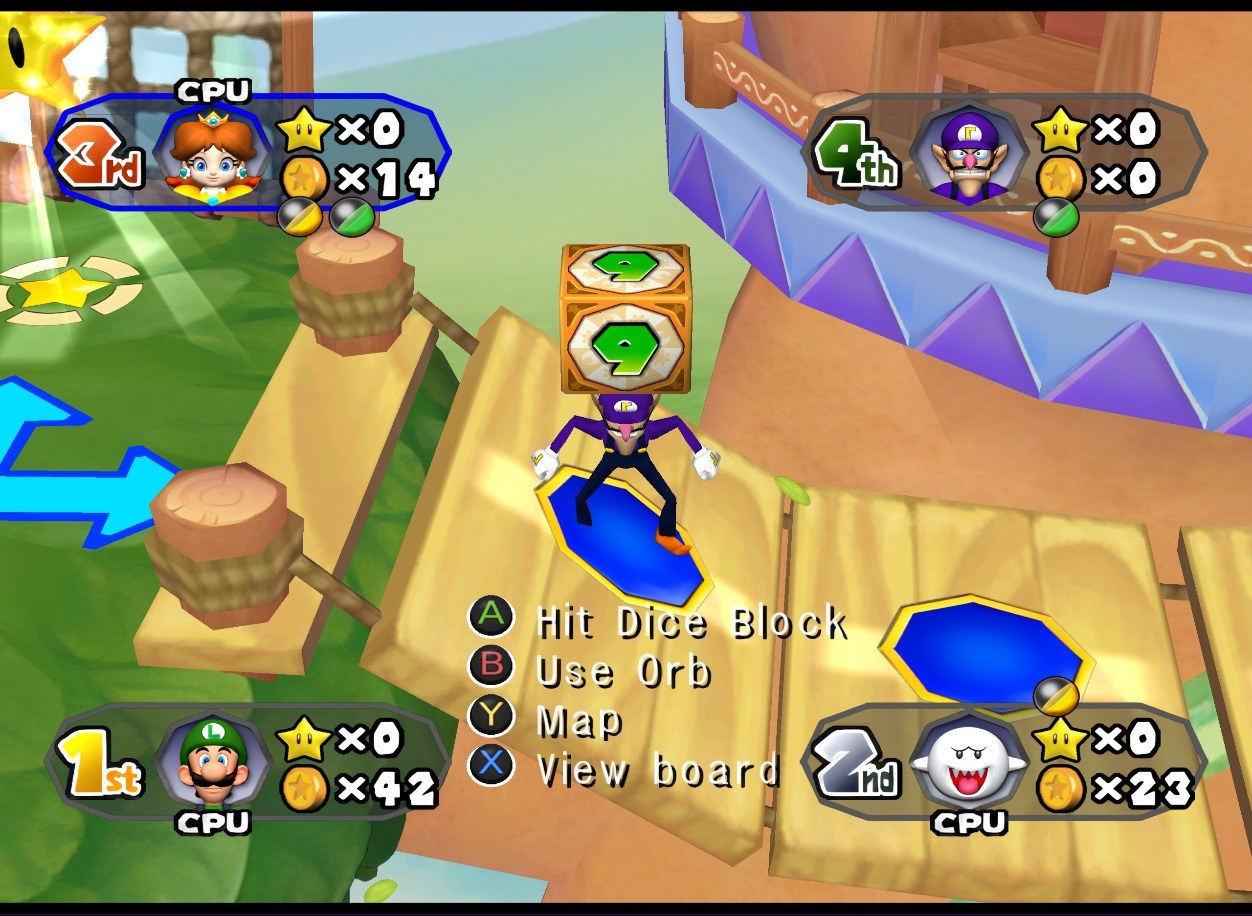
This Mario Party 6 pack is part of a set Venomalia made for Mario Party 5, 6 and 7. Many of the menu and interface elements were rebuilt by hand, while the textures that weren’t got an AI-assisted rework instead.
Button prompts use the graphics from Venomalia’s Universal Dynamic Input project, so they look the same as in the other two games of the set.
How to Set It Up
- In Dolphin, open File > Open User Folder, then go into
Load/Textures/. - Extract the download there, so you end up with a
Load/Textures/GP6/folder. - Open Graphics > Advanced and tick Load Custom Textures. Ticking Prefetch Custom Textures too stops stutter, if you have the RAM for it.