Venomalia's Mario Party 5 Texture Pack
Texture pack for Mario Party 5
- VenomaliaArtist
- 2 Oct 2026Page Updated
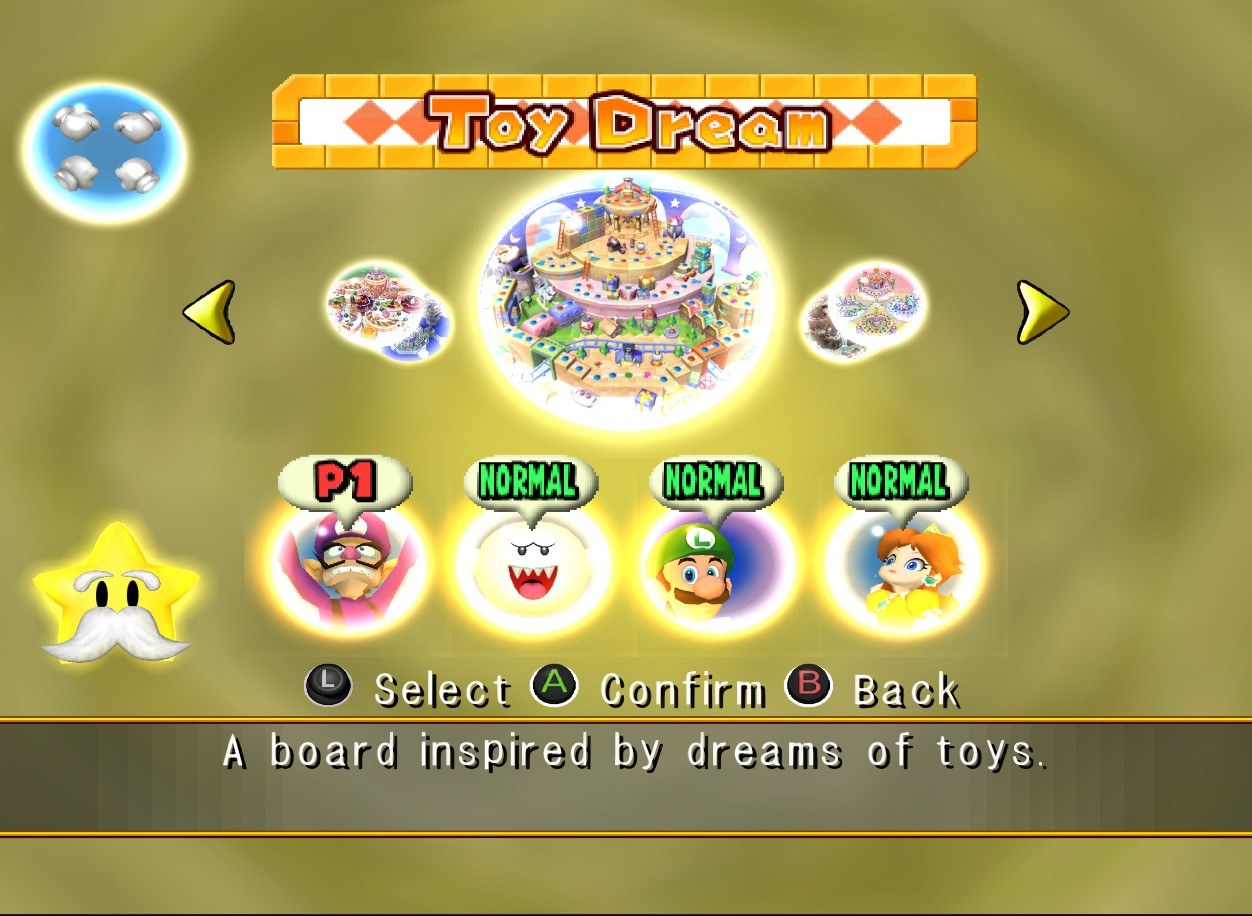
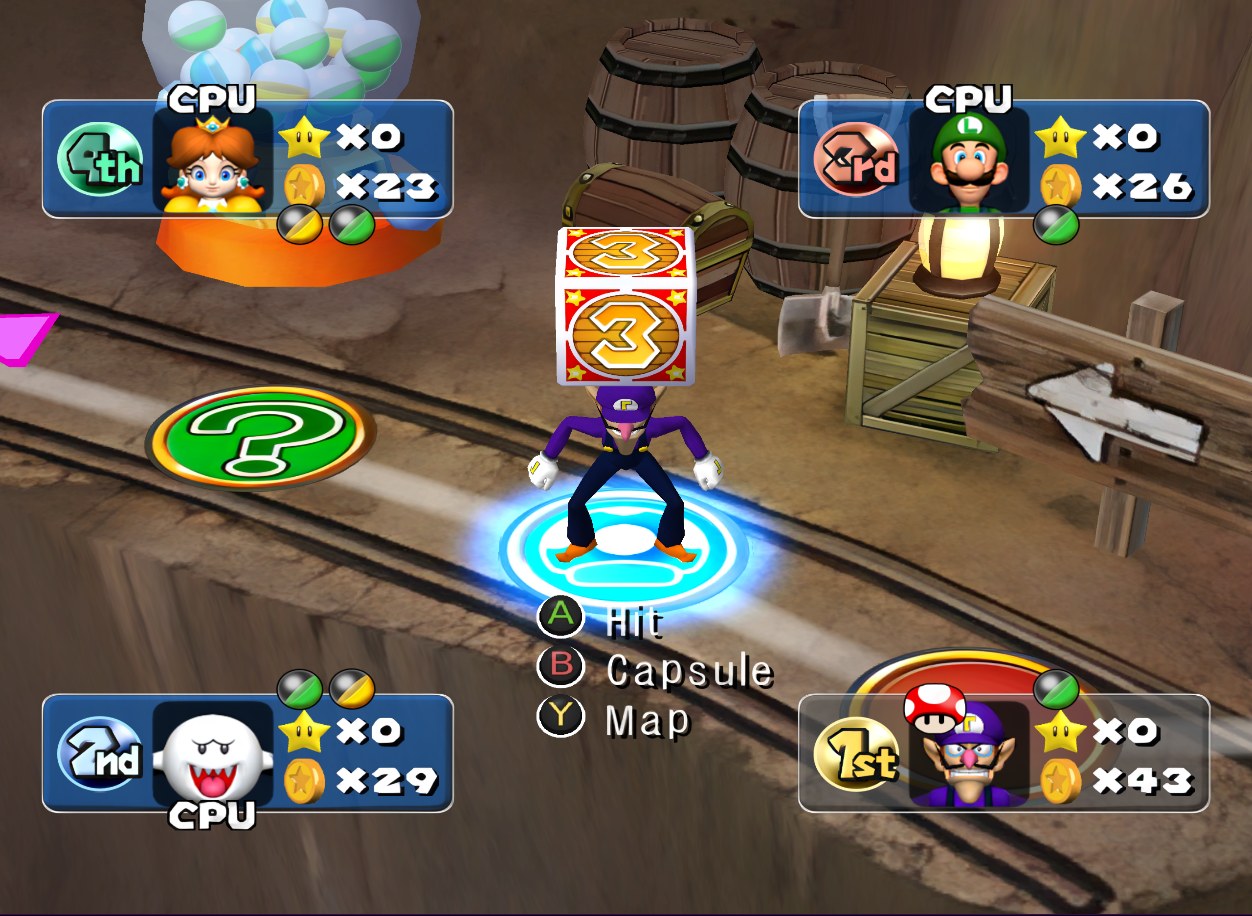
Overview
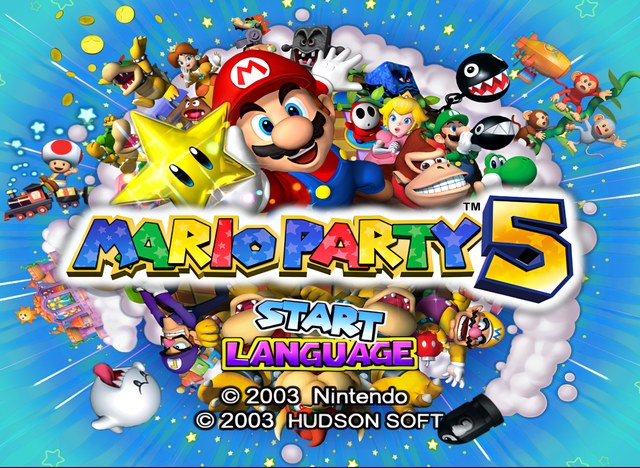
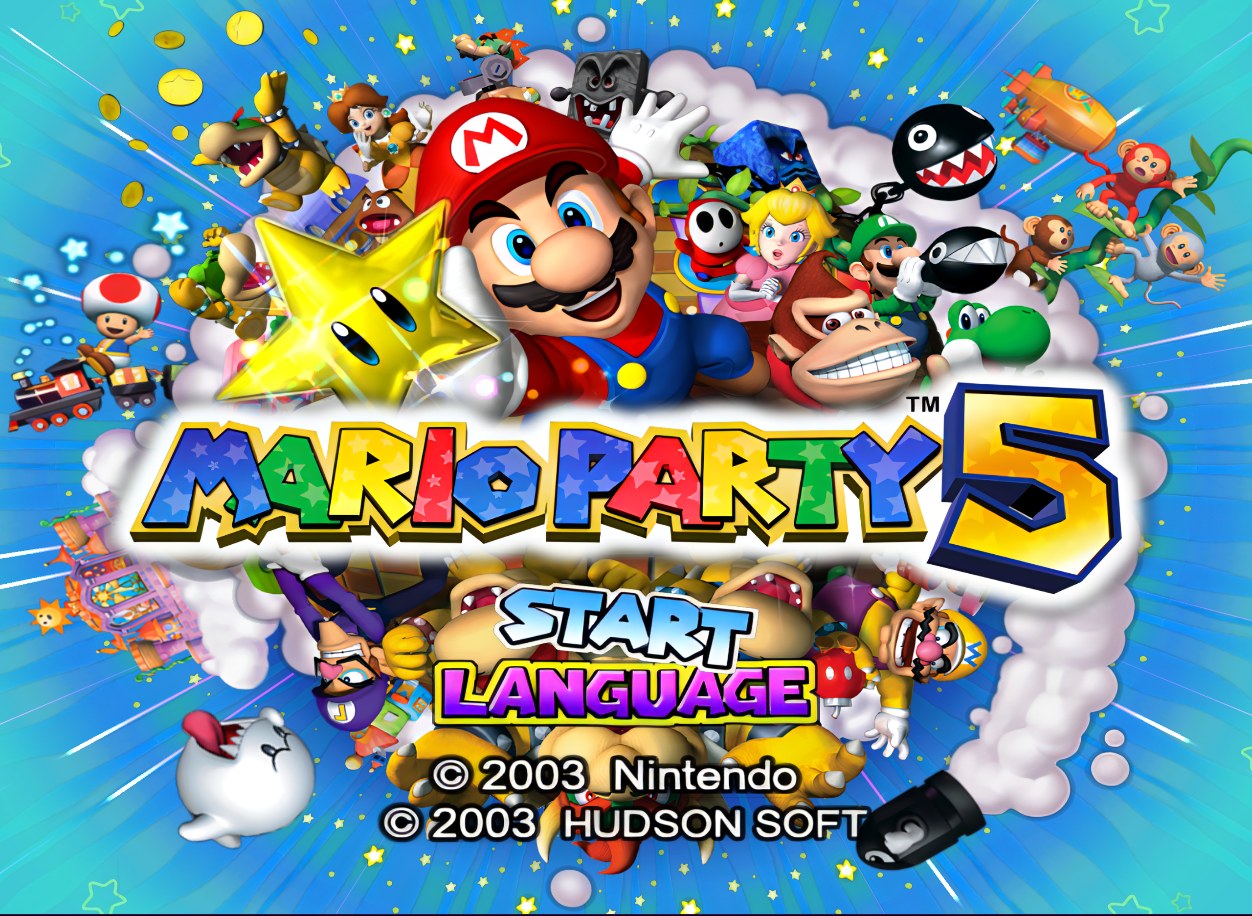
Venomalia’s pack gives Mario Party 5 a cleaner, sharper interface. A large share of the UI graphics were redrawn by hand, and everything else was reworked with the help of AI upscaling.
The controller button icons come from Universal Dynamic Input, a separate texture project by Venomalia. It is part of a set with matching packs for Mario Party 6 and 7.
How to Set It Up
- In Dolphin, open File > Open User Folder, then go into
Load/Textures/. - Extract the download there, so you end up with a
Load/Textures/GP5/folder. - Open Graphics > Advanced and tick Load Custom Textures. Ticking Prefetch Custom Textures too stops stutter, if you have the RAM for it.