
Party Board (Online Build)
PC port of Mario Party 4
- DecompilationPort Type
- zeranemesisDeveloper
- 16 Oct 2026Page Updated
Details
- Developer
- zeranemesis
- Port Type
- DecompilationThe game's code was rewritten by hand as source code that builds back into the same game, then made to run natively on PC.
- Game
- Mario Party 4
- AI Use
- AI-assistedAn AI coding tool is credited as co-author on 357 of the last 1388 commits. Source
- Source Code
- GitHub
- Page Updated
Platform Support
- Windows
- Android
Screenshots
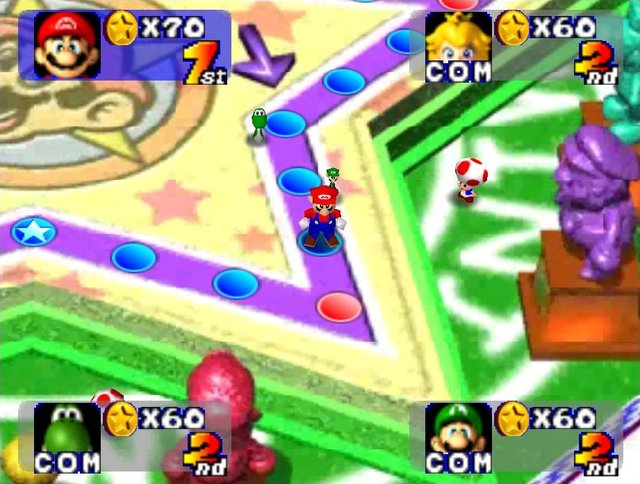

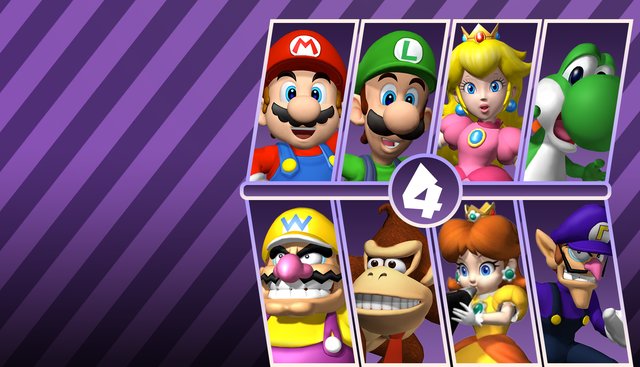
Overview
This is a fork of Party Board, the native port of Mario Party 4 built from the mariopartyrd decompilation, published by zeranemesis. It has much newer builds than the upstream project, for Windows and Android, plus an APK for Meta Quest headsets.
Its main addition is two-player online play: lockstep input with a short delay, host-created lobbies with join codes, and a check that both players have the same disc and version before joining. It has an English and French interface and a launcher that updates itself from GitHub. Online sessions start a fresh profile and do not load memory-card saves.
Builds are published as rolling development pre-releases. The download contains no game data. It needs Mario Party 4 (USA, revision 0 or 1), dumped from your own disc.
How to Set It Up
- Download the Windows zip or the Android APK.
- On Windows, extract the whole folder and run
Jouer en ligne.cmdto open the online launcher, orpartyboard.exeto play locally. - Choose your disc image when asked. For online play, the host creates a lobby and shares its short code with the other player.
- Press F1 in the game for the Party Board menu, where the language can be set to English or French.