Giodude's Mario Kart: Double Dash!! Texture Pack
Texture pack for Mario Kart: Double Dash!!
- GiodudeArtist
- 2 Oct 2026Page Updated
Overview
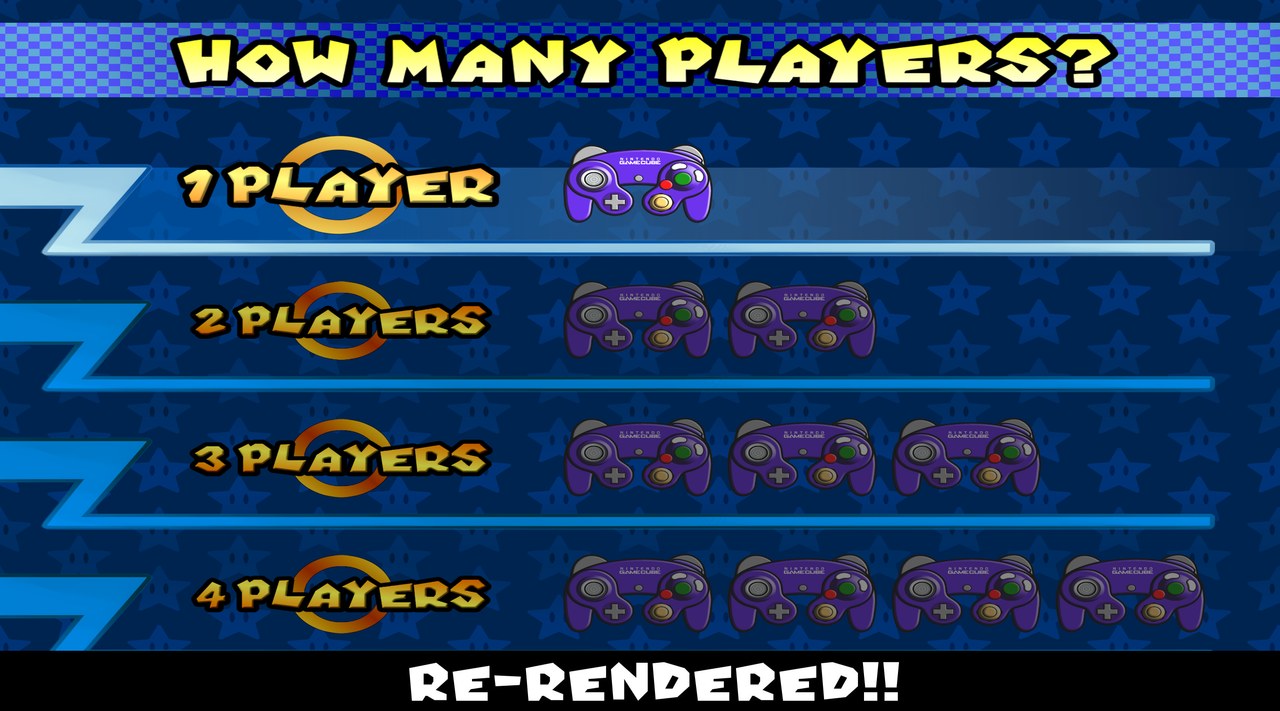
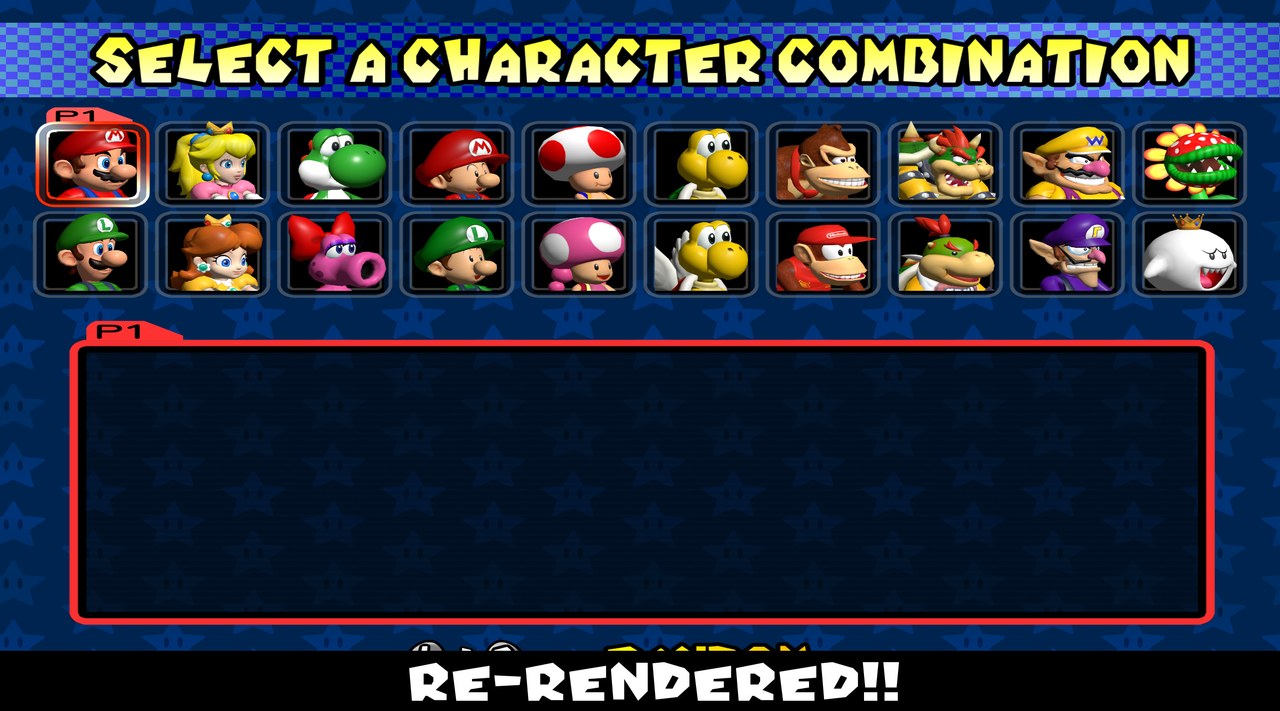
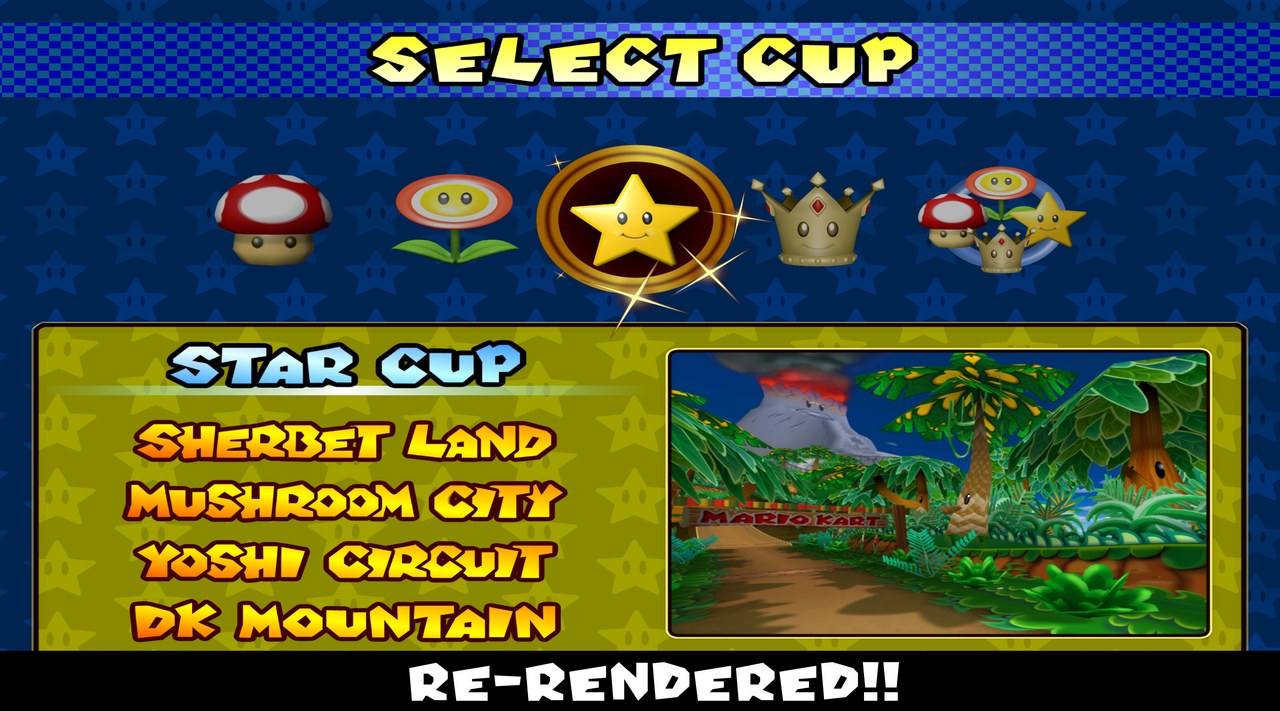
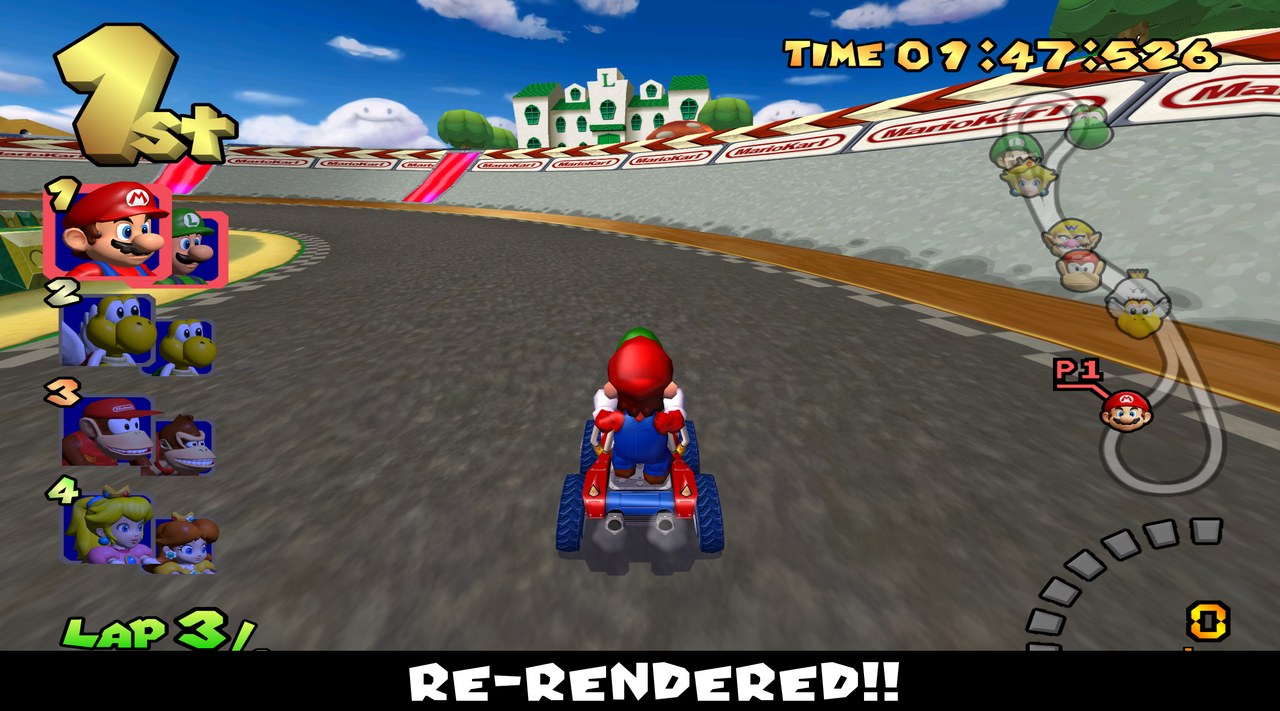
Giodude’s pack rebuilds the menus and HUD of Mario Kart: Double Dash!! while staying faithful to the original assets. The character select screen was fully re-rendered from higher quality GameCube-era models, the item portraits were re-rendered from the in-game models and later games in the series, the map icons were made from the character models, and the course previews were recaptured with Dolphin’s free camera. The interface text and images were redone as well.
Matching the GameCube’s lighting in Blender was not always possible, so some models look slightly different from the originals.
The full builds also include AI-upscaled textures for the rest of the game. The UI Only builds contain just the hand-made assets, for use alongside another HD pack.
How to Set It Up
- In Dolphin, open File > Open User Folder, then go into
Load/Textures/. - Extract the download there, so you end up with a
Load/Textures/GM4/folder. - Open Graphics > Advanced and tick Load Custom Textures. Ticking Prefetch Custom Textures too stops stutter, if you have the RAM for it.