Luigi's Mansion Recompiled
PC port of Luigi's Mansion
- RecompilationPort Type
- rob646464Developer
- 24 Oct 2026Page Updated
Details
- Developer
- rob646464
- Port Type
- RecompilationA tool translated the game's original machine code into C automatically, which was then built as a native PC program.
- Game
- Luigi's Mansion
- AI Use
- AI-assistedAn AI coding tool is credited as co-author on 629 of the last 727 commits. Source
- Source Code
- GitHub
- Page Updated
Platform Support
- Windows
- Linux
ScreenshotsView All (6)
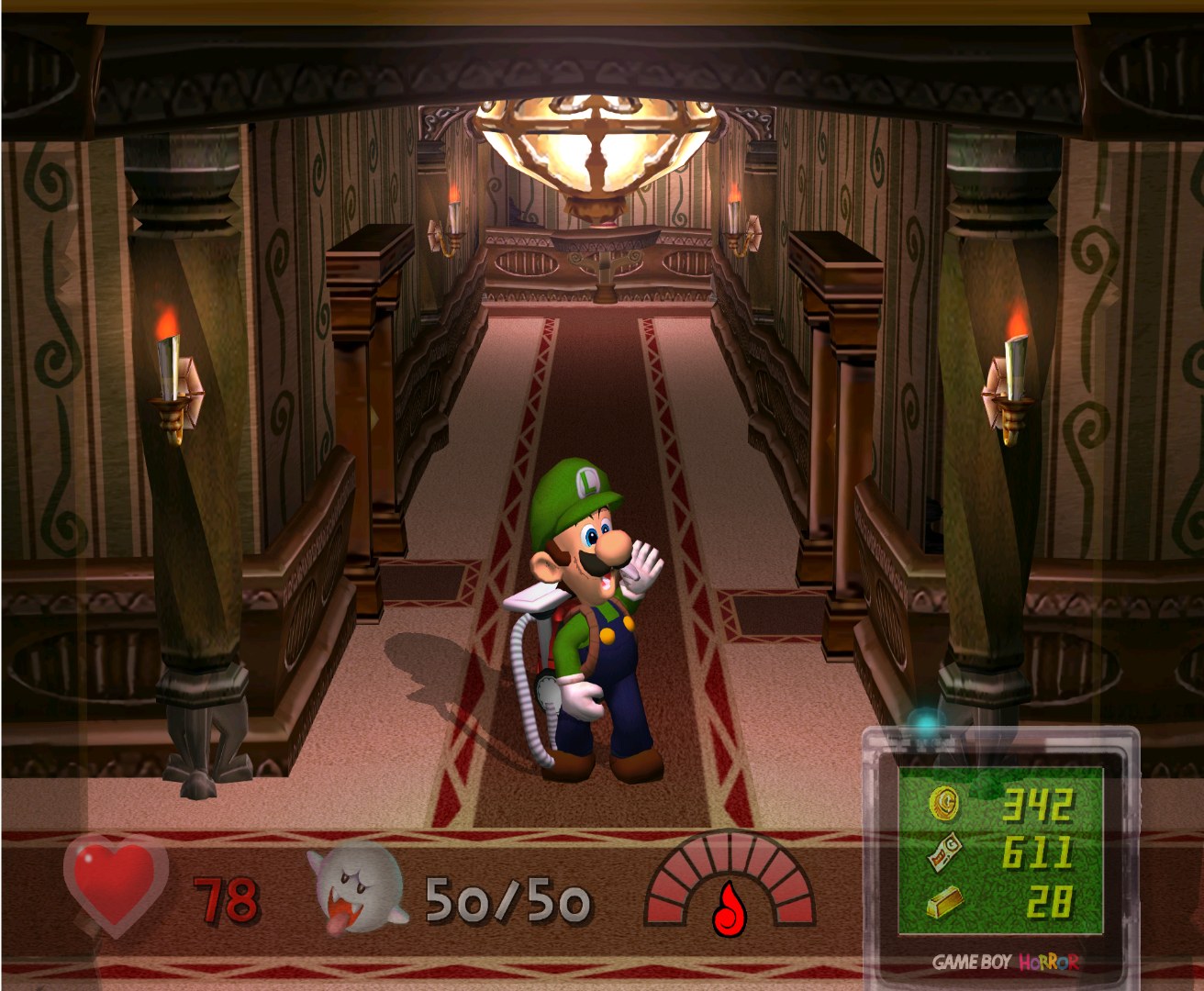
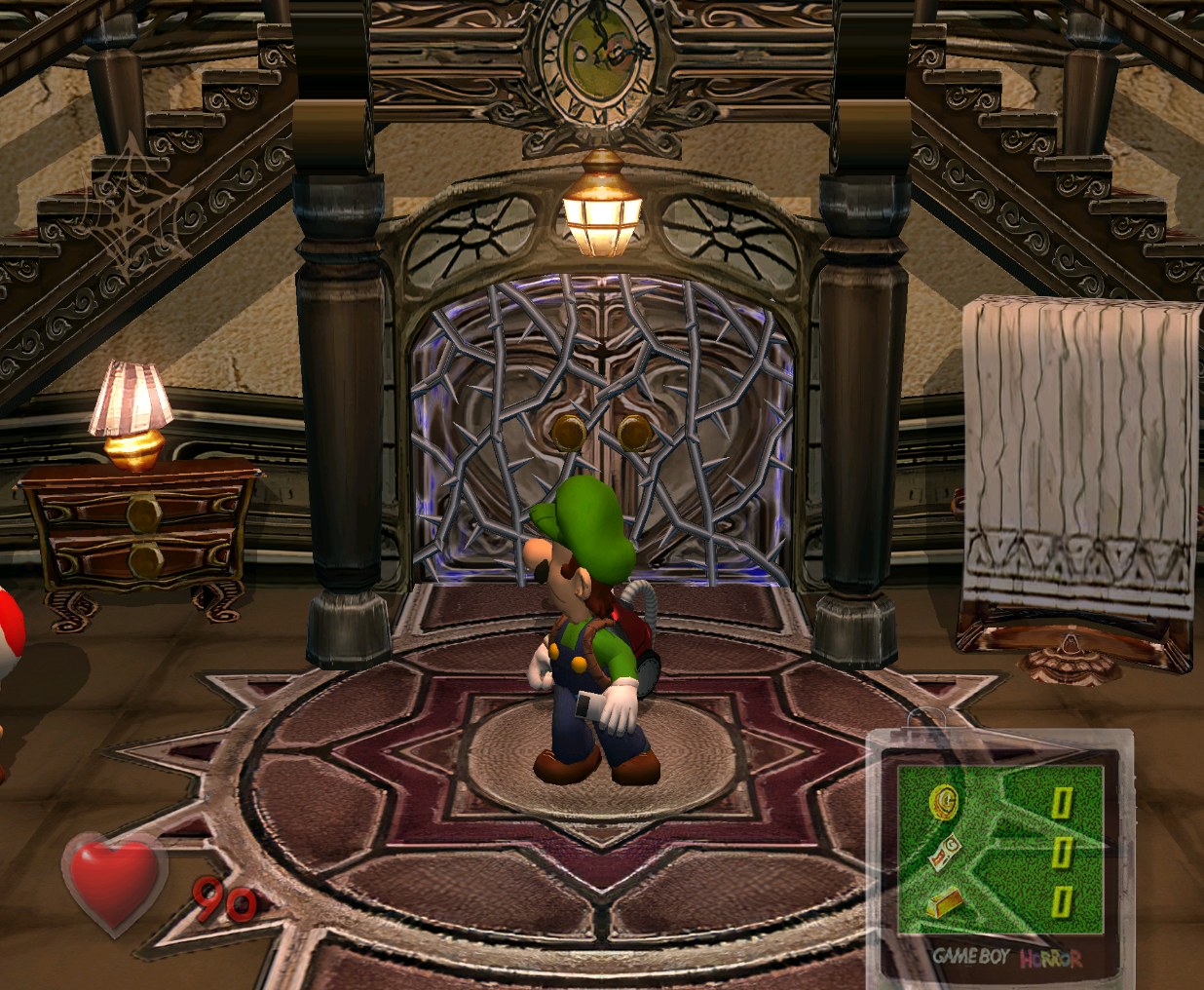
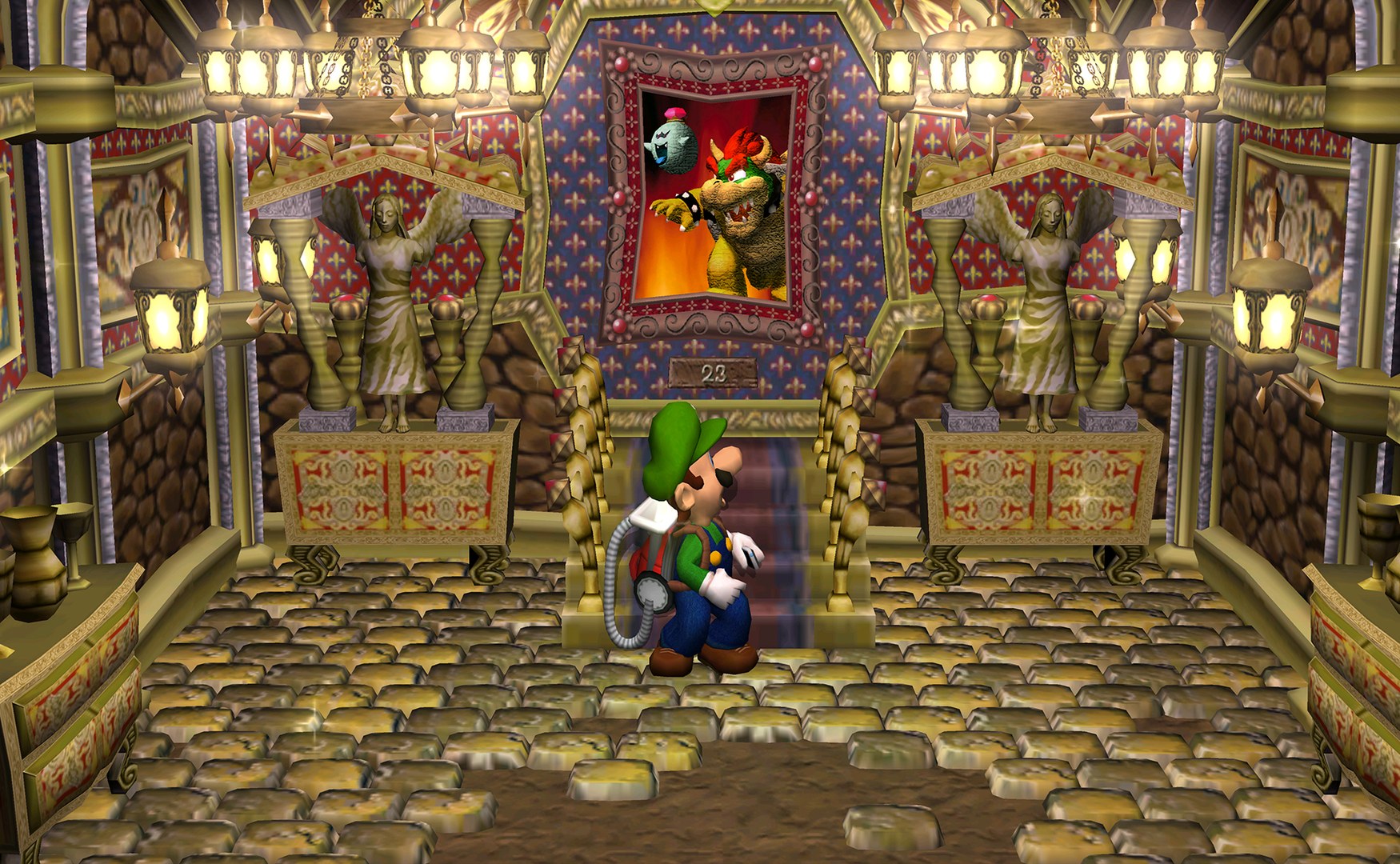
.iso or .rvz image or an extracted game folder from your own disc. With both discs every feature of the port is available.Overview
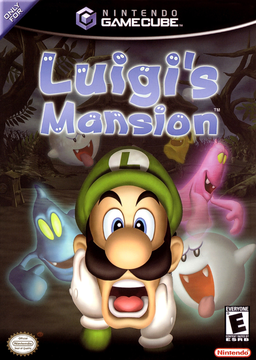
Luigi’s Mansion Recompiled is an unofficial native PC port of Luigi’s Mansion for Windows and Linux. The download holds the port’s runtime, its recompiler and a compiler but nothing from the game: on the first start it reads the player’s own USA or European disc, translates the game’s PowerPC code and builds it for that PC in under a minute.
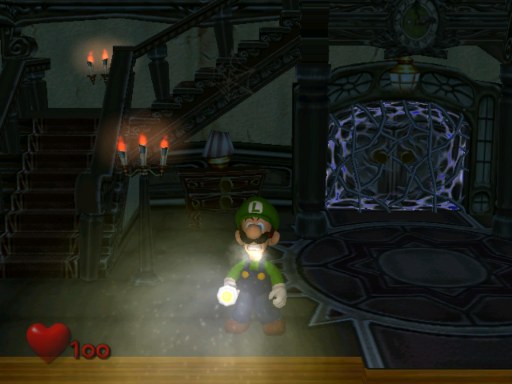
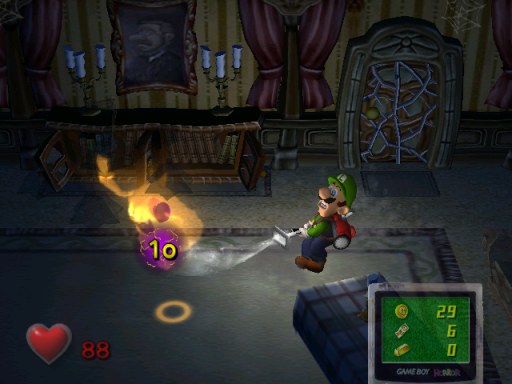
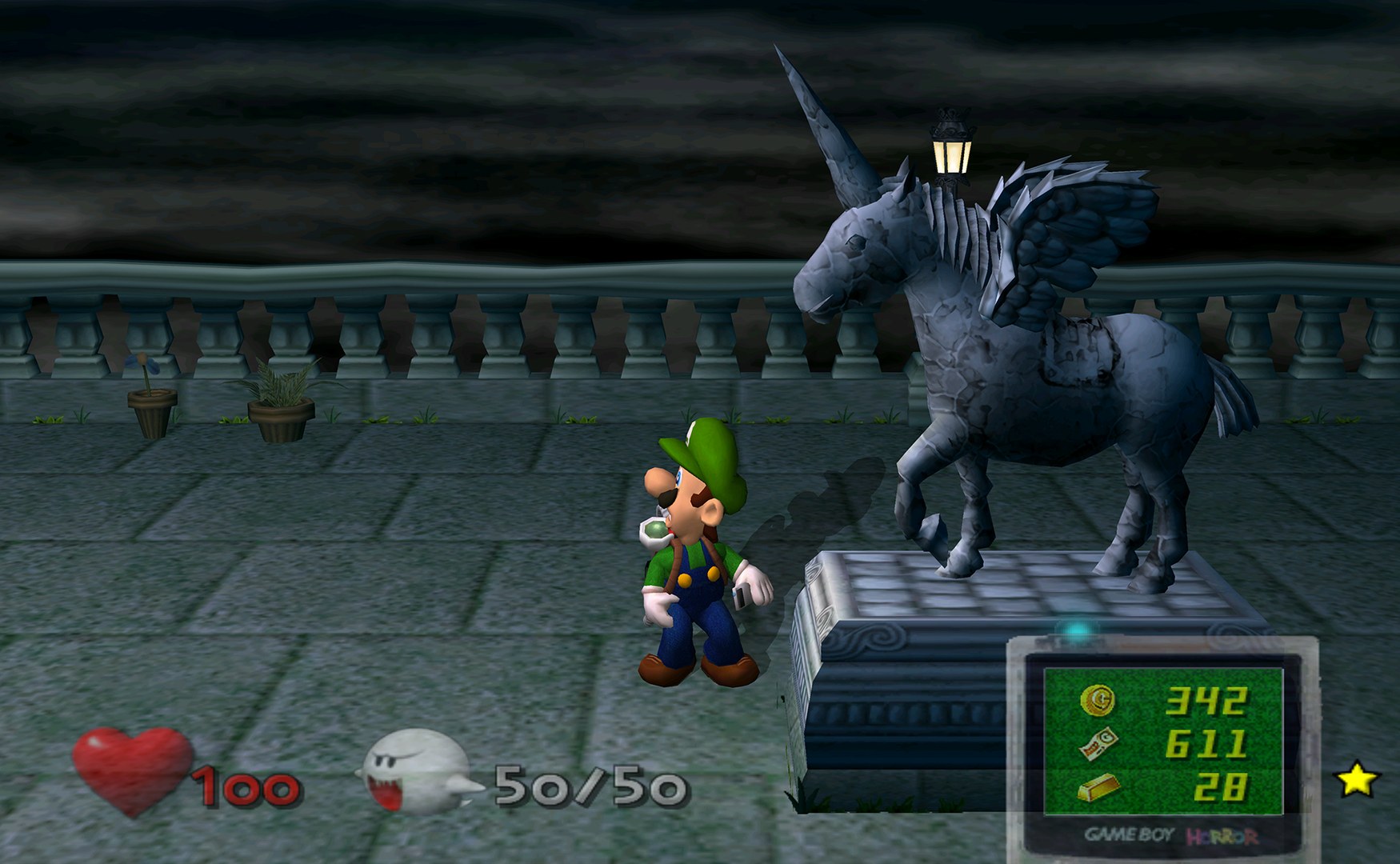
The port renders at any resolution with Hor+ widescreen and ultrawide, and keeps the HUD at the screen’s edges. The game logic still runs at its original 30 updates a second, while the frames in between are interpolated for up to 320 FPS, with VRR-aware pacing. Its renderer reproduces the GameCube’s effects, such as EFB copies, real-time shadows and indirect effects, and builds every shader before the game starts, so there are no compile stutters. An optional Enhanced lighting mode adds per-pixel and coloured lights, soft shadows, a realistic flashlight beam, bloom and glowing ghosts.
With the European disc, the European Hidden Mansion and its boss changes are available, and with both discs E. Gadd’s lab offers both versions of it. Cut content can be switched back on, all of it off by default: an unused two-player mode (still unfinished), a model viewer and warps to unused rooms. An F1 menu holds every option, from difficulty and tweaks to the rendering settings.
How to Set It Up
- Download the build for Windows or Linux and extract it into a folder of its own.
- Start the game (
LuigisMansionRecomp.exeon Windows,LuigisMansionRecompiled.shon Linux). - Choose your USA and/or European disc image. The game is then built for your PC with the bundled compiler, which takes under a minute on most PCs.
- Press F1 in the game for the options: picture, frame rate, controls, difficulty and the restored unused content.