Eternal Darkness Recomp
PC port of Eternal Darkness: Sanity's Requiem
- RecompilationPort Type
- grichesDeveloper
- 24 Oct 2026Page Updated
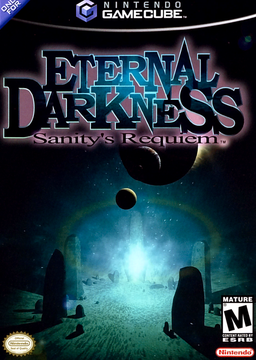
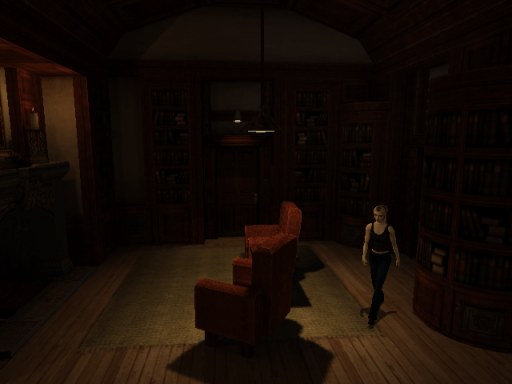
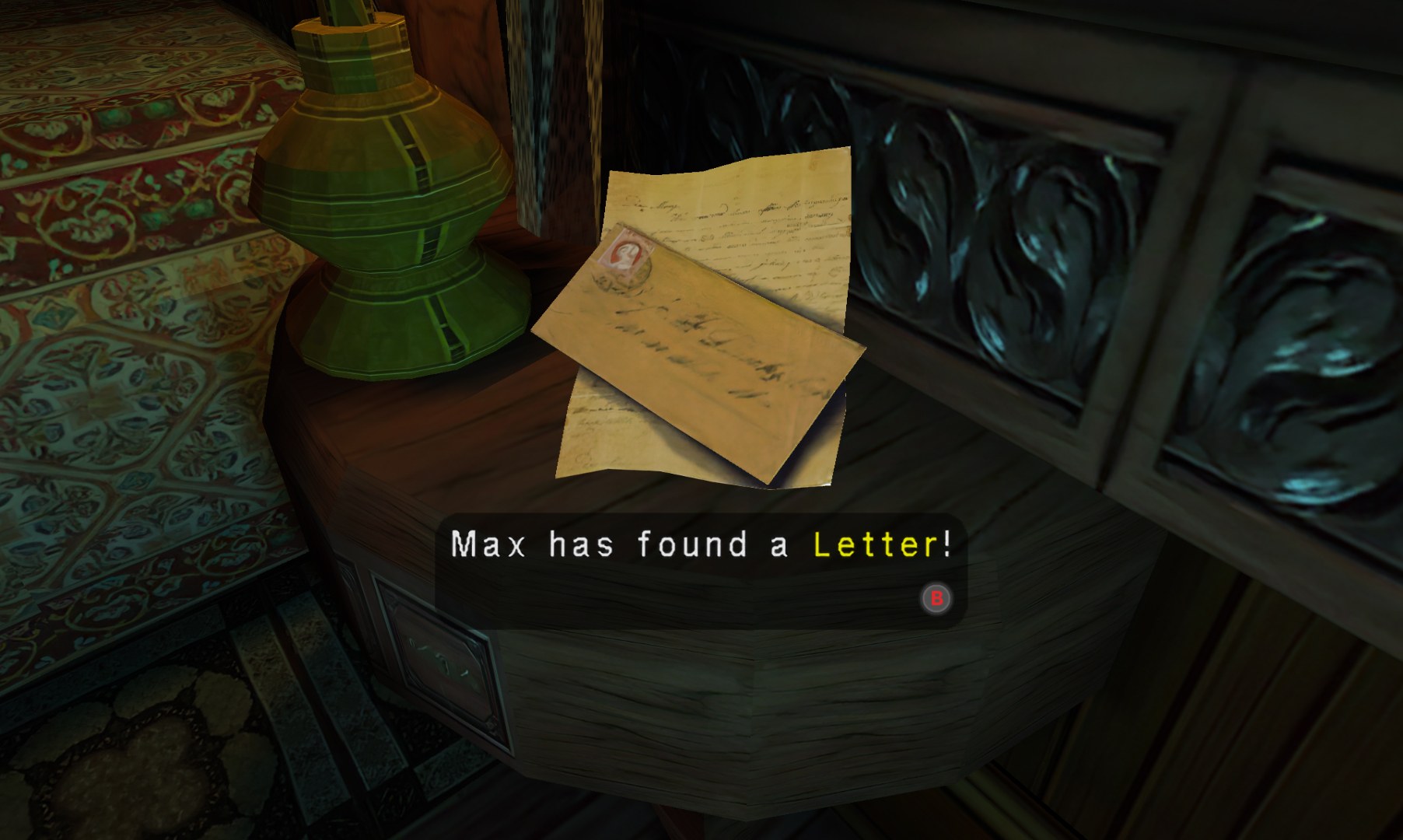
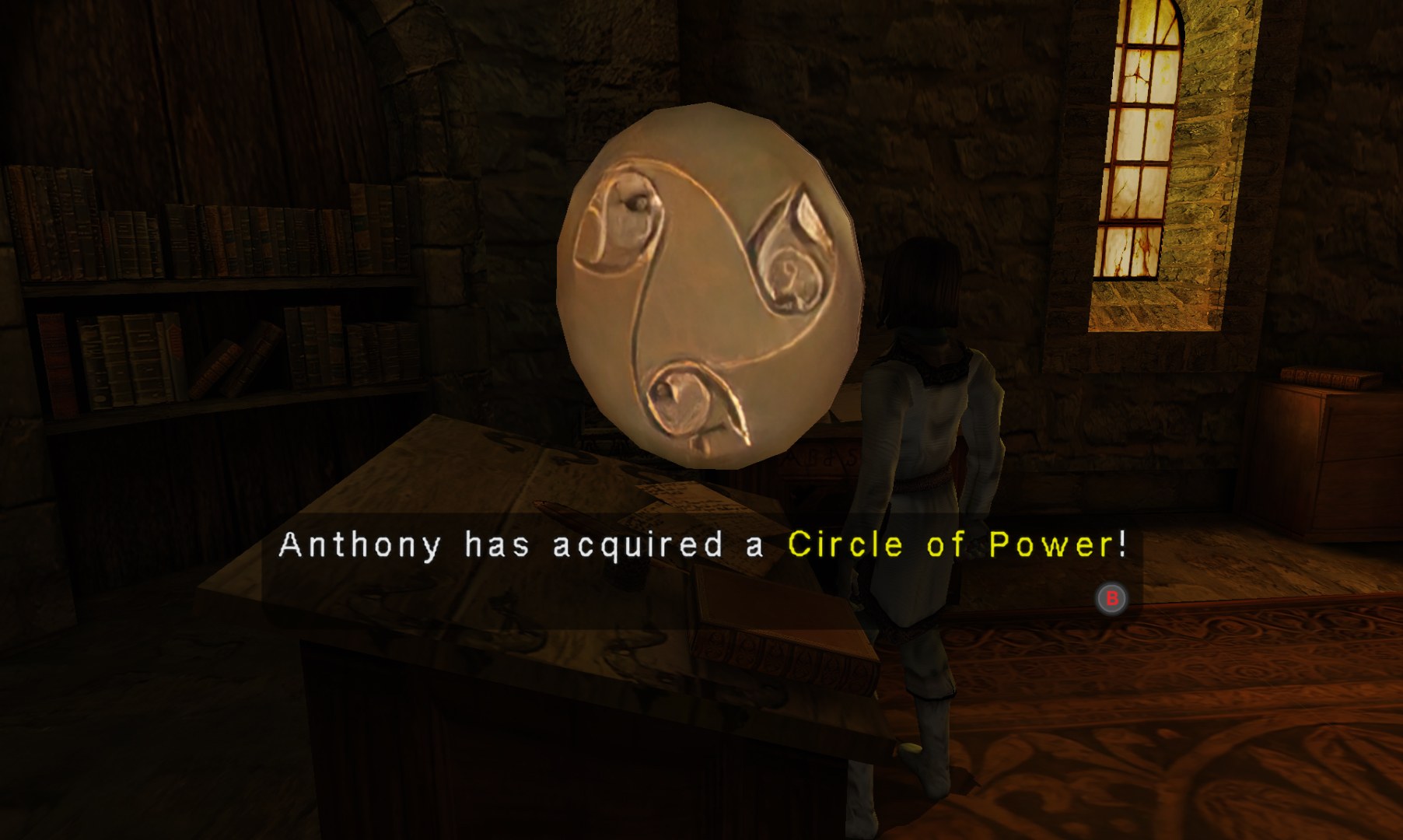
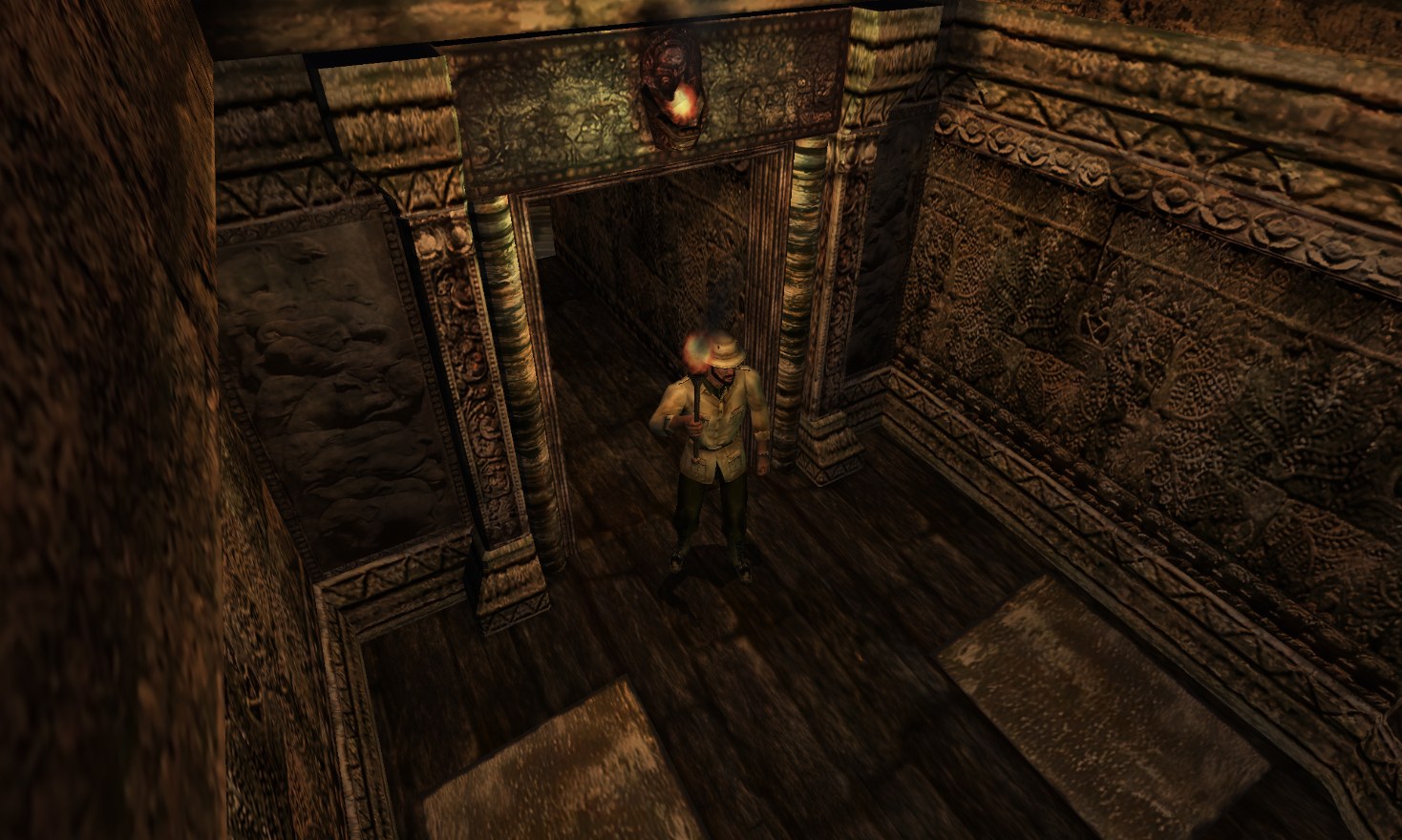
.iso or .gcm image from your own disc. The USA disc is not supported. The Mac build needs Apple silicon and macOS 13 or later.Overview
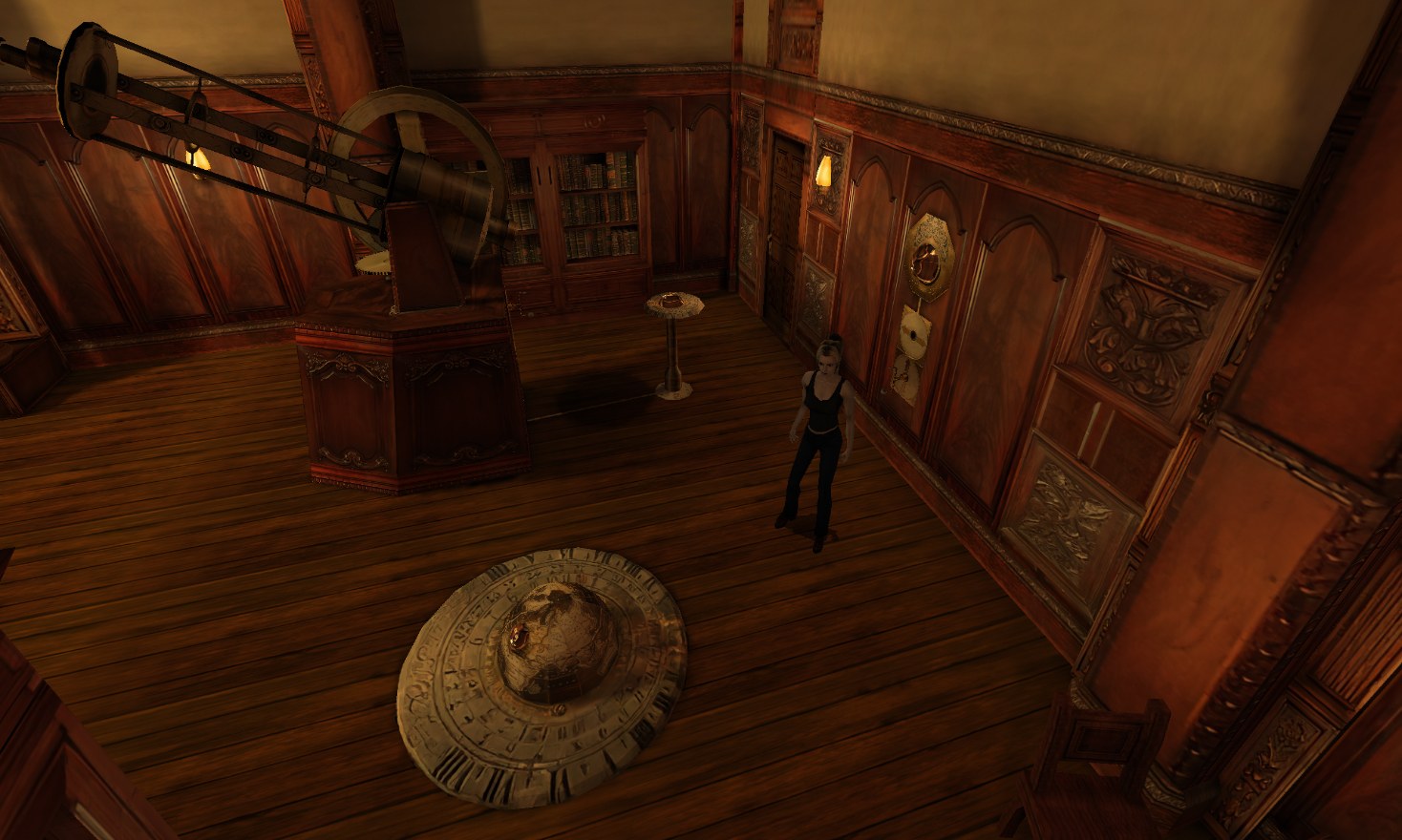
Eternal Darkness Recomp is an unofficial native port of Eternal Darkness: Sanity’s Requiem for Windows, macOS, Linux and the Steam Deck, made by statically recompiling the GameCube game. It works only with the European disc. On Windows the game’s program comes ready-made, while the Mac and Linux builds translate the player’s disc and build the game on the first start; in every case the graphics, sound and music come from the player’s own disc.
The picture is drawn at the screen’s own resolution, up to 4K, in full colour without the GameCube’s 6-bit banding, using the game’s own 16:9 mode with the HUD at the screen’s edges. Frames are interpolated beyond 60 on fast screens, the room lighting is redrawn as new sharp baked shadows, and the game’s lettering can be shown in two redrawn styles or as on the disc. Dolphin-format HD texture packs are supported, and HDR, glow and a photo mode were added in the 0.9 releases.
Besides the game’s fixed cameras there are third-person and first-person camera modes in beta. Cutscenes can be fast-forwarded at up to four times speed, the pause menu has four save slots that hold the whole moment alongside the memory card saves, and controls can be remapped with button prompts that match Xbox, PlayStation or Switch controllers. A launcher offers Continue, New game and every option, and the game writes a report if it ever stops responding.
How to Set It Up
- Download the build for Windows, macOS or Linux and Steam Deck, and unpack it somewhere you can write to (not Program Files).
- Windows: put your disc image in the
dumpfolder and runplay.bat. Linux and Steam Deck: put the image in the game’s folder and runplay.sh. Mac: move Eternal Darkness.app to Applications, open it with right-click, Open, and drop your disc image on its window. - On a Mac or Linux the first start translates the disc and builds the game, which takes a minute or two; later starts are instant.
- Optional: put Zombie’s HD texture pack and the port’s PAL supplement in a
texturesfolder, as the project’s guide explains.