1vierock28's Baten Kaitos: Eternal Wings and the Lost Ocean Texture Pack
Texture pack for Baten Kaitos: Eternal Wings and the Lost Ocean
- 1vierock28Artist
- 2 Oct 2026Page Updated
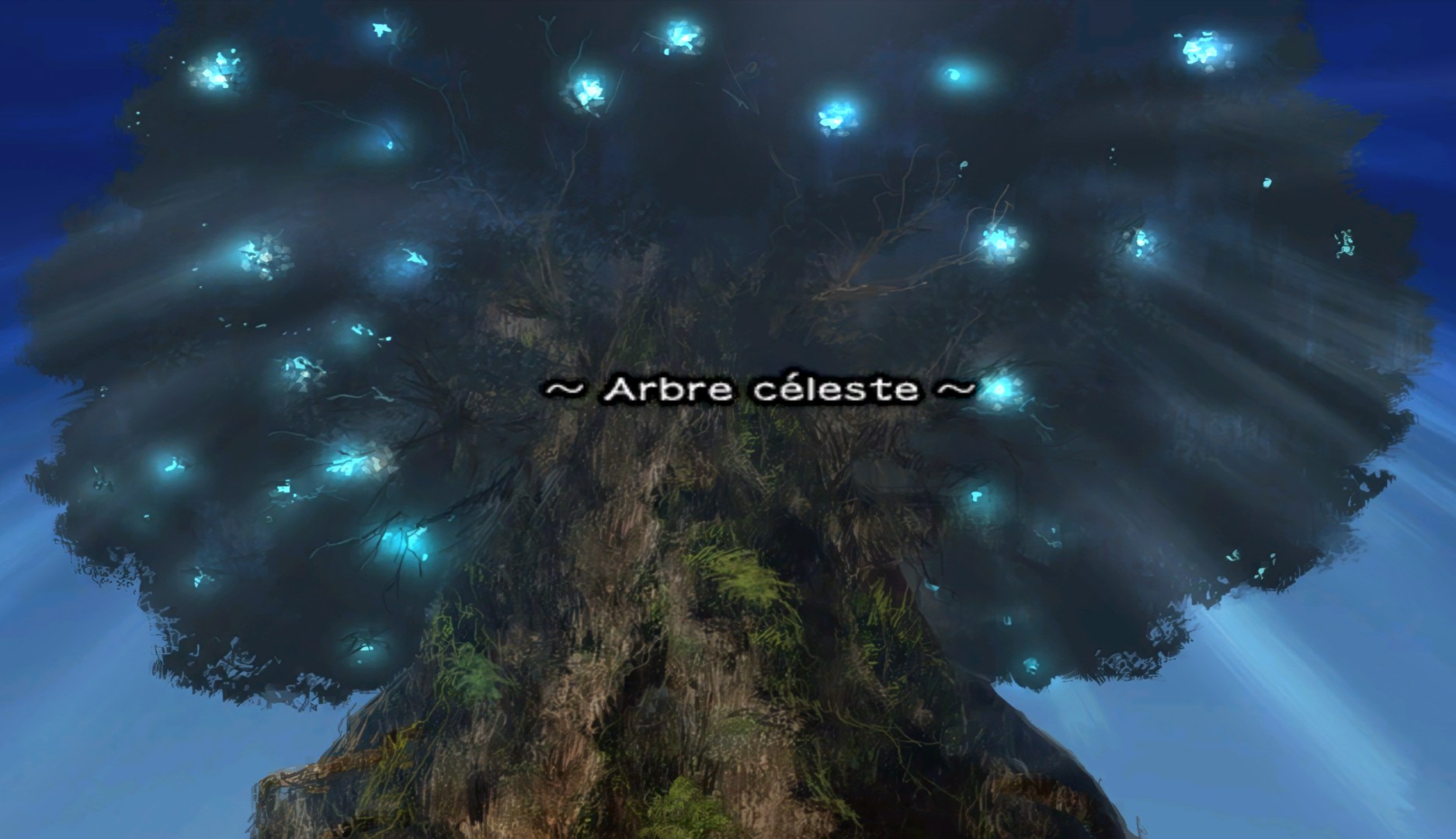
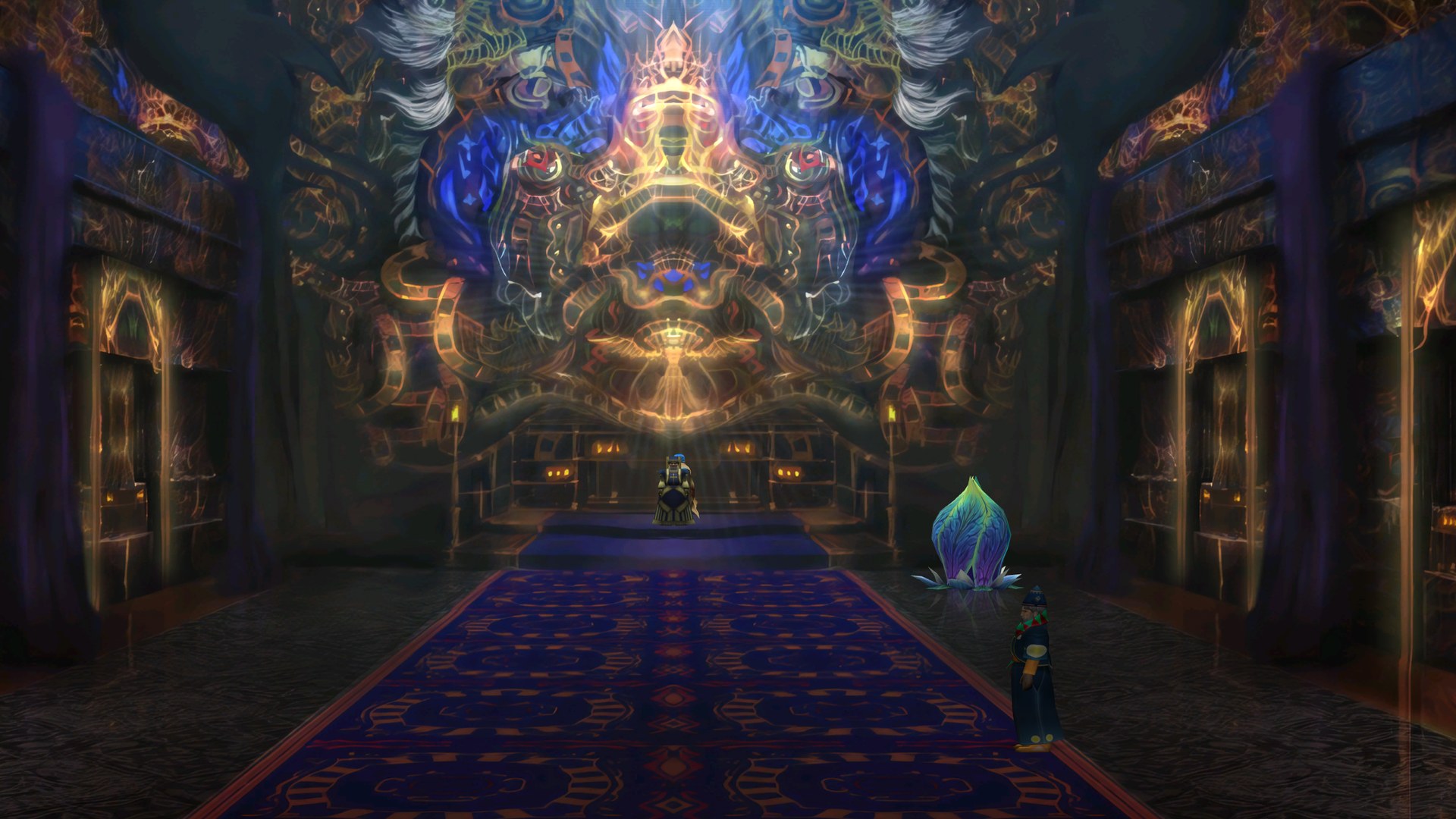
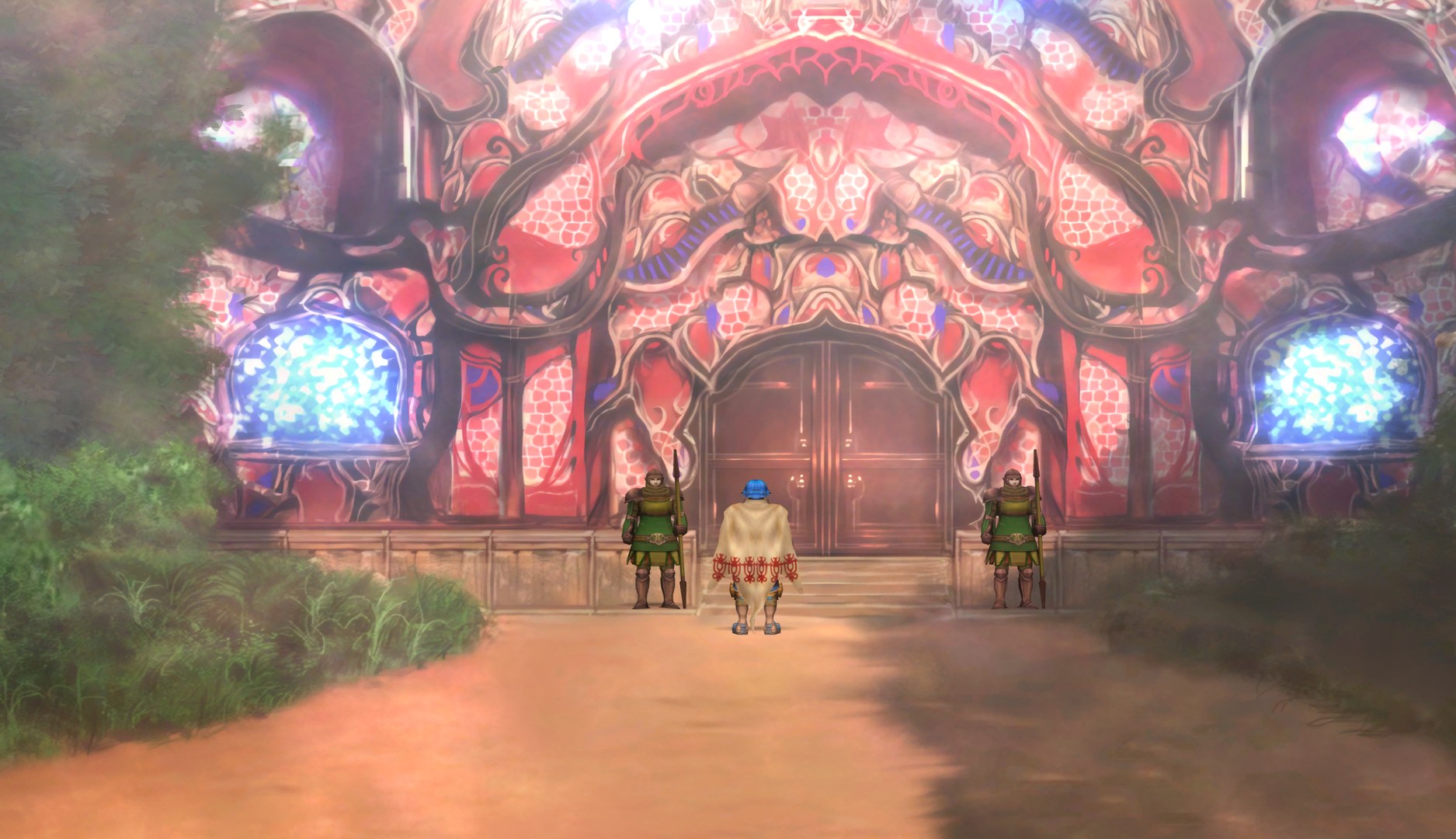
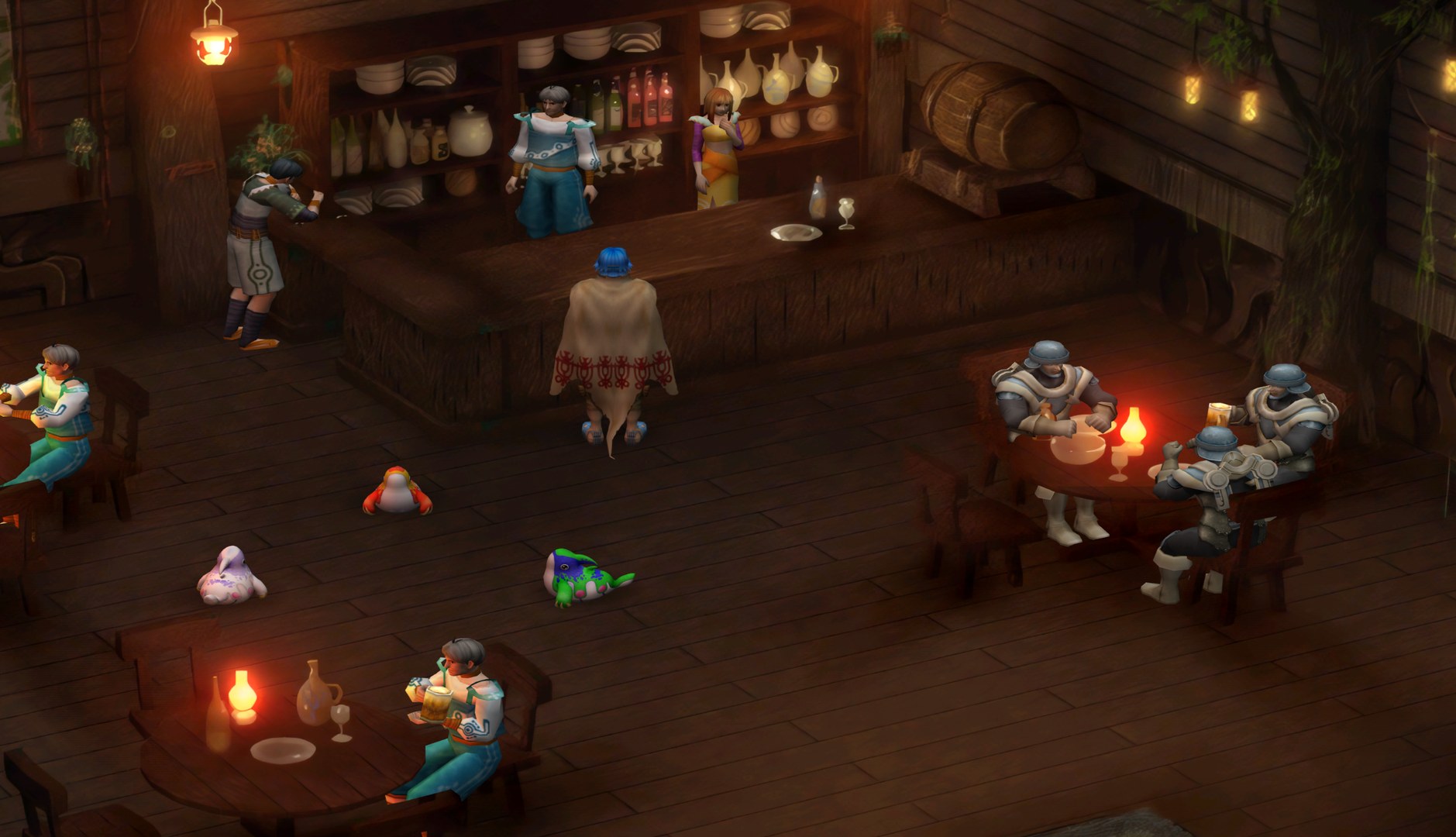
Overview
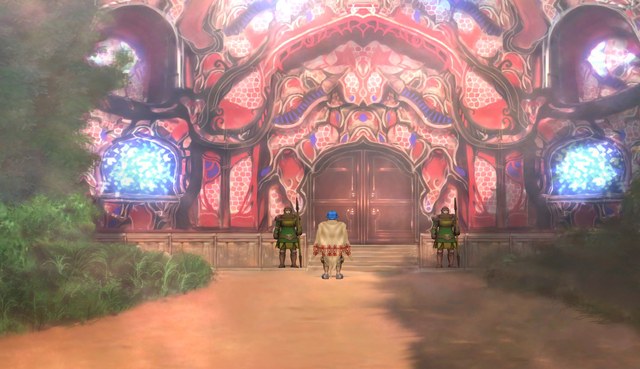
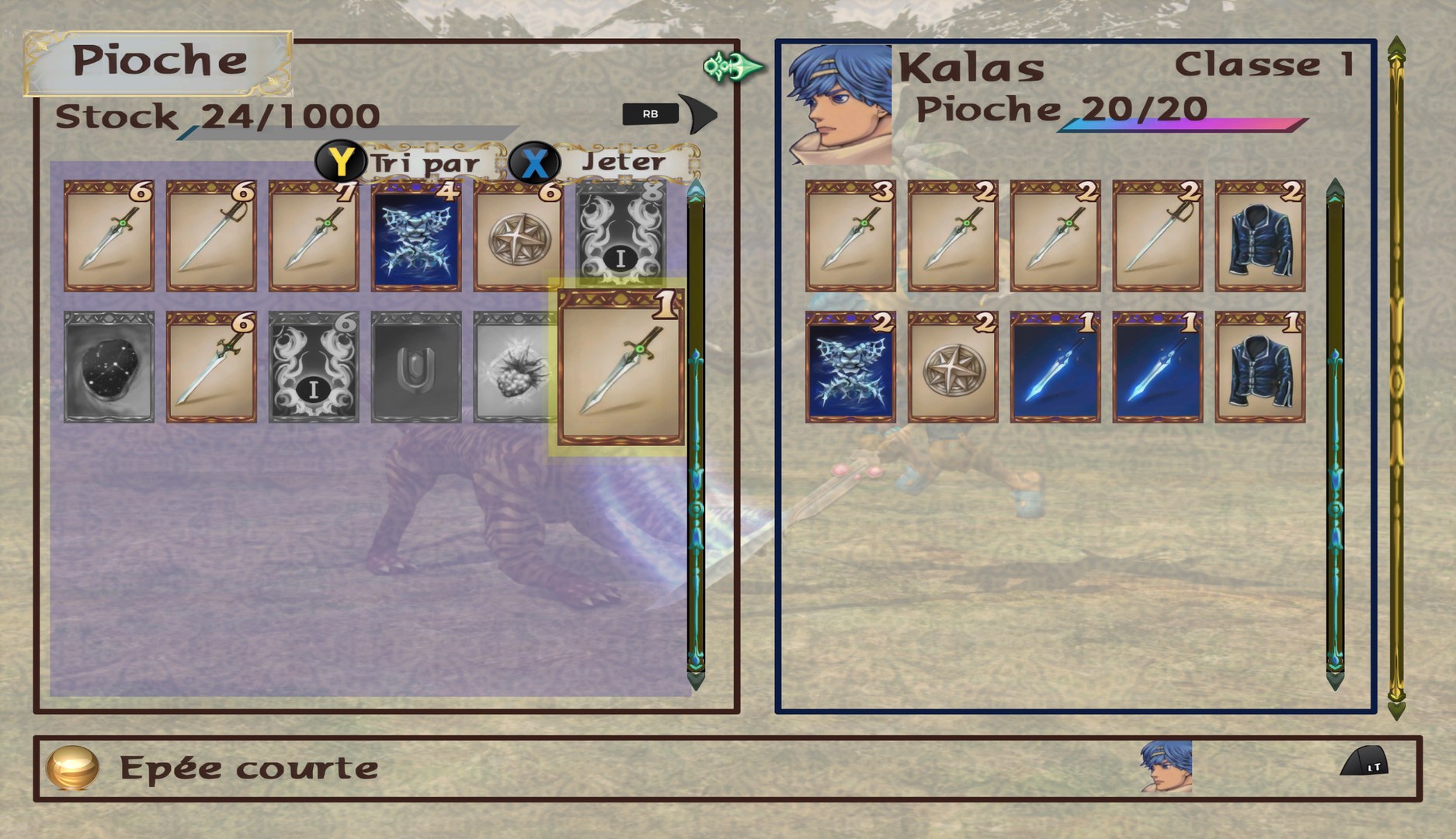
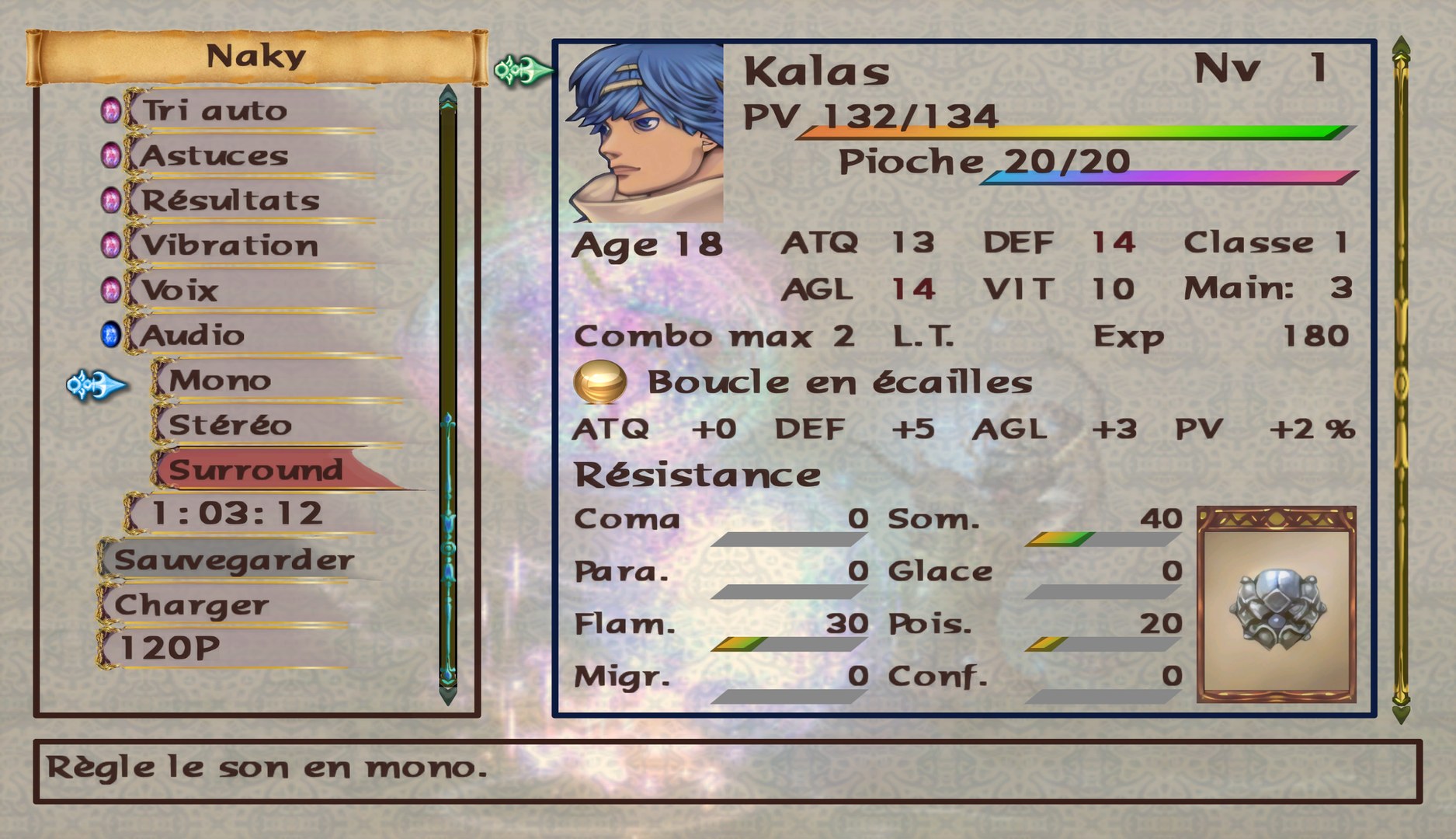
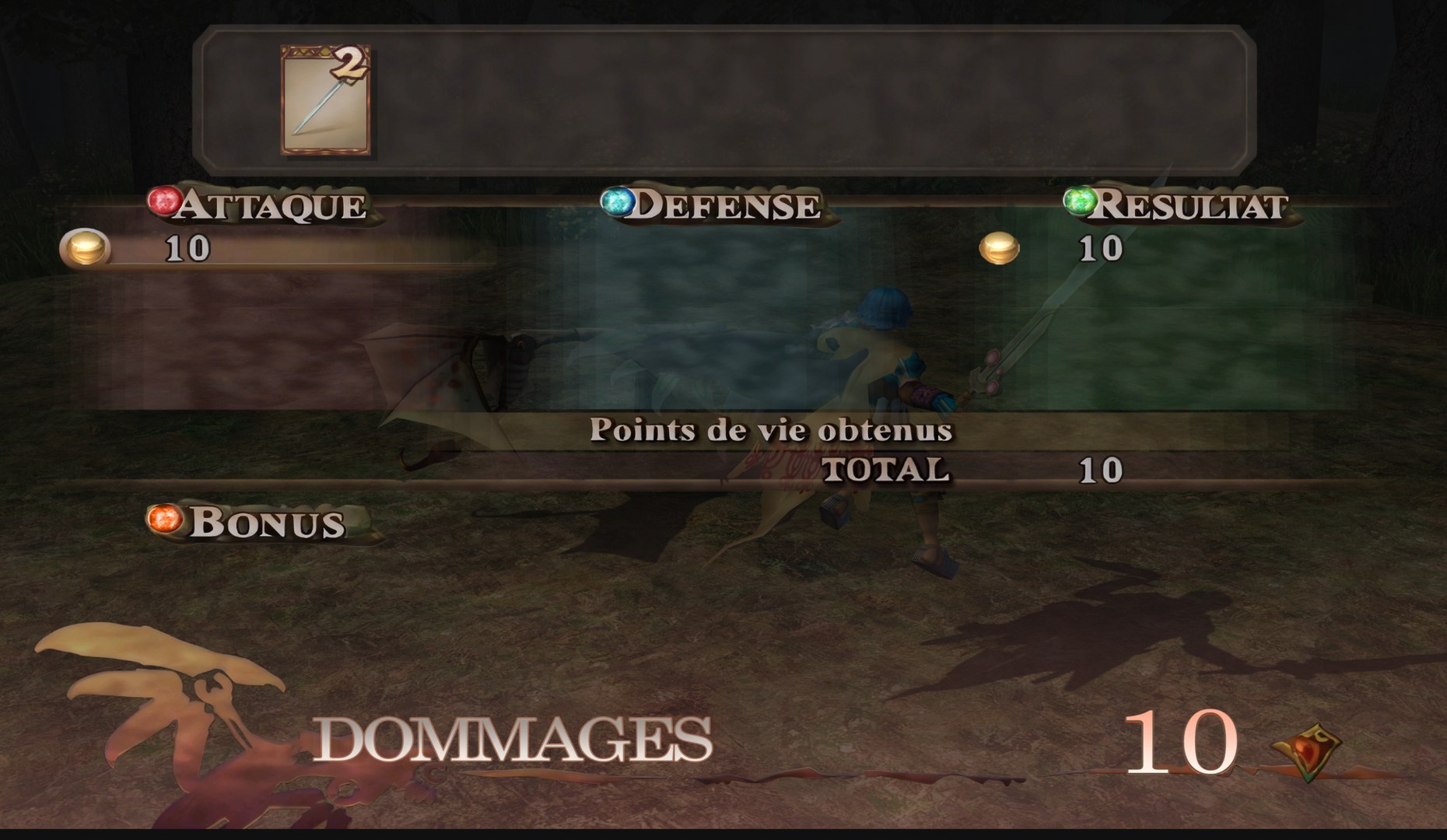
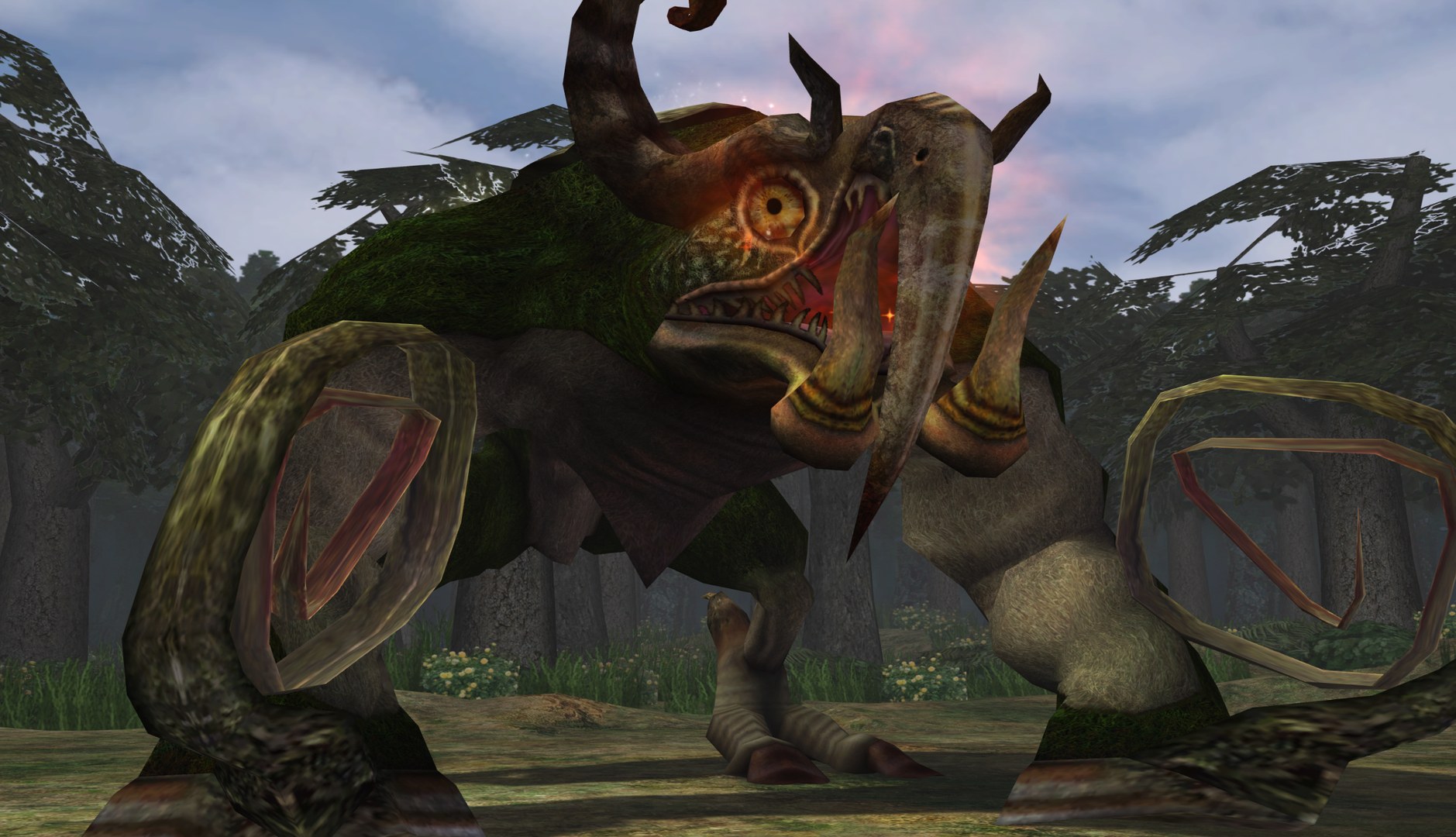
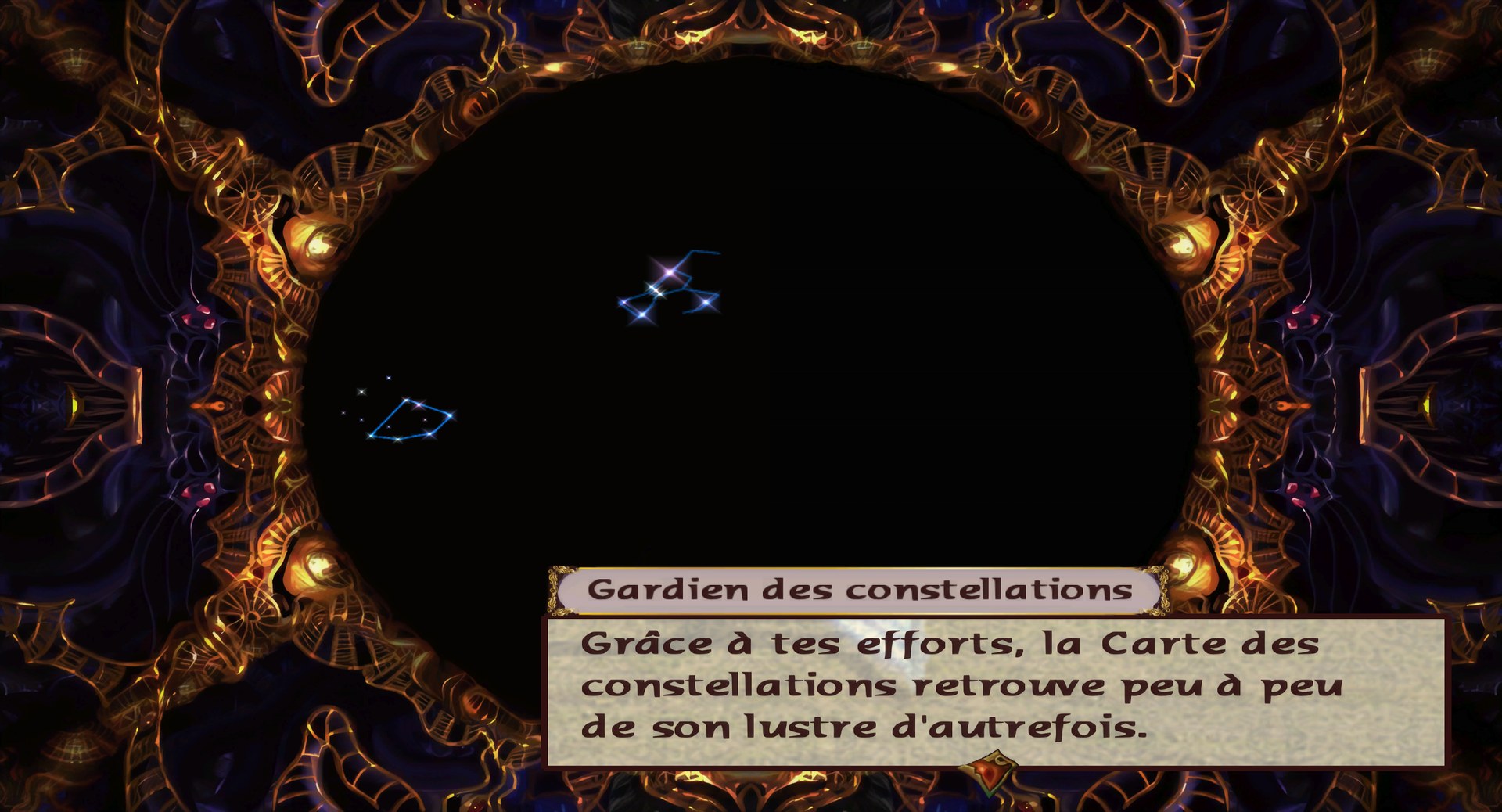
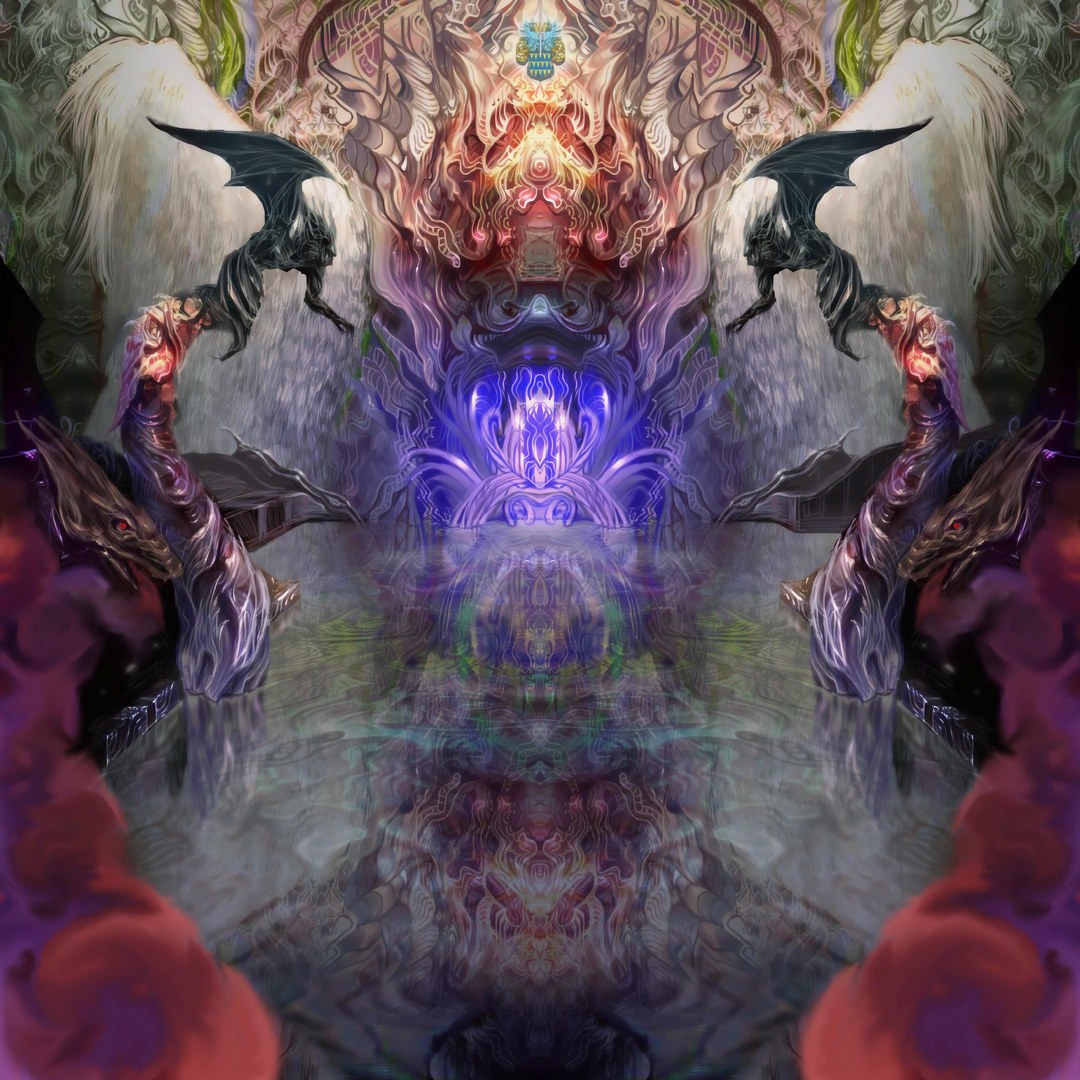
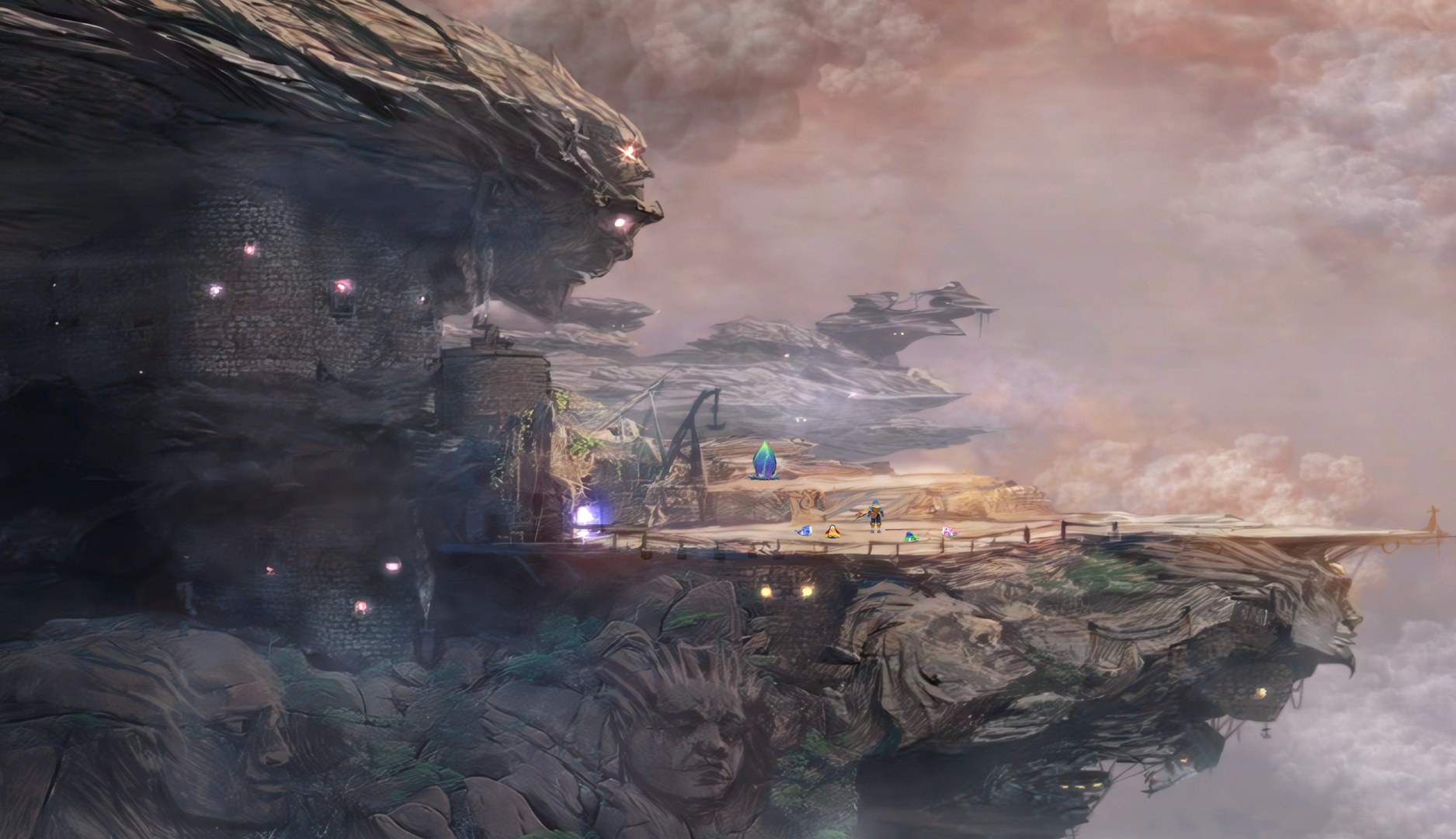
1vierock28’s Baten Kaitos remaster runs the game’s 2D artwork through ESRGAN, covering maps, character faces, skills and text. The textures used in the 3D battles, every boss included, were retextured individually rather than batch upscaled.
The pack also brings a new interface design. Anyone who prefers the original UI can simply remove those textures from the pack’s folder.
How to Set It Up
- In Dolphin, open File > Open User Folder, then go into
Load/Textures/. - Extract the download there, so you end up with a
Load/Textures/GKB/folder. - Open Graphics > Advanced and tick Load Custom Textures. Ticking Prefetch Custom Textures too stops stutter, if you have the RAM for it.