brackenhawk's Animal Crossing Texture Pack
Texture pack for Animal Crossing
- brackenhawkArtist
- 2 Oct 2026Page Updated
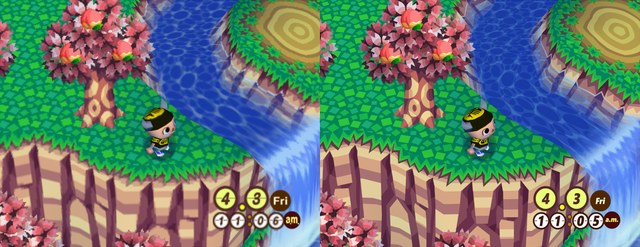
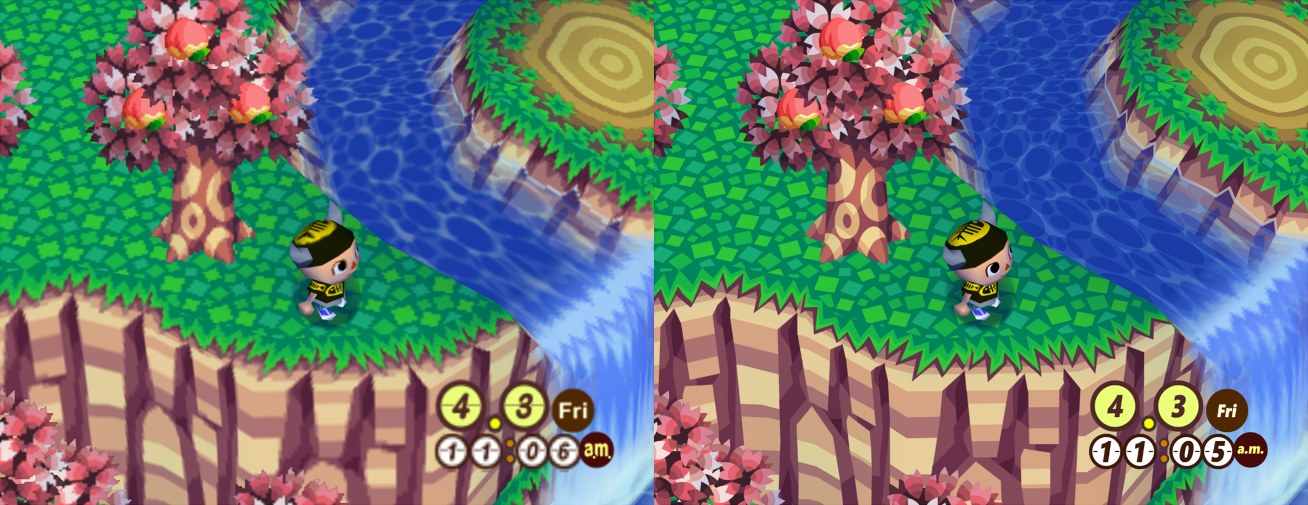
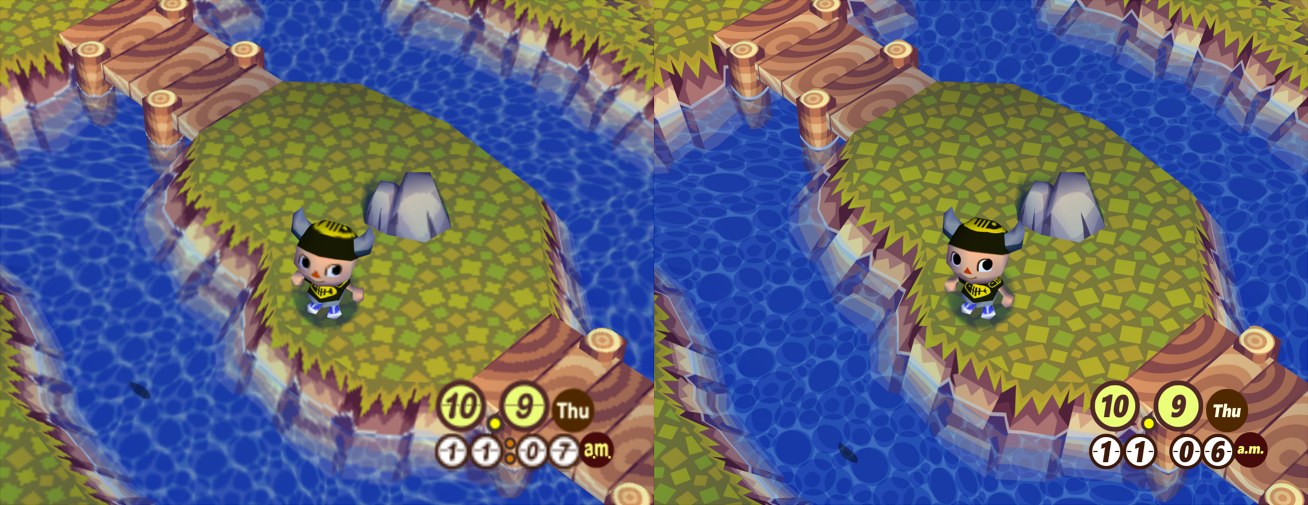
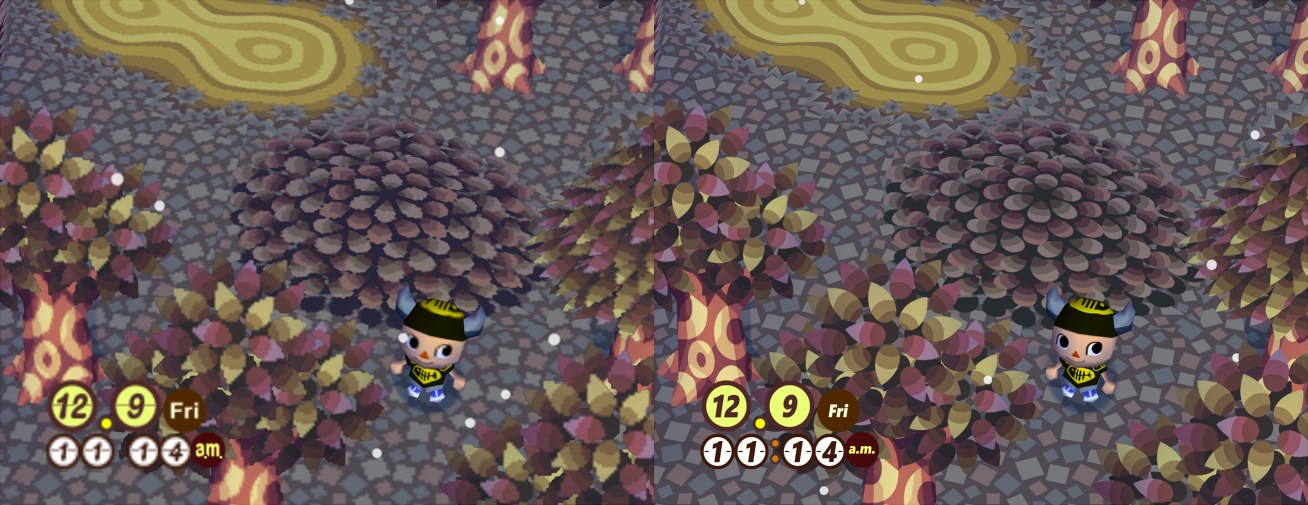
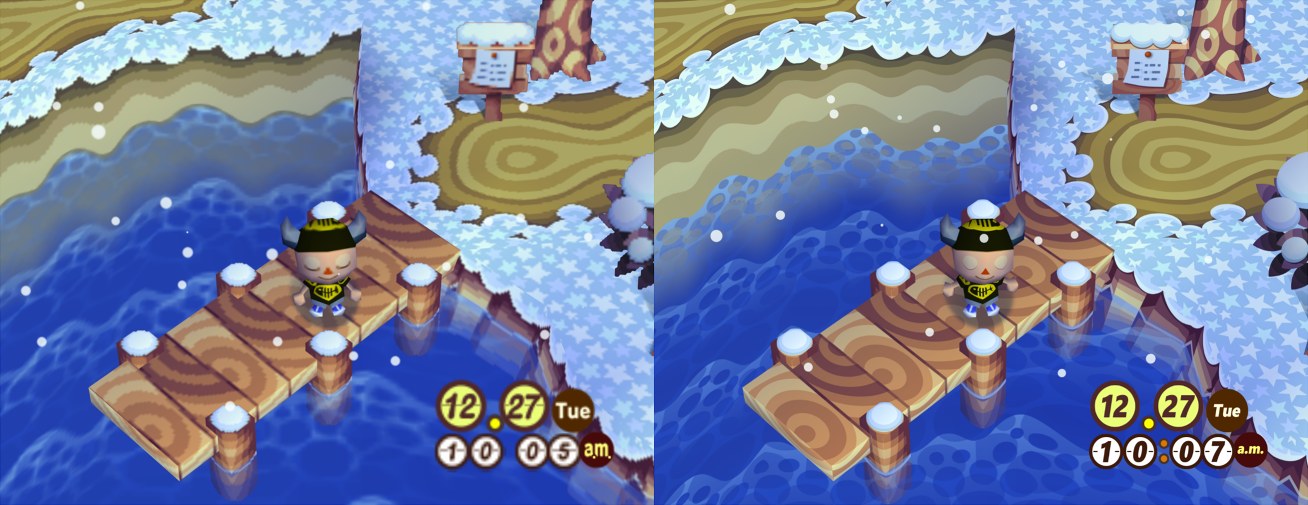
Overview
This Animal Crossing project, started by TechieAndroid in 2016, redraws the game’s textures by hand instead of running them through an upscaler, so the game looks clean at full HD and beyond.
The game has many thousands of textures spread across hundreds of villagers, furniture items and environment pieces, so the work is split between a community of texture artists, researchers and testers. The pack is still a work in progress.
With the right setup it works with every GameCube version and language of the game in Dolphin, Animal Crossing+ and e+ included. The team develops against the NTSC release, sometimes called Population: Growing. Some textures and file names change between versions, and those variations are supported where possible. This is Version 22, from January 2026.
How to Set It Up
- In Dolphin, open File > Open User Folder, then go into
Load/Textures/. - Extract the download there, so you end up with a
Load/Textures/GAF/folder (orGAE/for another release). - Open Graphics > Advanced and tick Load Custom Textures. Ticking Prefetch Custom Textures too stops stutter, if you have the RAM for it.