ACGC PC Port
PC port of Animal Crossing
- DecompilationPort Type
- flyngmtDeveloper
- 30 Sep 2026Page Updated
Details
- Developer
- flyngmt
- Port Type
- DecompilationThe game's code was rewritten by hand as source code that builds back into the same game, then made to run natively on PC.
- Game
- Animal Crossing
- AI Use
- AI-assistedThe project says: “AI tools such as Claude were used in this project (PC port code only).” Source
- Source Code
- GitHub
- Page Updated
Platform Support
- Windows
ScreenshotsView All (6)
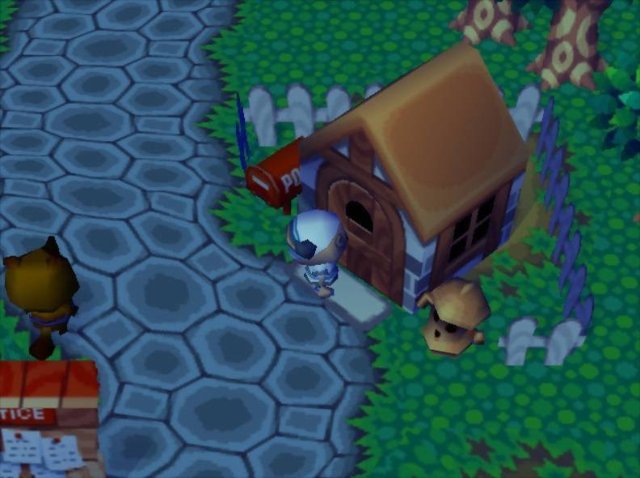
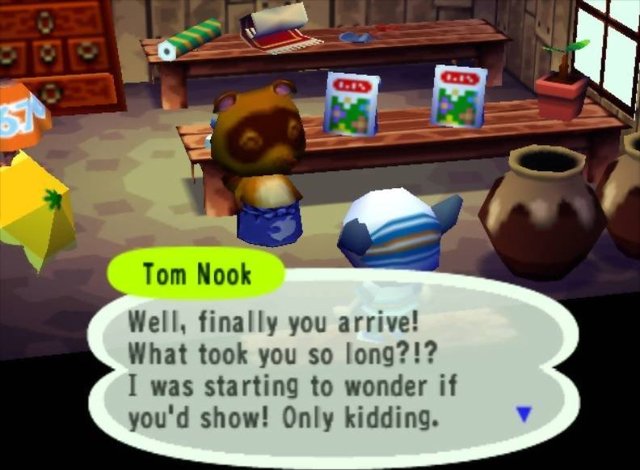
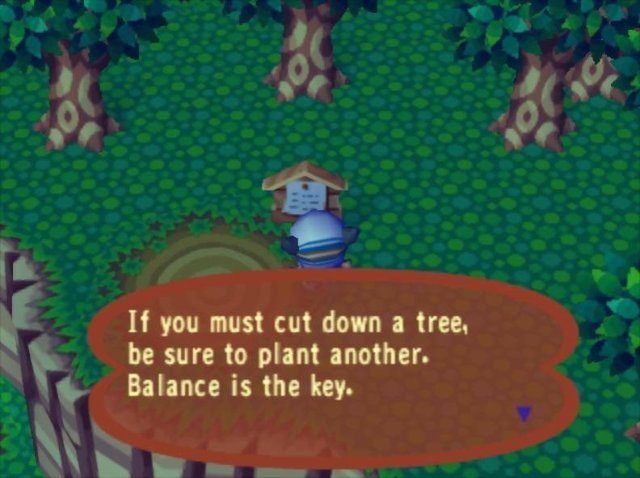
Overview
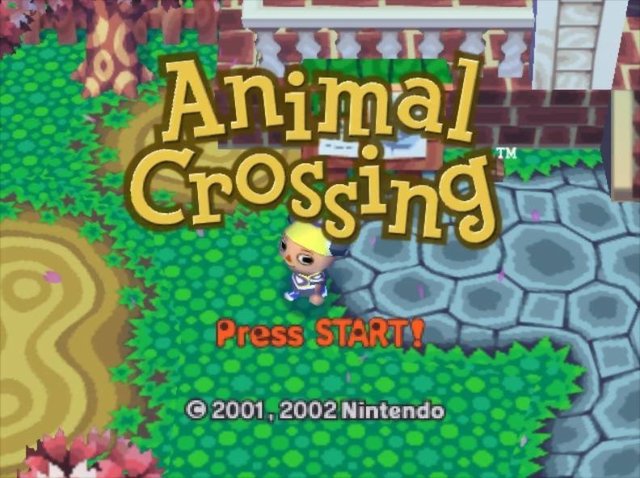
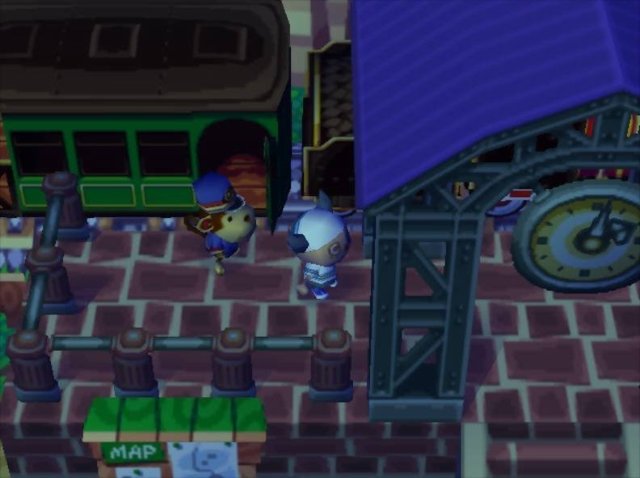
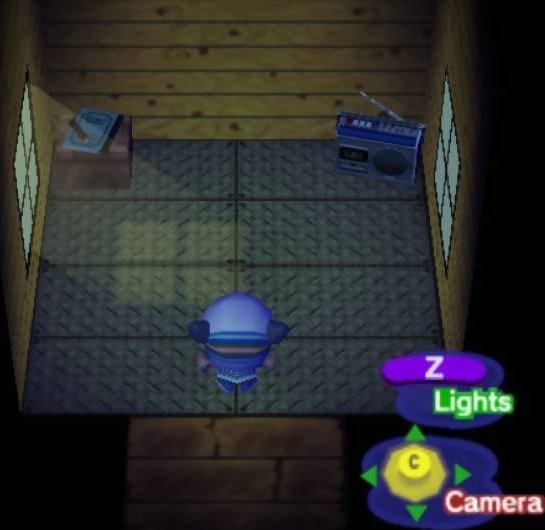
ACGC PC Port is a native Windows port of the GameCube Animal Crossing, built from the ACreTeam’s complete C decompilation of the game. The original code runs natively, and a translation layer replaces the GameCube’s GX graphics with OpenGL 3.3.
It renders at resolutions up to 4K with optional anti-aliasing and VSync, loads Dolphin-format HD texture packs and stores saves as GCI files that are compatible with Dolphin, so an existing save can be carried over. Keyboard, mouse and SDL2 controllers are supported. The author says AI tools such as Claude were used for the PC port code.
Releases are playtest builds for Windows only. The download contains no game data. It needs Animal Crossing (USA, revision 0), dumped from your own disc.
How to Set It Up
- Download the zip and extract it to a folder.
- Put your disc image in the
romfolder. - Run
AnimalCrossing.exe. The game reads its data straight from the disc image, with no extraction step. - Graphics options are in
settings.inior the in-game options menu, and keys can be changed inkeybindings.ini.