TriAevum
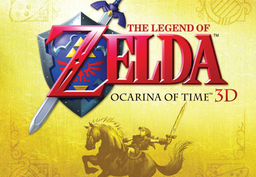
PC port of The Legend of Zelda: Ocarina of Time 3D
- RecompilationPort Type
- coccofrescoDeveloper
- 18 Oct 2026Page Updated
Details
- Developer
- coccofresco
- Port Type
- RecompilationA tool translated the game's original machine code into C automatically, which was then built as a native PC program.
- AI Use
- Mostly AI-builtThe project says: “Development of this project is entirely AI-assisted, under human direction.” Source
- Source Code
- GitHub
- Page Updated
Platform Support
- Windows
- Linux
ScreenshotsView All (5)
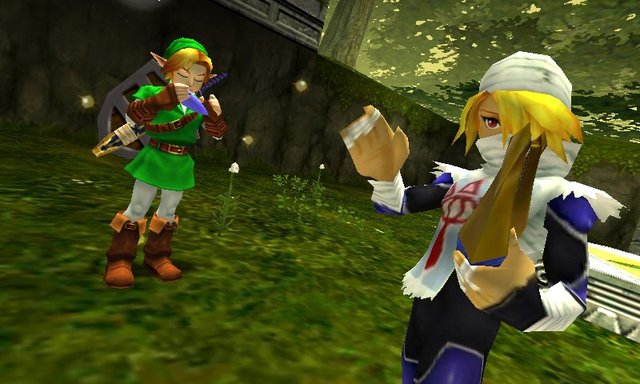
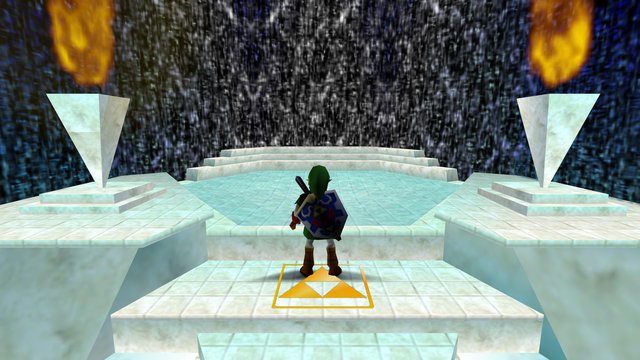
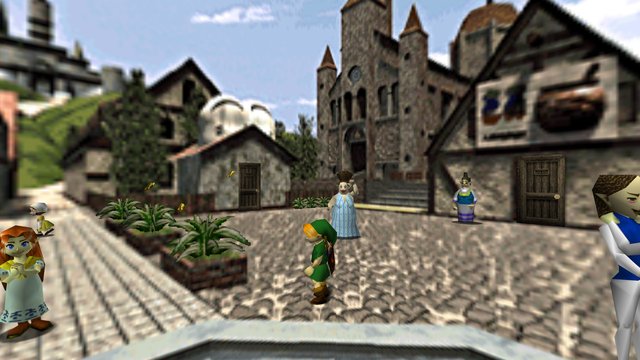
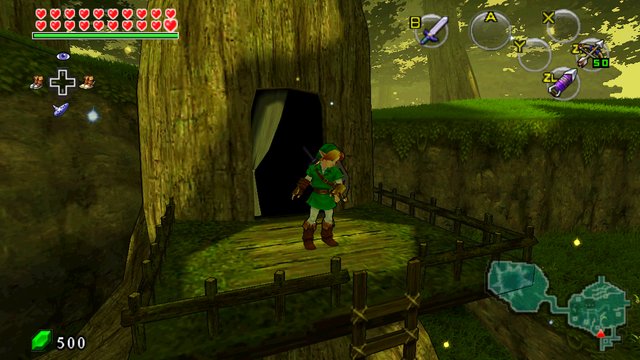
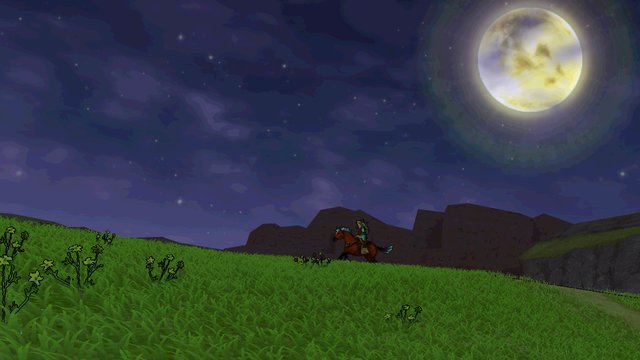
.3ds or .cci of The Legend of Zelda: Ocarina of Time 3D (Europe or USA), dumped from your own cartridge.Overview
WidescreenUp to 90 FPSToon Shading
TriAevum is a native Windows and Linux port of The Legend of Zelda: Ocarina of Time 3D for the Nintendo 3DS, made by coccofresco by statically recompiling the game’s ARM code into C++. A separate tool, TriAevumForge, prepares the game data from your own copy.
It adds widescreen, optional toon shading and frame interpolation to 60 or 90 fps. It is an alpha, and some releases have been withdrawn and replaced quickly.
The author says AI tools were used heavily in making it.
The download contains no game data. It needs a decrypted dump of The Legend of Zelda: Ocarina of Time 3D (Europe or USA), from your own cartridge.
How to Set It Up
- Download the Windows zip or the Linux Flatpak and extract or install it.
- Run
TriAevumForge.exeand point it at your decrypted Ocarina of Time 3D file. It prepares the game data. - Setup needs an internet connection to download the TopScreen package.
- Run
TriAevum.exeto play.