
Azimuth
PC port of Forza Horizon 2
- WrapperPort Type
- Almost There GamesDeveloper
- 30 Oct 2026Page Updated
Details
- Developer
- Almost There Games
- Port Type
- WrapperThe game's own code runs directly on the PC, with a layer that turns the console's system and graphics calls into Windows ones.
- Game
- Forza Horizon 2
- AI Use
- AI-assistedThe project's itch.io page discloses AI-assisted code. Source
- Source Code
- Closed sourceThe developer hasn't published the source code.
- Original Release
- itch.io
- Support the Developer
- Ko-fi
- Page Updated
Platform Support
- Windows
ScreenshotsView All (6)
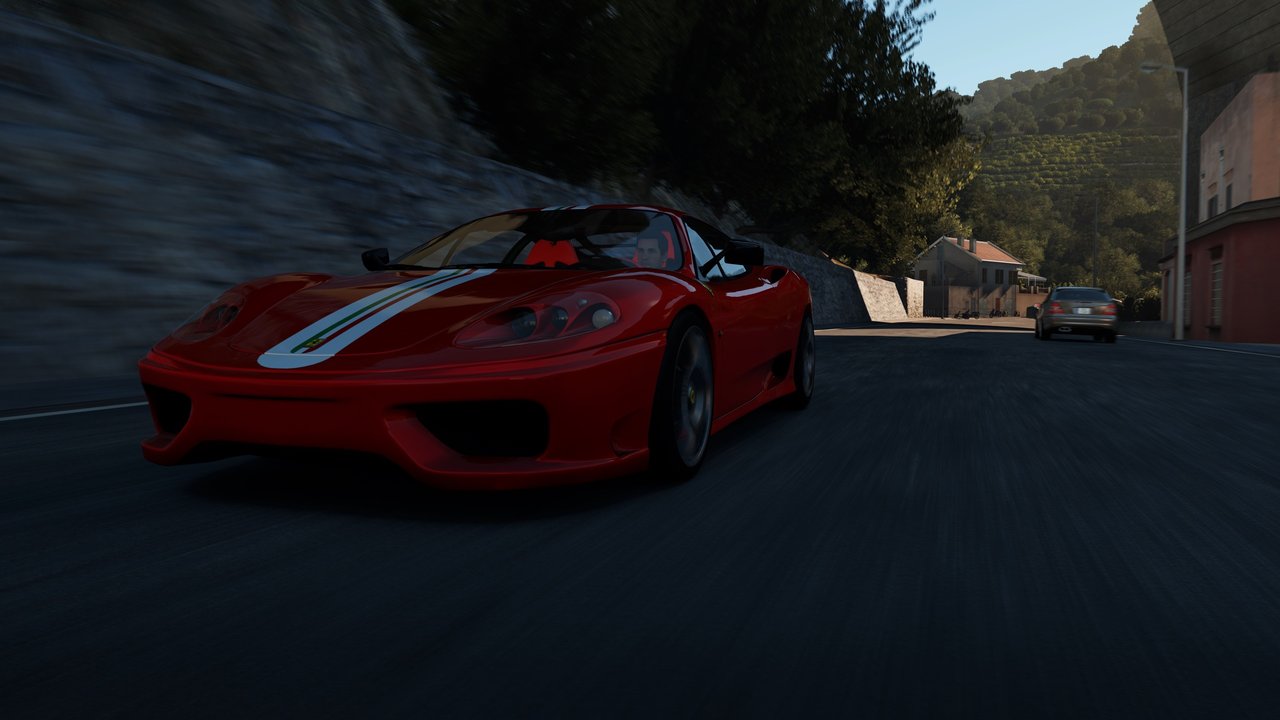
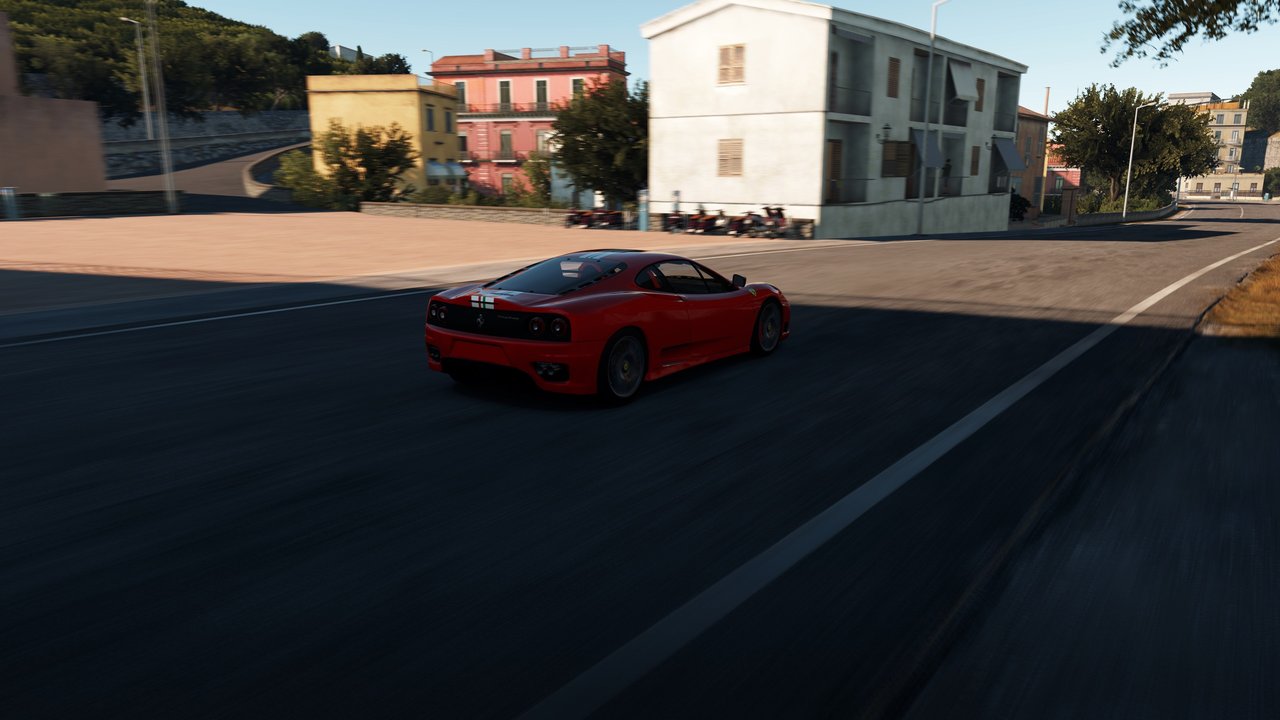
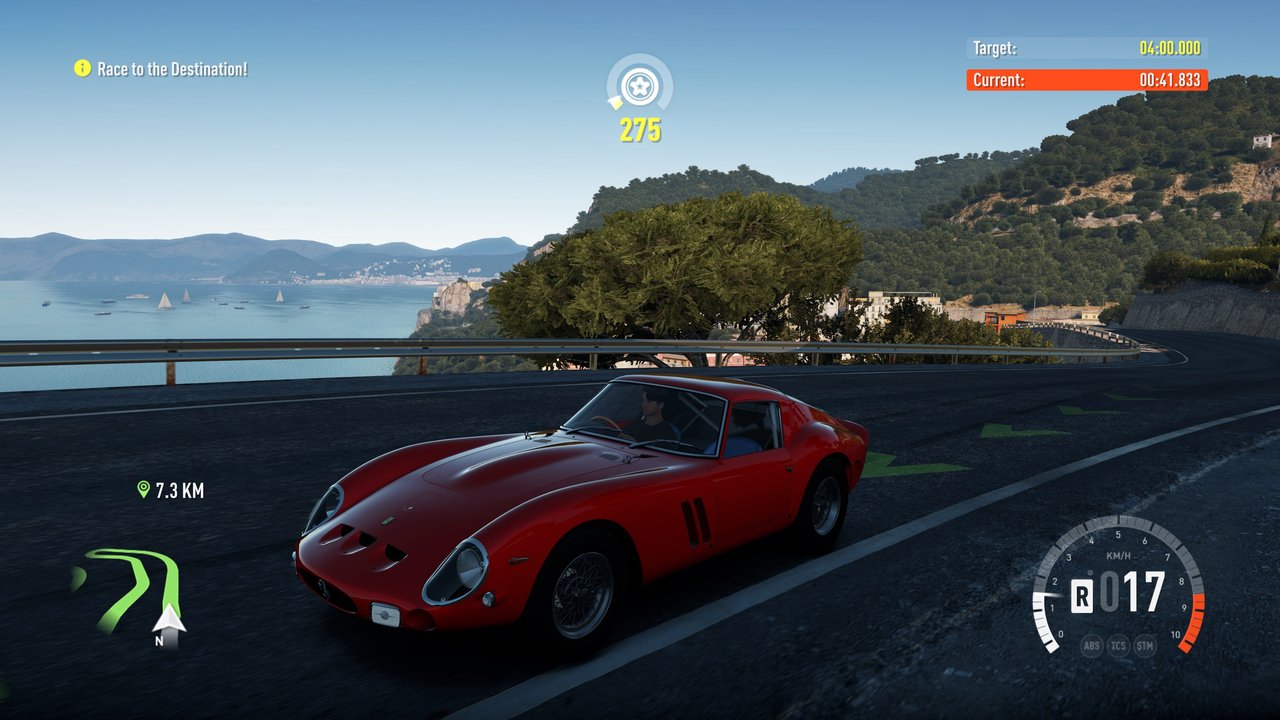
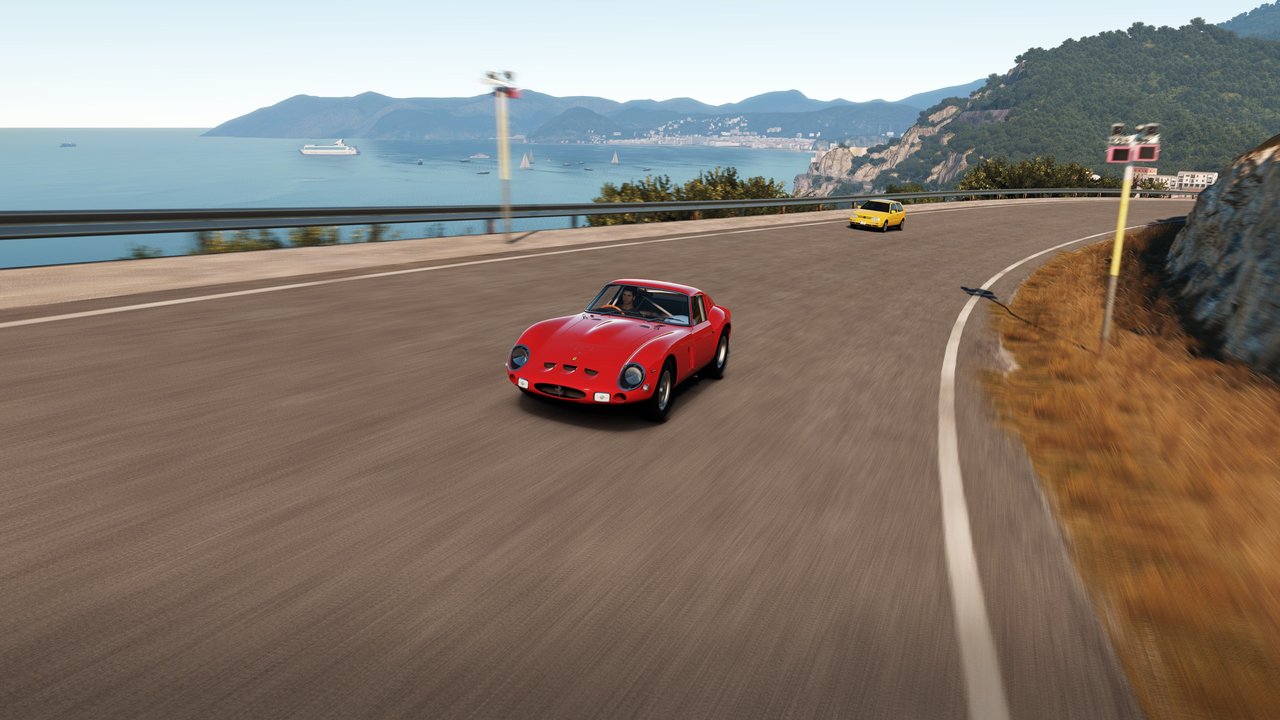
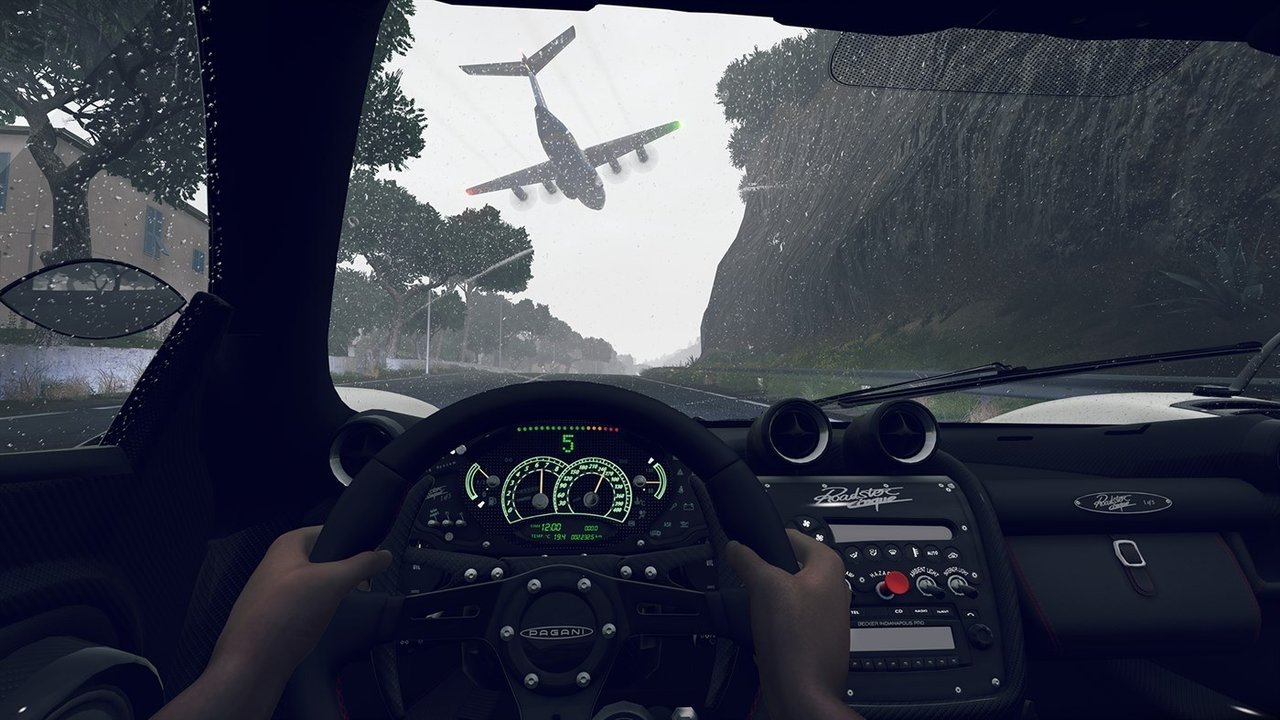

era.vbi, Mount and EmbeddedXvd, from your own copy. The Storm Island (1.0.0.36) and Fast & Furious (1.0.0.6, experimental) expansions are optional. Windows 10 or 11, or Linux through Proton; a processor with F16C (Intel 3rd generation Core, AMD FX Piledriver or newer), 16 GB of RAM and a PC at least as fast as a Steam Deck. Intel integrated graphics are not supported yet.Overview
Azimuth is a wrapper that runs the Xbox One version of Forza Horizon 2 as a Windows program, and on Linux through Proton. Xbox One games are built for an x86-64 processor like a PC’s, so the game’s own code runs directly; Azimuth translates the console’s WinRT calls to the desktop Windows API and its Xbox version of DirectX 11 to desktop DirectX 12. It is closed source and contains no game files.
Resolution goes from 720p up to the display’s own, in 16:9 or the display’s shape (16:10, 21:9 or 32:9), and the frame rate from 30 or 60 FPS up to the display’s refresh rate, with HDR10 output and a calibration page. Four presets cover the graphics: Low, near the game’s split-screen settings; Default, matching the Xbox One; High, with sharper shadows that reach three times as far, more detailed reflections, photo mode car models and 16x anisotropic filtering; and Ultra, which goes further again for strong hardware. Each setting can also be changed on its own, alongside MSAA, every text and speech language in the game, stereo, 5.1 or 7.1 sound and any Xbox controller. On a Steam Deck it reaches 720p at 60 FPS or 1080p at 30 FPS.
Azimuth is in development and at version 0.9. With no Xbox Live, the game plays offline only, without multiplayer or achievements. Busy areas such as towns can stutter, very wide screens can show small layout problems, and settings marked experimental in the launcher have known issues.
How to Set It Up
- Download the zip and unpack it to a folder of its own.
- Start the Azimuth launcher and choose the folder with your game files (the one with
era.vbi,MountandEmbeddedXvd). - To add Storm Island or Fast & Furious, choose their folders on the launcher’s Game page.
- Pick your graphics settings and start the game. Holding View/Back or Esc for two seconds quits.
Advertisement
Get Azimuth on itch.io
It is pay what you want on itch.io, so you can download it free or pay what you like. Downloading it there supports the developer. You can also support them directly. The files below are our backup mirror, kept in case the original goes away.