
Project Avalanche
PC port of SSX
- ReimplementationPort Type
- MnkyArtsDeveloper
- 24 Nov 2026Page Updated
Details
- Developer
- MnkyArts
- Port Type
- ReimplementationThe game was rebuilt in new code that plays like the original and loads its data from your own copy.
- Game
- SSX
- AI Use
- AI-assistedAn AI coding tool is credited as co-author on 20 of the repository's 52 commits. Source
- Source Code
- GitHub
- Official Site
- projavalanche.com
- Page Updated
Platform Support
- Windows
- Linux
Screenshots
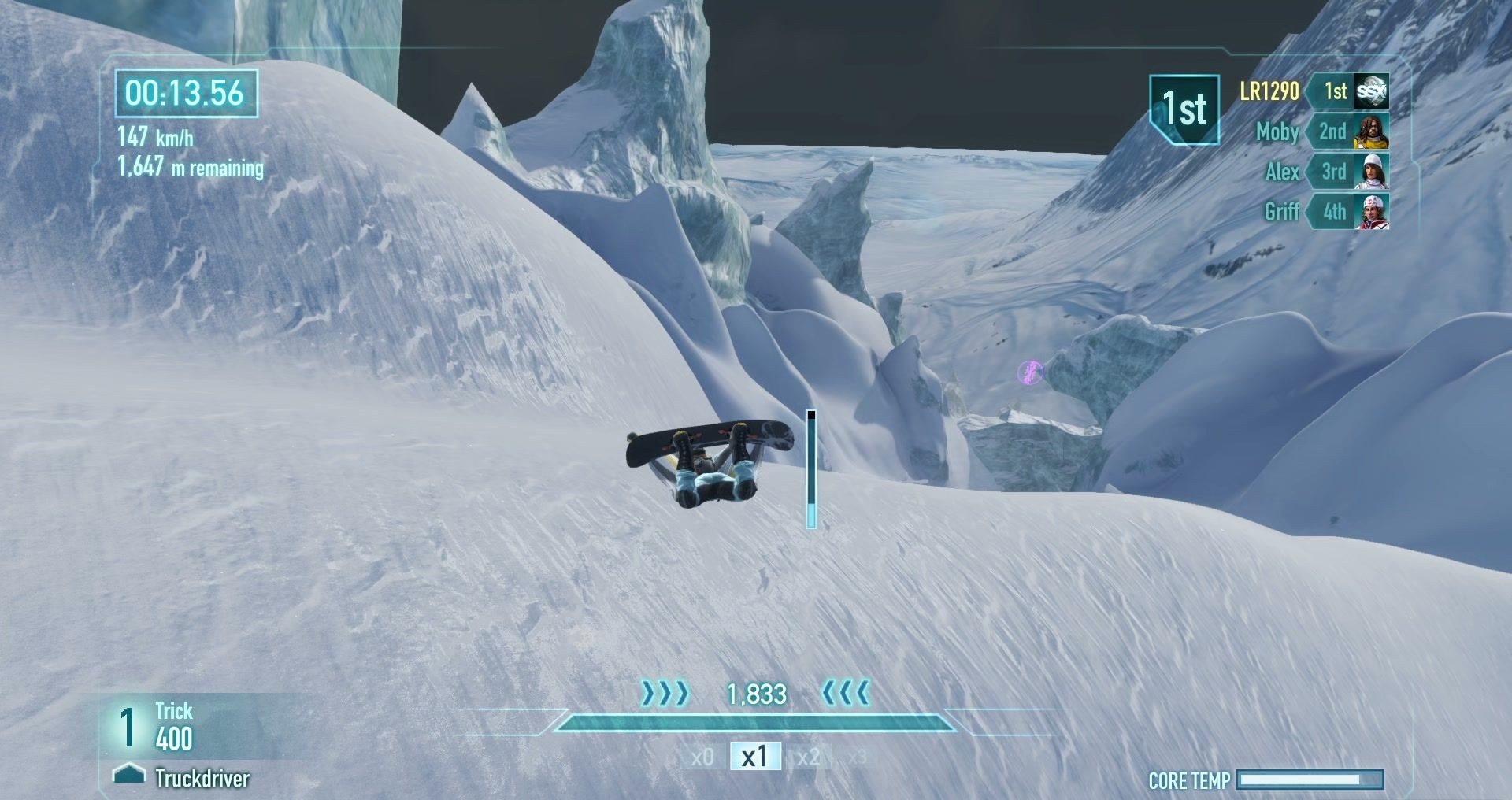
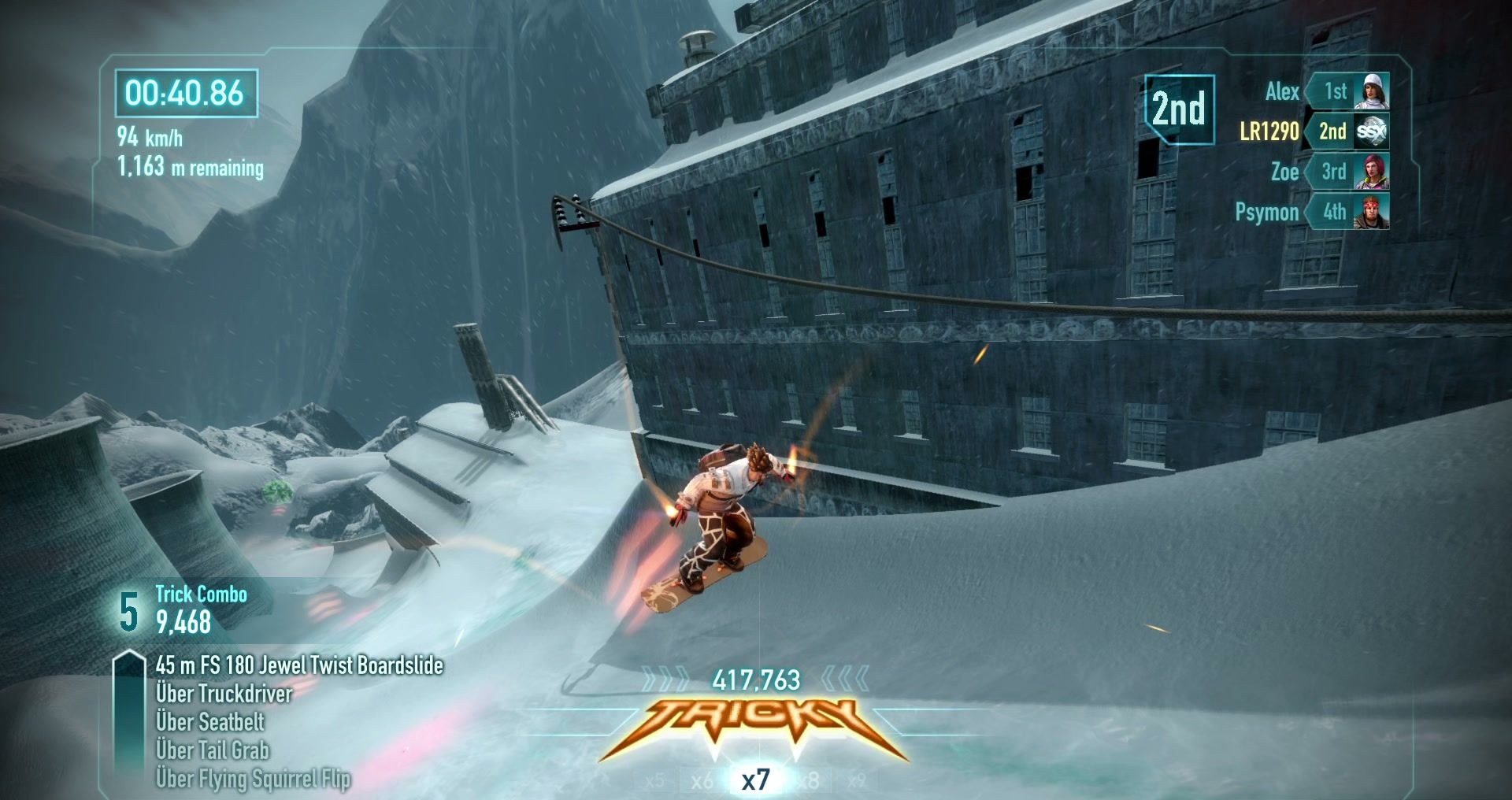
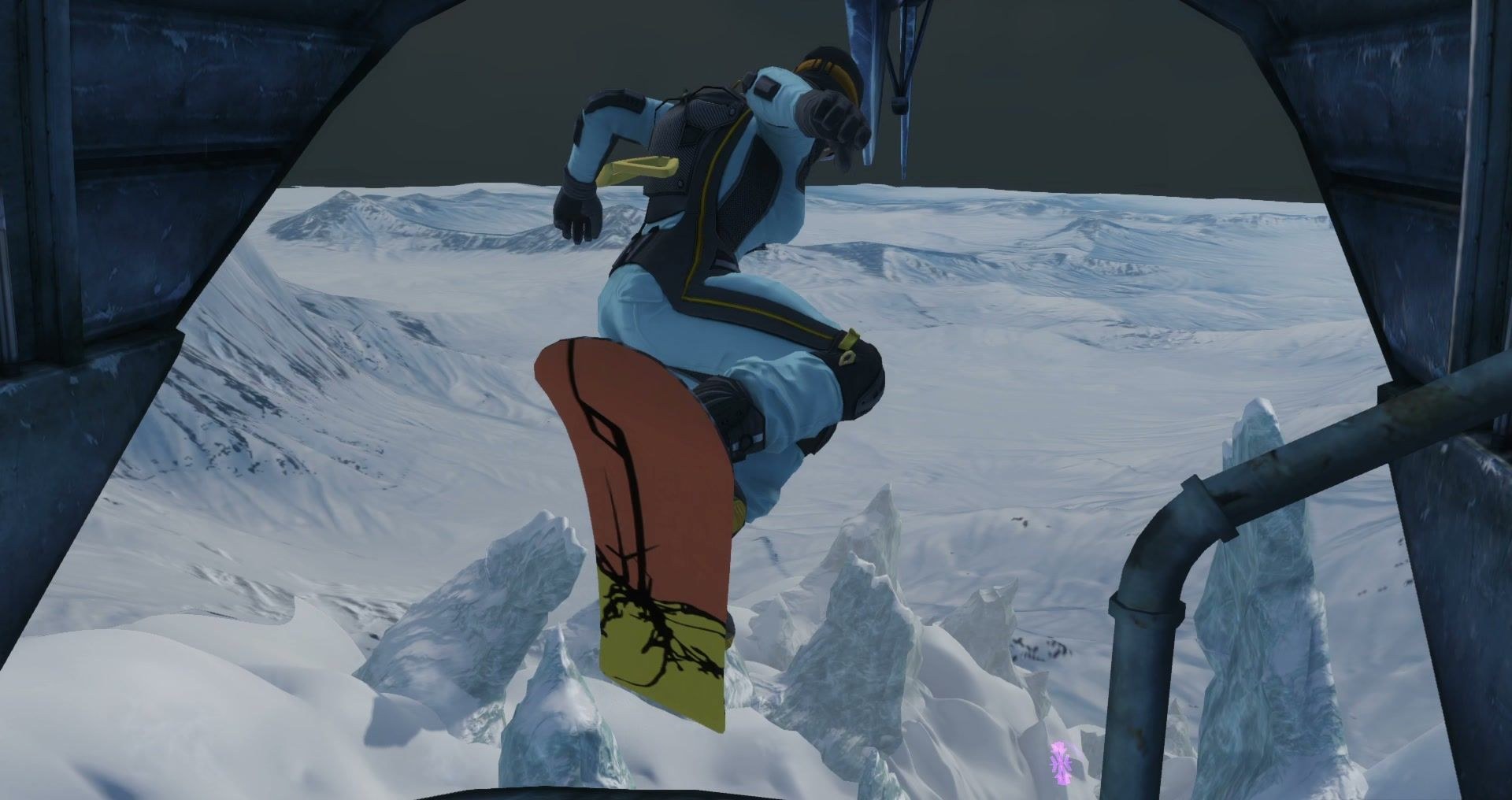
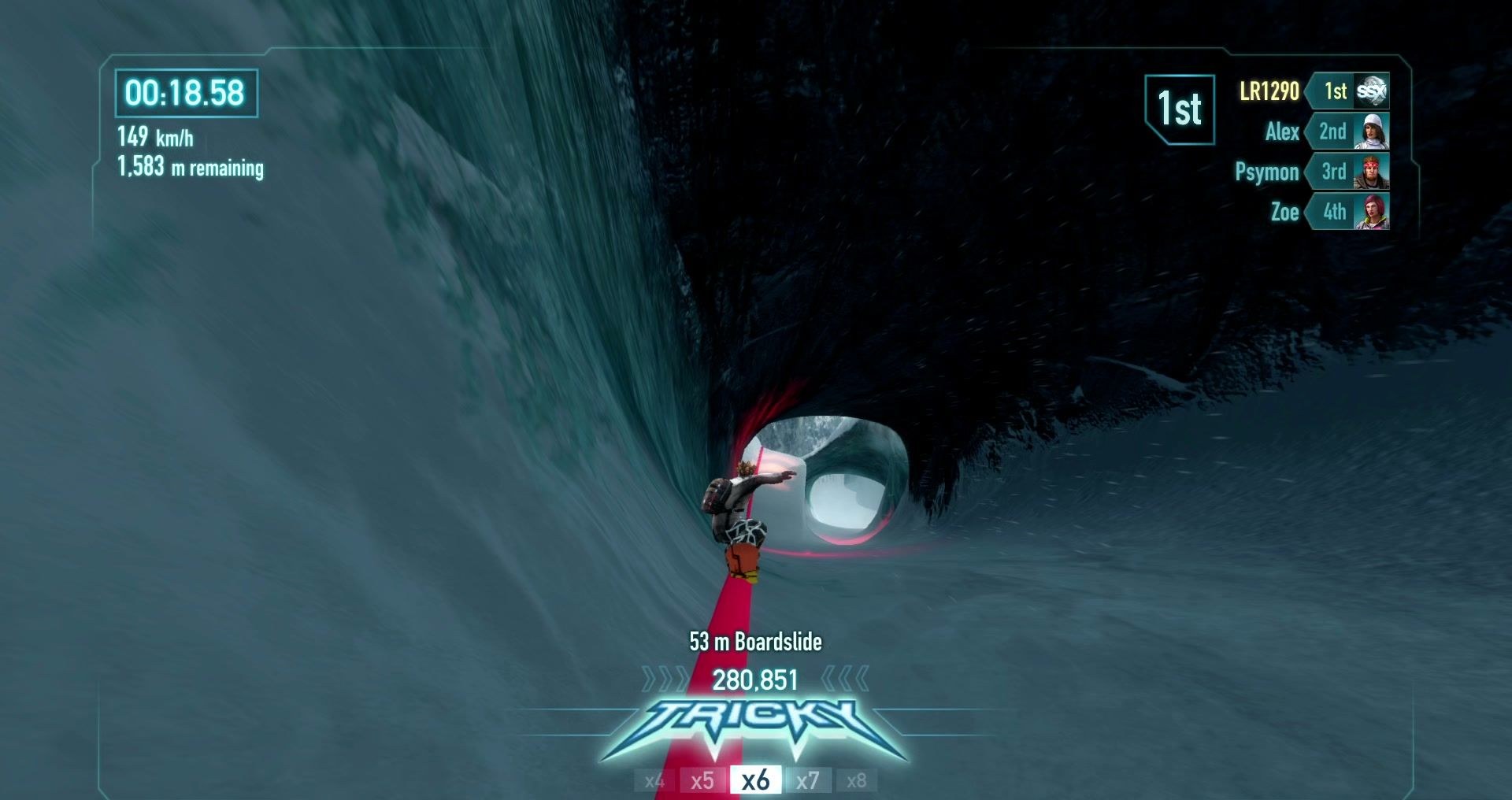
Overview
Project Avalanche is a fan-made PC version of SSX, EA’s 2012 snowboarding reboot for the Xbox 360 and PS3. Unlike most console ports it is neither an emulator, a decompilation nor a recompilation: the team studied the retail Xbox 360 game’s file formats and behaviour and wrote a new engine in Rust on Bevy that reads the data from the player’s own disc. None of EA’s code is in it, and it runs natively on Windows and Linux.
It plays from start to finish, with World Tour, Explore on every track with medals, leaderboards and a ghost of the player’s best run, and rider physics worked out from the original program. Online drops work on the project’s servers or on a headless dedicated server players can host themselves, with LAN games listed in the launcher. The DLC mountains, packs and title updates load from the player’s own dumps, and mods can add maps, resources and gamemodes scripted in Luau.
Releases have doubled the frame rate on some PCs, added controller vibration and DualSense support and rebuilt the launcher, which sets up the game and keeps itself current. The developers say the port is built with help from Claude, and anything not yet worked out is marked in the code as approximate.
How to Set It Up
- Download the Windows zip or the Linux tar.gz and unpack it into a folder of its own, keeping the programs and the
fontsfolder together. - Start
Project Avalanche.exe(Linux:./project-avalanche), choose Set Up Game Data and pick your SSX (2012) Xbox 360 ISO. - Let it extract the game data once (about 4.7 GB). The ISO is only read.
- Press Play SSX (2012). The launcher updates itself from then on.
- To host your own server, use the separate dedicated server download for Windows or Linux.