
Marathon Recompiled
PC port of Sonic the Hedgehog (2006)
- RecompilationPort Type
- sonicnext-devDeveloper
- 17 Nov 2026Page Updated
Details
- Developer
- sonicnext-dev
- Port Type
- RecompilationA tool translated the game's original machine code into C automatically, which was then built as a native PC program.
- AI Use
- Not statedThe developers haven't said whether they used AI.
- Source Code
- GitHub
- Page Updated
Platform Support
Screenshots
Overview
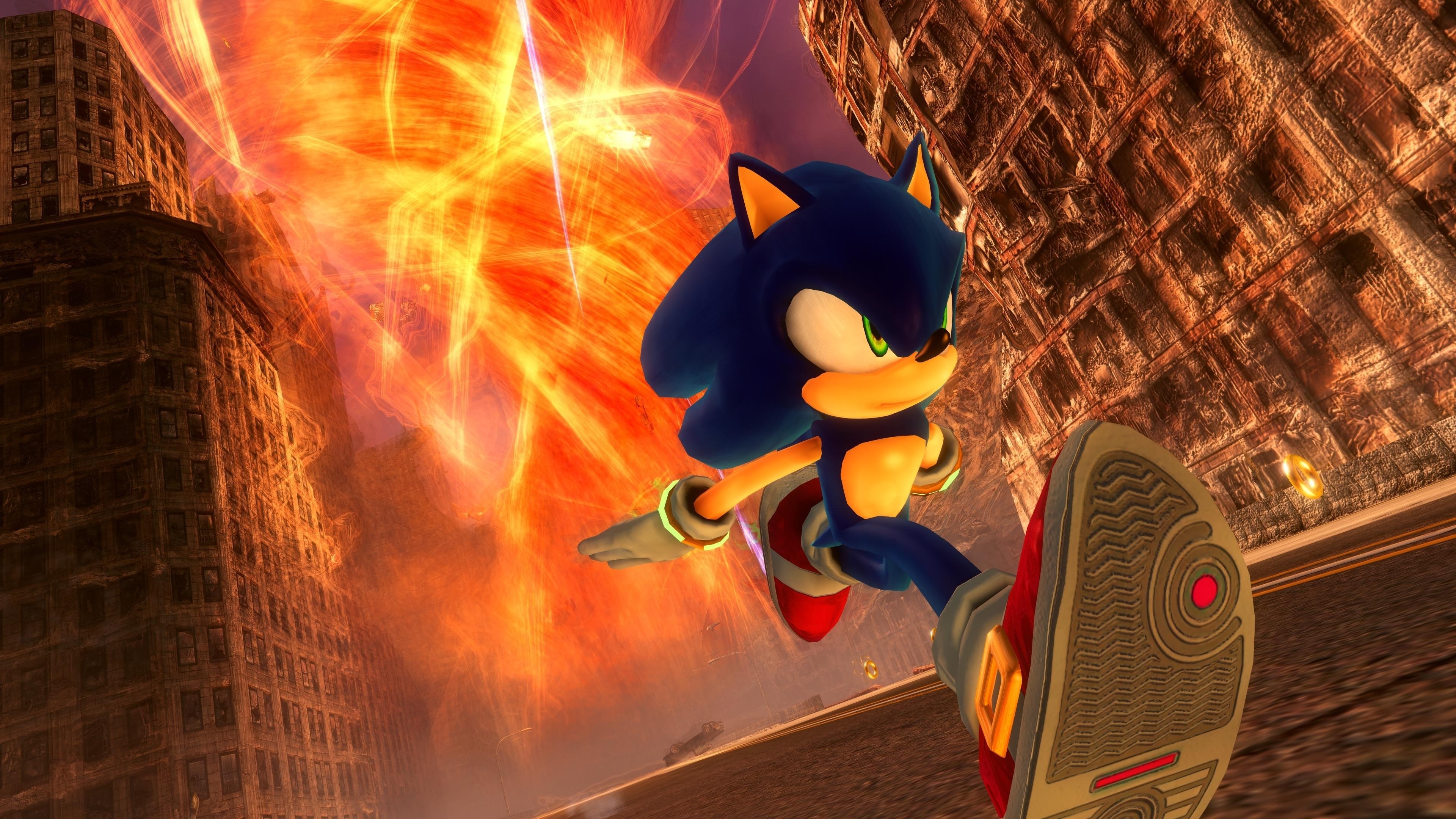
Marathon Recompiled is a native port of the Xbox 360 version of Sonic the Hedgehog (2006) for Windows, Linux and macOS, made by the sonicnext-dev team through static recompilation. XenonRecomp and XenosRecomp turn the game’s PowerPC code and Xenos shaders into C++ and HLSL, the same tools behind Sonic Unleashed Recompiled, and it runs on Direct3D 12, Vulkan or Metal, on x86-64 and ARM64 alike.
The game’s own bugs are kept on purpose, apart from a few small visual patches, but many fixes for original bugs and annoyances can be turned on in the configuration file or a hidden debug section of the options. The differences in the PS3 version are included as options. Keyboard and mouse and controllers are supported, and the Linux builds are Flatpaks that run on the Steam Deck.
It is the project’s first release (1.0.0). The download contains no game data. It needs the Xbox 360 game and its title update, dumped from your own copy.
How to Set It Up
- Dump the game, its title update and any DLC from your Xbox 360 or with an OmniDrive-compatible disc drive, following the project’s dumping guides.
- Download the build for your system and extract it where you want the game installed. Steam Deck users take the x86_64 Flatpak.
- Run it and follow the installer: Add Files takes containers or images dumped from an Xbox 360, Add Folder takes a folder of the game’s raw files.
- The installer checks the files and installs the game; then play.
Advertisement
Download Marathon Recompiled
What's new in v1.0.0
Initial release.
Notice for Intel and AMD GPU users
Using outdated drivers may cause the game to crash or cause graphical glitches, so please ensure that your drivers are up-to-date before playing.
Watch out
Intel users: do not use your operating system or driver suite to check for driver updates, sometimes these updates are not distributed by vendors. Always check Intel’s website for the latest drivers.
- Intel HD 11th+ Gen/Intel Arc/Iris Xe
- Intel HD 7th-10th Gen
- Intel HD 6th Gen
Note
Steam Deck users should choose the x86-64 Flatpak.
fcf2c60b270f21e67c1c587d67c843853962bdedb3303356d2b76d57fe090433
e6ec48456fc9708af90bb9a227bcb7e28d0923c77633751381178a8340ceaa4d
3b066ed1ba47c226e2ce3c81073a1fc075832c4c6e5f7882c790de5e911a95d8
e2949d9d8aad462903bd4d1438bb1056c63cf1373b66530035e907d5a9b8bfe5
fa4281319fbaa4fc3e1a68605809d4377ea9db3569d9ef2fba69d1b15b07b48a
805d51bad2f0bd68b417e0b684d94ddd27b950b169f04e05535c8ed13a3398ba