Giants Recompiled
PC port of Skylanders: Giants
- RecompilationPort Type
- TheBiemGamerDeveloper
- 30 Sep 2026Page Updated

Details
Platform Support
- Windows
Screenshots
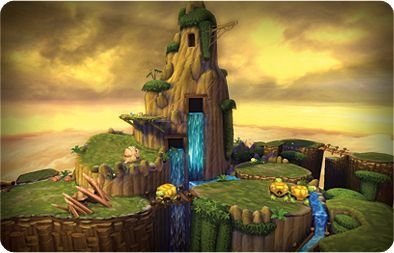
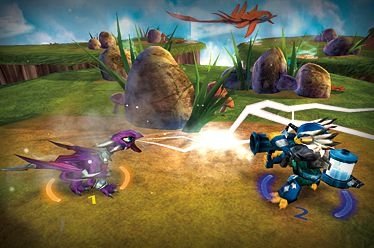
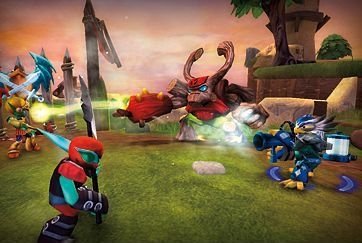
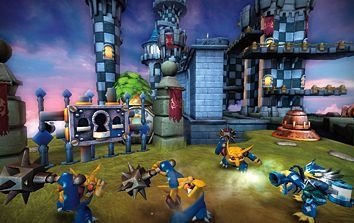
Overview
Giants Recompiled is a native Windows port of the Xbox 360 version of Skylanders: Giants, made by static recompilation with ReXGlue. A Linux build can be made from source but is experimental.
No toys are needed: a virtual Portal of Power holds up to 16 figures, created by name or dumped from your own figures, and progress is saved back to the figure file. A real Portal of Power works over USB without driver changes. It also has keyboard and mouse controls, resolution scaling, ultrawide support and an in-game settings menu.
It is an early test build. Story mode can be played to the end with a controller, but other modes are untested and performance dips when effects first appear. The author says AI tools were used heavily in making it. The download contains no game data. It needs Skylanders: Giants version 1.0 (USA/Europe), dumped from your own disc.
How to Set It Up
- Download
GiantsRecompSetup.exeand run it. - Point the installer at your disc image or extracted game folder. It checks your copy and refuses any other version.
- Choose the Portal of Power mode (virtual, a real USB portal, or none) and the display resolution.
- Start Giants Recompiled from the Start Menu. Press F4 in game for settings and F6 to place figures on the virtual portal.