Skate 3 Recomp
PC port of Skate 3
- RecompilationPort Type
- mchughalexDeveloper
- 30 Sep 2026Page Updated
Overview
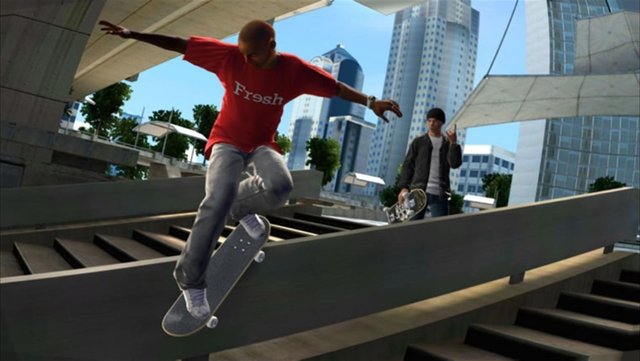
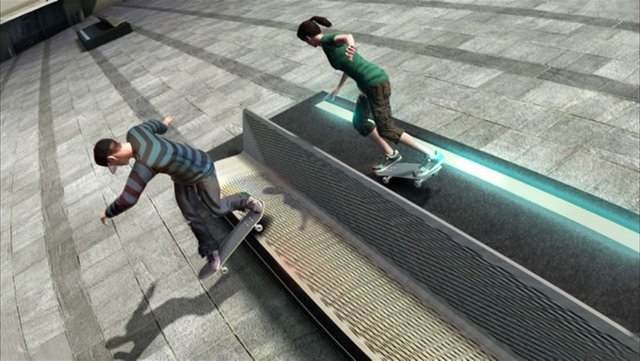
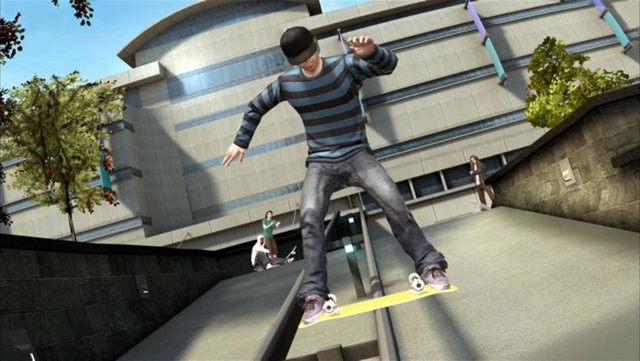
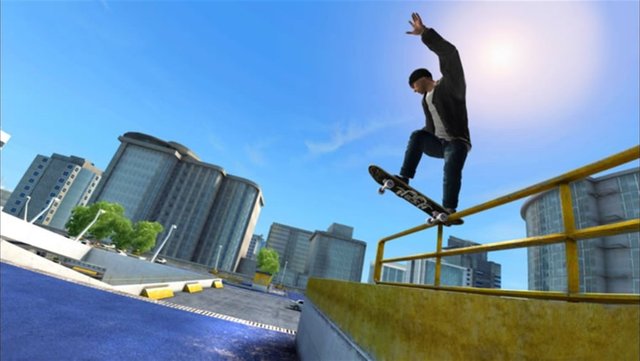
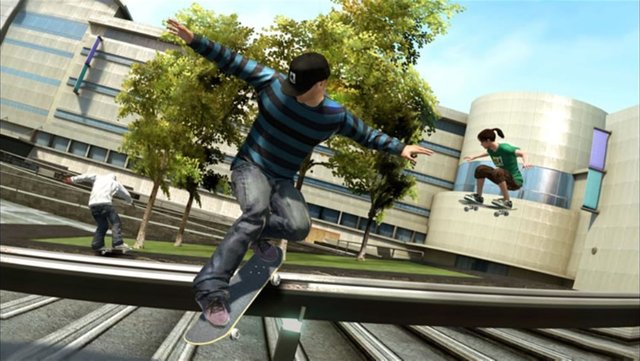
Skate 3 Recomp is a native port of the Xbox 360 version of Skate 3 for Windows, Linux and macOS, made by static recompilation with the ReXGlue SDK. Since version 2.0 it draws the game with its own renderer on Direct3D 12 and Vulkan instead of emulating the console’s GPU, which the author says more than doubles the frame rate.
It adds MSAA up to 8x, soft sun shadows, ambient occlusion, a render scale up to 3x, extended draw distance and true ultrawide, plus keyboard controls, SDL controller support and a portable mode. The macOS build runs on Apple Silicon through MoltenVK.
The native renderer is new: the author has not played the game all the way through with it, and the Hall of Meat, skater customisation and park editing still show rendering problems. The download contains no game data. It needs a Skate 3 Xbox 360 ISO, dumped from your own disc.
How to Set It Up
- Download the zip for your system (Windows, Linux or macOS on Apple Silicon) and extract it to a folder you control.
- Run
skate3.exeon Windows,skate3on Linux, or theskate3recompapp on macOS (the first time, right-click it and choose Open). - Click Select ISO and choose your Skate 3 ISO, then wait for the installer to extract the game files.
- Click Start Game. DLC packages go in a
dlcfolder beside the executable.