DownpourRecomp
PC port of Silent Hill: Downpour
- RecompilationPort Type
- LittleBitUADeveloper
- 30 Sep 2026Page Updated

Details
- Developer
- LittleBitUA
- Port Type
- RecompilationA tool translated the game's original machine code into C automatically, which was then built as a native PC program.
- AI Use
- AI-assistedThe project says: “This project uses AI assistance (Claude Code) alongside hands-on reverse-engineering and engineering work.” Source
- Source Code
- GitHub
- Page Updated
Platform Support
- Windows
ScreenshotsView All (5)

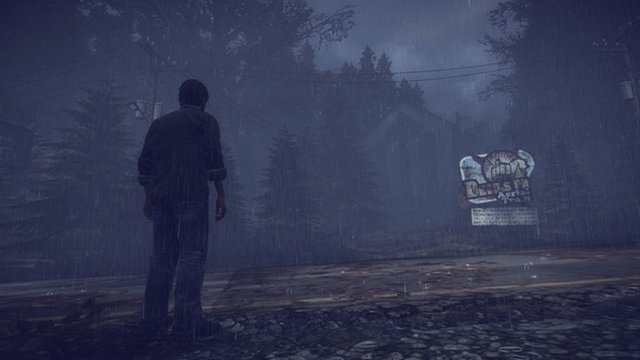
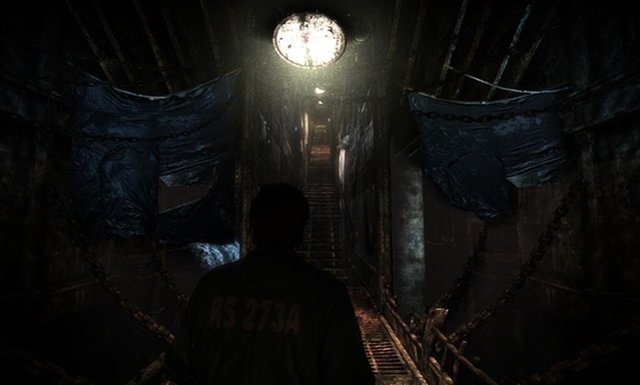

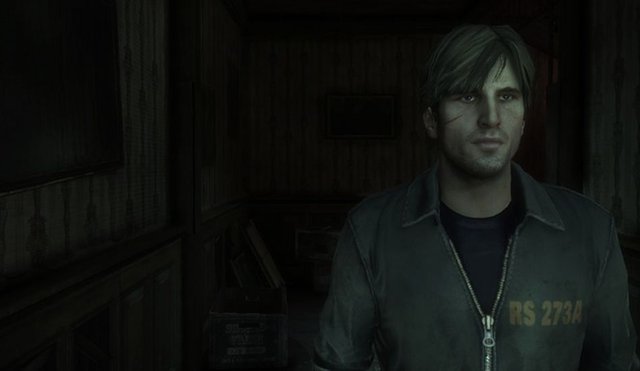
Overview
DownpourRecomp is a native port of Silent Hill: Downpour for Windows, made by static recompilation with the ReXGlue SDK, by the Little Bit team that also made the Deadly Premonition port.
It runs at 60 FPS at 1080p by default with up to 4K and 2x supersampling, has native mouse look on raw input and keyboard controls, a standalone launcher, a first-run installer that extracts your ISO, a pre-warmed shader cache, local achievements with unlock notifications, and it no longer needs AVX2.
Some options are still missing, such as turning off depth of field and in-game volume sliders. The author says AI tools (Claude Code) wrote much of the implementation under human direction. The download contains no game data. It needs Silent Hill: Downpour for Xbox 360, dumped from your own disc.
How to Set It Up
- Download the zip and extract it.
- Run
PlayDownpour.exe. On first launch the installer asks for your Silent Hill: Downpour ISO and extracts it (the extraction can be resumed). - Let the installer add Title Update 1, then set graphics, mouse and controls in the launcher.
- Press Play. F4 opens the settings overlay in game and F7 the achievements list.