MKVDCU-Recomp
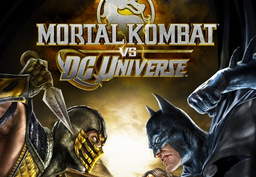
PC port of Mortal Kombat vs. DC Universe
- RecompilationPort Type
- KawaiiBungaDeveloper
- 30 Sep 2026Page Updated
Details
- Developer
- KawaiiBunga
- Port Type
- RecompilationA tool translated the game's original machine code into C automatically, which was then built as a native PC program.
- AI Use
- Not statedThe developers haven't said whether they used AI.
- Source Code
- GitHub
- Page Updated
Platform Support
- Windows
Screenshots
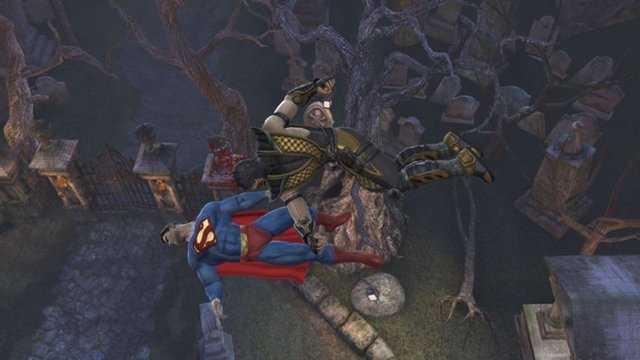
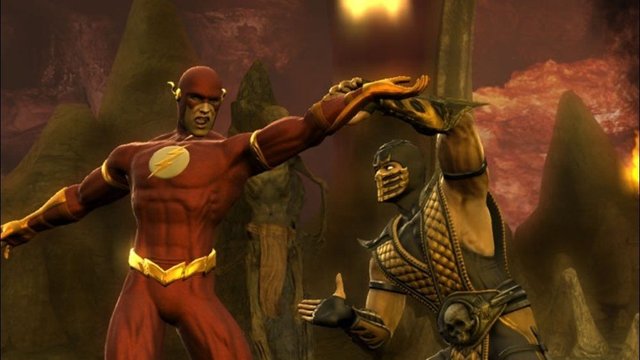
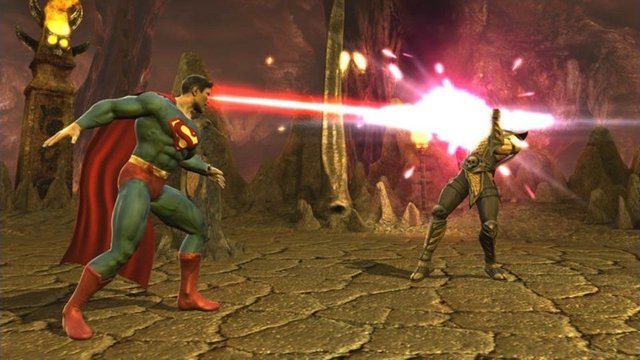
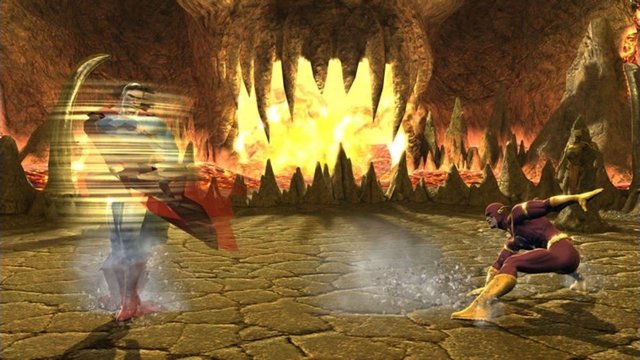
default.xex plus the Asset, Config, Localization and Movies folders), from your own disc or console.Overview
MKVDCU-Recomp is a native port of the Xbox 360 version of Mortal Kombat vs. DC Universe for Windows, made by static recompilation with ReXGlue. It is a build kit: the launcher checks your game files, installs Microsoft’s C++ Build Tools and a compiler, and builds the PC version on your machine. The first build takes 5 to 20 minutes and needs about 15 GB of free space.
The launcher updates itself and the port, rebuilding only what changed, and has a Mods page. In the game, F1 opens settings for display, resolution, upscaling, graphics, controls and audio. It has been tested on one PC, where full Arcade matches play at 60 fps with a controller and sound; other modes need more testing.
The download contains no game data. It needs Mortal Kombat vs. DC Universe for Xbox 360 (retail release), from your own disc or console.
How to Set It Up
- Extract your game into a permanent folder, for example with extract-xiso, so it holds
default.xexand the game’s folders. - Download
MKVDCU-Recomp.exeand run it. If SmartScreen warns, choose More info and Run anyway. - Choose game folder, then Install build tools: a one-time download of Microsoft’s C++ Build Tools and the compiler tools.
- Choose Build game. The first build takes 5 to 20 minutes; then press Play. F1 opens the settings.