Dimensions Recompiled
PC port of LEGO Dimensions
- RecompilationPort Type
- NeverCookFirstDeveloper
- 19 Oct 2026Page Updated
Details
- Developer
- NeverCookFirst
- Port Type
- RecompilationA tool translated the game's original machine code into C automatically, which was then built as a native PC program.
- Game
- LEGO Dimensions
- AI Use
- AI-assistedThe project says: “Claude was used heavily as a development tool.” Source
- Source Code
- GitHub
- Page Updated
Platform Support
- Windows
Screenshots

Overview
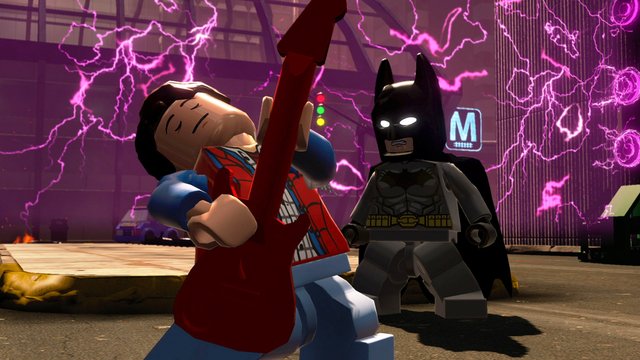
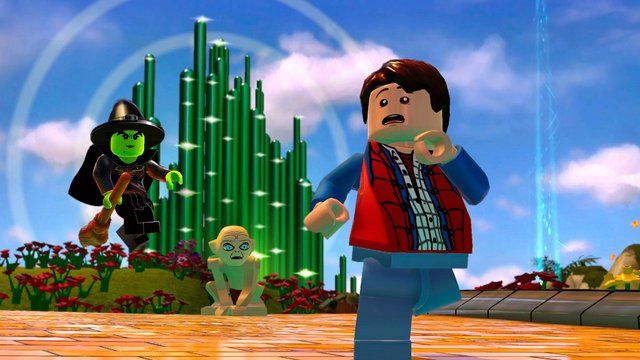
Dimensions Recompiled is a native port of the Xbox 360 version of LEGO Dimensions for Windows, made by static recompilation. It is installed with a setup program that checks your game files, and updates itself from within the game.
It boots, plays, saves and loads DLC. Figures can be picked with an emulated Toy Pad app, or a real Wii U, PlayStation or Xbox Toy Pad can be used after a driver swap. It has keyboard controls with rebinding, optional mouse look, a settings menu on F4 and mod tooling.
Releases are marked unstable pre-releases. The author says Claude was used heavily for the runtime glue, installer and mod tools. The download contains no game data. It needs LEGO Dimensions for Xbox 360, extracted from your own disc, and Title Update 23 exactly.
How to Set It Up
- Dump your disc to an ISO and extract it to a folder containing
Default.xex,GAME.DATandGAME.HDR. - Run
DimensionsRecompiled-Setup.exeand point it at that folder and at Title Update 23 (thetu00000003_00000000package or its extracted files). - Optional: give it a folder of your DLC packages; run the installer again later to add more.
- Play. The installer sets up an emulated Toy Pad app; to use a real Toy Pad, swap its driver with Zadig and turn off Emulated Toy Pad under F4, Toy Pad.