Geometry Wars: Retro Evolved 2 Native Port
PC port of Geometry Wars: Retro Evolved 2
- RecompilationPort Type
- CrownParkComputingDeveloper
- 30 Sep 2026Page Updated
Details
- Developer
- CrownParkComputing
- Port Type
- RecompilationA tool translated the game's original machine code into C automatically, which was then built as a native PC program.
- AI Use
- Not statedThe developers haven't said whether they used AI.
- Source Code
- GitHub
- Page Updated
Platform Support
- Windows
- Linux
ScreenshotsView All (5)
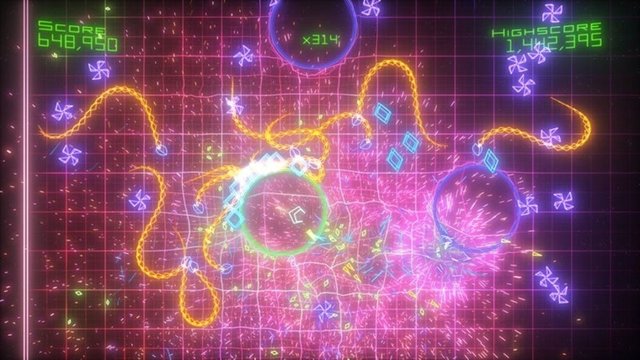
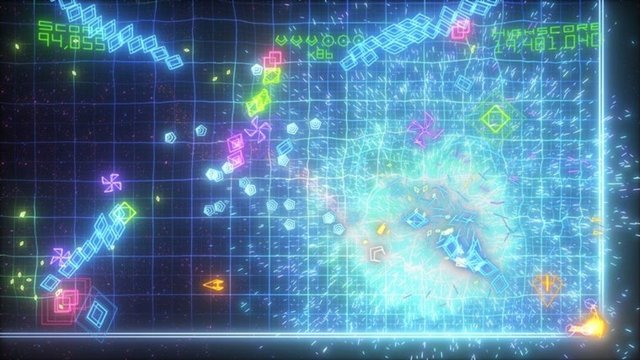
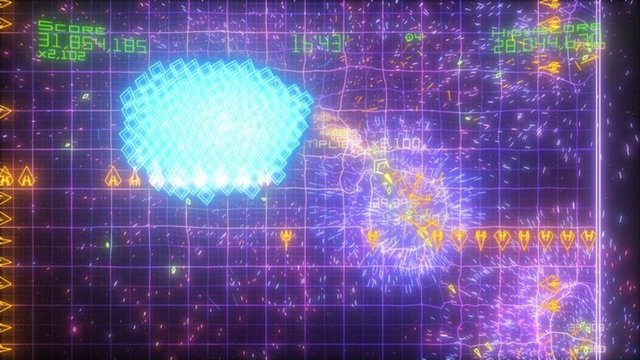
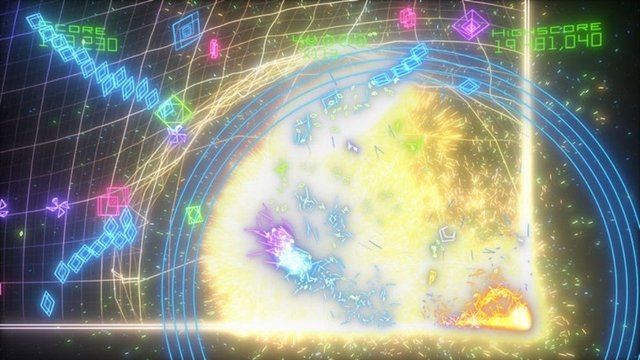
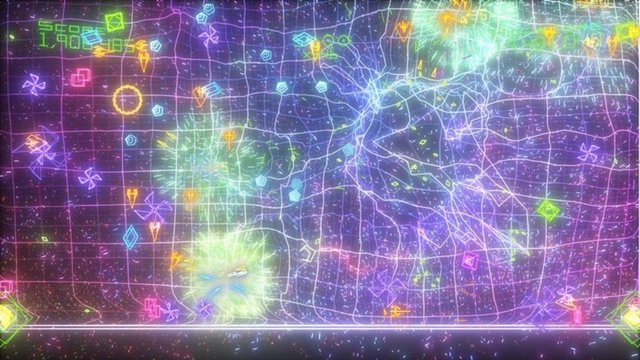
Overview
This is a native port of the Xbox Live Arcade game Geometry Wars: Retro Evolved 2 for Windows and Linux, part of CrownParkComputing’s Xbox360-Native-Ports collection. The game code is statically recompiled to x86-64 with the group’s fork of the ReXGlue SDK.
Every CrownParkComputing launcher contains the recompiled game code, a native Vulkan renderer, native audio and a small launcher. Importing checks the game files against the checksums the port was built from, and the importer also installs DLC packs. The Linux build runs the game in a headless gamescope session inside the rexmenu launcher, which tracks achievements and manages saves; it needs gamescope and python3. The Windows build uses simple batch launchers.
All the ports in the collection were released on the same day and are called playable by the author; the Windows builds are cross-compiled and less tested. The download contains no game data. It needs the Xbox Live Arcade package of Geometry Wars: Retro Evolved 2, dumped from your own console.
How to Set It Up
- Download
geometrywars2-launcher-windows-x86_64.ziporgeometrywars2-launcher-linux-x86_64.tar.zstand extract it (tar --zstd -xfon Linux). - Windows: run
Launcher.bat(orPlay.bat, which imports on first run). Linux: run./run.sh(needsgamescopeandpython3). - When asked, point it at your own copy: the Geometry Wars: Retro Evolved 2 XBLA package (title 584108FF), as the single LIVE/CON/PIRS file or its extracted files.
- Play. Saves and settings stay in
user-datanext to the launcher; a Vulkan GPU driver is required.