Geometry Wars: Retro Evolved Native Port
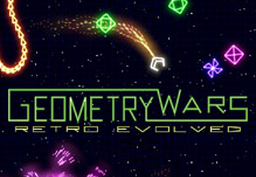
PC port of Geometry Wars: Retro Evolved
- RecompilationPort Type
- CrownParkComputingDeveloper
- 30 Sep 2026Page Updated
Details
- Developer
- CrownParkComputing
- Port Type
- RecompilationA tool translated the game's original machine code into C automatically, which was then built as a native PC program.
- AI Use
- Not statedThe developers haven't said whether they used AI.
- Source Code
- GitHub
- Page Updated
Platform Support
- Windows
- Linux
ScreenshotsView All (6)
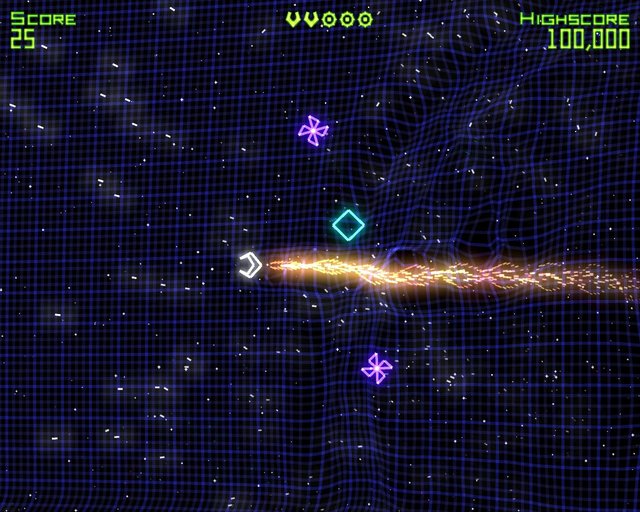
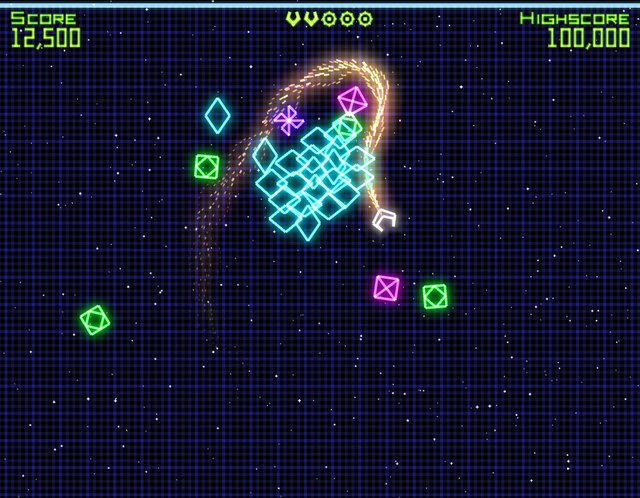
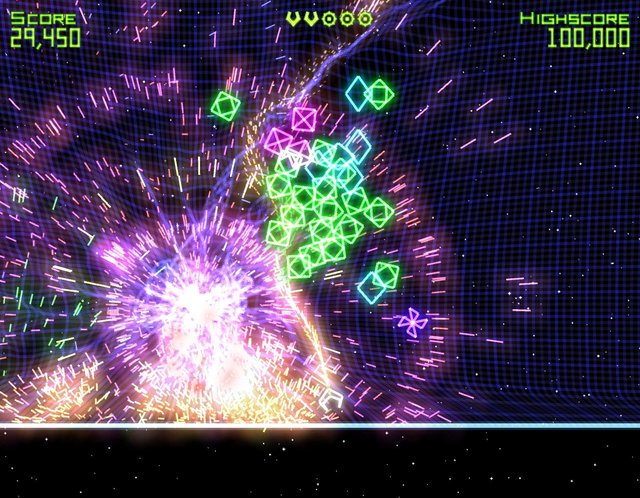
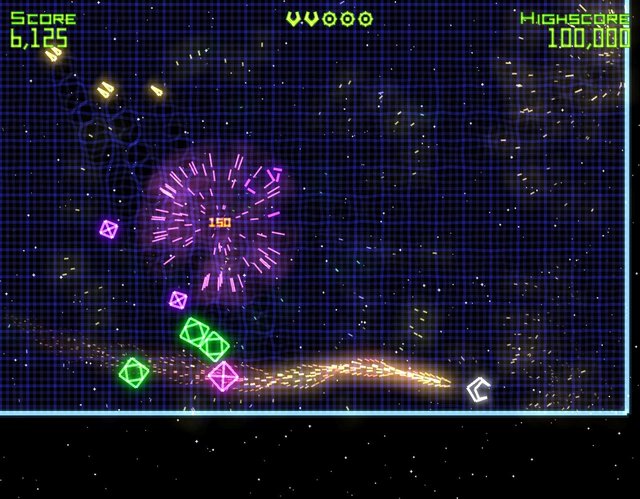
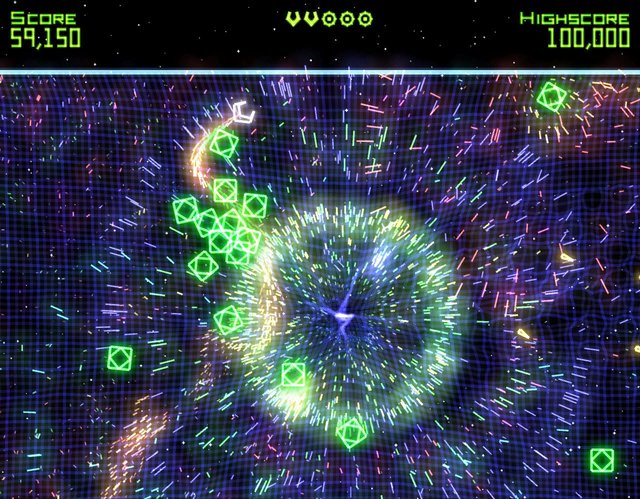
Overview
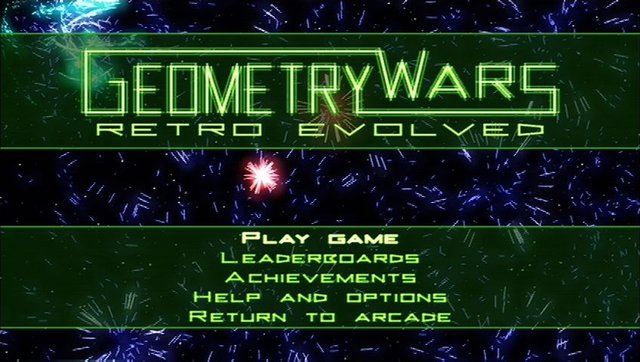
This is a native port of the Xbox Live Arcade game Geometry Wars: Retro Evolved for Windows and Linux, part of CrownParkComputing’s Xbox360-Native-Ports collection. The game code is statically recompiled to x86-64 with the group’s fork of the ReXGlue SDK.
Every CrownParkComputing launcher contains the recompiled game code, a native Vulkan renderer, native audio and a small launcher. Importing checks the game files against the checksums the port was built from, and the importer also installs DLC packs. The Linux build runs the game in a headless gamescope session inside the rexmenu launcher, which tracks achievements and manages saves; it needs gamescope and python3. The Windows build uses simple batch launchers. About an eighth of its console kernel calls are answered natively instead of through ReXGlue.
All the ports in the collection were released on the same day and are called playable by the author; the Windows builds are cross-compiled and less tested. The download contains no game data. It needs the Xbox Live Arcade package of Geometry Wars: Retro Evolved, dumped from your own console.
How to Set It Up
- Download
geometrywars-launcher-windows-x86_64.ziporgeometrywars-launcher-linux-x86_64.tar.zstand extract it (tar --zstd -xfon Linux). - Windows: run
Launcher.bat(orPlay.bat, which imports on first run). Linux: run./run.sh(needsgamescopeandpython3). - When asked, point it at your own copy: the Geometry Wars: Retro Evolved XBLA package (title 584107ED), as the single LIVE/CON/PIRS file or its extracted files.
- Play. Saves and settings stay in
user-datanext to the launcher; a Vulkan GPU driver is required.