Fable 2 Recomp
PC port of Fable II
- RecompilationPort Type
- himdoDeveloper
- 17 Oct 2026Page Updated

Details
- Developer
- himdo
- Port Type
- RecompilationA tool translated the game's original machine code into C automatically, which was then built as a native PC program.
- Game
- Fable II
- AI Use
- Mostly AI-builtThe project says: “First and for most this project was made to test the capabilities of local and open source AI. This project was made using Qwen3.8 27b.” Source
- Source Code
- GitHub
- Page Updated
Platform Support
- Windows
ScreenshotsView All (5)
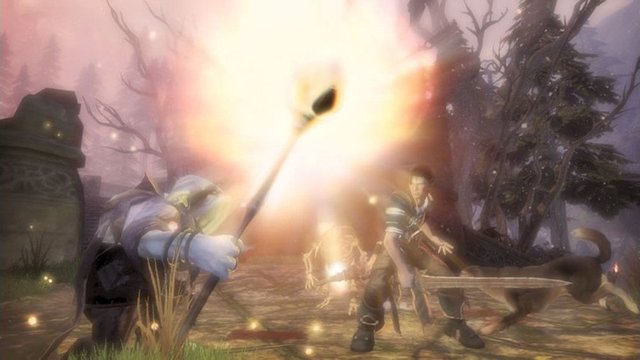
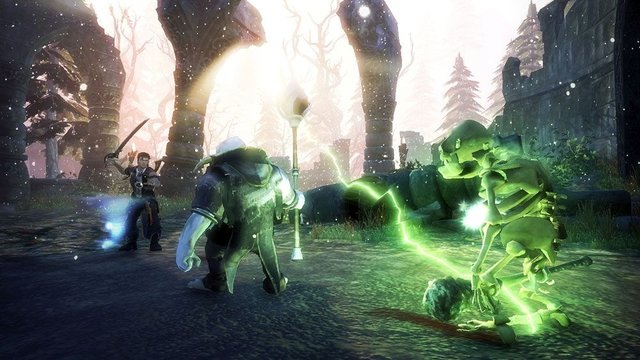
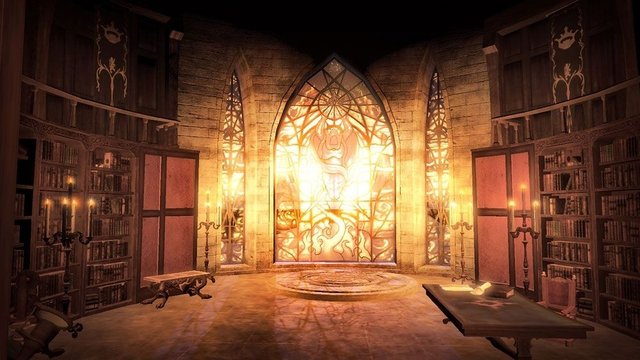
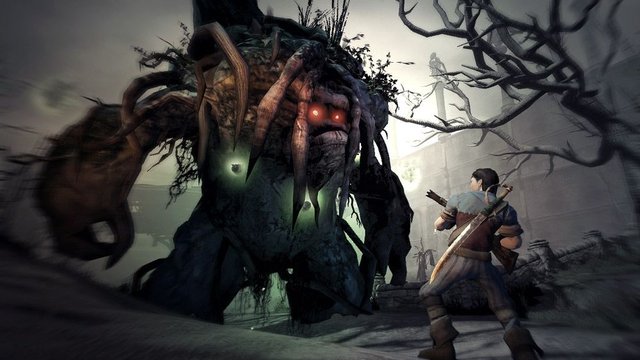
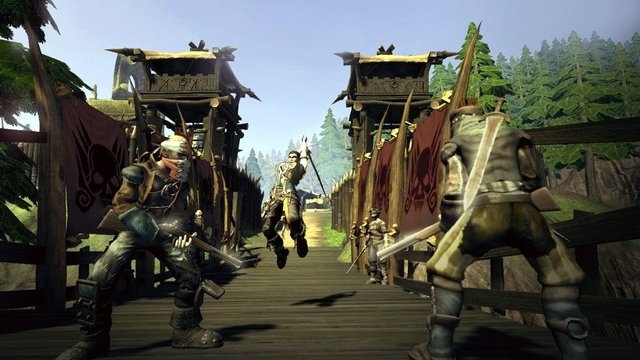
Overview
Fable 2 Recomp is a native port of Fable II for Windows, made by static recompilation with the ReXGlue SDK. The author started it to test what a local, open-source AI model could do, then mapped the remaining functions by hand until the game could be completed.
It adds an uncapped or high frame rate, keyboard and mouse controls, a fully unlocked guild chest, and a debug menu that can run custom Lua scripts. Since version 1.4 it plays in German, French, Italian, Russian and Spanish as well as English, and comes with a launcher that sets the output resolution, internal render scale, anisotropic filtering, FXAA, VSync, window mode and a frame rate limit up to 240 FPS. Since version 1.5 the launcher includes the .NET runtime, extracts the game straight from a disc image after checking it, and has options for keys and patches such as turning off motion blur.
The author says the game can be finished but does not yet consider the port complete, and the frame rate is not yet as high as it could be. The author says AI tools were used heavily in making it. The download contains no game data. It needs Fable II Game of the Year Edition, dumped from your own disc.
How to Set It Up
- Download the Windows zip and extract it.
- Run
Fable2Launcher.exeand use Extract from ISO to pick your disc image. It checksdefault.xexagainst the supported versions, then extracts the game files into its own folder. Extractingdefault.xexanddataby hand next tofable_2.exealso works. - In the launcher, set the resolution, render scale, filtering, VSync, window mode and frame rate limit (30 to 240 FPS or unlimited); keys and optional patches are under Advanced Options.
- Start the game from the launcher. F3 shows the frame rate and F5 opens the debug menu; saves are kept in the
savesfolder.