Fable II Reborn
PC port of Fable II
- RecompilationPort Type
- whompayDeveloper
- 17 Nov 2026Page Updated
Details
- Developer
- whompay
- Port Type
- RecompilationA tool translated the game's original machine code into C automatically, which was then built as a native PC program.
- Game
- Fable II
- AI Use
- Not statedThe developers haven't said whether they used AI.
- Logo
- AI-made fan logo, free to use · Full size
- Source Code
- GitHub
- Page Updated
Platform Support
- Windows
ScreenshotsView All (5)
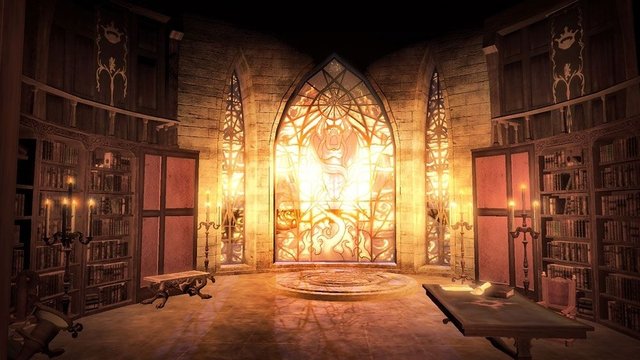
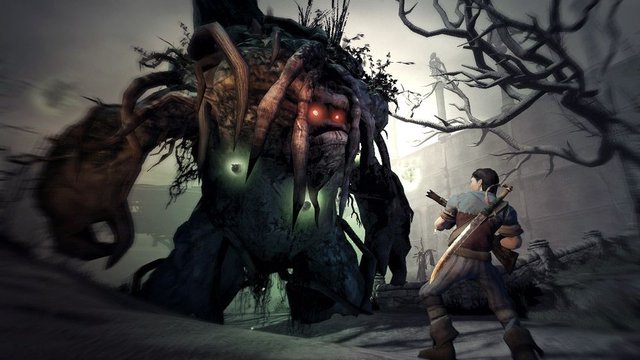
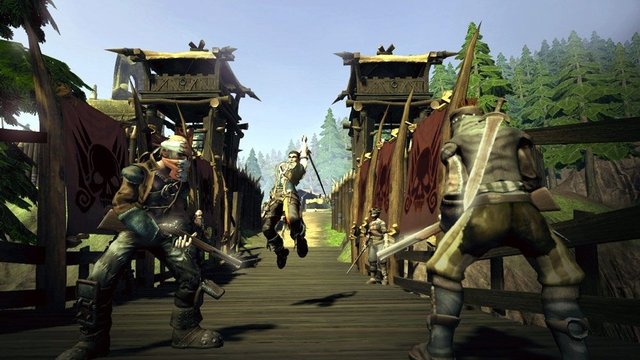
Overview
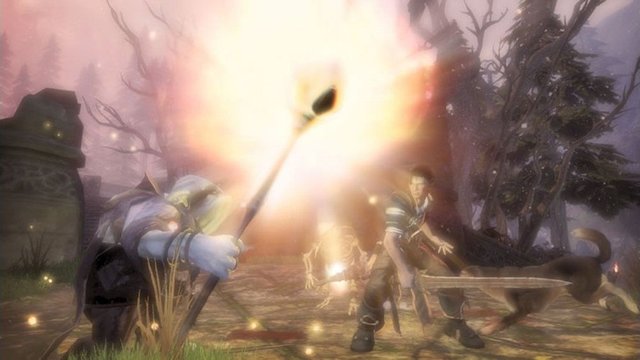
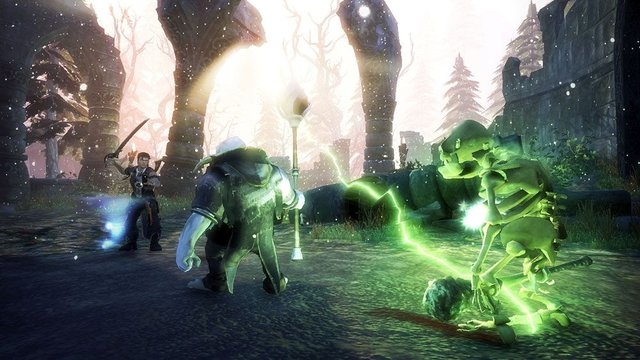
Fable II Reborn is a native Windows port of Fable II by whompay, the developer of inFAMOUS Reborn and Godfather Reborn. Its installer reads your own copy of the Xbox 360 game, recompiles the game’s code to x64 with the ReXGlue SDK on your PC and applies the port’s changes, so it runs without an emulator.
It plays at 30, 60 or 120 FPS, adds raw mouse look with free vertical look, rebindable keys and keyboard prompts in place of Xbox buttons, and offers up to three times the internal resolution, anisotropic filtering, FXAA, MSAA, VSync and windowed or fullscreen play. The options are in a PC Settings entry in the main menu and in the launcher. A faster AVX2 build and a build for older processors are both made, and the right one is picked automatically.
The author calls it a work in progress: the game is playable, but busy towns such as Bowerstone still run slower than open areas. The download contains no game data.
How to Set It Up
- Download
Fable II Setup.exeand run it. - Under Requirements, let it install Python and the C++ build tools if they are missing.
- Under Your game, pick your disc image or the folder of extracted game files, then choose where to install.
- Wait for the first build, which recompiles the whole game and takes a while, then press Play or use the Fable II shortcut. The launcher (
Fable II.exe) shows an Update button when a new version is out and rebuilds only what changed.
Advertisement
Download Fable II Reborn
a5cbfcbac69f865fbac15d24bd5e51828fa7e792ae67e2a557b775ad55627d2a
ef1b4707765850082d118144cc4fe6f44263adcda5daab788062b21db743f656