DWG2Recomp
PC port of Dynasty Warriors: Gundam 2
- RecompilationPort Type
- Adeelshah001Developer
- 26 Nov 2026Page Updated
Details
- Developer
- Adeelshah001
- Port Type
- RecompilationA tool translated the game's original machine code into C automatically, which was then built as a native PC program.
- AI Use
- Mostly AI-builtThe project says: “This recompilation project was developed entirely using AI.” Source
- Logo
- AI-made fan logo, free to use · Full size
- Source Code
- GitHub
- Page Updated
Platform Support
- Windows
Screenshots
Overview
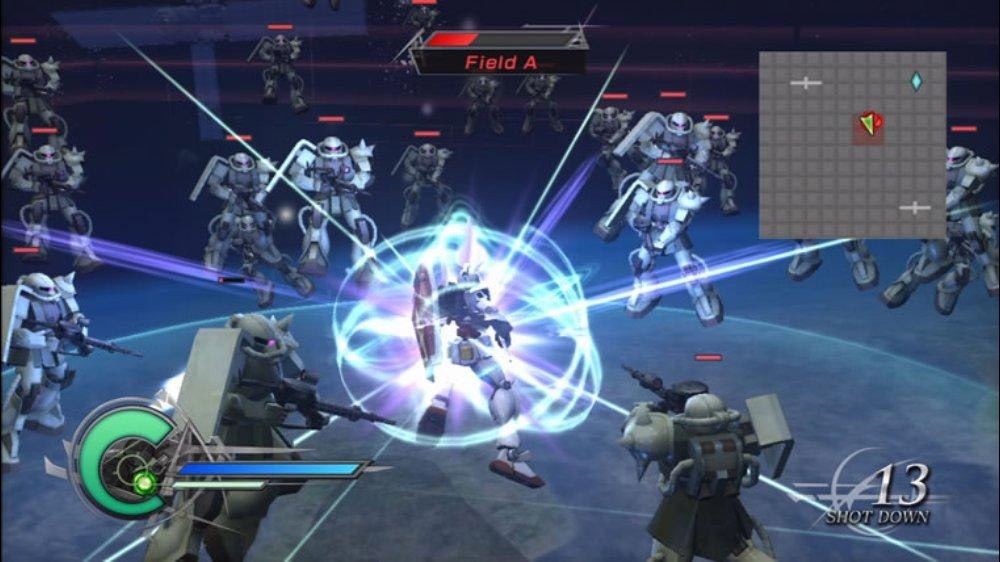
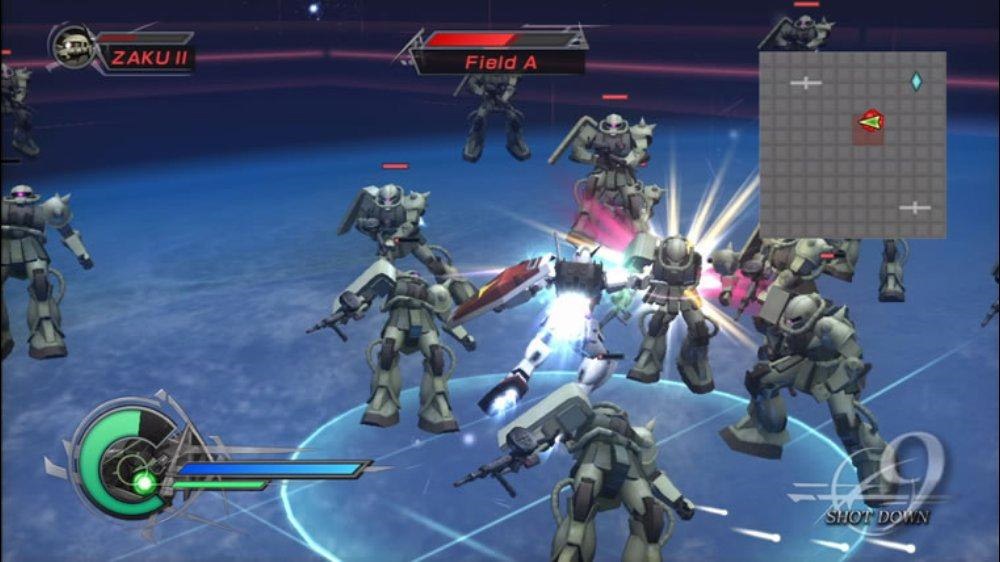
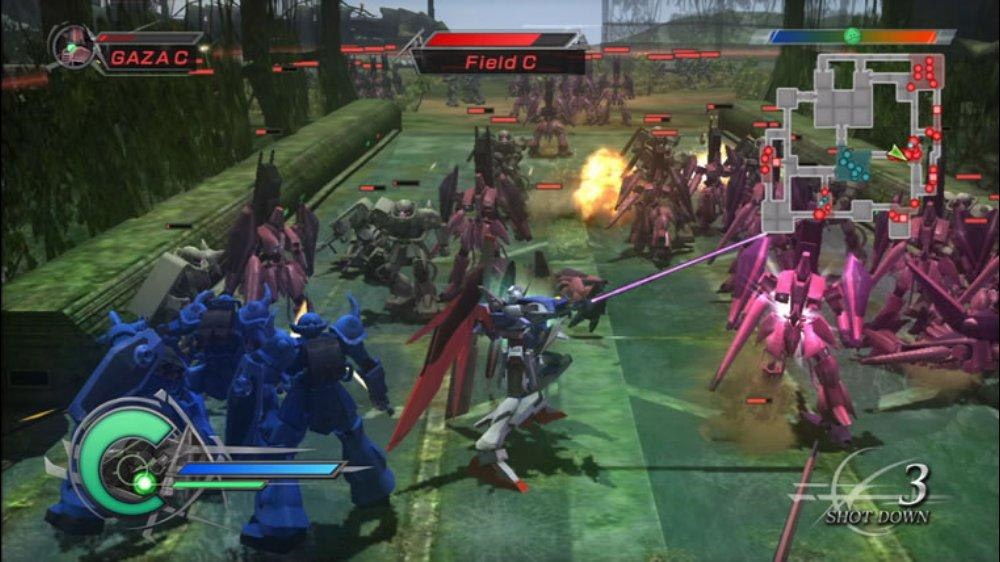
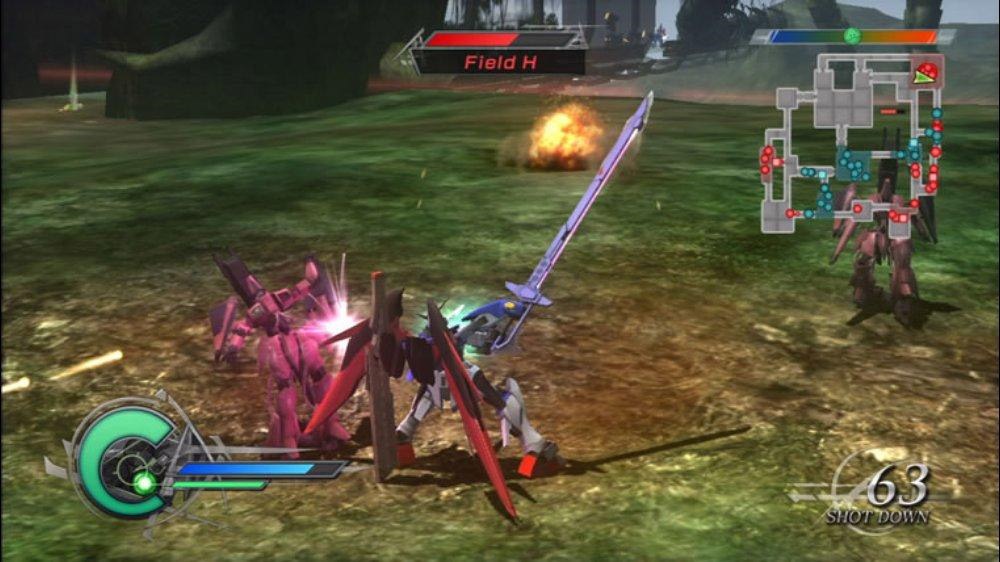
DWG2Recomp is an unofficial Windows recompilation of Dynasty Warriors: Gundam 2, Omega Force’s 2008 Gundam action game, from its Xbox 360 release. Built on the ReXGlue SDK, it translates the game’s program into native PC code on the player’s own computer from their own USA disc image, so the download contains no game files: the setup imports the disc once and prepares the game, and later launches go straight in.
A Recomp Menu, opened with L2, LT or F1, pauses the game and holds the PC options: 720p, 1440p or 4K output, a field-of-view slider up to double the original, VSync, an FPS counter and experimental frame rates above 60. Controls can be remapped, with button prompts for eight controller types including PlayStation, Xbox and Switch pads and the keyboard.
It also switches the game between English, French, German, Italian and Spanish, unlocking languages the USA disc normally hides, and has an experimental Turbo Mode that speeds up battles by 10%. It is an alpha with a built-in update check. The developer says the project was made entirely with AI.
How to Set It Up
- Download the zip and extract all of it into a writable folder, keeping its contents together.
- Optionally put your USA ISO in the
gamefolder, then run DWG2R.exe. If it finds no supported ISO there, it asks you to pick one. - Let the first-time import and preparation finish; later launches reuse the prepared game.
- Press L2, LT or F1 in game to open the Recomp Menu.
Advertisement
Download DWG2Recomp
What's new in v0.8.5v0.8.5 Alpha
Changelog
- Added a Language option to the Recomp Menu: English, French, German, Italian and Spanish (
< English >selector; confirming shows a Restart Required prompt and the game restarts directly into the chosen language). - Unlocked German, Italian and Spanish game text on the USA disc (previously forced to English).
- Fully translated the Recomp Menu (labels, popups, Controls Configuration, hints), with accented characters rendered from the game’s own font.
- The Recomp Menu now scrolls, with extra vertical padding per row and themed scroll arrows.
- Restored the original in-game Options, Pause and Briefing menus (Graphics/Video settings remain in the Recomp Menu). Controller diagram, button prompts and Title Screen Quit Game? are kept.
5ee6db7635b10c84e82841a28b208ef2701dac9546da295a1d52eb3e675543ad