Hell's Gate Recomp
PC port of Dante's Inferno
- RecompilationPort Type
- florinp93Developer
- 16 Oct 2026Page Updated

Details
- Developer
- florinp93
- Port Type
- RecompilationA tool translated the game's original machine code into C automatically, which was then built as a native PC program.
- Game
- Dante's Inferno
- AI Use
- AI-assistedThe project says: “AI tools were used as an assistant for documentation drafts, research into APIs and references, and routine Git work such as commit messages.” Source
- Source Code
- GitHub
- Page Updated
Platform Support
- Windows
Screenshots
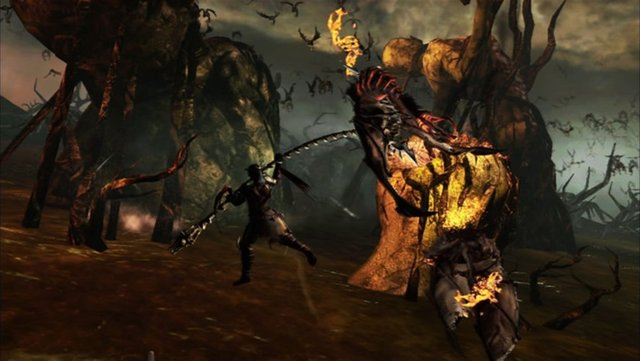
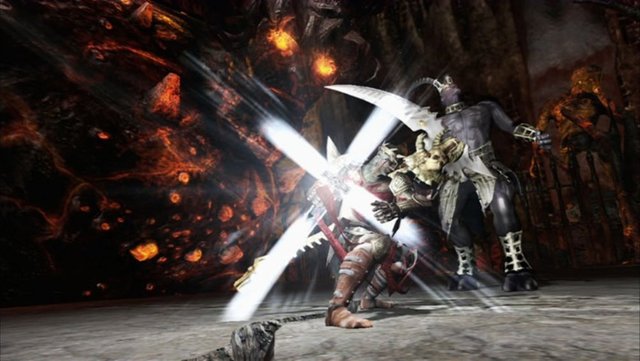
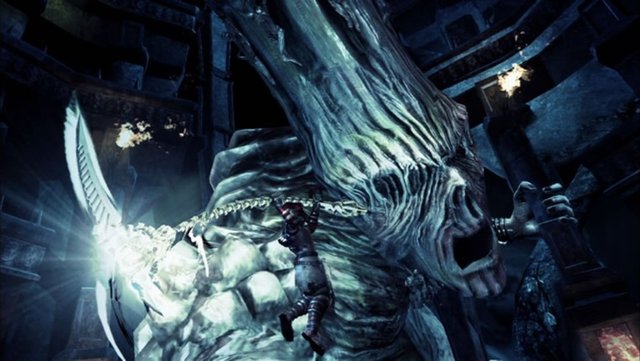
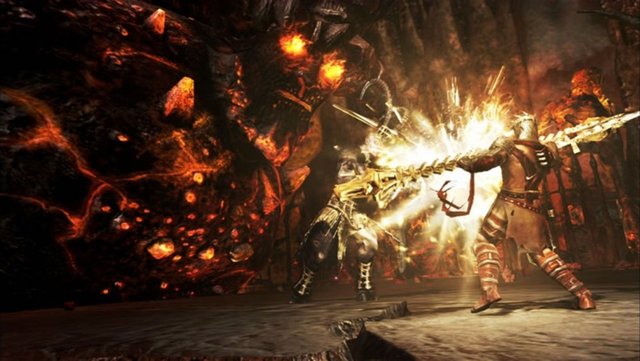
Overview
Hell’s Gate Recomp is a native port of the Xbox 360 version of Dante’s Inferno for Windows, made by static recompilation with the ReXGlue SDK. It is distributed as an installer that sets up the port and a launcher.
It has resolution scaling, anisotropic filtering, aspect ratios from 4:3 to 32:9, an in-process Vulkan renderer with a Direct3D 12 fallback, AMD FSR 1 and CAS sharpening, a bundled shader cache against first-run stutter, SDL controller support with keyboard and mouse defaults, and automatic DLC installation.
It is a beta: the author calls the game fully playable, while high-refresh timing in menus and minigames is still being worked on. The author says AI tools helped with documentation, research and repository chores, and that the code itself is human-written. The download contains no game data. It needs an Xbox 360 ISO of Dante’s Inferno, dumped from your own disc.
How to Set It Up
- Download
DantesInfernoInstaller.exeand run it. - Point the installer at your Dante’s Inferno ISO; it extracts the game data during installation.
- Start the game from the launcher, where the renderer, resolution scale, post-processing, VSync and controller options are set.
- Optional: put your DLC packages in the
dlcfolder; they are installed when the game starts.