
reNut
PC port of Banjo-Kazooie: Nuts & Bolts
- RecompilationPort Type
- masterspike52Developer
- 30 Sep 2026Page Updated
Details
- Developer
- masterspike52
- Port Type
- RecompilationA tool translated the game's original machine code into C automatically, which was then built as a native PC program.
- AI Use
- Not statedThe developers haven't said whether they used AI.
- Source Code
- GitHub
- Page Updated
Platform Support
- Windows
ScreenshotsView All (6)

Overview
Mouse & KeyboardTexture Replacement
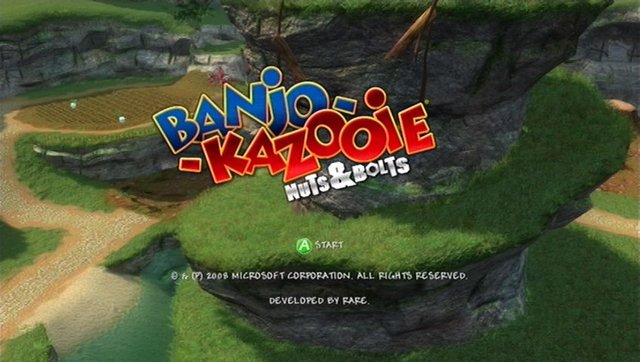
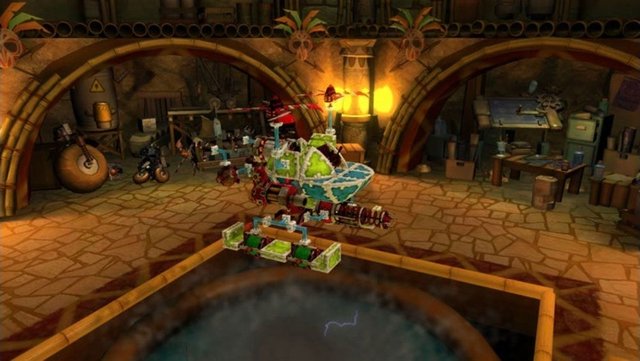
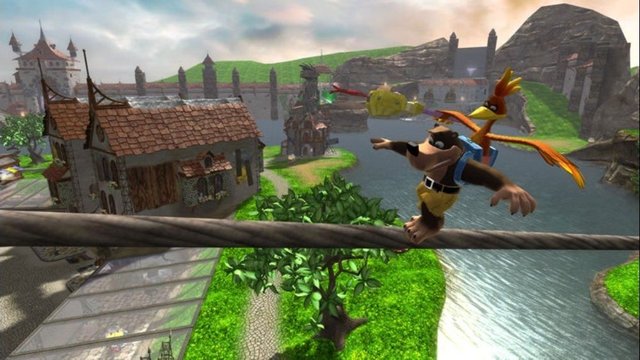
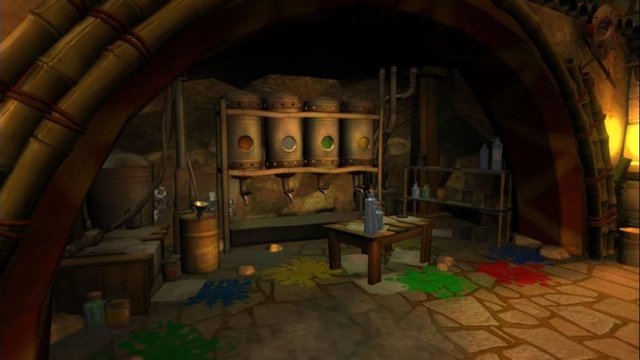
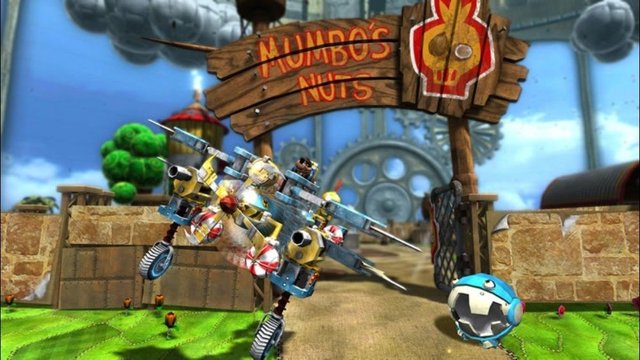
reNut is a native port of Banjo-Kazooie: Nuts & Bolts for Windows, made by static recompilation with the ReXGlue SDK.
It adds mouse and keyboard controls, a settings window for game paths, texture dumping and texture packs, and a config file for performance options. Releases are named after features rather than version numbers.
The current release is Windows-only; earlier releases had a Linux AppImage, which the author will bring back once crashes on AMD graphics are fixed. The download contains no game data. It needs Banjo-Kazooie: Nuts & Bolts (USA) without the title update, dumped from your own disc.
How to Set It Up
- Download
renut-win-x64.zipand extract it. - Extract the game files from your ISO into a folder (the NutStaller tool or the Goopie launcher can do this for you).
- Run
renut.exeand set your game folder in the window that opens, then continue. - Graphics and control settings are in
renut.toml; texture dumping and replacement are under Nuts&Bolts, Graphics.