AC6Recomp
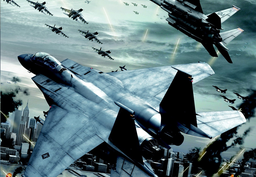
PC port of Ace Combat 6: Fires of Liberation
- RecompilationPort Type
- sal063Developer
- 30 Sep 2026Page Updated
Details
- Developer
- sal063
- Port Type
- RecompilationA tool translated the game's original machine code into C automatically, which was then built as a native PC program.
- AI Use
- Not statedThe developers haven't said whether they used AI.
- Source Code
- GitHub
- Page Updated
Platform Support
- Windows
ScreenshotsView All (5)

Overview
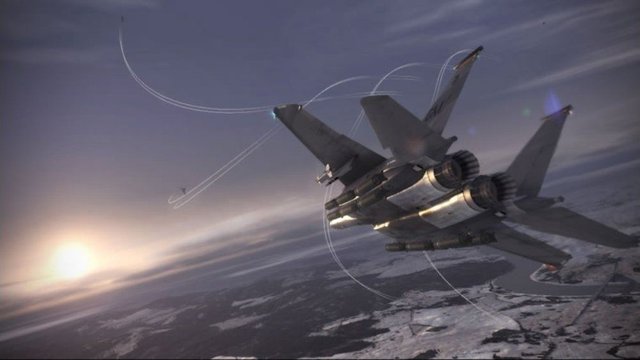
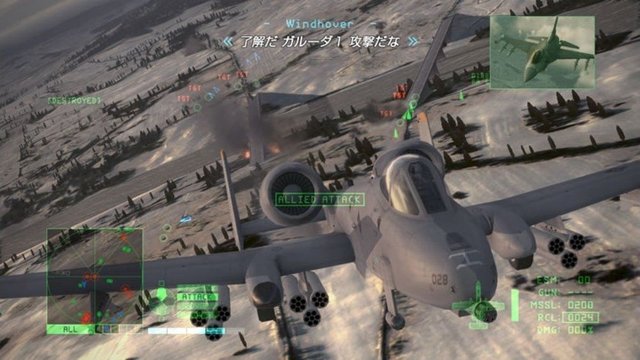
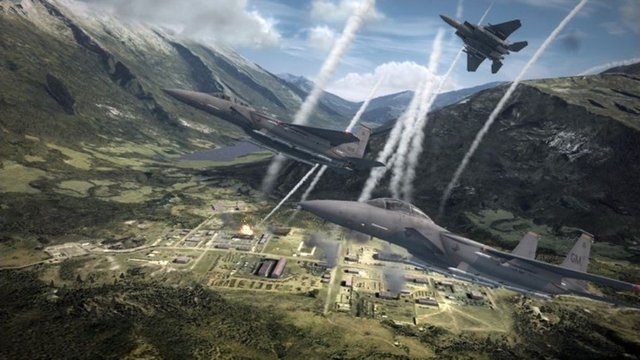
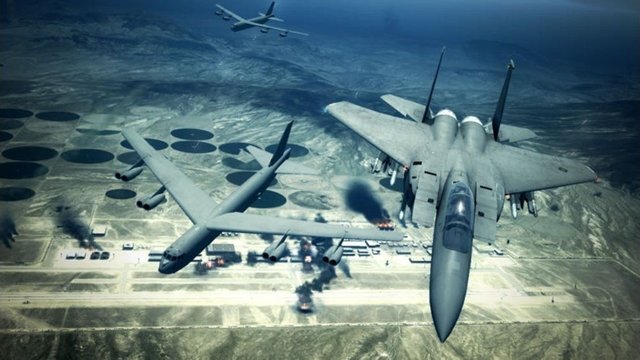
AC6Recomp is a native port of Ace Combat 6: Fires of Liberation for Windows, made by static recompilation with the ReXGlue SDK. Rendering still goes through the ReXGlue graphics backend derived from Xenia.
It runs at up to 60 FPS with the flight model corrected, draws terrain at the full resolution stored on the disc, supports internal resolution scaling and optional hor+ ultrawide, adds keyboard and mouse controls modelled on Ace Combat 7, Japanese language support and texture replacement, and fixes several graphical problems such as invisible missile trails.
It is a beta: bugs and crashes should be expected, and a powerful GPU is recommended until a native renderer is added. It needs a CPU with AVX2. The download contains no game data. It needs Ace Combat 6: Fires of Liberation (USA), dumped from your own disc; the European and Japanese versions are not supported.
How to Set It Up
- Download the zip and extract it.
- Put your game
.iso, or anassetsfolder with the extracted game files, next toac6recomp.exe. - Optional: put extracted DLC packages in a
dlcfolder next to the executable. - Run
ac6recomp.exe. It createsac6recomp.tomlwith the settings on first run; press F4 in game for the settings overlay.