TimeSplitters: Future Perfect PC
PC port of TimeSplitters: Future Perfect
- RecompilationPort Type
- TheDoffmanDeveloper
- 28 Oct 2026Page Updated
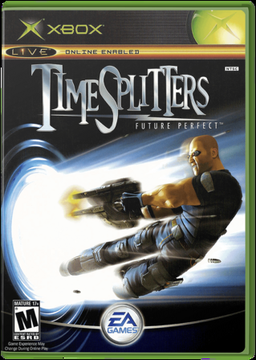
Details
Platform Support
- Windows
- macOS
Screenshots
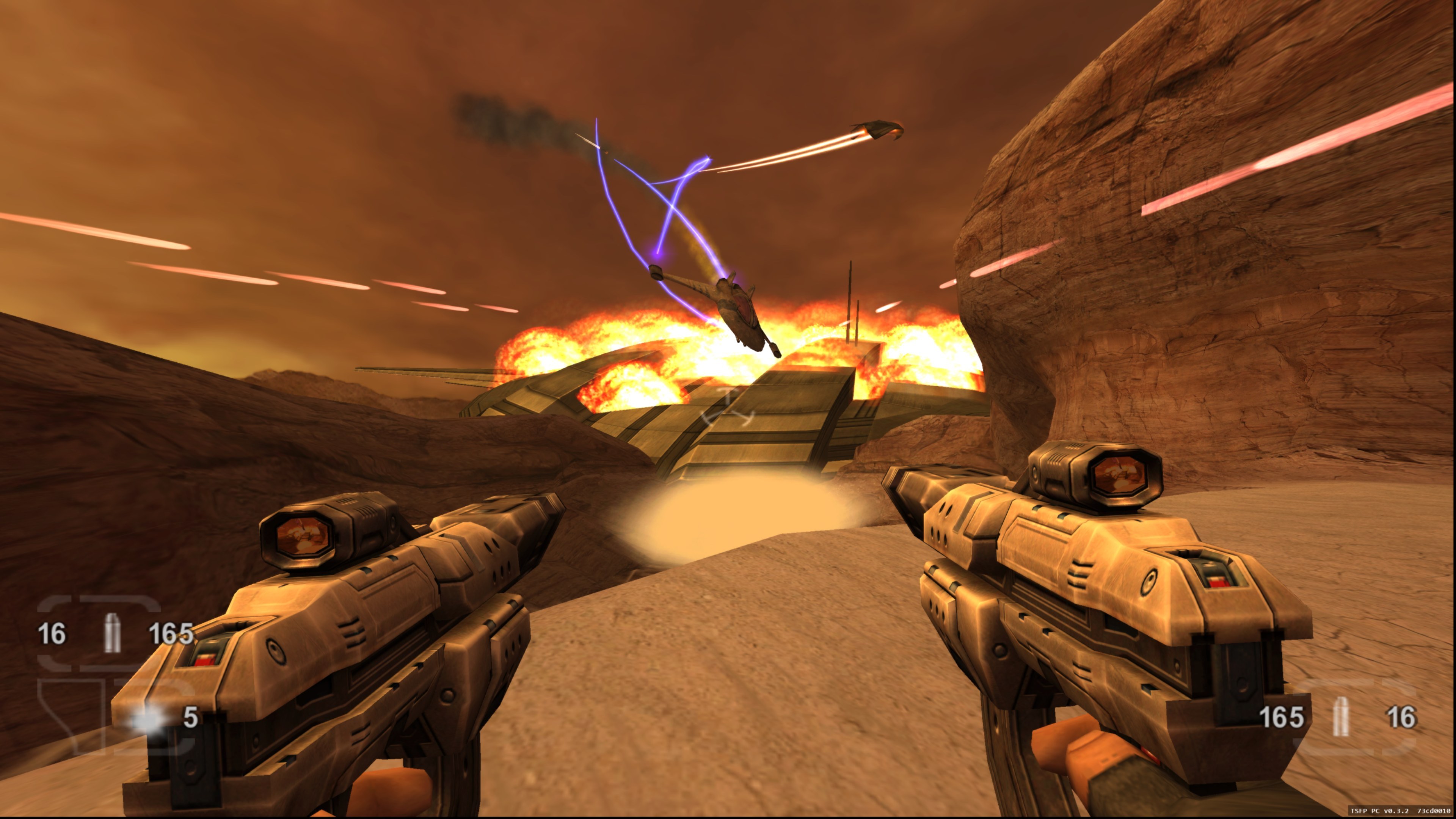
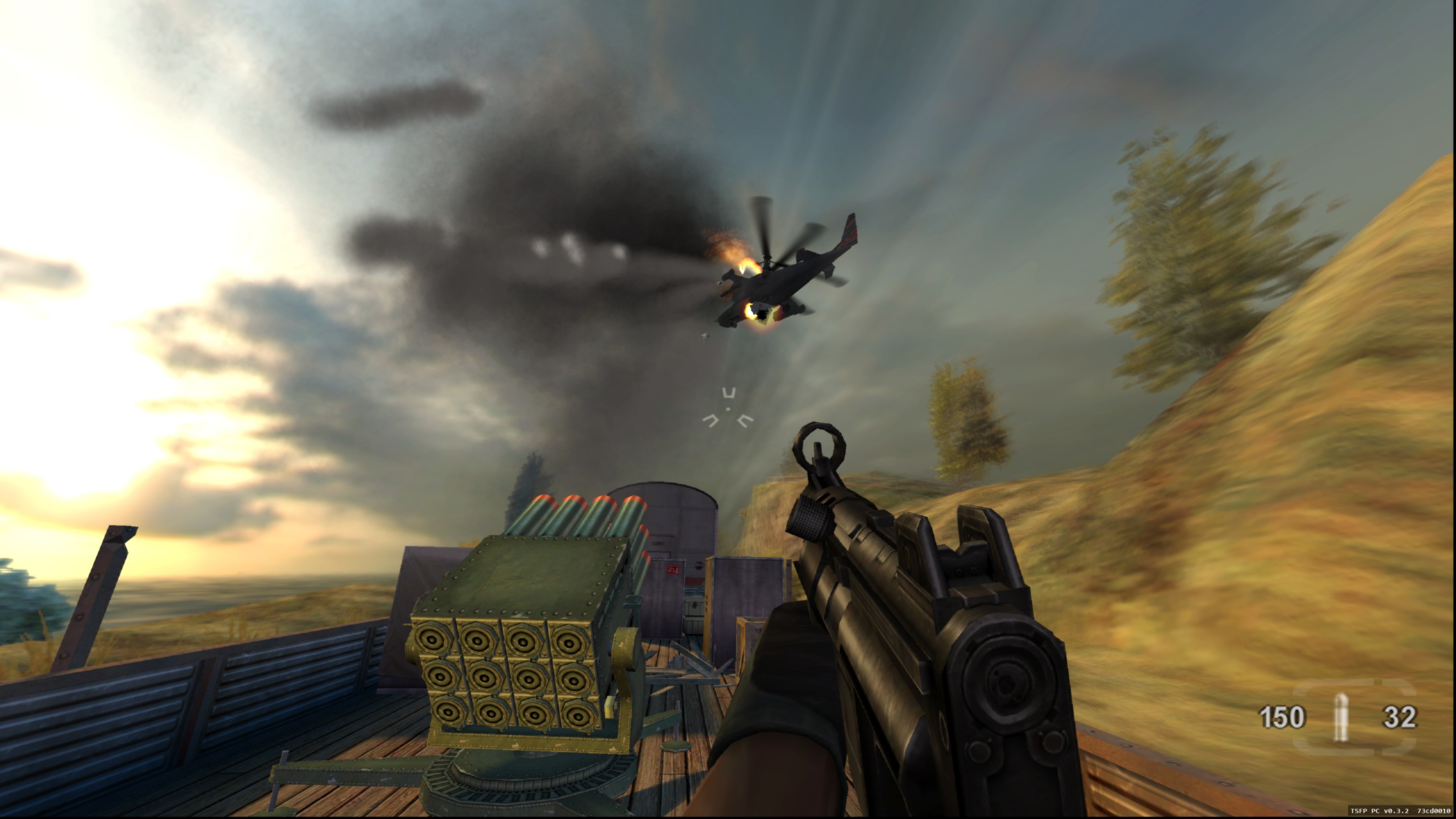
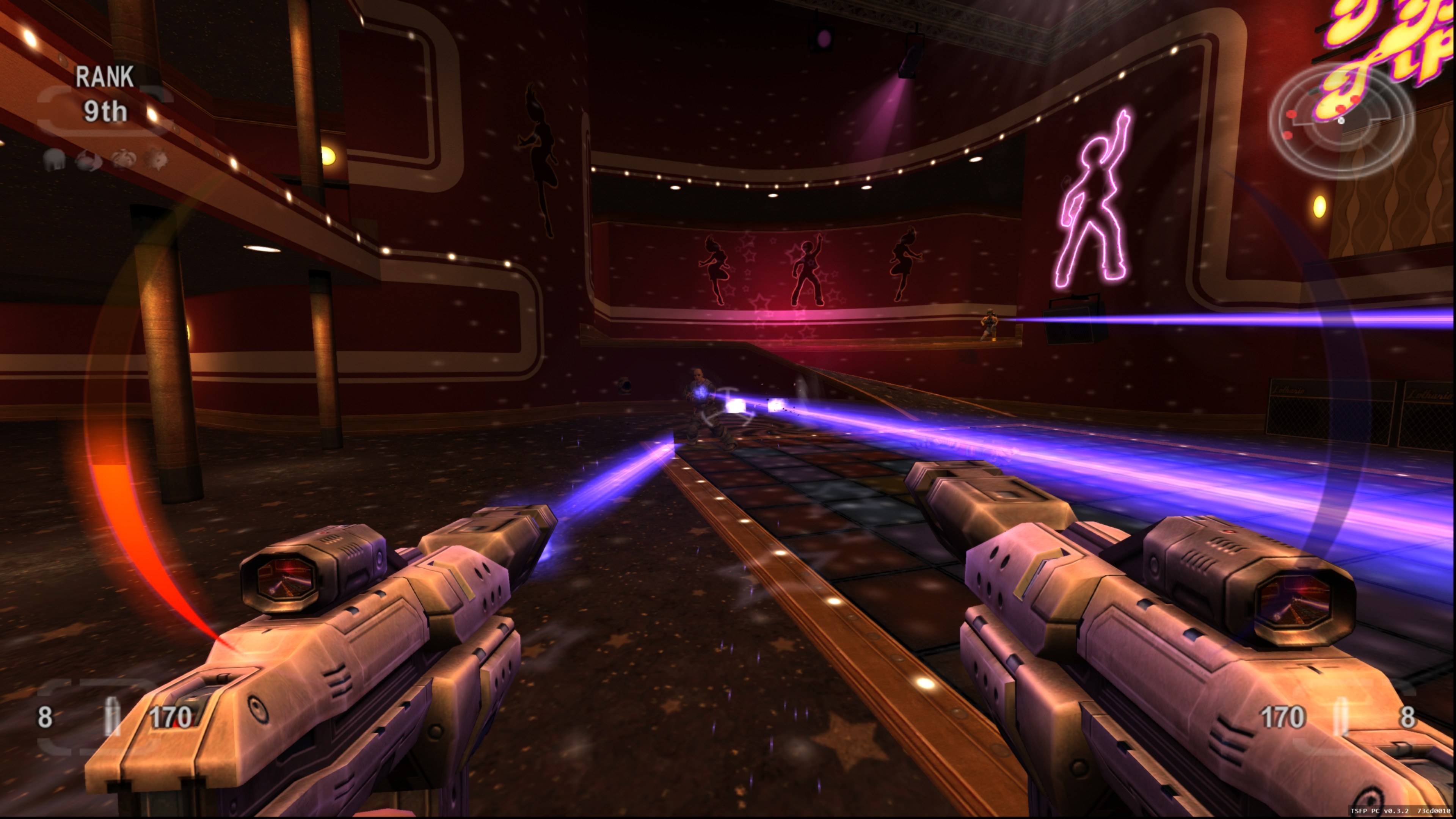
default.xbe, pak and xmv) of TimeSplitters: Future Perfect (USA) for the Xbox, from your own copy. Windows 10 or 11 x64 with .NET Framework 4.8, or an Apple silicon Mac (macOS 26 or newer for the current renderer); about 5 GB of space and internet access for the first install.Overview
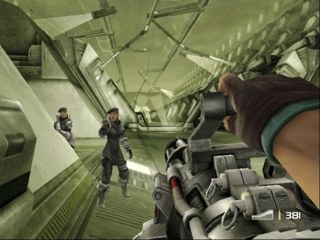
TimeSplitters: Future Perfect PC, by TheDoffman, runs Free Radical Design’s 2005 shooter natively on Windows and Apple silicon Macs. The Xbox executable is statically recompiled into native code, so it plays without an emulator.
The developer calls it an experimental port. It adds direct mouse aiming with customizable bindings and mouse-driven menus, 1080p, 1440p, 4K and ultrawide with an adjustable field of view, the original 60 FPS by default with opt-in 120, 180 and 240 FPS settings on compatible builds, and player-hosted online and LAN matches with bots on Windows. On the Mac, the full campaign and complete rendering and audio are not yet verified, and movies and multiplayer are unfinished.
The launcher and the game are versioned separately. The launcher installs, updates, verifies, repairs and rolls back the game build, keeps settings and saves, and offers Stable, Preview and testing channels. No game files are included: the launcher imports the player’s own US disc image or extracted files.
How to Set It Up
- Download the launcher for Windows or Mac and extract the whole zip into a writable folder, keeping its
BinandSupportfolders beside it. - Open TimeSplitters Launcher, keep the Stable update channel and choose Install release to fetch the game build. The Windows game build is also mirrored here.
- Choose Locate ISO, or Use extracted files, to import your game once.
- Press Play Game. Press F2 in the game for keyboard, mouse and graphics settings.