SSX Tricky: PC Port
PC port of SSX Tricky
- RecompilationPort Type
- MatiasRiveraCDeveloper
- 30 Sep 2026Page Updated

Details
- Developer
- MatiasRiveraC
- Port Type
- RecompilationA tool translated the game's original machine code into C automatically, which was then built as a native PC program.
- Game
- SSX Tricky
- AI Use
- Mostly AI-builtThe project says: “Claude Code wrote most of the port's code, tools and notes, working with the project's human author, who directed, tested and played it.” Source
- Source Code
- GitHub
- Page Updated
Platform Support
- Windows
ScreenshotsView All (5)

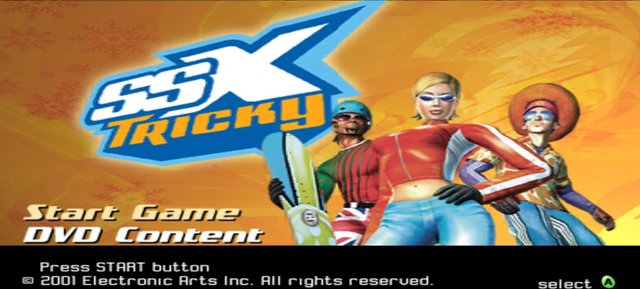


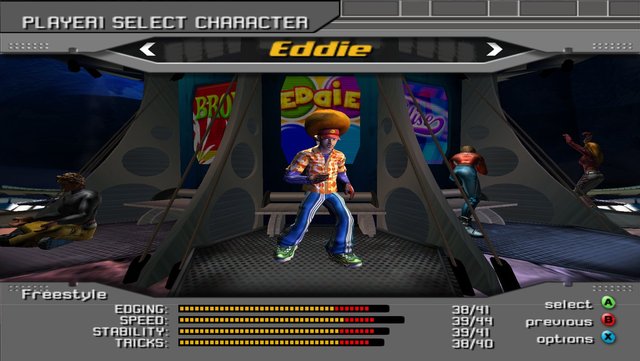
.iso) of SSX Tricky (USA) for the Xbox, made from your own disc.Overview
SSX Tricky: PC Port is a native Windows port of the Xbox version of SSX Tricky, made by static recompilation: the game’s code is translated to C with xboxrecomp and built into a Windows program that uses Direct3D 11, XAudio2 and XInput.
It draws natively at any resolution up to 4K, switches on the game’s own widescreen mode for 16:9, holds 60 frames per second in races and adds mipmaps, anisotropic filtering and anti-aliasing, with a launcher and remappable controls. It is an early preview: the intro movies, the whole frontend and a full race on Garibaldi work, while other courses and modes are untested and fog and some effects differ from the Xbox. The author says AI tools were used heavily in making it.
The download contains no game data. It needs SSX Tricky (USA) for the Xbox, dumped from your own disc.
How to Set It Up
- Download the
.7zand extract it into its own folder, keepinglibwinpthread-1.dllnext to the exe. - Run
SSX Tricky.exeto open the launcher. - In Settings, choose your
.isounder Disc image. The launcher checks that it is the right game and version. - Pick the resolution, 4:3 or 16:9 and the graphics options, then press Start game.