
OpenTricky
PC port of SSX Tricky
- RecompilationPort Type
- GiZcesiDeveloper
- 24 Nov 2026Page Updated
Details
- Developer
- GiZcesi
- Port Type
- RecompilationA tool translated the game's original machine code into C automatically, which was then built as a native PC program.
- Game
- SSX Tricky
- AI Use
- Not statedThe developers haven't said whether they used AI.
- Logo
- AI-made fan logo, free to use · Full size
- Source Code
- GitHub
- Support the Developer
- Ko-fi
- Official Site
- opentricky.com
- xboxrecomp (Tool)
- GitHub
- Page Updated
Platform Support
- Windows
ScreenshotsView All (5)

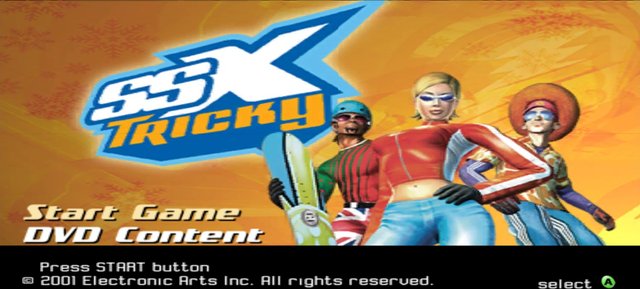
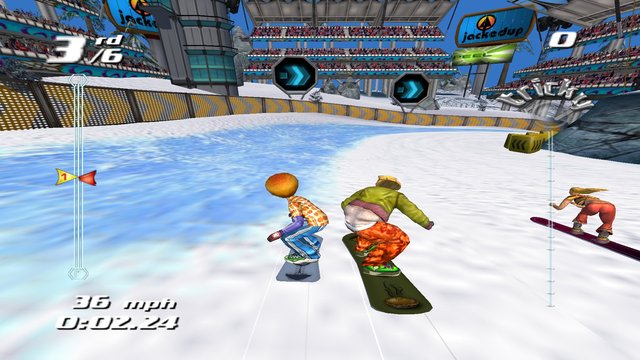
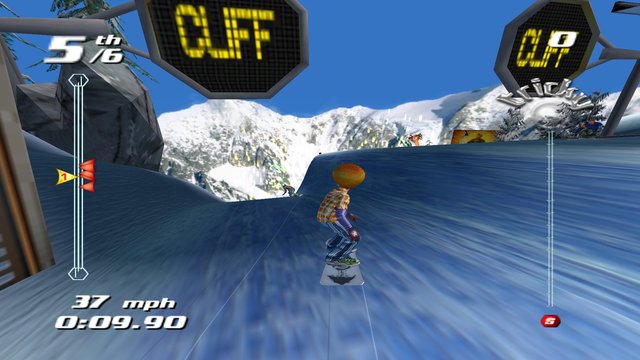
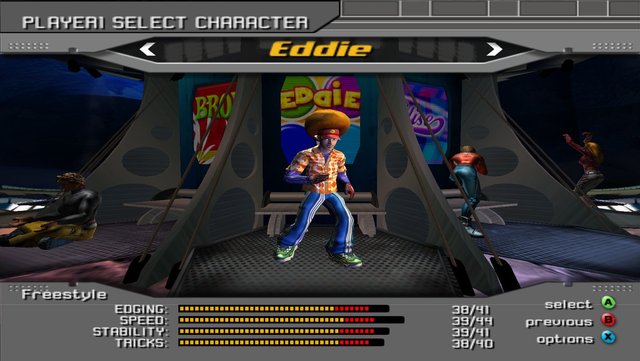
.iso or .xiso) of SSX Tricky for the original Xbox, USA release, made from your own disc. Windows 10 or 11 (64-bit) with Direct3D 11, or Linux and the Steam Deck through Proton.Overview
OpenTricky is a native Windows version of the Xbox release of EA’s SSX Tricky, carried on from MatiasRiveraC’s SSX Tricky: PC Port. The game’s own Xbox code is translated to C with xboxrecomp and compiled into a Windows program, while new code stands in for the console’s graphics, sound and input on Direct3D 11, XAudio2 and XInput.
Where the earlier port was an early preview, OpenTricky aims to be feature complete: the fog, lens flares, colours and 5.1 sound of the original are back, and its first stable release came with version 0.1.4. On top it offers any resolution, ultrawide, frame rates above 60, an HD HUD, render scale, softer shadows and longer draw distance, with an Original Xbox preset that turns them all off. It plays with the PS2’s controls and button styles, Xbox controllers, the DualShock 4 and DualSense, and full remapping.
Later releases made the game faster without a frame rate limit, fixed a freeze in long sessions and added a Steam Deck preset, and updates are signed and installed through the launcher. No disc image, music or video from the game is included.
How to Set It Up
- Download the
win64zip and extract it into a new, empty folder. - Start
OpenTricky.exeand choose your disc image, or let Find my disc image look for it. - Pick a preset (Recommended, Original Xbox or Steam Deck) or your own settings, then press Play.
- Keep VSync on for the smoothest motion. The launcher offers new versions and keeps your saves and settings.