
Otogi XUnchain
PC port of Otogi: Myth of Demons
- RecompilationPort Type
- GuuzzejiDeveloper
- 16 Nov 2026Page Updated
Details
- Developer
- Guuzzeji
- Port Type
- RecompilationA tool translated the game's original machine code into C automatically, which was then built as a native PC program.
- AI Use
- Mostly AI-builtThe project says: “this recomp was made with heavy use of AI.” Source
- Logo
- AI-made fan art, not the official logo · Full sizeEmulationKing made it because the project has no logo of its own. Free to use, no credit needed; the game's name belongs to its owner.
- Source Code
- GitHub
- Page Updated
Platform Support
- Windows
Screenshots
Overview
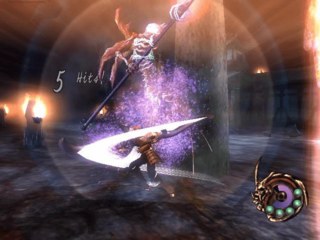
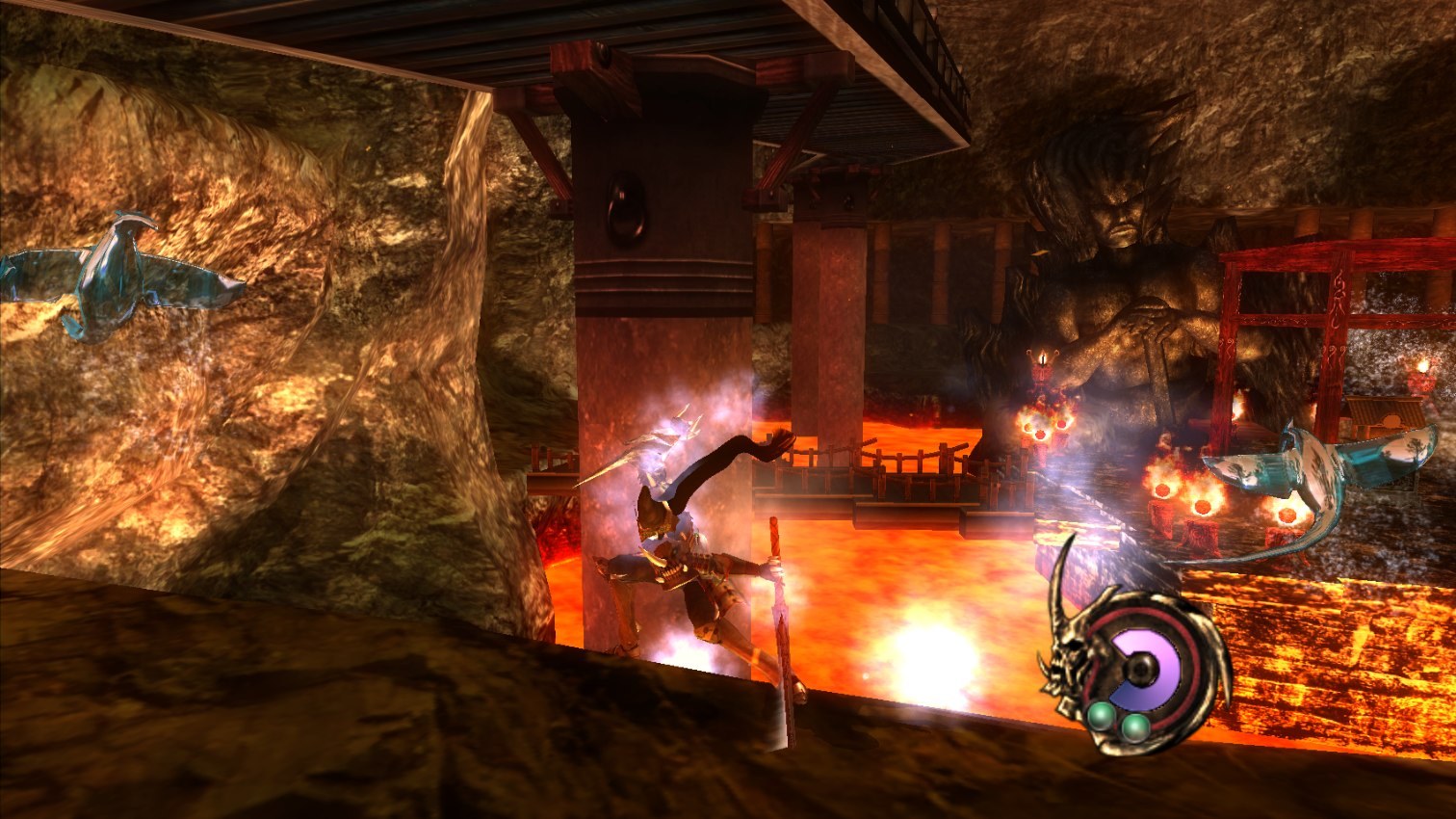
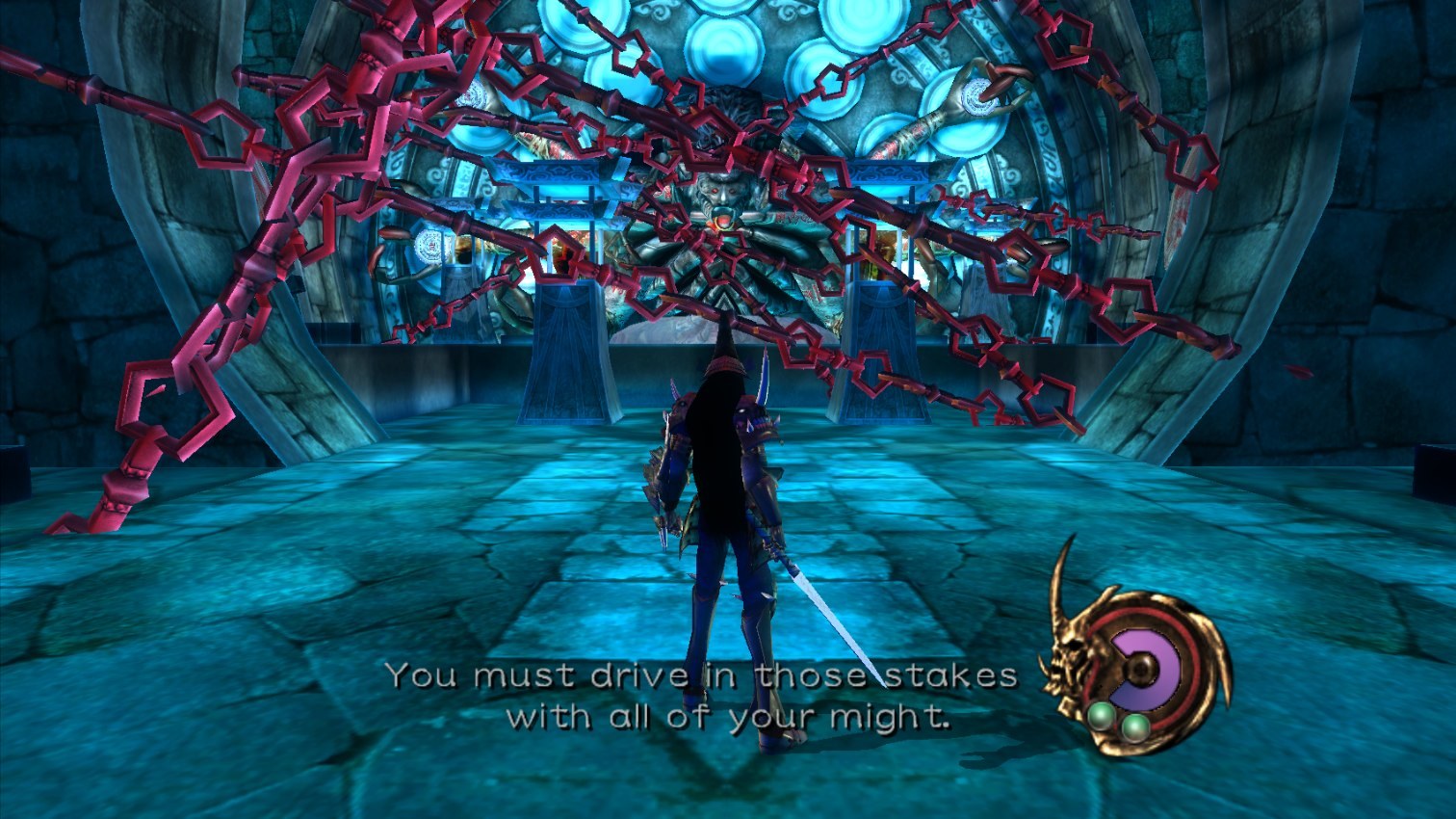
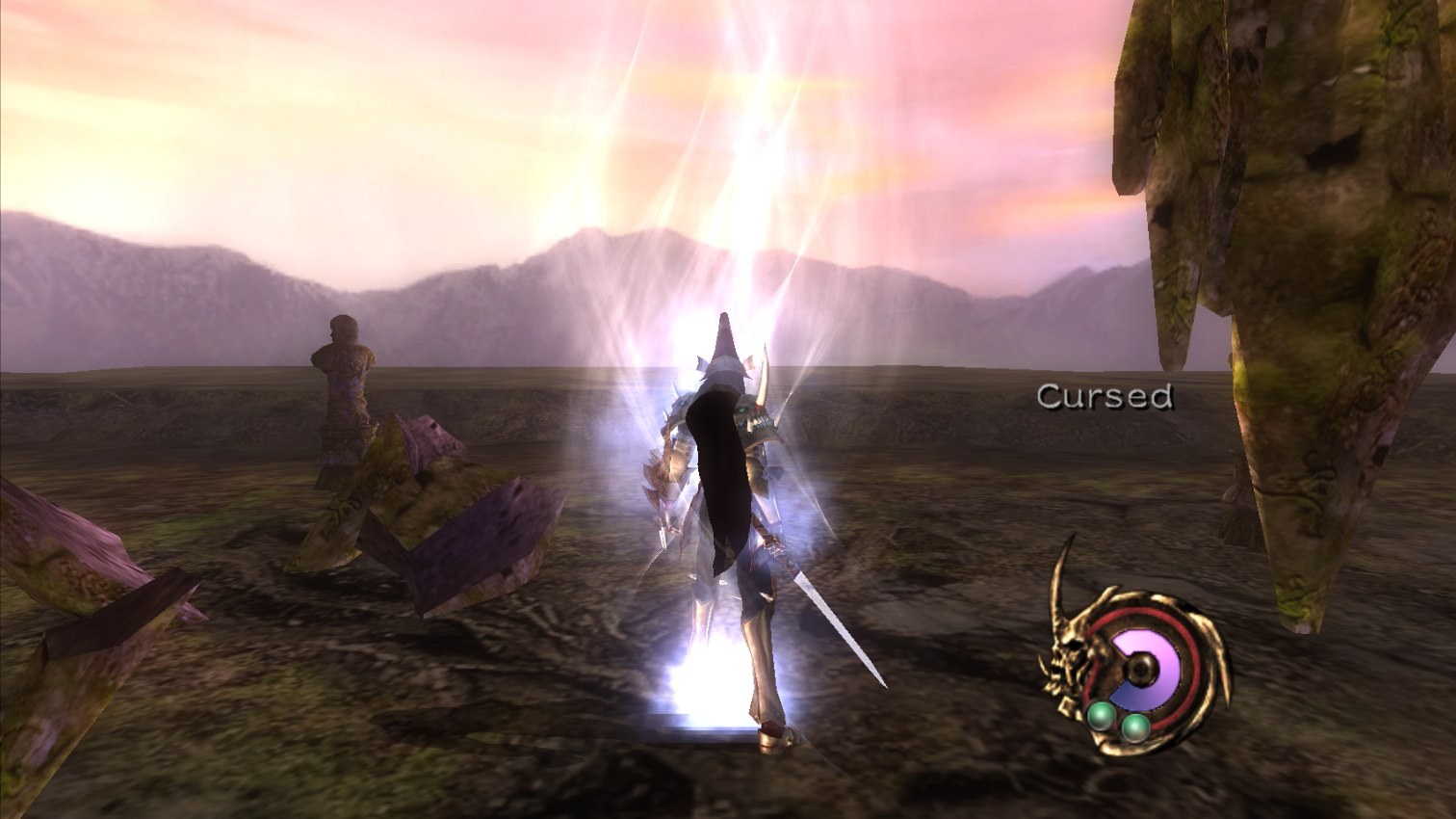
Otogi XUnchain is a native Windows port of Otogi: Myth of Demons, FromSoftware’s 2002 Xbox action game. It is a static recompilation: the xboxrecomp toolkit turns each of the game’s roughly 6,200 functions from x86 into C, the Xbox’s kernel, audio and controllers are replaced by native libraries, and its Direct3D 8 graphics are replayed through OpenGL ES with Direct3D 11, Vulkan or OpenGL output. The setup tool does all of this on the player’s computer from their own disc, so the download carries no game code.
It renders at two to four times the original resolution in 16:9 widescreen, with the HUD and menus kept in place, and interpolates frames up to the monitor’s refresh rate while the game logic stays at its original 30. It also adds window, borderless and fullscreen modes, modern right-stick camera controls with a smaller dead zone, keyboard controls and a debug menu with frame stats, stage warp and cheats.
All 29 stages load and play, with menus, cutscenes, combat, magic, saves and sound, but a full playthrough has not been finished yet. The developers say most of the code was written with Claude Code under their direction, and expect bugs to turn up.
How to Set It Up
- Download otogi-xunchain-setup.exe. Putting it in the folder with your ISO lets it find the disc.
- Run it and press Build the game. It checks the disc, downloads the build tools and builds the game in about ten minutes.
- Press Play, or start otogi.exe in the install folder. Settings are in settings.ini beside it.
Advertisement
Download Otogi XUnchain
What's new in v0.8.0Otogi XUnchain v0.8.0
Changed
- Busy scenes cost about half the CPU time they did: the second stage’s 2,600-draw opening went from about 30 ms of work a frame to about 16 on the development PC. Slower laptops that dropped below 30 fps there should hold up better (issue #2).
- Drawing runs on its own thread, beside the game’s. With frame interpolation on, busy scenes that fell short of 120 shown frames a second (the second stage’s opening) now hold it, and the game’s own work a frame dropped to a few milliseconds.
- The full-screen effects (glow, heat haze, menu tint) are copied on the graphics card at the render resolution instead of being read back at 640x480: sharper, and faster.
- Every merged pull request publishes its own release; the PR says how big a version step it is.
Fixed
- Judder with
framerateabove 30: the scenery moved unevenly while the character looked fine. In-between frames are now drawn for the moment they are shown at, and when the PC cannot make them all in time it shows fewer, evenly spaced. framerate = 0follows the refresh rate of the monitor the game is on, exactly (a 144 Hz monitor shows 144 frames a second, was 120).- Setup downloads everything it needs (the ANGLE and Dear ImGui libraries too) before translating the game, and tries a failed download three times. A network hiccup no longer stops the build minutes in, at the compile step.
24a863a93148b87dd435208ea5c80889aba2f9e59054561196d28bec322935ec
58e695eb7a014416b978511a99b6397e525592cb509478c71e57abc8b32a324a