Conker: Recomped & Reloaded
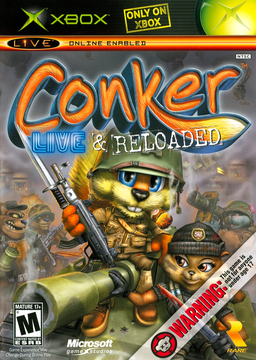
PC port of Conker: Live & Reloaded
- RecompilationPort Type
- Mabec GamesDeveloper
- 2 Nov 2026Page Updated
Details
Platform Support
- Windows
- Linux
Screenshots
.iso (the launcher checks its default.xbe). Windows 10 or 11 64-bit, or x86-64 Linux with glibc 2.34+ and FUSE 3; a Vulkan 1.3 graphics card and about 8 GB free while setting up (5 GB afterwards).Overview
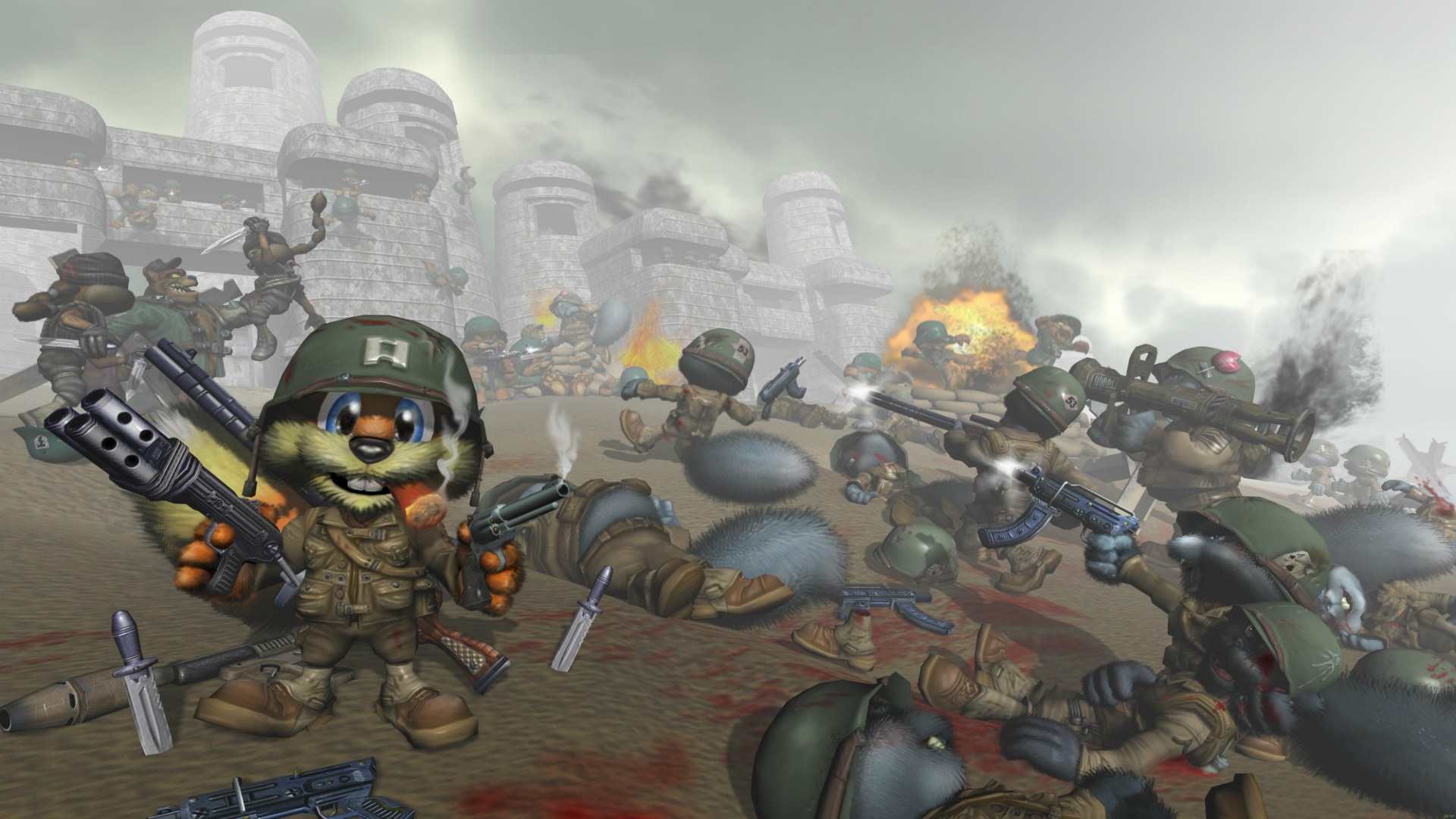
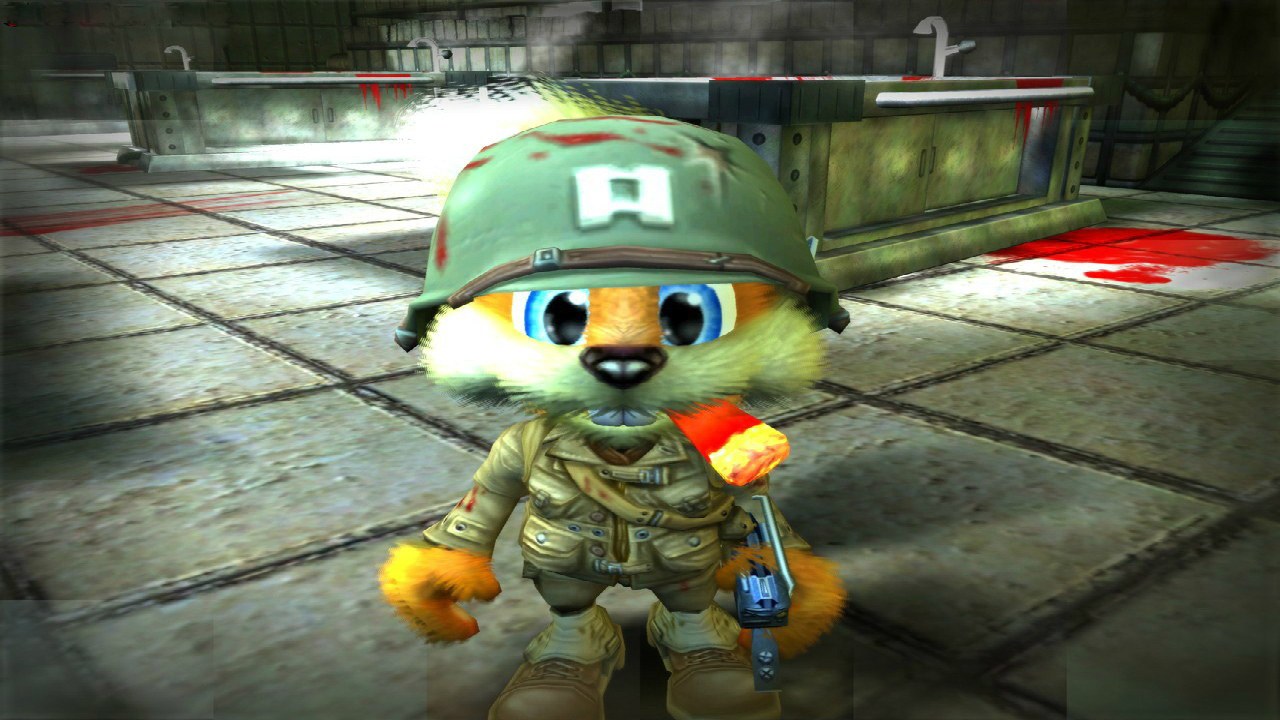
Conker: Recomped & Reloaded is a launcher and modified build of Live & Recompiled, the static recompilation of Rare’s 2005 Xbox game Conker: Live & Reloaded by giacomozama and TGP482. The game’s Xbox code is translated into native code that runs directly on the PC with a Vulkan renderer, and the launcher builds it from the player’s own disc on their own computer.
Every setting lives in the launcher rather than in menus inside the game: graphics, enhancements, audio, controls, online play and mods. The picture can be any aspect ratio up to 32:9 with more of the scene shown, at any resolution with 25% to 400% internal rendering, at the original 30 fps or up to 240, with MSAA, SMAA, anisotropic filtering, ambient occlusion and enhanced cutscenes.
It adds online play with room codes, so friends can join a match over the internet, and everything stays in one folder next to the launcher. The project is not affiliated with Rare or Microsoft, and no part of the game is included.
How to Set It Up
- Windows: extract the zip to a folder of your own (not Program Files) and run
ConkerLauncher.exe. If SmartScreen warns, choose More info, then Run anyway. - Linux: put the AppImage in a folder of its own, make it executable and run it. Everything the game makes stays next to it.
- Choose your disc image and press Install. The launcher checks the disc, extracts it and builds the game in a few minutes with the compiler it brings, so nothing is downloaded.
- Press PLAY. The disc image isn’t needed after that.
- To update, replace the AppImage or extract the new zip over the old folder. When the game code changes, the launcher offers to rebuild it, keeping settings and saves.
Advertisement
Download Conker: Recomped & Reloaded
What's new in v1.2
What’s new
Play in your language (#3)
- Audio → Language: English, French, German, Spanish, Italian or Japanese. The game’s menus, subtitles and on-screen text come from your disc in that language (the USA disc has all six); Japanese also gets its own fonts. The voices are English in every language, as on the original disc.
- The in-game Options menu isn’t the place for this: on the Xbox the language came from the console’s own settings, which the launcher now sets for the game.
Vignette on or off (#2)
- Graphics → Post-processing → Vignette: the game darkens the edges of the screen all the time. Turn it off for an even picture. The red flash when you’re hurt stays either way. On by default, as the game has it.
- The camera wobble from the same request isn’t changed yet: we’re still collecting details on where it shows.
Cutscene volume
- Audio → Cutscene volume: cutscenes play quieter than the rest of the game. Raise them by up to +12 dB; the boost applies only while an in-engine cutscene plays and fades back for gameplay. +0 by default (unchanged).
Steam Deck: the launcher works in Game Mode
- The launcher can be used with a controller: D-pad or left stick to move, ←/→ to change a setting, A to press or open, B to go back, LB / RB to switch tabs, Start to play. An orange outline shows where you are. In Game Mode, Steam hands the launcher a controller and no mouse, so before this, Play couldn’t be selected.
- Launcher → Launcher size: Automatic (125% in Game Mode, 100% elsewhere), 100%, 125% or 150%, for bigger text and buttons on small screens. The window also never opens larger than the screen, and the banner shrinks on short ones.
- The controller is only read while the launcher’s window is active, so it’s the game’s alone while you play.
Decensor mod: what it covers
- The launcher now says so: the mod’s subtitles are uncensored (English, French, Italian, Spanish), but its audio is a work in progress by its authors. So far only the Great Mighty Poo song and the Greg, Uga Buga, Spooky and Windy cutscenes are unbleeped; the rest of the speech is still bleeped in the mod itself. We checked: the mod’s audio files are installed and played as they should be.
Fixes
- Graphics fixes found while bringing the game up on a Mac (the validation layer there is strict): the overlay’s texture descriptors, a shader feature that
discardneeds, and occlusion queries that could be reused while the GPU still had them in flight (a rare wrong “is it visible?” answer, on any GPU).
Build kit
- kit-1.3 (source: branch
launcherat e038167). The language, vignette and cutscene volume settings need the game built from it.
Updating from v1.1
Replace the AppImage (on Windows, extract the new zip over the old folder), start it, and say Yes when it offers to rebuild the game (a few minutes, offline; your settings and saves are kept). Without the rebuild the new settings show in the launcher but the game doesn’t use them yet.
macOS?
Not in this release. An experimental Mac (Apple Silicon) build is in testing: the game now runs on an M1 with sound, picture and a controller. It will come as a separate test release once it’s ready.
d32dbc6ff47f9b98ceb50cf0a195ff88a8f7c92eda47a1266673a3931f4f201c
bf8481a1df4e2b22c33dc80bff0e82d60786f1d2d6c921229091fb28b17c9f9c