OpenTTD
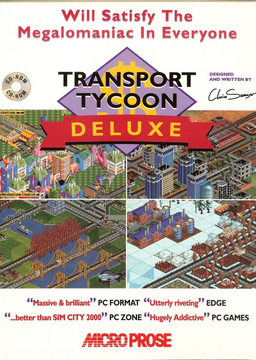
PC port of Transport Tycoon Deluxe
- ReimplementationPort Type
- OpenTTD TeamDeveloper
- 26 Oct 2026Page Updated
Details
- Developer
- OpenTTD Team
- Port Type
- ReimplementationThe game was rebuilt in new code that plays like the original and loads its data from your own copy.
- AI Use
- No AIThe project says: “Using an AI tool to generate entire lines of code is unacceptable.” Source
- Source Code
- GitHub
- Original Release
- openttd.org
- Page Updated
Platform Support
- Windows
- Linux
- macOS
ScreenshotsView All (5)
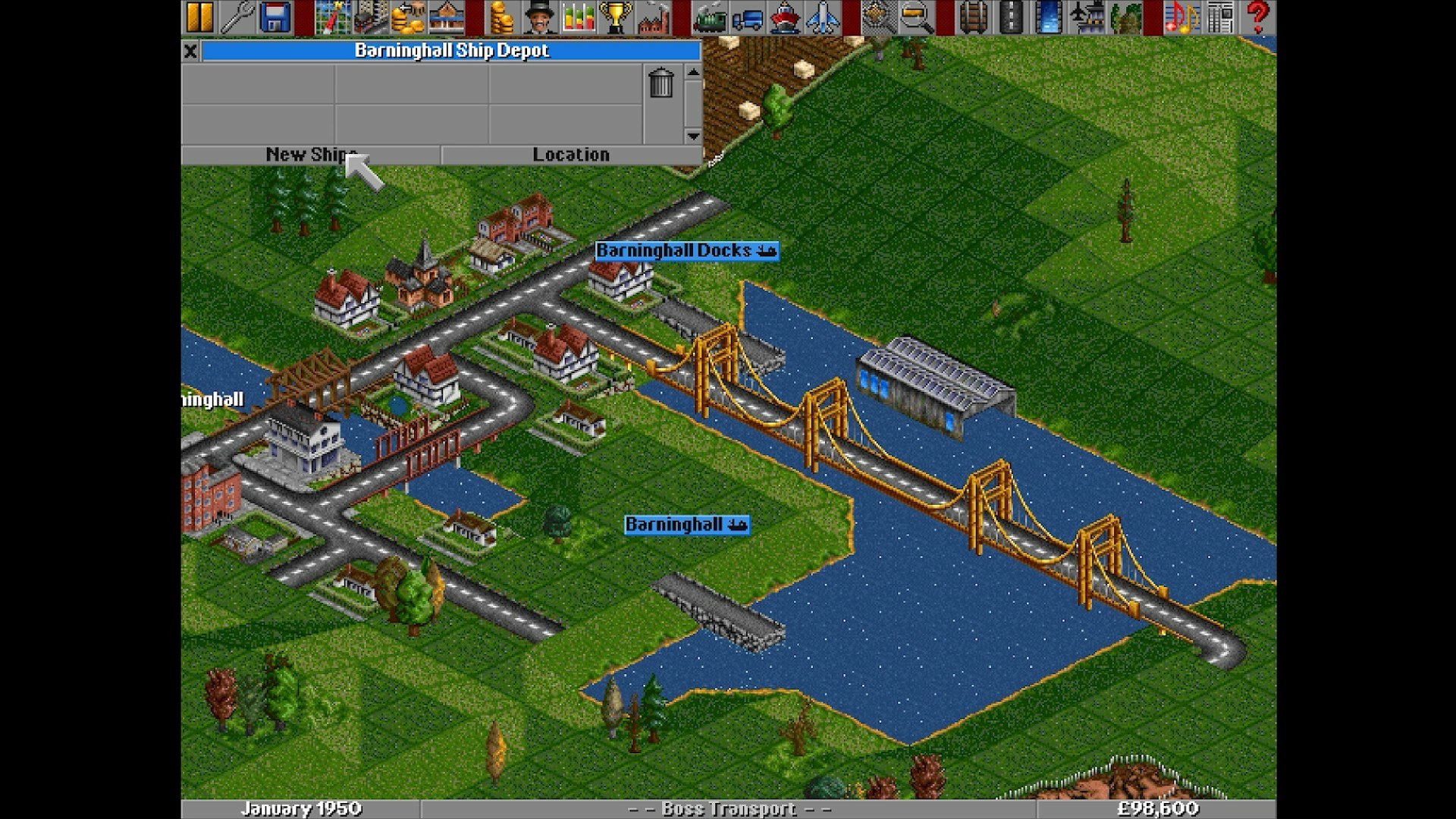
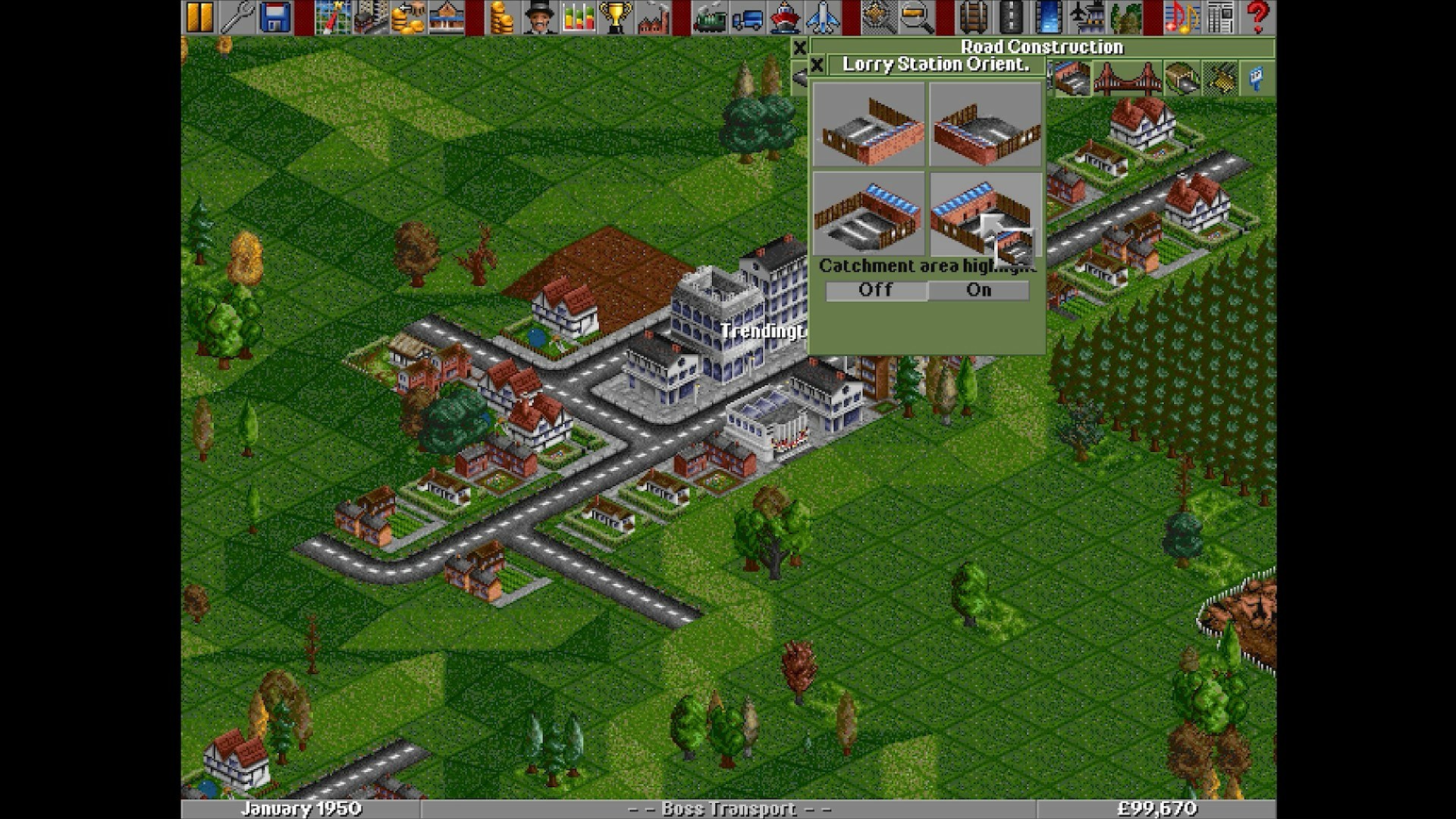
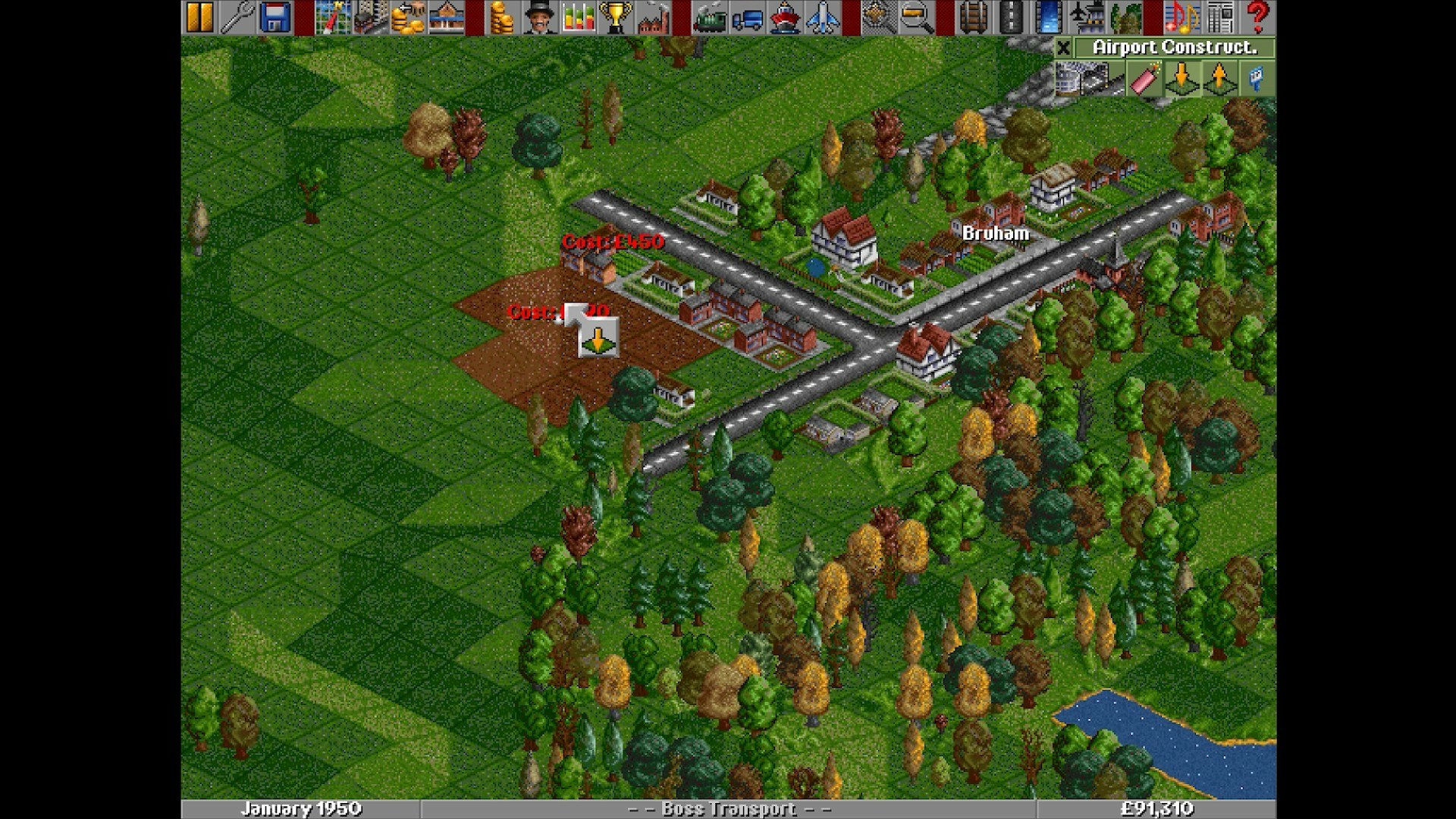
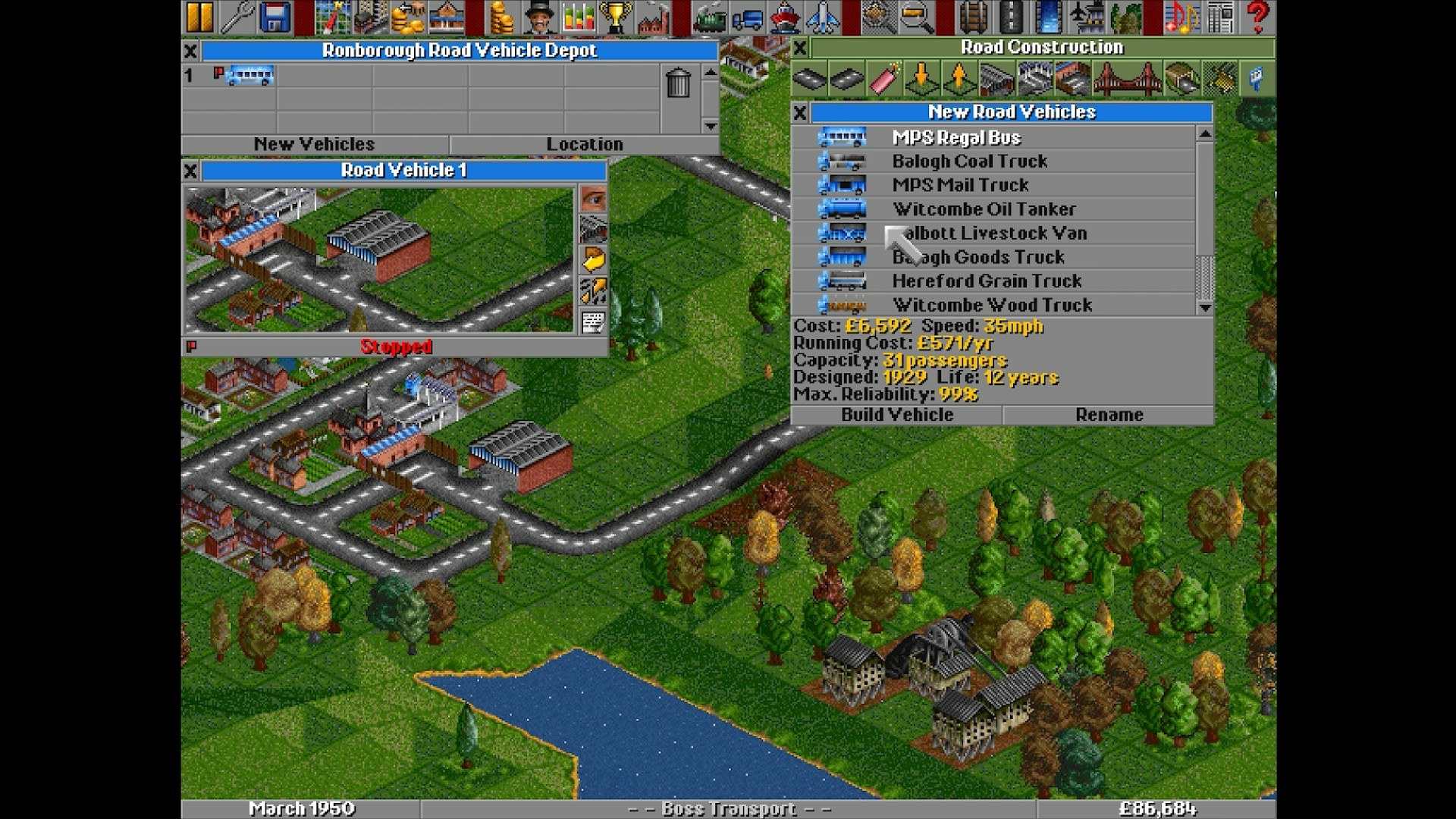
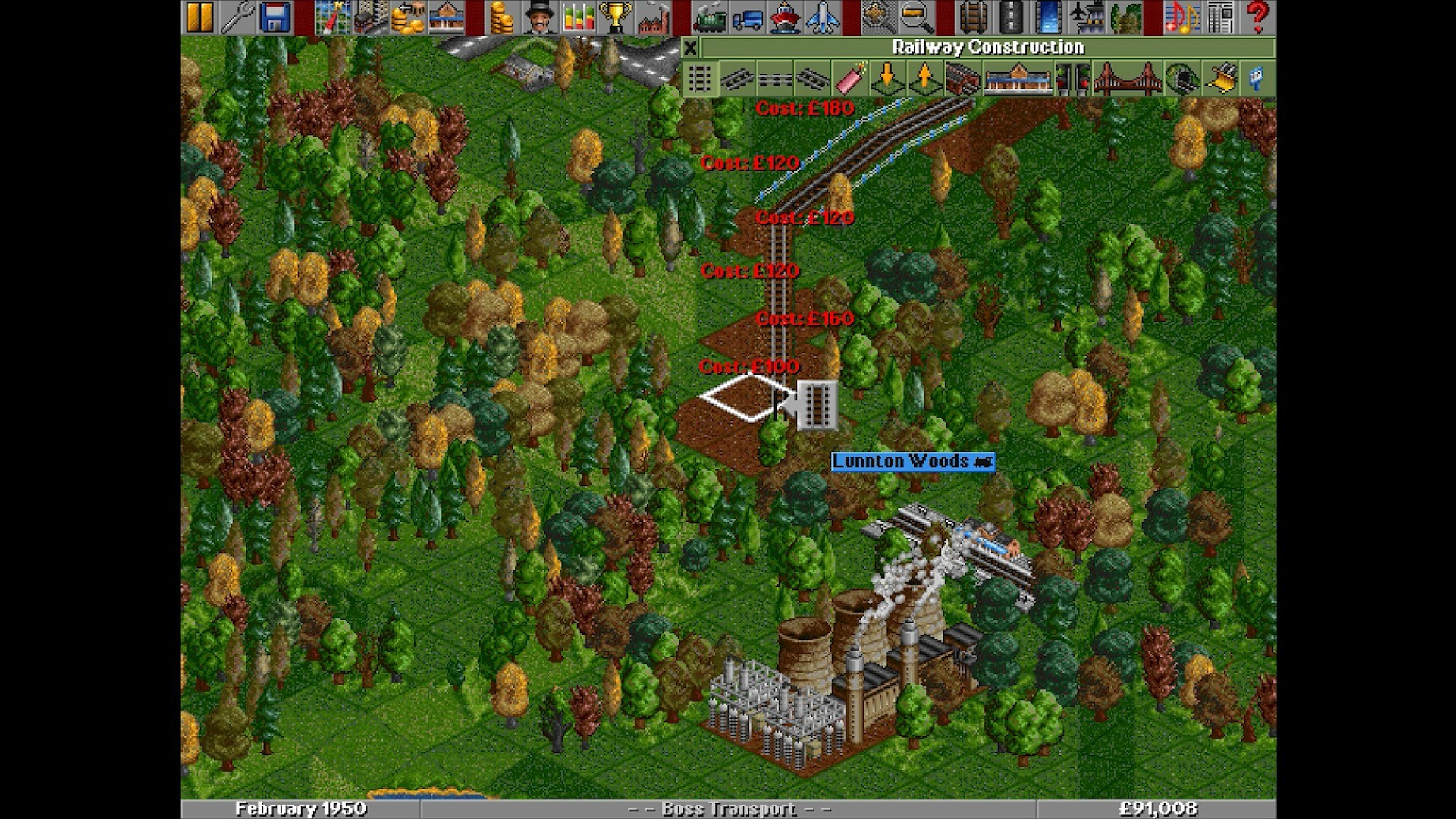
baseset folder.Overview
OpenTTD was first released in 2004 as a reverse-engineered rewrite of Transport Tycoon Deluxe, Chris Sawyer’s 1995 game about building a transport company with trains, road vehicles, ships and aircraft. It has since grown into a game of its own that keeps the original’s feel while extending it in almost every direction.
It adds online multiplayer, much larger maps, signals and pathfinding far beyond the original, timetables, cargo distribution and a huge library of add-ons, from new vehicles and industries to AI opponents and game scripts, downloaded from inside the game.
Because it ships with free replacement graphics, sound and music, OpenTTD needs no original files at all, but it still reads the data of Transport Tycoon Deluxe for players who want the 1995 look.
How to Set It Up
- Download the installer or zip for Windows, the macOS disk image or the Linux archive.
- Install or unzip it and start OpenTTD. The free graphics and sound sets are included, so the game starts straight away.
- To use the original graphics, copy the files of your Transport Tycoon Deluxe install (such as
TRG1R.GRFandTRGIR.GRF, orTRG1.GRFfor DOS) into thebasesetfolder and pick them under Game Options.