OpenRCT2
PC port of RollerCoaster Tycoon 2
- ReimplementationPort Type
- OpenRCT2 TeamDeveloper
- 26 Oct 2026Page Updated
Details
- Developer
- OpenRCT2 Team
- Port Type
- ReimplementationThe game was rebuilt in new code that plays like the original and loads its data from your own copy.
- AI Use
- Not statedThe developers haven't said whether they used AI.
- Source Code
- GitHub
- Original Release
- openrct2.io
- Page Updated
Platform Support
- Windows
- Linux
- macOS
- Android
ScreenshotsView All (5)
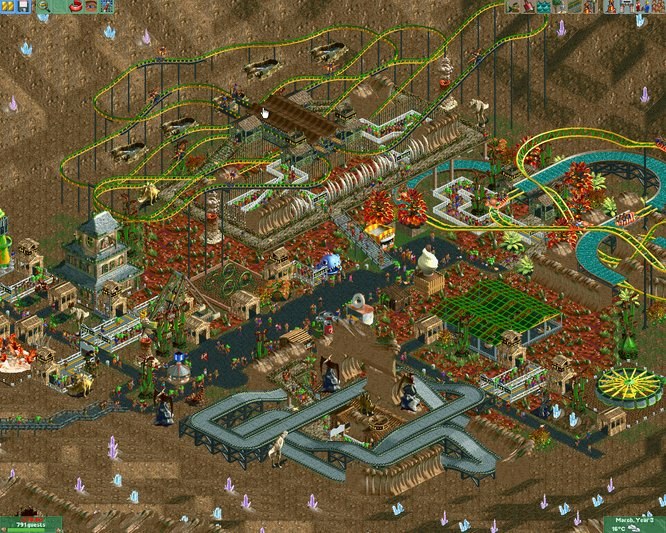
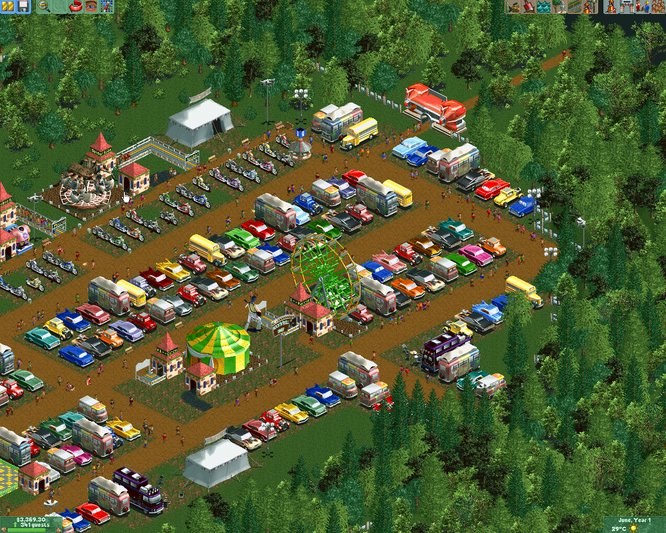
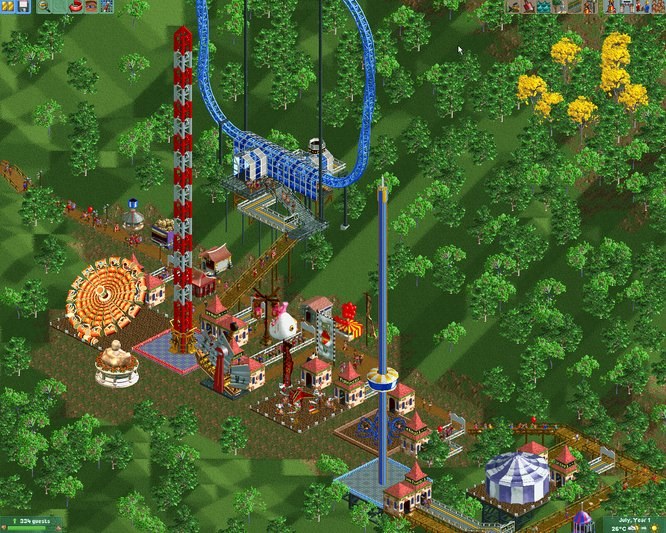
Overview
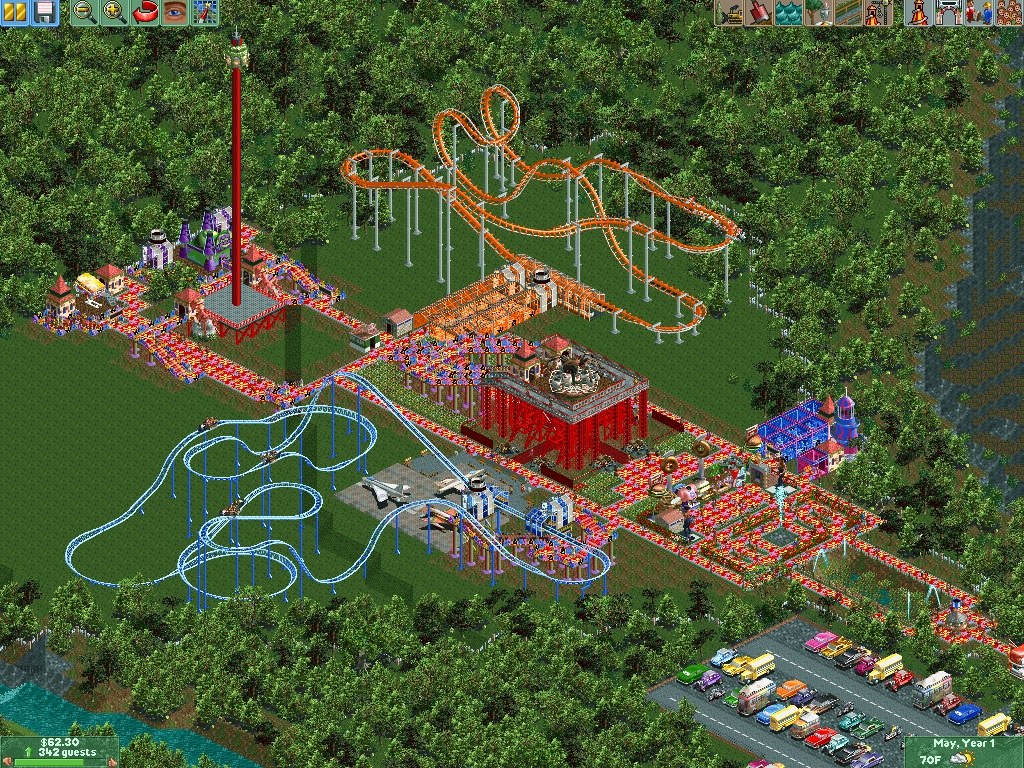
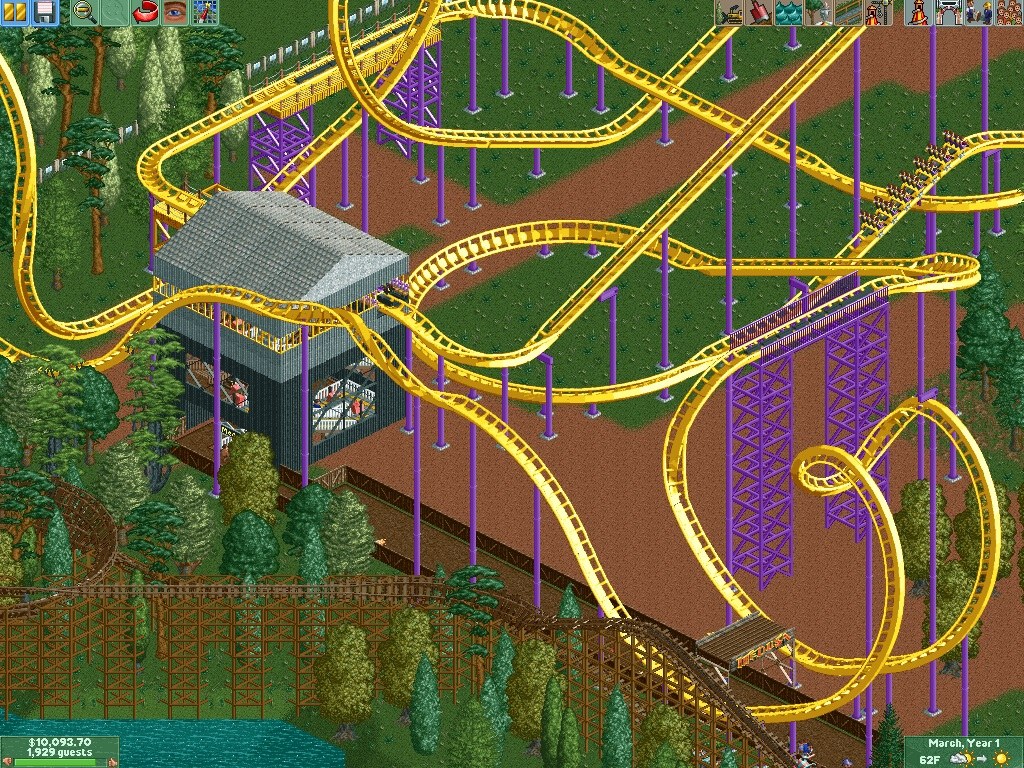
OpenRCT2 is an open-source re-implementation of RollerCoaster Tycoon 2, Chris Sawyer’s 2002 theme park builder, which was written in x86 assembly. It started by replacing the original program piece by piece and now runs the whole game in its own C++ code, using the art, sound and scenarios from the player’s own copy.
Next to everything the original does, it adds modern resolutions and zoom, a reworked interface, smarter guests and staff, more editing tools and far higher limits on rides and park size. Mechanics from the first RollerCoaster Tycoon that the sequel dropped are back, such as the in-game mountain tool and launched coasters, and the first game’s scenarios can be played with its files.
Parks can be built together online in co-operative multiplayer, and custom rides, scenery and plug-in scripts can be added. Saves from RollerCoaster Tycoon 2 load as they are.
How to Set It Up
- Download the build for your system: the portable zip or the installer for Windows, the macOS zip, the Linux AppImage or the Android APK.
- Start OpenRCT2. On first start it asks for the folder of your RollerCoaster Tycoon 2 install (the one with the
Datafolder) and finds Steam and GOG copies on its own. - To play the scenarios of the first game too, point OpenRCT2 at your RollerCoaster Tycoon 1 folder in the options.