Red Alert 2 Recomp
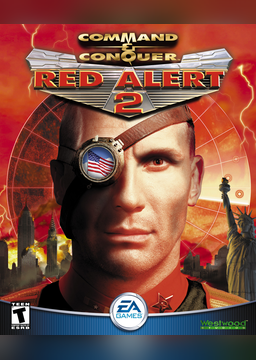
PC port of Command & Conquer: Red Alert 2
- RecompilationPort Type
- sp00nznetDeveloper
- 3 Nov 2026Page Updated
Details
Platform Support
- Windows
- Linux
- macOS
Screenshots
game.exe and gamemd.exe. Windows, Linux or macOS, and about 6 GB free for the first build.Overview
Red Alert 2 Recomp is a static recompilation of Command & Conquer: Red Alert 2 and its expansion Yuri’s Revenge from their shipping Win32 executables to native C, built on sp00nznet’s pcrecomp toolchain. Both games build from the same install into their own program. It is not OpenRA, which reimplements the rules in a separate engine: this runs Westwood’s own code, recompiled.
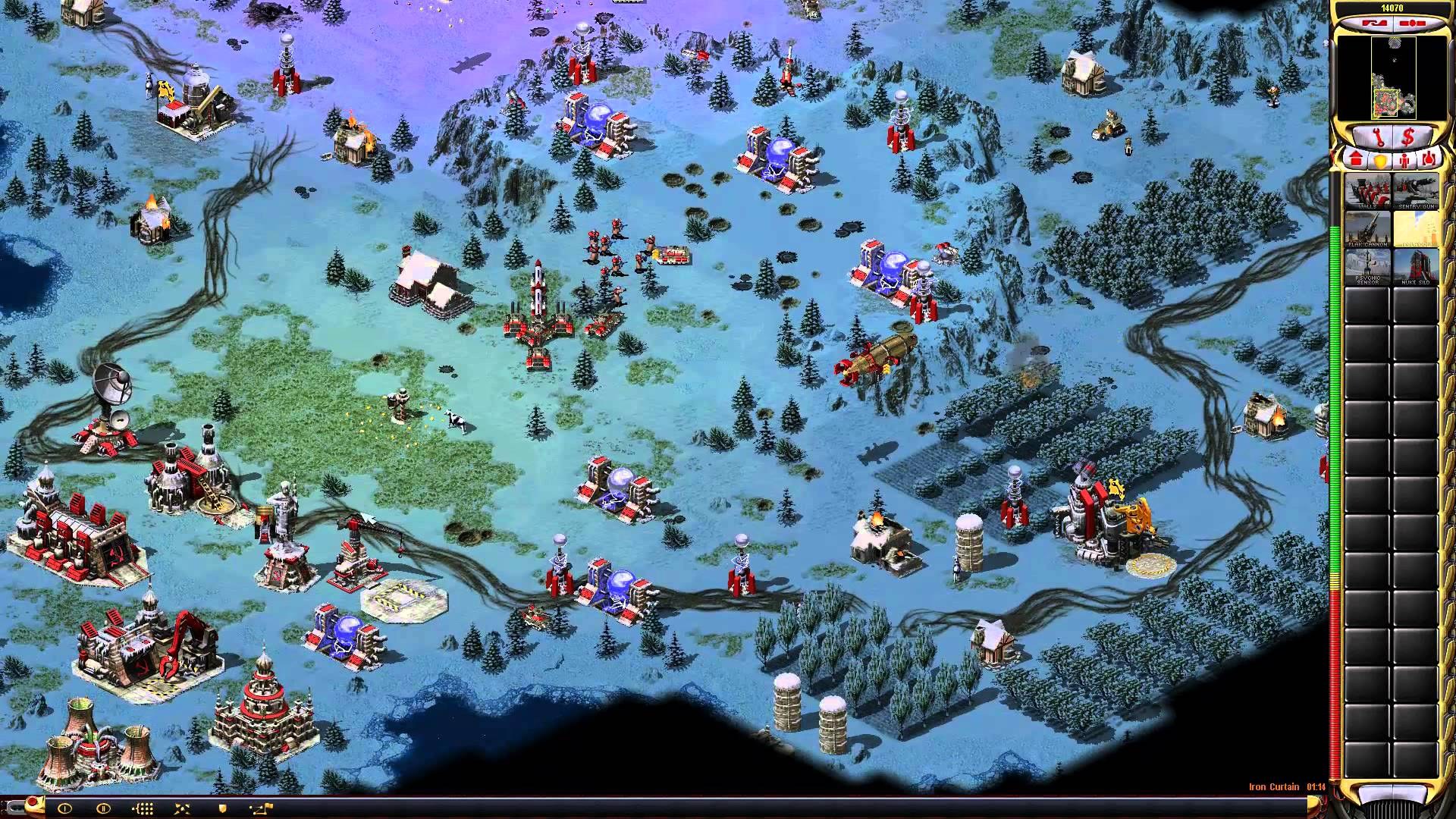
Nothing from the game is in the download or fetched for the player. The installer finds their Steam or EA App copy and builds the port from it on their machine. The intro, every menu, skirmishes and both campaigns play from 720p to 4K, checked by a scripted playtest suite on Windows, Linux and macOS.
The game gets its own resizable or borderless window with several scaling modes, resolutions from 1280x720 up to 3840x2160 showing more of the battlefield, and HD vehicles drawn at two or three times the resolution from the game’s own voxel models. Modern controls (left-click to select, right-click to order), mods laid over the game from a folder, and LAN multiplayer as shipped are included. It runs natively on all three systems without Wine or a Visual C++ redistributable.
How to Set It Up
- Download the installer for your system: the Windows exe, the Linux tar.gz or the macOS (Apple Silicon) zip. The installers aren’t signed, so SmartScreen or macOS may ask first.
- Open it. It finds your game in Steam or the EA App, or you point it at the folder.
- Press Build my recomp. The first build takes 30 to 60 minutes and installs the tools it needs.
- Press Play. F10 opens the settings menu, F11 switches fullscreen and F12 changes the scaling.
Advertisement
Download Red Alert 2 Recomp
What's new in v0.1.3
Red Alert 2 and Yuri’s Revenge, recompiled and playable on Windows, Linux and macOS. Download the installer for your platform below.
Fixed
- Windows:
ra2.exewouldn’t start on some PCs, with “The subsystem needed to support the image type is not present” (#30, thanks @Qrusher14242 and @LittleHelperVR). The exe had grown big enough to overlap the spot where Windows places one of its own system files (the 32-bitntdll.dll). Windows picks that spot at random on each boot, which is why only some PCs hit it. The exe’s screen buffers are now allocated when the game runs, so it stays well clear. - Linux and macOS: quitting left the game running. Closing the window, Cmd+Q or Quit in the Dock made the window go away, but the process stayed, and the app sat in the Dock until force-quit. The game now gets 3 seconds to exit on its own and is then closed, as the Windows build already did (#33, by @hauxir).
If you build from source on Windows: pull, then delete the build and build-game folders before rebuilding. Visual Studio’s incremental linking would otherwise keep the old, oversized exe layout.
The full list is in CHANGELOG.md.
Installers for Windows, Linux and macOS are attached, with SHA256SUMS.txt.
🤖 Generated with Claude Code
9a9e92aed8eb2f1bbdf965a69f89dddf80a68e469cb918c9bb2560143010249e
dfa901f9063c0f188064a395534892213c87942346f0a2059a1fb6b56143e487
946f03a93de550c8686447582d0782f02dc3dc817b95bc5fdb3ee1c4be9df2da