OpenMW
PC port of The Elder Scrolls III: Morrowind
- ReimplementationPort Type
- OpenMW TeamDeveloper
- 26 Oct 2026Page Updated
Details
- Developer
- OpenMW Team
- Port Type
- ReimplementationThe game was rebuilt in new code that plays like the original and loads its data from your own copy.
- AI Use
- Not statedThe developers haven't said whether they used AI.
- Source Code
- GitHub
- Original Release
- openmw.org
- Page Updated
Platform Support
- Windows
- Linux
- macOS
ScreenshotsView All (5)
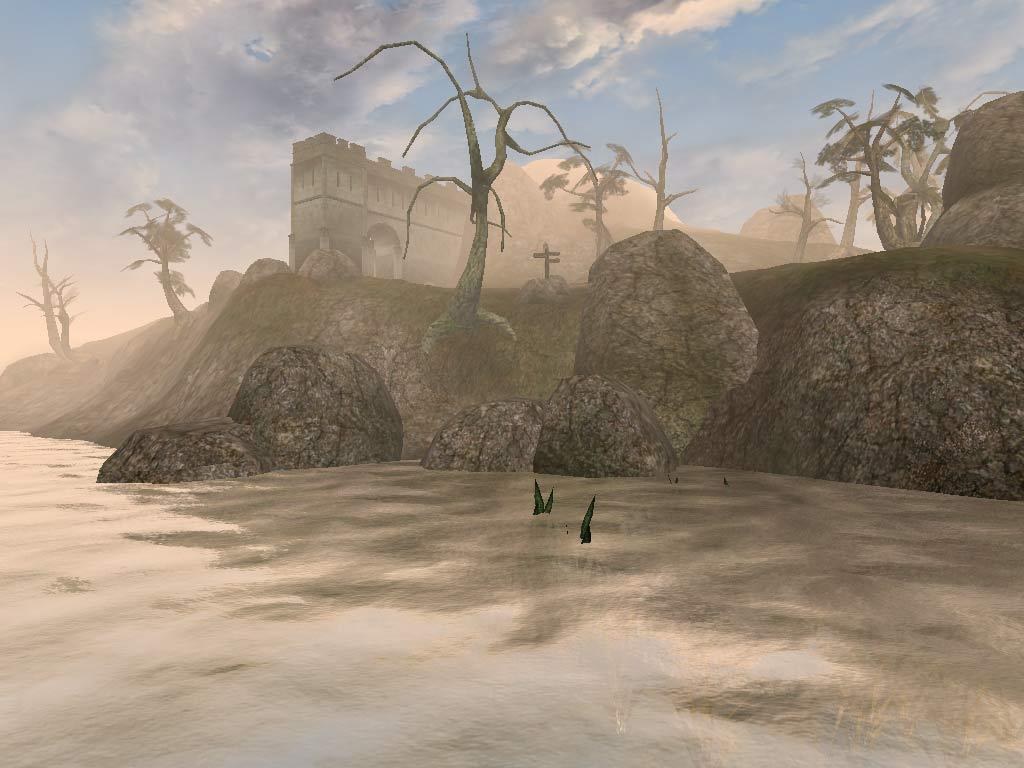
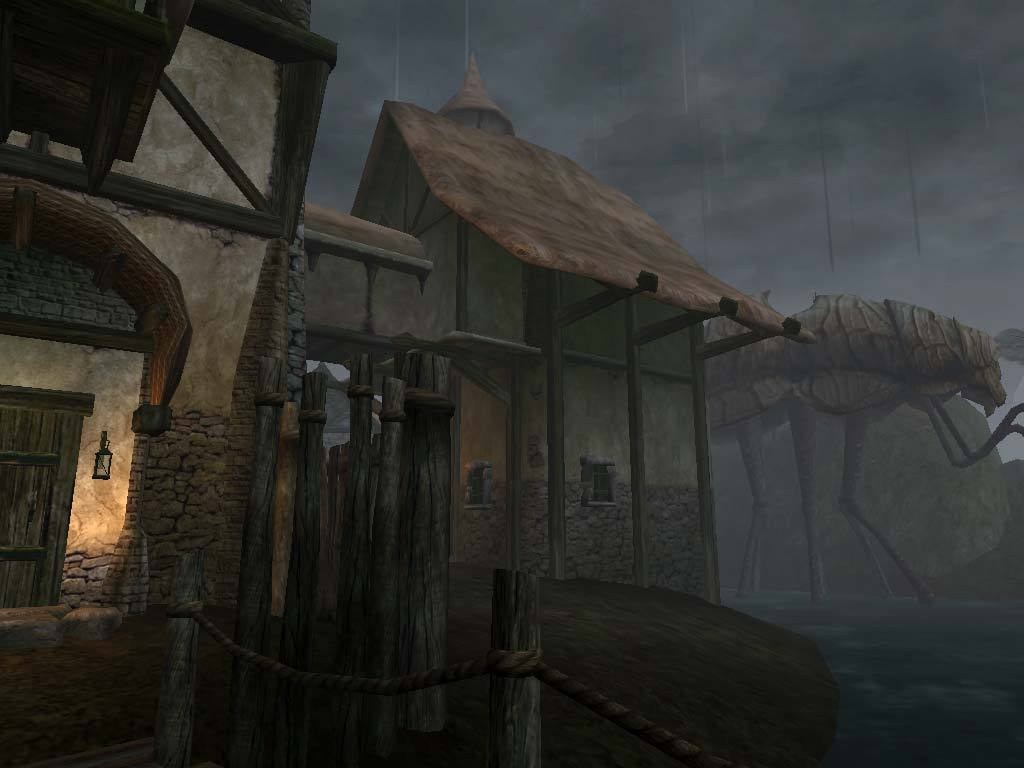
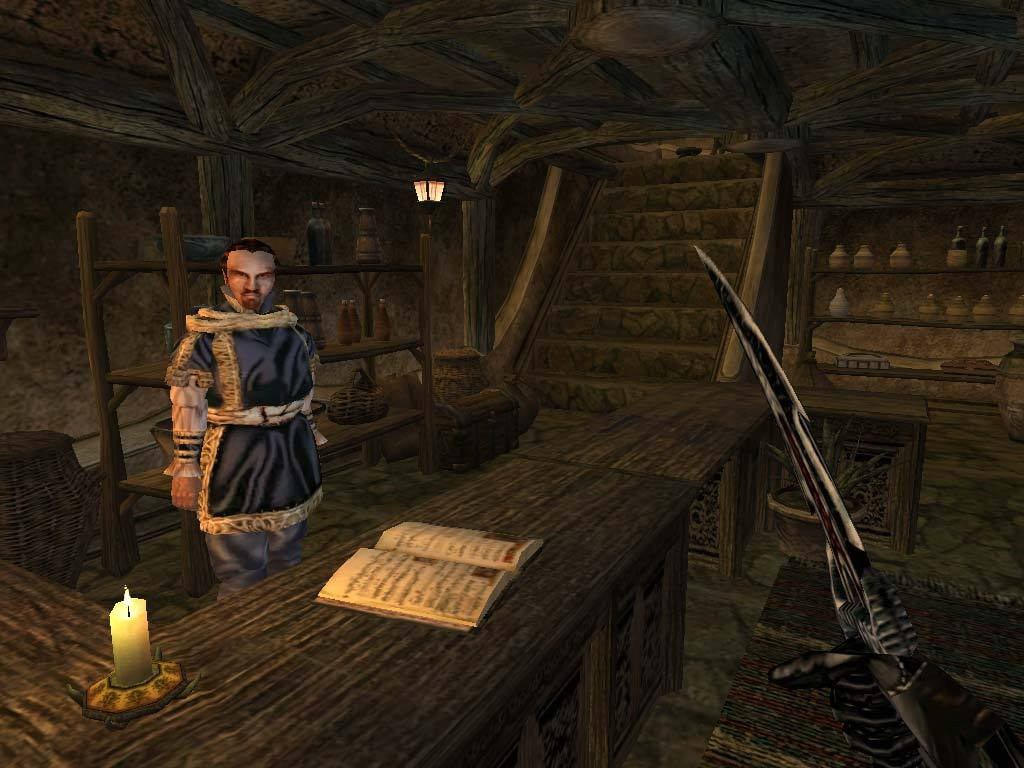
Data Files folder with Morrowind.esm and the .bsa archives), from a CD, Steam or GOG install. Tribunal and Bloodmoon are optional. Windows 10 or later, macOS 14.8 or later, or 64-bit Linux.Overview
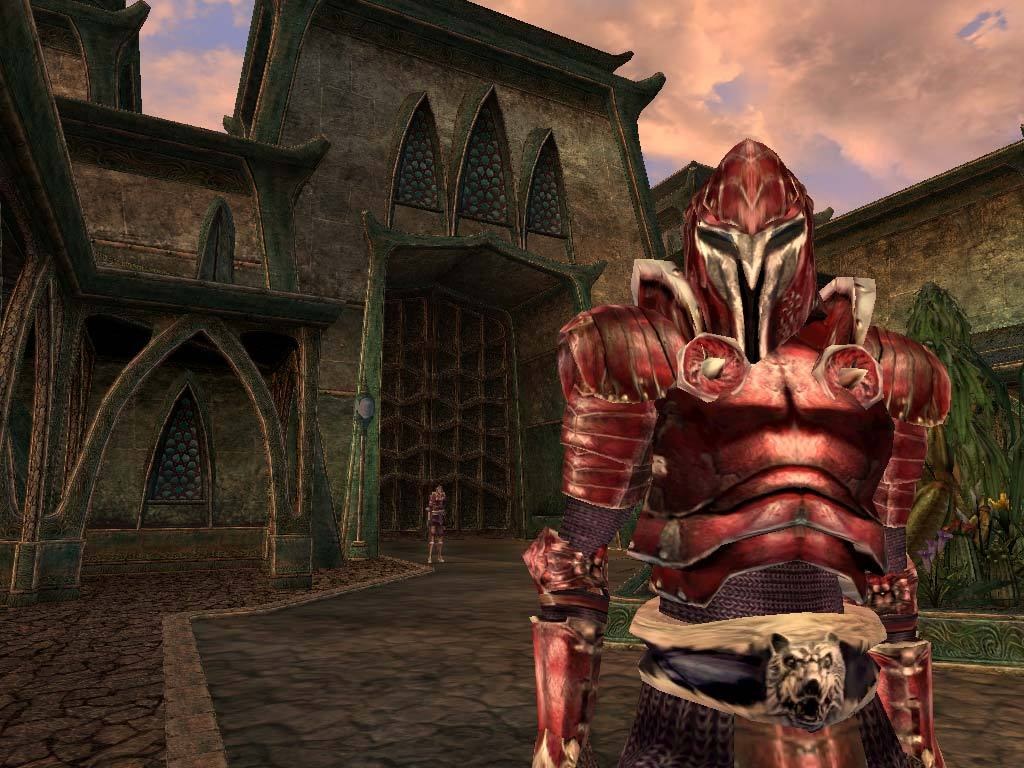
OpenMW is a new open-source engine for The Elder Scrolls III: Morrowind, Bethesda Softworks’ 2002 role-playing game. It reads the original game’s data and plays the whole of Morrowind, Tribunal and Bloodmoon: all three main quests can be finished, and side quests rarely misbehave.
On top of the original it offers distant land and objects, real-time shadows, better lighting and water, stable performance on modern hardware and a reworked, scalable interface. Many old bugs are fixed, and new options cover things such as headbobbing, better AI pathing and gameplay tweaks.
Modding goes beyond the original engine: OpenMW adds Lua scripting and comes with OpenMW-CS, a replacement for Bethesda’s Construction Set. Older Morrowind mods often work, although some that relied on quirks of the original engine need fixes.
How to Set It Up
- Download the Windows installer, the macOS disk image for your Mac, or the Linux archive, and install or unpack it.
- Start the OpenMW Launcher. Its first-run wizard finds or asks for your Morrowind folder, and can also install the game straight from the CD.
- Pick the content files to load (Tribunal, Bloodmoon and any mods) on the launcher’s Data Files tab, then press Play.