Fallout 2 Community Edition
PC port of Fallout 2
- DecompilationPort Type
- Alexander BatalovDeveloper
- 26 Oct 2026Page Updated
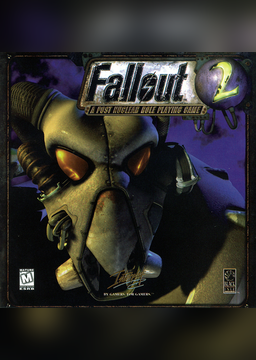
Details
Platform Support
- Windows
- Linux
- macOS
- Android
Screenshots
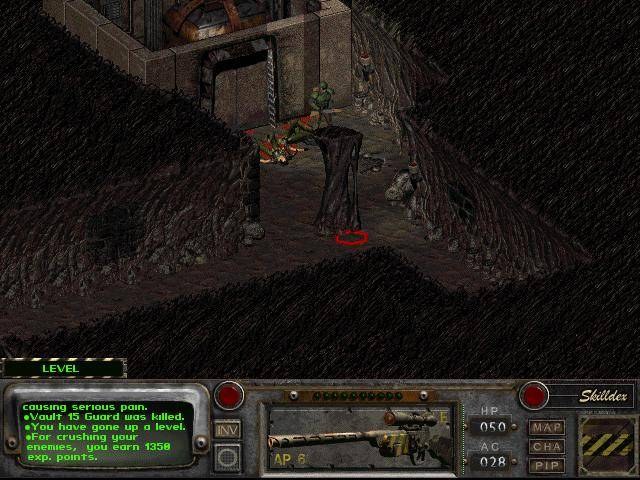
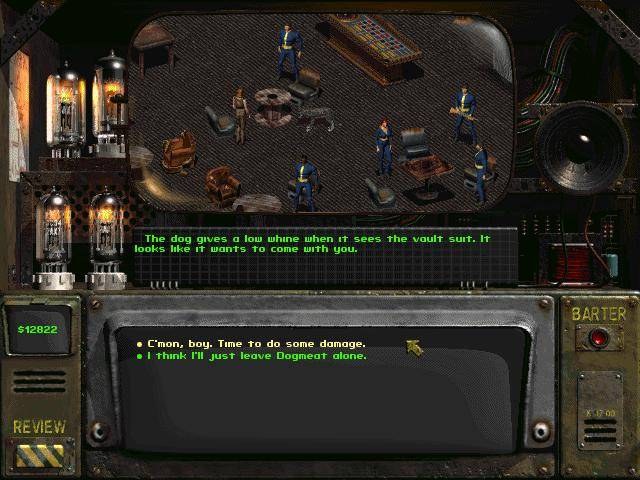
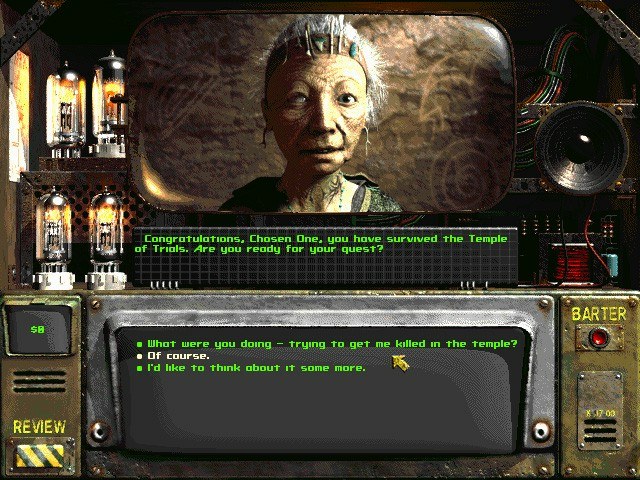
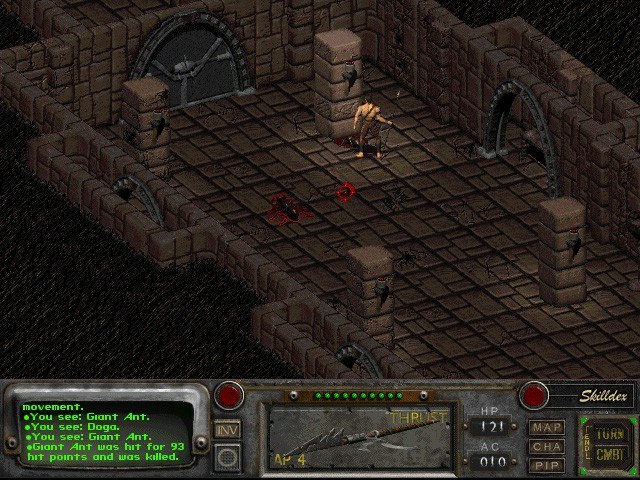
master.dat, critter.dat, patch000.dat and the data folder) from a CD, GOG, Epic or Steam.Overview
WidescreenBug FixesTouch ControlsQuality of Life
Fallout 2 Community Edition is a fully working re-implementation of Fallout 2, Black Isle Studios’ 1998 role-playing game. It plays the original with the same rules, using the data of the player’s own copy, on Windows, macOS, Linux, Android and iOS.
It fixes engine bugs and adds quality-of-life improvements, including higher resolutions and options that players otherwise got from community patches. Popular total conversions that don’t rely on the sfall extension, such as the original versions of Nevada and Sonora, are likely to work.
There is also Fallout Community Edition for the first game.
How to Set It Up
- Download the build for your system.
- On Windows, copy
fallout2-ce.exeinto yourFallout2folder and run it instead offallout2.exe. - On macOS, Linux and Android, copy your
Fallout2folder from a Windows install to the computer or device, put the Fallout 2 CE program in it (on Android, install the APK and pick the folder) and run it.