Fallout Community Edition
PC port of Fallout
- DecompilationPort Type
- Alexander BatalovDeveloper
- 26 Oct 2026Page Updated

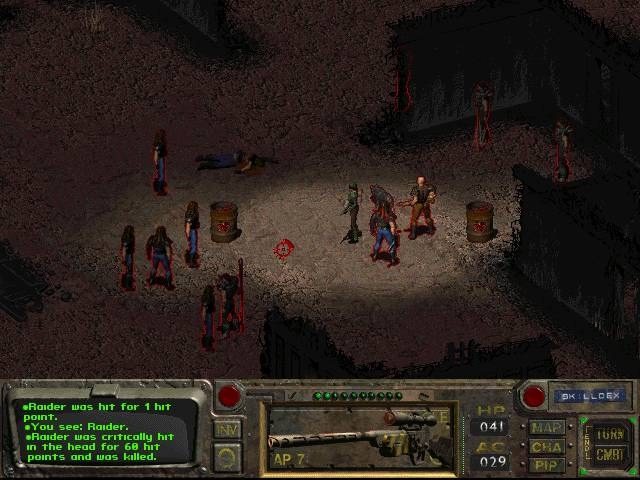
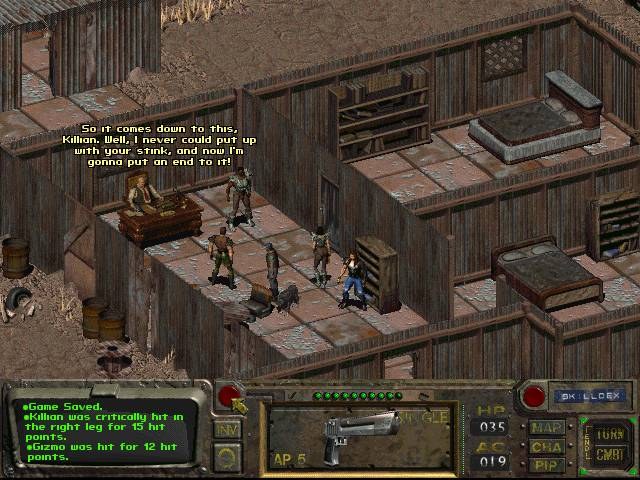
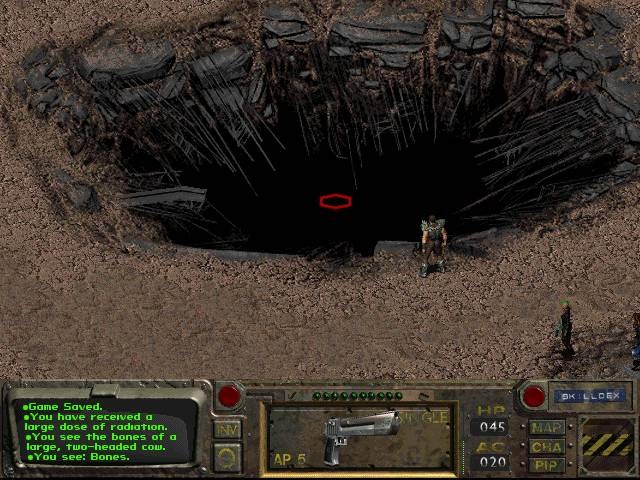
master.dat, critter.dat and the data folder) from a CD, GOG or Steam.Overview
WidescreenBug FixesTouch ControlsQuality of Life
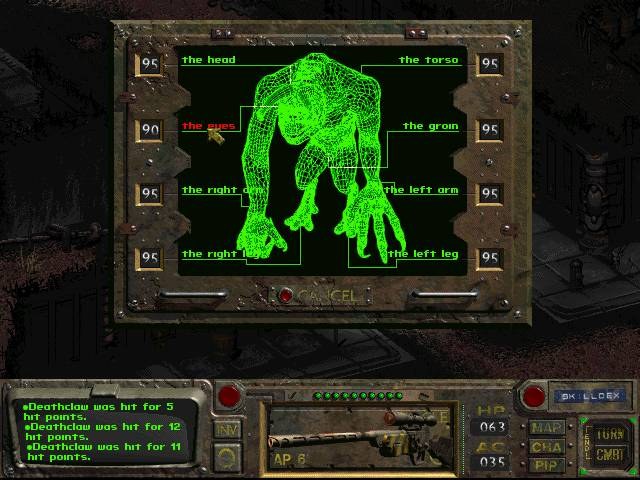
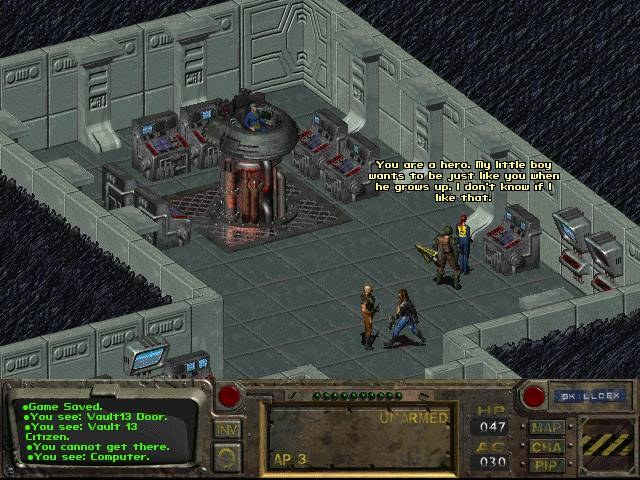
Fallout Community Edition is a fully working re-implementation of Fallout, Interplay’s 1997 post-apocalyptic role-playing game. It plays the original game the same way, using the data of the player’s own copy, and runs natively on Windows, macOS, Linux, Android and iOS.
Its author rebuilt the engine and fixed many of its bugs, and added quality-of-life improvements such as higher resolutions, while leaving the game’s rules untouched. On phones and tablets the mouse is driven like a trackpad: one finger moves the cursor and taps click.
The same author also made Fallout 2 Community Edition.
How to Set It Up
- Download the build for your system.
- On Windows, copy
fallout-ce.exeinto yourFalloutfolder and run it instead offalloutw.exe. - On macOS, Linux and Android, copy your
Falloutfolder from a Windows install to the computer or device, put the Fallout CE program in it (on Android, install the APK and pick the folder) and run it.