DevilutionX
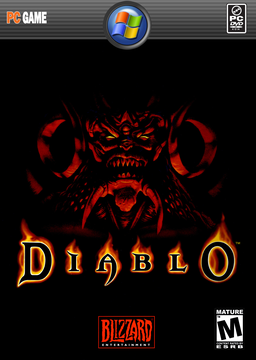
PC port of Diablo
- DecompilationPort Type
- DiasurgicalDeveloper
- 26 Oct 2026Page Updated
Details
- Developer
- Diasurgical
- Port Type
- DecompilationThe game's code was rewritten by hand as source code that builds back into the same game, then made to run natively on PC.
- Game
- Diablo
- AI Use
- AI-assistedAn AI coding tool is credited as co-author on 20 of the last 400 commits. Source
- Source Code
- GitHub
- Original Release
- GitHub
- Page Updated
Platform Support
- Windows
- Linux
- macOS
- Android
ScreenshotsView All (5)
DIABDAT.MPQ from your Diablo CD or the GOG or Battle.net release. For Hellfire also hellfire.mpq, hfmonk.mpq, hfmusic.mpq and hfvoice.mpq. The free shareware spawn.mpq plays the demo part of the game.Overview
WidescreenController SupportMultiplayerQuality of Life
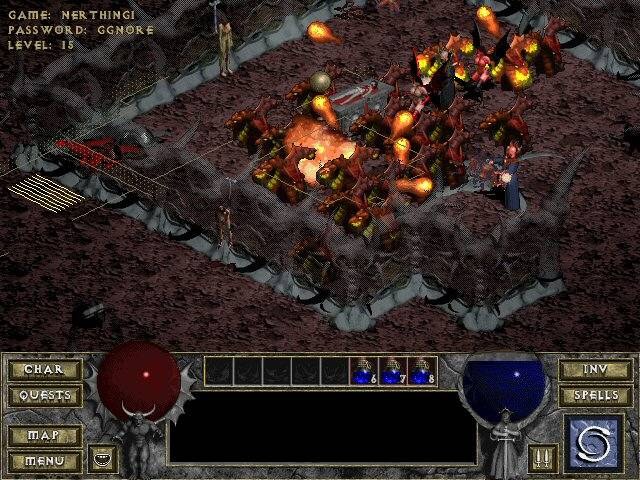
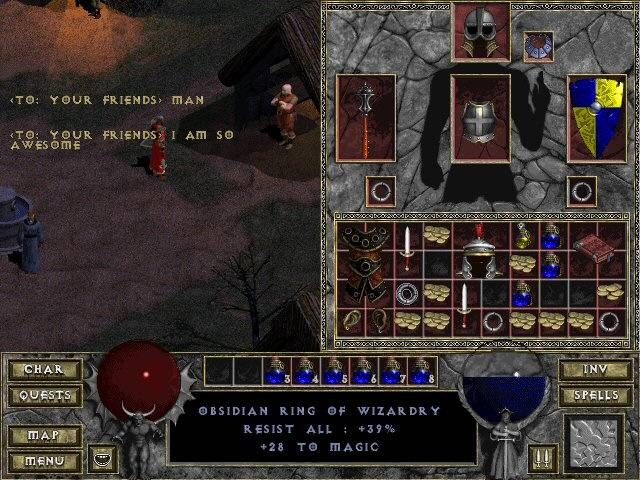
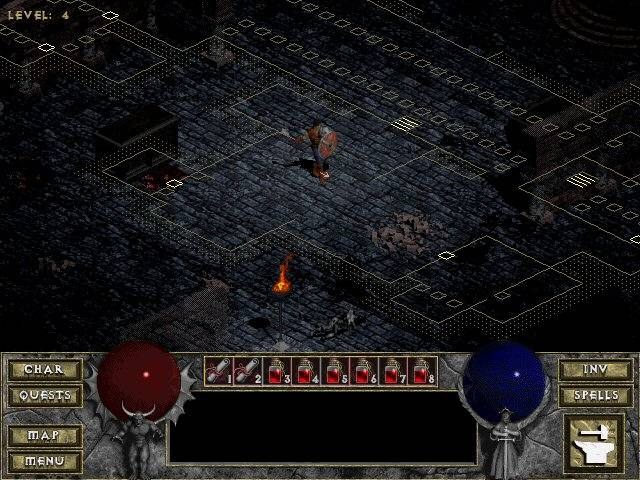
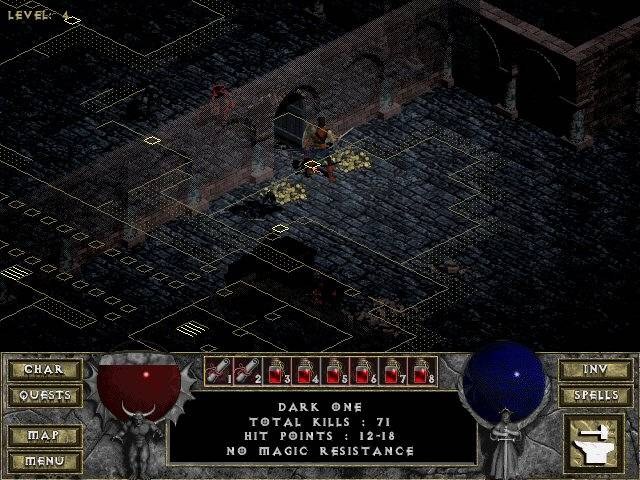
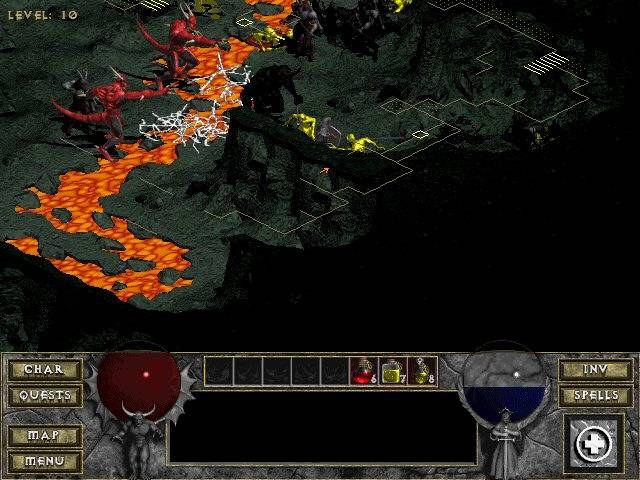
DevilutionX is a port of Blizzard North’s Diablo (1996) and its expansion Hellfire, built on Devilution, a reconstruction of the original game’s code. It plays the game the way it was, on Windows, macOS, Linux, Android, iOS and consoles and handhelds from the Switch and PlayStation Vita to the 3DS and Amiga.
It fixes many engine bugs and adds widescreen and higher resolutions, full controller support, online and local multiplayer, and optional extras that are off by default, such as health and experience bars, item labels, auto-pickup of gold and a larger stash.
DevilutionX is released under the Sustainable Use License, which allows free, non-commercial use of its source code. It needs the player’s own copy of Diablo.
How to Set It Up
- Download the build for your system and extract it into a folder of its own.
- Copy
DIABDAT.MPQfrom your Diablo CD or install into that folder (with the GOG release, extract it from the installer first). Add the four Hellfire files to play the expansion. - Run
devilutionx. Widescreen is on by default; health bars, item labels and other extras are in the game’s settings.